Hello,
Your shortcode is correct, except you also need to add event_count_list=”yes”. Please try and let me know.
Replies for tickets on suppota
Hello,
Your shortcode is correct, except you also need to add event_count_list=”yes”. Please try and let me know.
Reminder:
Can you please let me know where the color is defined of the black (dark) background of the reminder e-mails in the RSVP plugin? My client really want this o be while(light) al least.
Namaskar Ashan!
Thank you for the message and the update. Unfortunately I have tried and I only got the email confirmation when I RSVPed with yes to the event but not the email when I changed back to No.
Right now I realized I did not refresh the page. So I am going to try. If you do not see another message below, it didn’t change.
I took the chance to let you know that each time I upgrade (using FTP) all my custom settings in Settings/Style are not kept, forcing to re-save and refresh the browse. A small thing…
Thank you – – great insights and path forward.
Looking forward to the next update.
You may close this ticket now. Thank you for all your great help!
Doug
Hi Ashan,
Thanks for your reply.
I have updated the file and this is a good temporary solution.
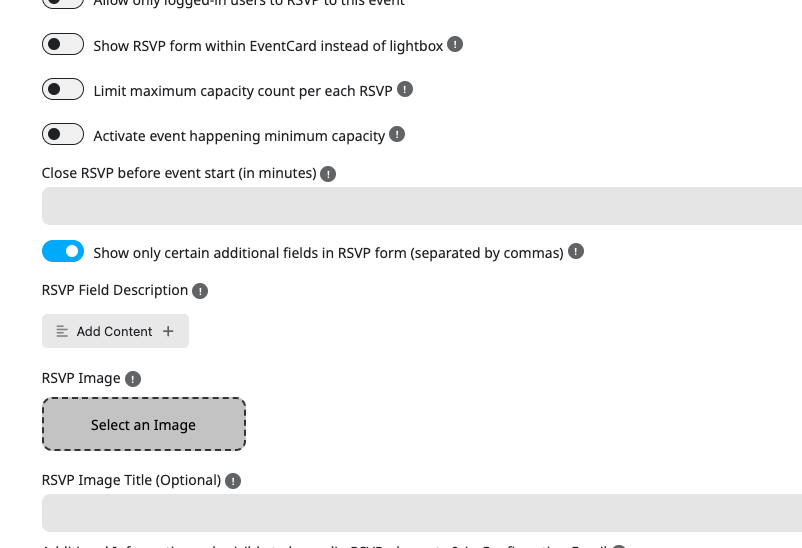
Some feedback: The list does not automatically display during configuration. It displays once I toggle off, then on again.
Looking forward to your next update.
Thanks
This is very strange. In our end when you enable the reminder in the settings, it shows up right away in event edit page.
Taryn, is it possible to share FTP access to reminders addon folder via a new private ticket? — so we can take a closer look at your set up and see whats going on.
Please mention the new ticket ID or link in here afterwards.
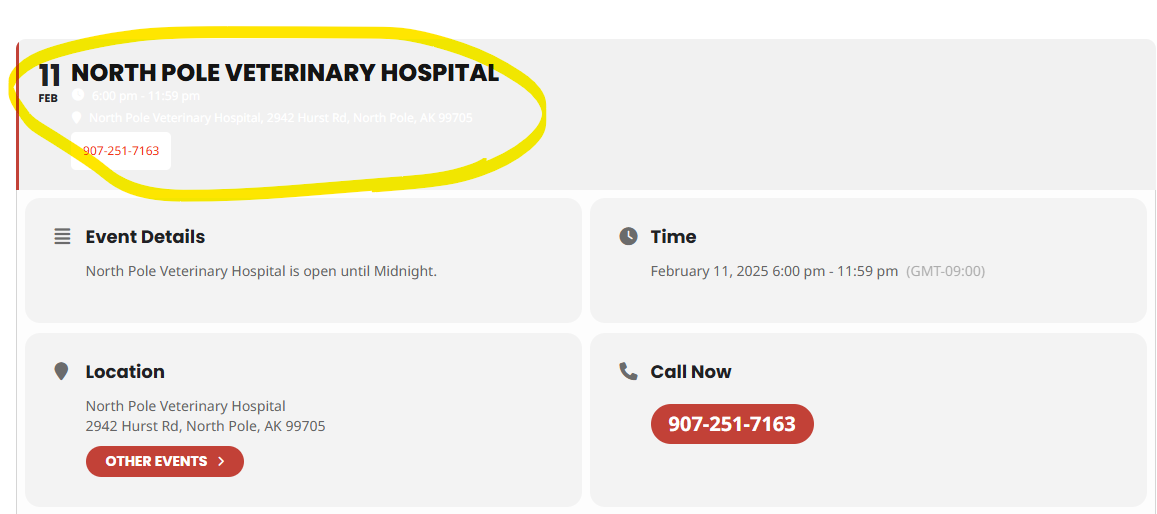
Ok. Everything is updated. Now we have ANOTHER font color problem. The font in the top event is WHITE!
We have only had this plugin about 30 days and every other week the font colors change on their own. Is this how it is suppose to be????
It is very frustrating.
Hello Cristiano later today or tomorrow we are going to release the next version of RSVP addon v3.0.6 lets see if that resolve this issue. We have been testing and on our tests: a customer RSVP yes, gets confirmation . If he changed the RSVP to NO (from Yes) he gets an attendee notification email.
Actually just released you have sent us FTP access. so I just uploaded the latest beta version of RSVP into your site. Please give it a try and see if that works.
log attached
I did completely disable the two caching plugins and the issue was resolved – the appearance on mobile had the nice large white text that we wanted.
But when I reactivated the plugins, the mobile view went back to the undesirable default styling.
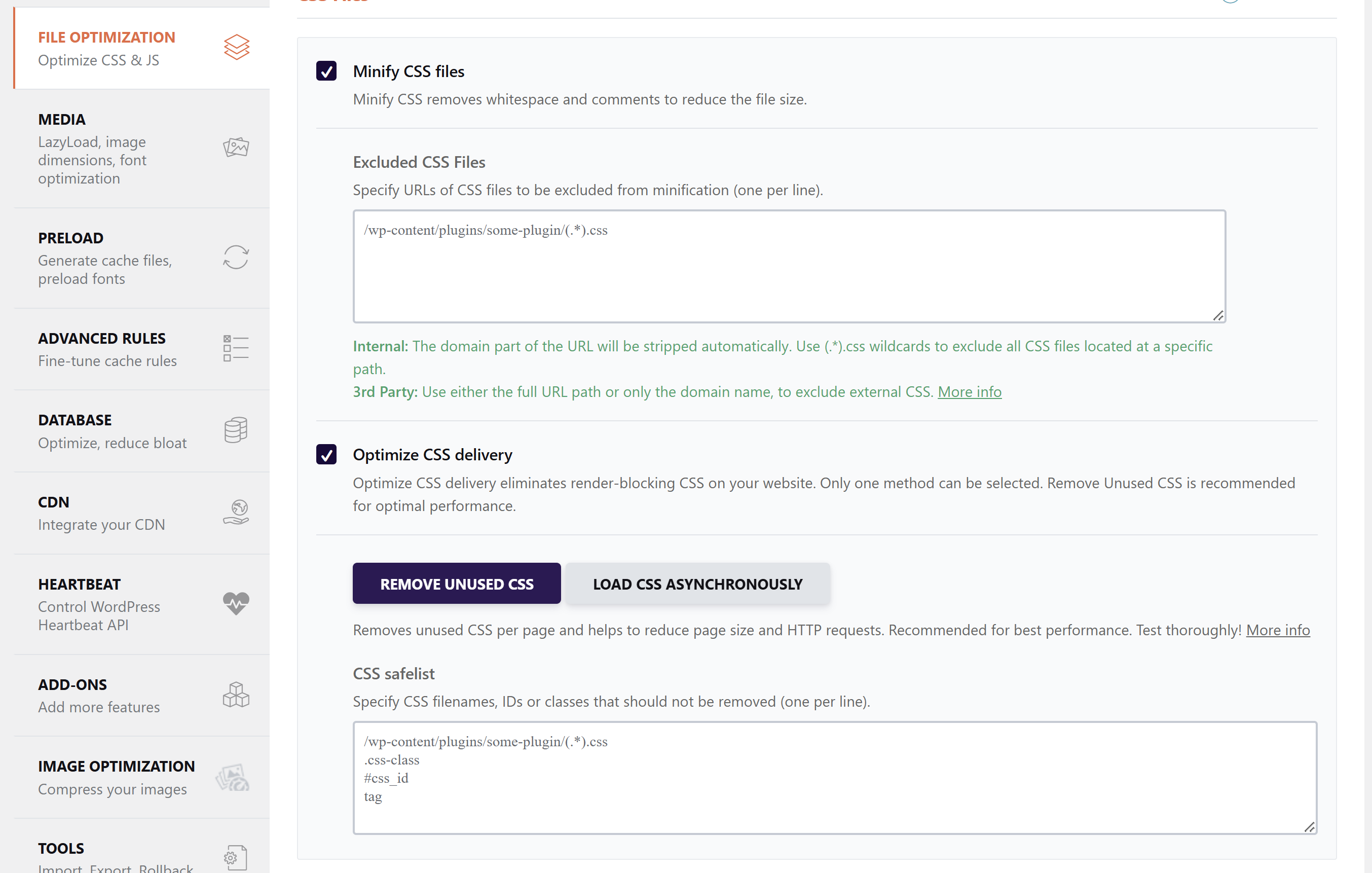
By testing several different settings, I discovered that if I turn OFF “Optimize CSS Delivery” in WP Rocket plugin, the mobile view looks the way we want it.
This feature in WP Rocket does give me the option to specify CSS filenames, IDs, or classes that should not be removed. Do you know what I should enter here so it excludes the EventOn mobile styling?
Here is the example code it gives:
/wp-content/plugins/some-plugin/(.*).css
.css-class
#css_id
tag