Hi,
I tried it but that doesn’t change it. They are still blurry.
Replies for tickets on suppota
Hi,
I tried it but that doesn’t change it. They are still blurry.

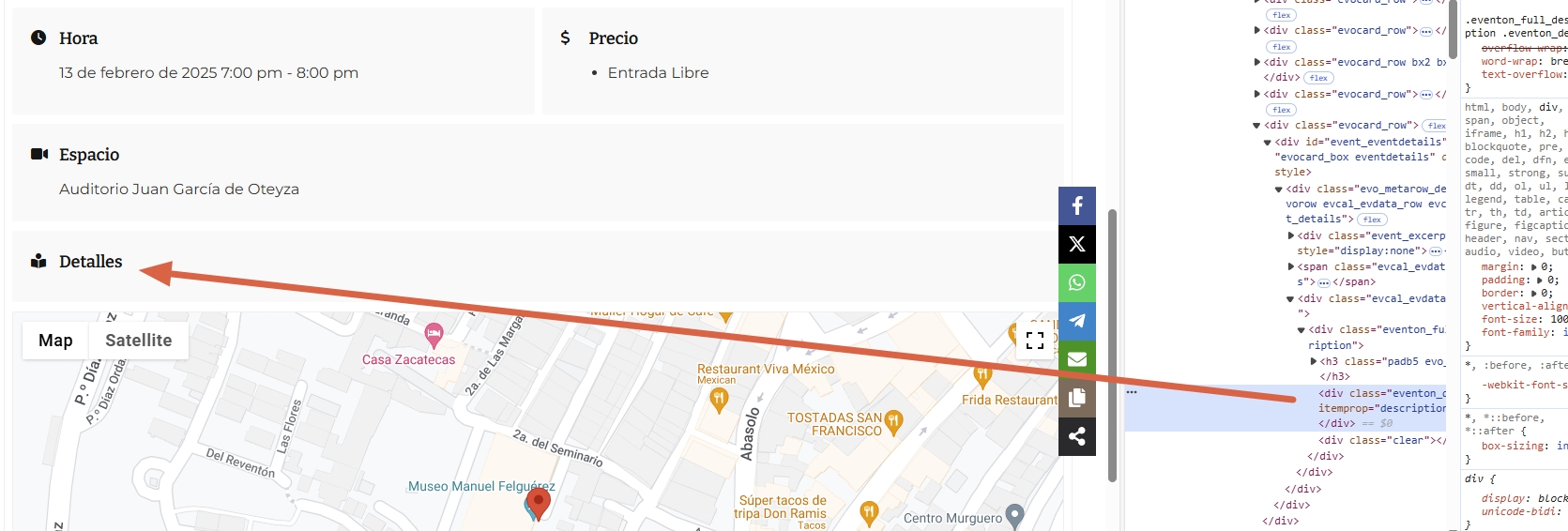
Screenshot
Sorry for that I forgot to inform you I changed the access codes because I saw someone logged in as the admin last time that is from Spain according to wordfence report. I also enabled the 2FA but I disabled it now and this is the neww login details
https://dinagyangtickets.com/
username: iloilofestivals
New Password: *uO#YSZ1@YEEcMTW)Kl)Ou)2
Here you find the functions.php code for the customized shortcode. It will be the easier way than your way.
add_shortcode(‘sh_event_single’, function() {
global $post;
if(!$post) return;
if(!$post->ID) return;
return do_shortcode(‘[add_single_eventon id=”‘.$post->ID.'” ev_uxval=”4″ show_exp_evc=”yes”]’);
});
I’m not sure, if the update was the problem. Nevermind, I will downgrade the version. Where to I find the file list with all versions to download? The rollback plugin and my WP manage tool can’t restore and rollback.
I am sorry, the access information you have provided did not work for us. Please check them and post the correct login information as a private message, thank you!
I went and enabled all the first one, so now search will be available in your shortcodes:
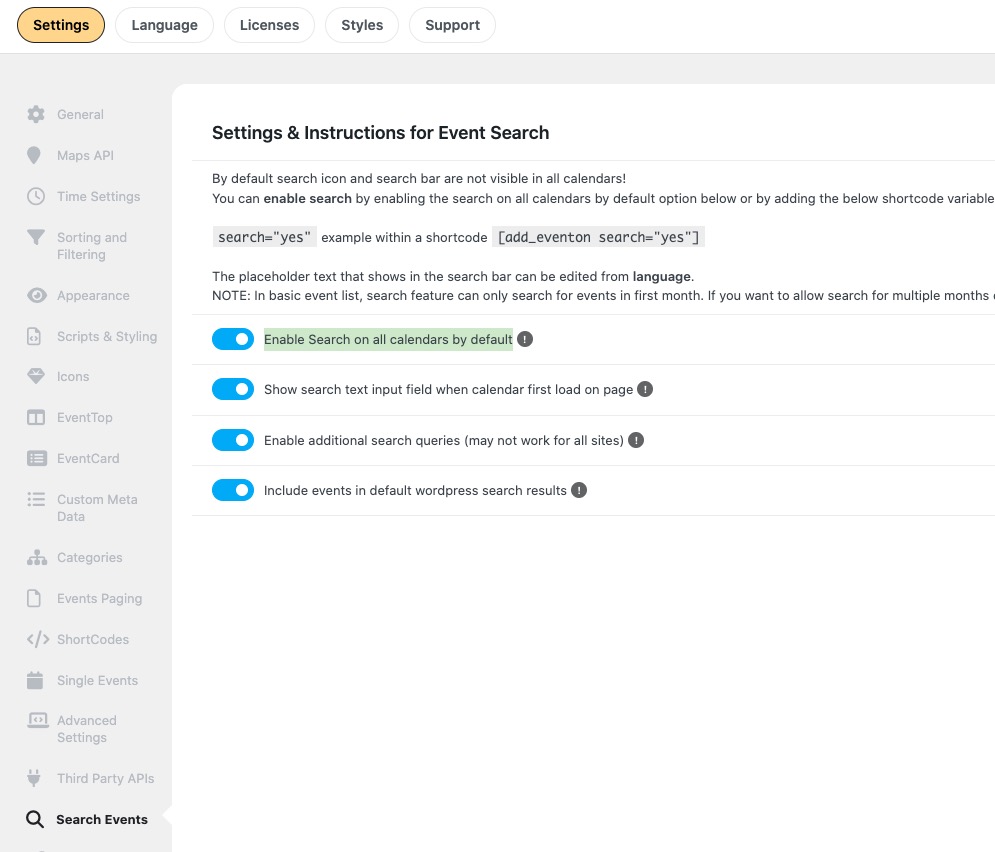
I also removed this from the shortcode, as you cannot use these paramenters in Main Calendar:
search_all=”yes” add_eventon_search number_of_months=”2″ search_all=”yes”
If you want to have a standalone Search Box, please add it as a shortcode like this:
https://formacionugt.greenhatworkers.com/test-3/
Here’s the issue. I believe that you had the number of events that your server couldn’t handle:
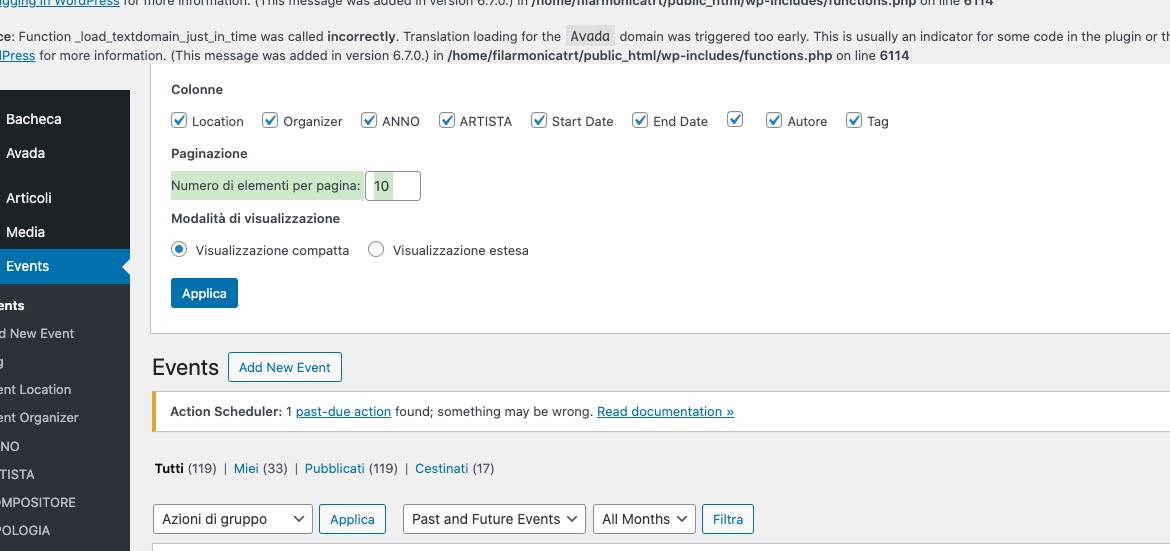
I fixed the issue by creating this snippet that reduces the number to 10:
https://filarmonicatrt.it/wp-admin/admin.php?page=edit-snippet&id=5
When you switch the theme, does it start working? Can we try disabling everything one by one?
Hello,
You have a plugin on your server that loads images using LazyLoad functionality:
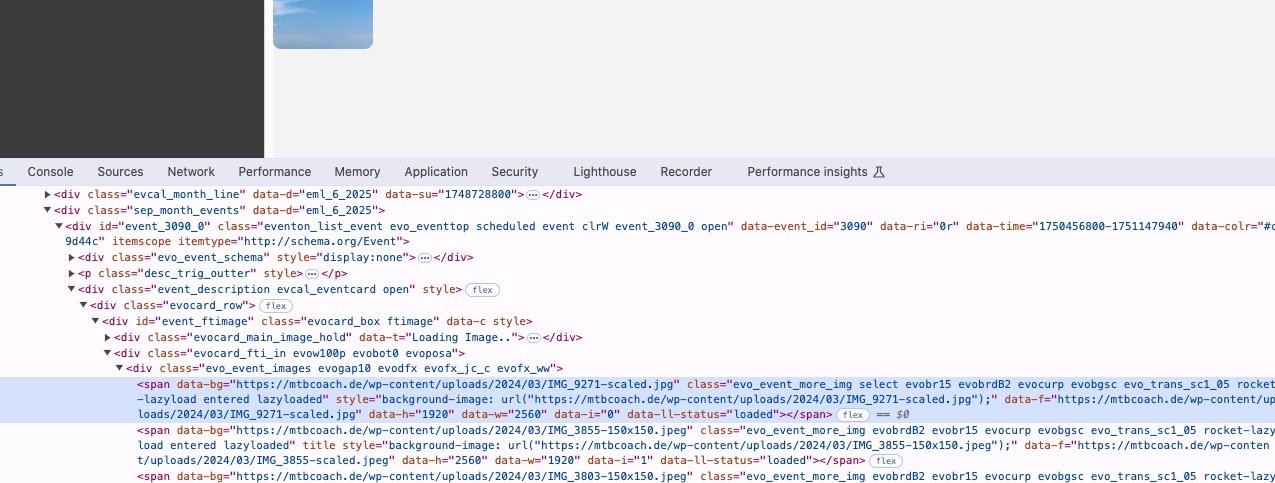
Could you disable it for a test?