It seems there is this custom CSS style that hides the text: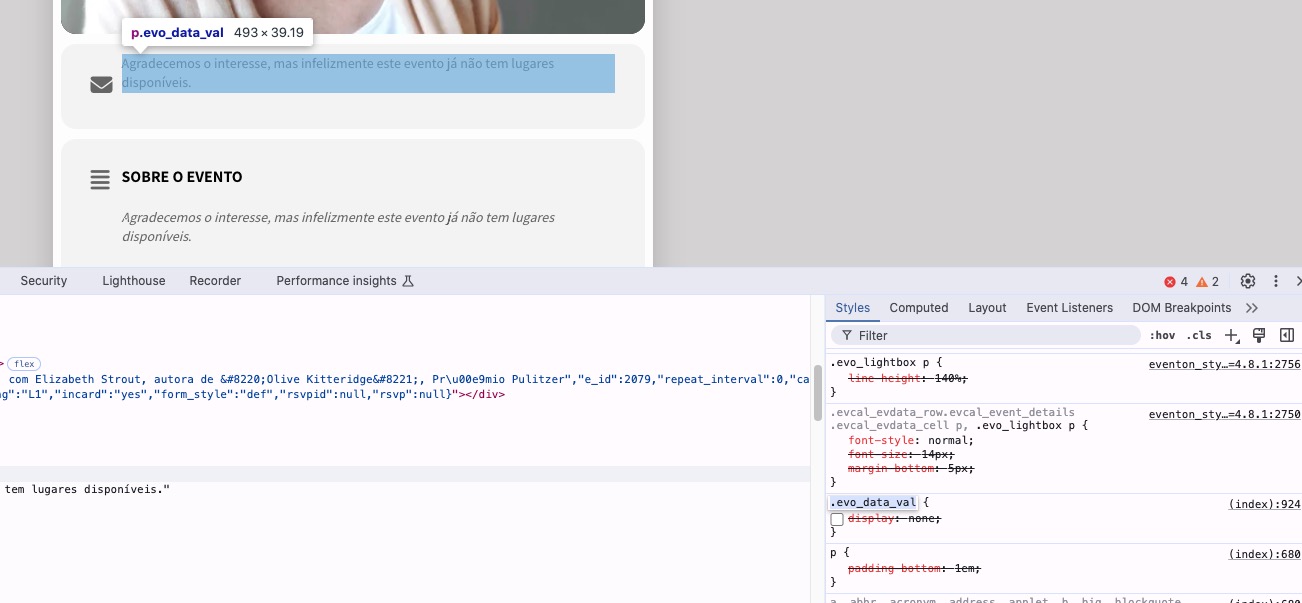
Could you remove it to fix the issue?
Replies for tickets on suppota
It seems there is this custom CSS style that hides the text:
Could you remove it to fix the issue?
Ok, I didn’t realise a browser refresh cleared cookies? We usually do that separately. I may have misunderstood
is there a workaround to make it load for users first time?
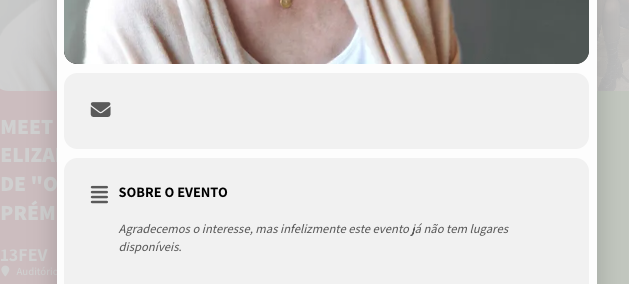
yes, i toggled off the rsvp so it wouldn’t appear an empty space. I toggled back on, so you can see.
thanks
Hi,
No, we don’t want that. We have 9 licenses for EventOn and all websites have their own icon integrated that is not displayed.
Regards
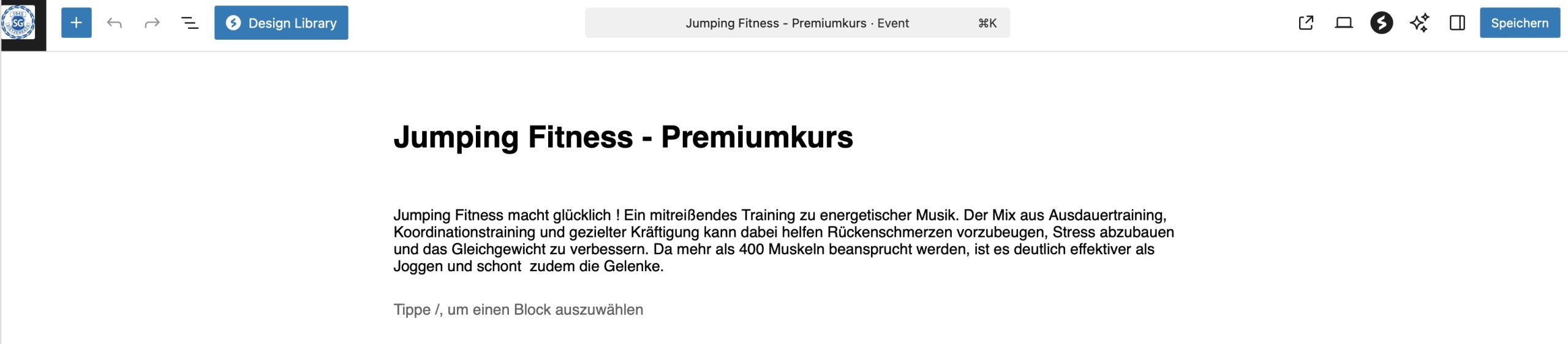
See picture of the Event editor screen – only text is displayed.
I refer to Edit Event – only the text is shown in the editor, nothing more.
Like-dislike is deactivated now. Can´t see any different.
okay, thank you very much – see you for the next update ; )
with every update my styles get tumbled…….
The shortcode I’m using is : [add_eventon event_count=’4′ show_limit=’yes’ hide_past=’yes’ ]
It is in Widget “Sidebar Home”
Hi Artem,
It has been 6 days since you last responded.
Can I please get an update on my request?
Thank you,
Steve
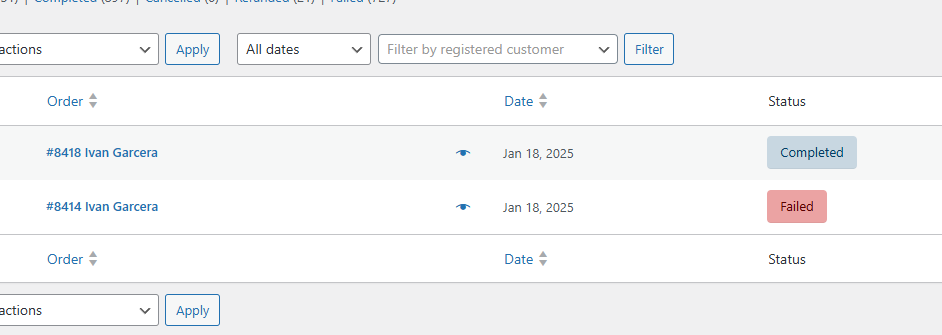
Sorry wrong order ID. You can use the email that he used to purchase ivangarcera6@gmail.com
but upon checking the order ID is 8418. This is also weird that the seats are fully sold out on the 1st week of January but he was able to book 3 seats on the 18th of January that’s why they dont have a seat number eventhough they have a successful payment.