Thank you for your messages!
I am going to escalate this ticket to development to help in here. Please allow us some time to address this, and we truly appreciate your patience. Thank you for being a valued EventON customer!
Replies for tickets on suppota
Thank you for your messages!
I am going to escalate this ticket to development to help in here. Please allow us some time to address this, and we truly appreciate your patience. Thank you for being a valued EventON customer!
Hello,
I cannot find any purchases associated with your current email. Could you send us the one you used for the purchase?
Please also note that you can use Paypal to allow users to purchase events without Tickets add-on:
https://docs.myeventon.com/documentations/setup-basic-paypal-events/
Also note that you can purchase add-ons once and then cancel your subscription:
https://docs.myeventon.com/documentations/terms-and-conditions-and-refund-policy/
7.2 Subscription Cancellation
You may cancel your subscription at any time from your Account page at myeventon.com website prior to its renewal.
If you choose to cancel your subscription you will no longer receive updates and support for the extension when your license expires.
Hi,
thx lot for your help. I have changed it to wordpress media upload and still no upload dialog.
Furthermore, users cannot see their events in
https://www.dav-burghausen.de/vereinsintern/veranstaltungen-vereinsintern/meine-veranstaltungen/
thx
I have updated the plugin, I have given you the admin credentials, can you please check at your end what is the issue?
I just put the shortcode on a regular page without WPBakery elements.
In the meantime,…
Please try EventON > Scripts & Styling > turn off Write dynamic styles to header > save settings > turn on Write dynamic styles to header.
Did you verify them first by going to and clicking ”Verify Codecanyon Purchase”:
https://www.myeventon.com/full/
Ashan,
On dev2:
https://dev2.myeventon.com/test-273/
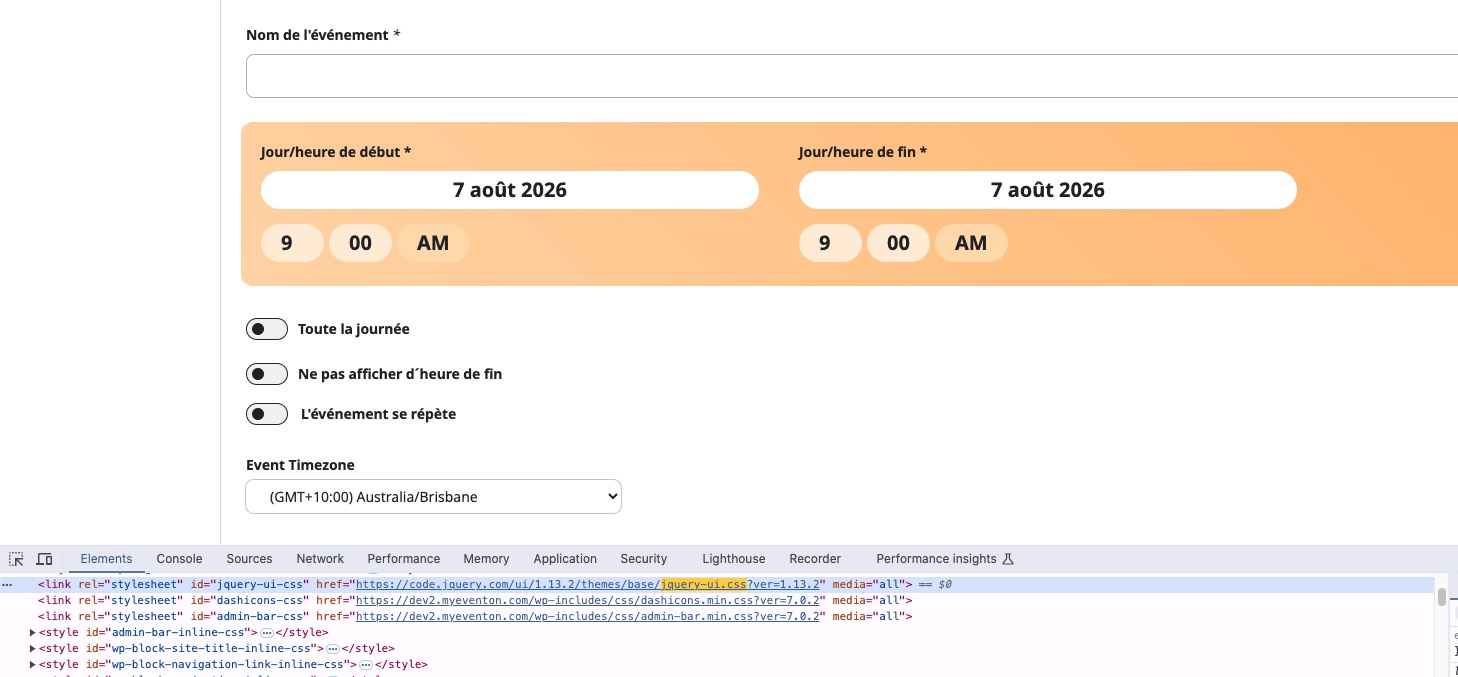
Hello,
Thank you for your messages!
I am going to escalate this ticket to development to help in here. Please allow us some time to address this, and we truly appreciate your patience. Thank you for being a valued EventON customer!
Could you update EventON to 5.0.13 and then go to EventON > Time Settings > make sure that Default Event Timezone is the same as wp-admin > Settings > Timezone?
To update eventon to latest version: (If auto update works, please try that from with your website plugins page)
1. If you purchased eventON from codecanyon > Go to EventON Full page and verify your purchase to get a free copy of eventON latest version and move your purchase over to myeventon.com.
2. If you already purchased eventON from myeventon.com go to My Account > Downloads and get the latest version copy.
Once you have the latest version zip file. Then you can go to your website > make sure ”Delete eventon settings & data when EventON is uninstalled” is De-slected from eventon settings, delete old eventon, install new one and activate. This link will further explain the process it. Follow us on X to get real-time announcements on updates!
Please unblock USA and Spain.
You can upload your file to https://wetransfer.com/ or similar website and then send us a link.