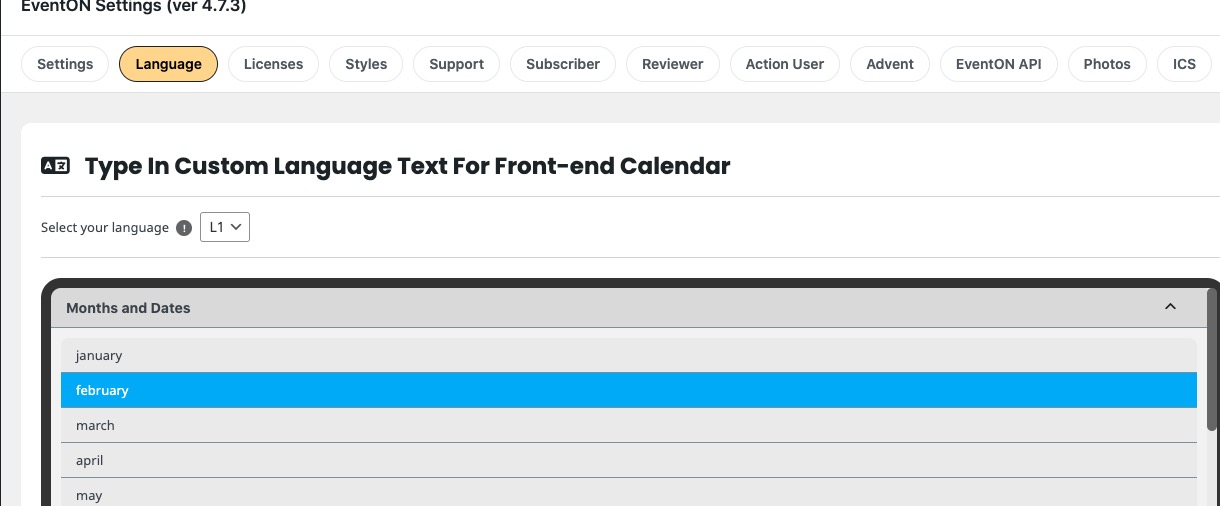
Hello,
You can add them through the code by following:
https://docs.myeventon.com/documentations/show-additional-custom-data-eventcard/
Or with Custom Meta fields but manually:
https://docs.myeventon.com/documentations/setup-use-custom-meta-fields-events/
The text can be found here:
Could you check and let me know?
Please try adding the code to wp-admin > Appearance > Customize > Additional CSS:
@media only screen and (min-width:960px){ .ajde_evcal_calendar .calendar_header .evo_j_dates .legend a { font-size: 15px !important; } }
I also added !important.
Hello,
We are working on 4.7.4 that should solve the issue. The update will be available very soon.
Please stay on “Scaled cropped image to fit the full box” until the release.
Hello,
Please send us wp-admin access to your site as a private message for us to further assist your situation.
Could you go to EventON > Time Settings > Default Event Timezone is the same as wp-admin > Settings > Timezone?
Well that did not work for me, as I have 3 different locations with 3 different calendars and it seems I am only able to select 1 page to get content from.
Hello,
The only one is working well for the “Feature image display style the:” is:
“Scaled cropped image to fit the full box”
The “Fit entire image resize…” not work at all for both
May i ask your advice please ?
Thank you
Nitzan
Hallo, leider funktioniert das alles nicht
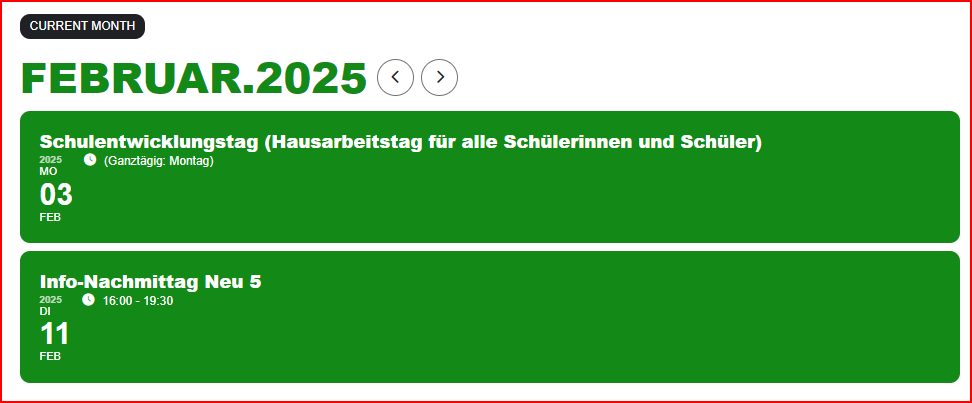
Good day,
thanks, that was the mistake. Can you tell me where I can change the translation for Current Month (see picture)? This doesn't exist in the language settings.
Thanks and greetings
Soenke
tiabradford@gmail.com
9d35c890-bef8-4e6e-a710-c497597e9564
Thank you.