Also, if I duplicate one of the existing events, the duplicated event is visible on the frontend immediately.
-Ray
Replies for tickets on suppota
Also, if I duplicate one of the existing events, the duplicated event is visible on the frontend immediately.
-Ray
Happy new year. I just wanted to emphasize that this ticket has been created December 11….
solved….
When we turned to 2024, several of our clients noticed their calendar events were not showing. The reason is, that the WP Query method was set to query only event posts created in 2024, which was none. So we added a new option to query event posts created in the last 12 months as well.
When we turned to 2024, several of our clients noticed their calendar events were not showing. The reason is, that the WP Query method was set to query only event posts created in 2024, which was none. So we added a new option to query event posts created in the last 12 months as well.
Thank you Artem!! 🙂
That did the trick!! All sorted!! Much appreciated!! 🙂
Happy New Year!!
Ashan,
Could you check:
Not sure where to find. Reminder > Templates folder is empty.
Thank you for your messages, I am going to assign this ticket to Ashan and he will be able to take it from here and find you a solution. Please allow some time for him to get back to you, we greatly appreciate your patience and thank you for being a eventon customer!
Ashan,
I checked 4.7.4 and it includes Location ID and Organizer ID. The customer says that previously it was the data itself (name, contact, address). Could you check?
Thank you for your messages, I am going to assign this ticket to Ashan and he will be able to take it from here and find you a solution. Please allow some time for him to get back to you, we greatly appreciate your patience and thank you for being a eventon customer! Also please disable any IP blocking on your site if there are any.
In Troubleshooting Mode both searches work for me:
https://www.portugalrunning.com/test-2/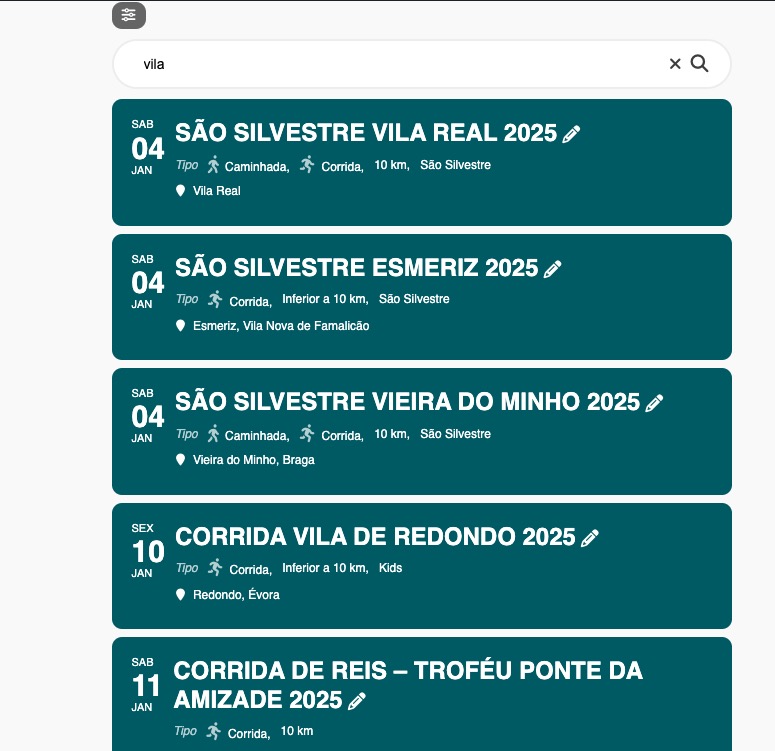
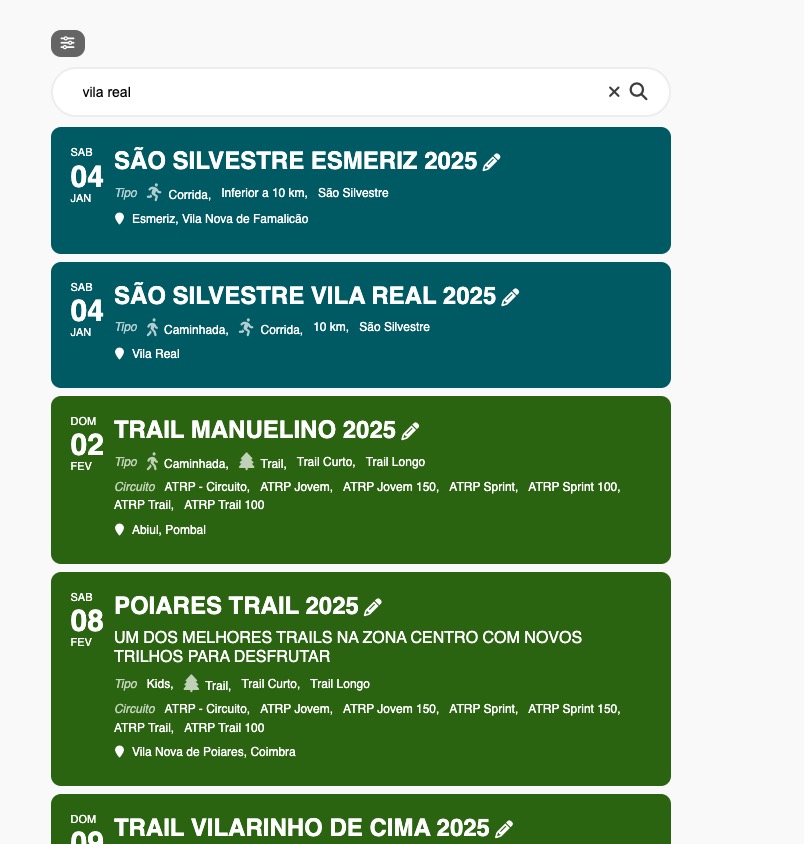
I believe that the theme overrides the main search functionality.
Ashan,
The same on dev2:
https://dev2.myeventon.com/test-798/
Could you check?