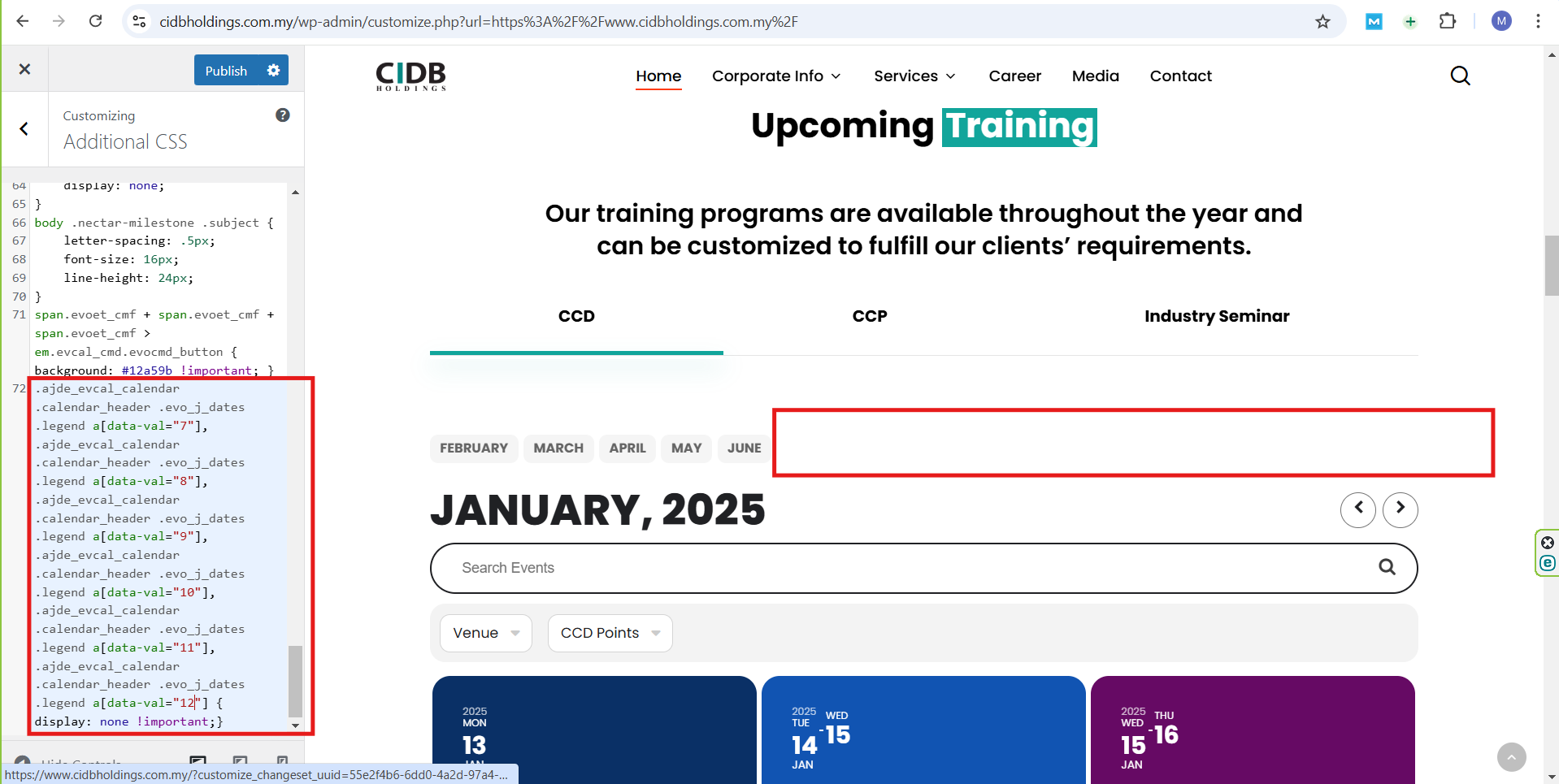
I would like to provide an update; I tried to fix the code you gave and it worked, it now looks like this:
.ajde_evcal_calendar .calendar_header .evo_j_dates .legend a[data-val=”7″], .ajde_evcal_calendar .calendar_header .evo_j_dates .legend a[data-val=”8″], .ajde_evcal_calendar .calendar_header .evo_j_dates .legend a[data-val=”9″], .ajde_evcal_calendar .calendar_header .evo_j_dates .legend a[data-val=”10″], .ajde_evcal_calendar .calendar_header .evo_j_dates .legend a[data-val=”11″], .ajde_evcal_calendar .calendar_header .evo_j_dates .legend a[data-val=”12″] { display: none !important;}
The result can be seen in the screenshot.
I still want to get a code or a way from you to automatically hide months with no events and show the months with events.
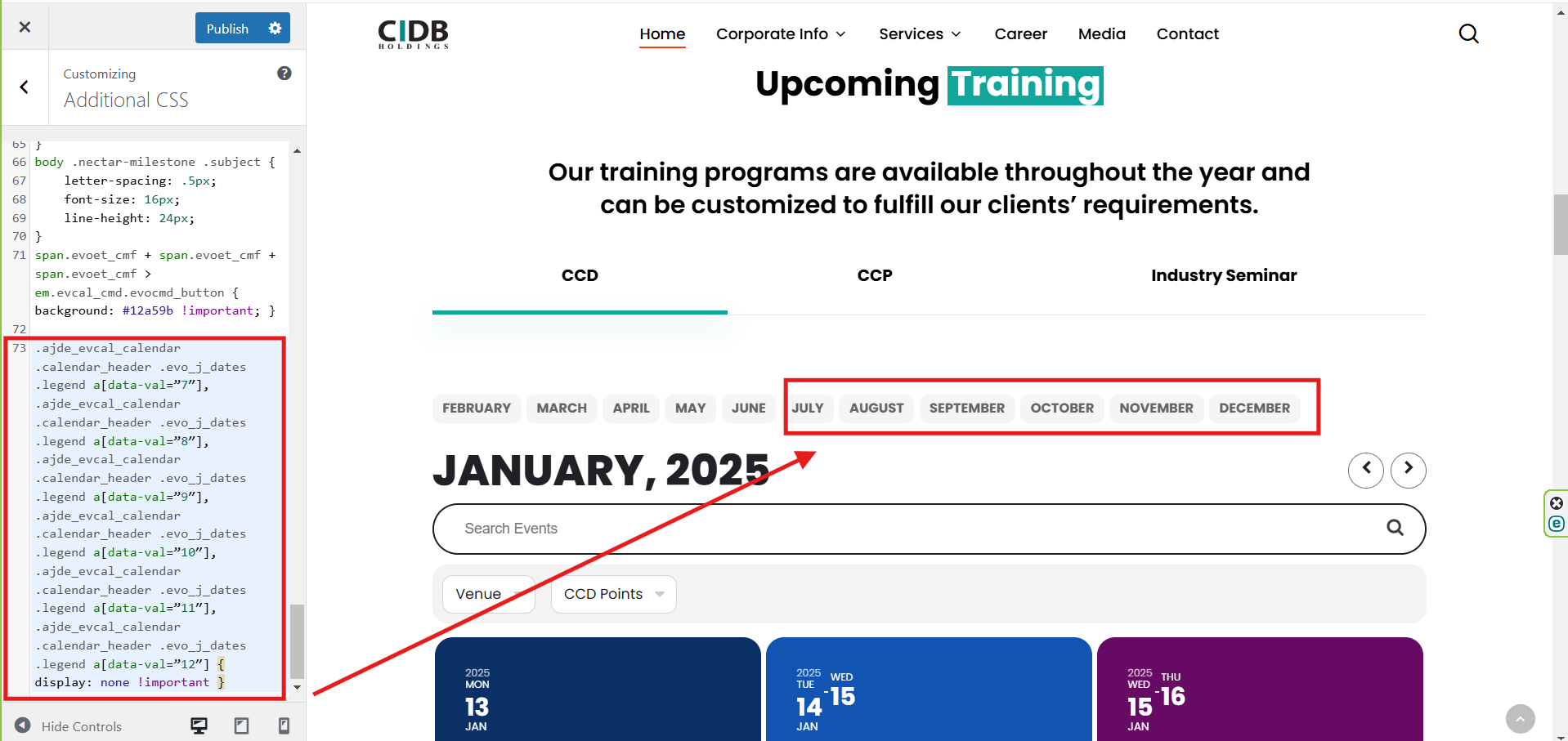
“Please check the attachment; it still hasn’t worked. Is the way I entered the code you provided correct?”
“Is there any other way to hide the months with no events (July, August, September, October, November, December) by including them in this code:”
[add_eventon tiles=”yes” tile_count=”3″ tile_height=”250″ exp_so=”yes” jumper=”yes” exp_jumper=”yes” jumper_offset=”2″ jumper_count=”1″ fixed_year=”2025″ month_incre=”1″ hide_empty_months=”yes” event_tag=”95″]
Hi,
Web: dd-pbm.com
Purchase Key: ********-****-****-****-a68d1e0e0d17
Admin: sonerd
Password: soner202063
We are getting the same error on our other sites as well.
Thank you!
Yes please – no problem at all with the staging site being broken or stripped back etc as much as needed. The staging site is unfortunately quite slow. Despite having our main site with WPMU with 32GB ram and 8CPUs, their staging site is unfortunately quite painfully slow!
Thank you
Hello,
I updated the plugins and tested again and there are still fields missing such as the category names and the number of tickets sold for each event. Please send us a csv file that contains all the needed fields so we can upload the events.
thank you
Please use:
.ajde_evcal_calendar .calendar_header .evo_j_dates .legend a[data-val=”7″], .ajde_evcal_calendar .calendar_header .evo_j_dates .legend a[data-val=”8″], .ajde_evcal_calendar .calendar_header .evo_j_dates .legend a[data-val=”9″], .ajde_evcal_calendar .calendar_header .evo_j_dates .legend a[data-val=”10″], .ajde_evcal_calendar .calendar_header .evo_j_dates .legend a[data-val=”11″], .ajde_evcal_calendar .calendar_header .evo_j_dates .legend a[data-val=”12″] { display: none !important }
Unfortunately, we unable to provide the PHP code since it’s against CodeCanyon’s Support Policy.
Please go to EventON > EventTop > select Select Default Calendar EventTop Style: Clear with left border colors.
This way you can change EventTop’s color from EventON > Appearance > EventTop Styles.
But with the current design, you can change the color from Edit Event > Event Color.
I just upgraded the site from PHP 7.4 to PHP 8.0.
Ashan and Darren, please try to debug using the test event that we created on the Debugging version of the site. This is the event that we tried to create that starts in March of 2025 and repeats:
https://debug.coloradooutside.com/wp-admin/post.php?post=4642&action=edit
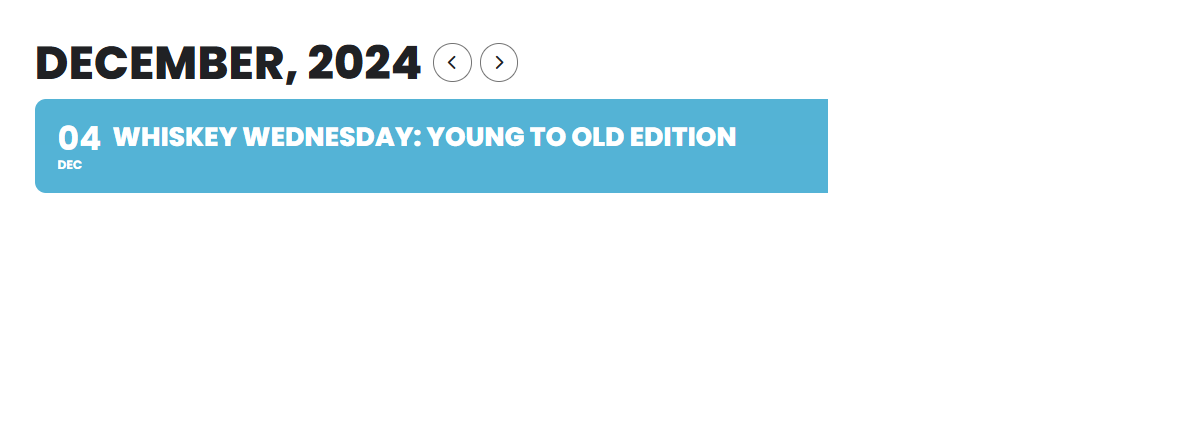
That worked. You guys are the best, thank you @Artem! I have the Primary Default Color (In Appearance) set to a green color but it is not showing up on the front-end, color stays blue, please see attached. Where can I change the default event card color that you see in the attached image?