The last topic was not the point I was talking about.
When “minimum capacity for event to happen” is activated and 3 is the number of minimum capacity, in the past setup users were able to see this, but now I cannot see anything.
Replies for tickets on suppota
The last topic was not the point I was talking about.
When “minimum capacity for event to happen” is activated and 3 is the number of minimum capacity, in the past setup users were able to see this, but now I cannot see anything.
I cannot test the website correctly in Troubleshooting Mode, because we don’t have access to Themes:
https://www.chemstage.com/wp-admin/themes.php
Could you allow it?
I try to create a new test page with two shortcodes without Polylang enabled:
https://www.chemstage.com/wp-admin/post.php?post=27746&action=edit
Hello,
What’s you current version of EventON and Tickets?
Current version when you duplicate an event, generates a new SKU dynamically for each duplicate. Also creates a new product with unique name.
Please take a look at #373825 ticket.
I believe that the issue happens because of EventON > RSVP > RSVP Form > Generally, when to hide Change RSVP button is set to Never.
So users can change their RSVP even after RSVP is closed.
I imported these two dates: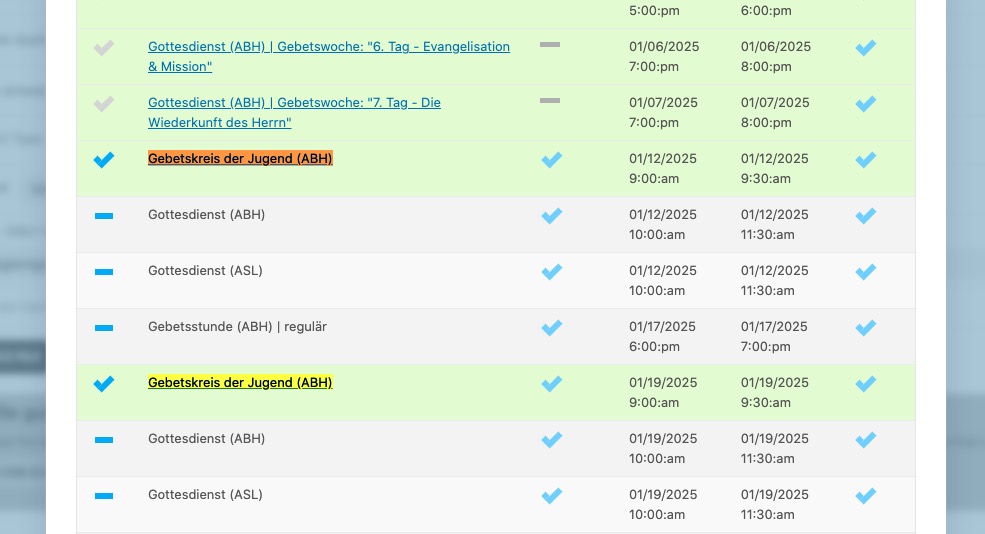
And they are visible now:
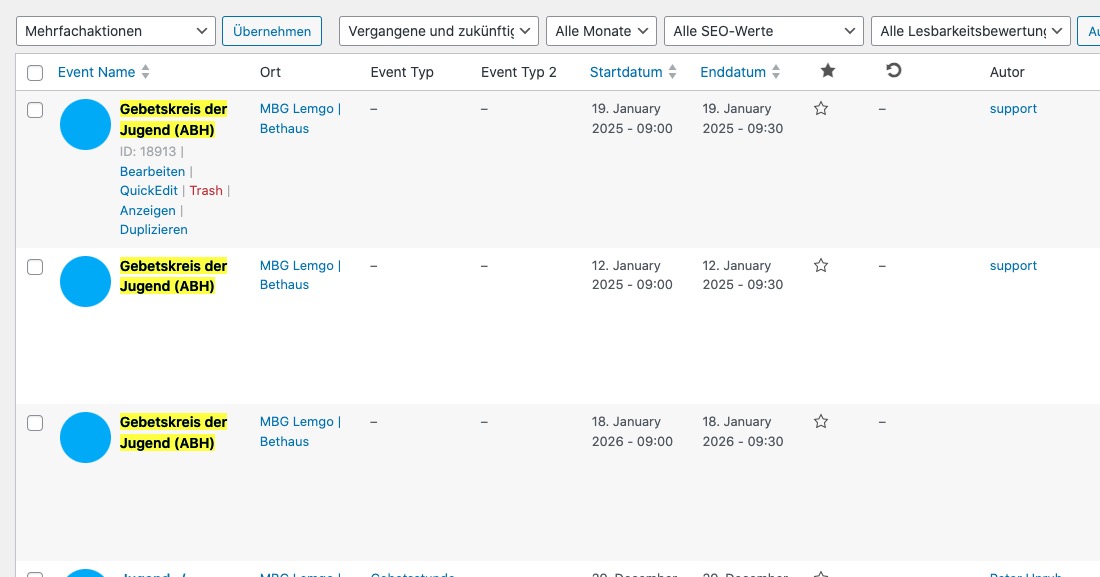
Could you please import the rest of dates, after I disabled “Enable duplication event name check during importing” and see if any of dates still aren’t imported?
Hi – this patch fix did not solve the problem.
Could you send us a patched file we can install instead? Lessens the risk of tired fingers doing typing something wrong or extra.
Hello,
Seems to be working
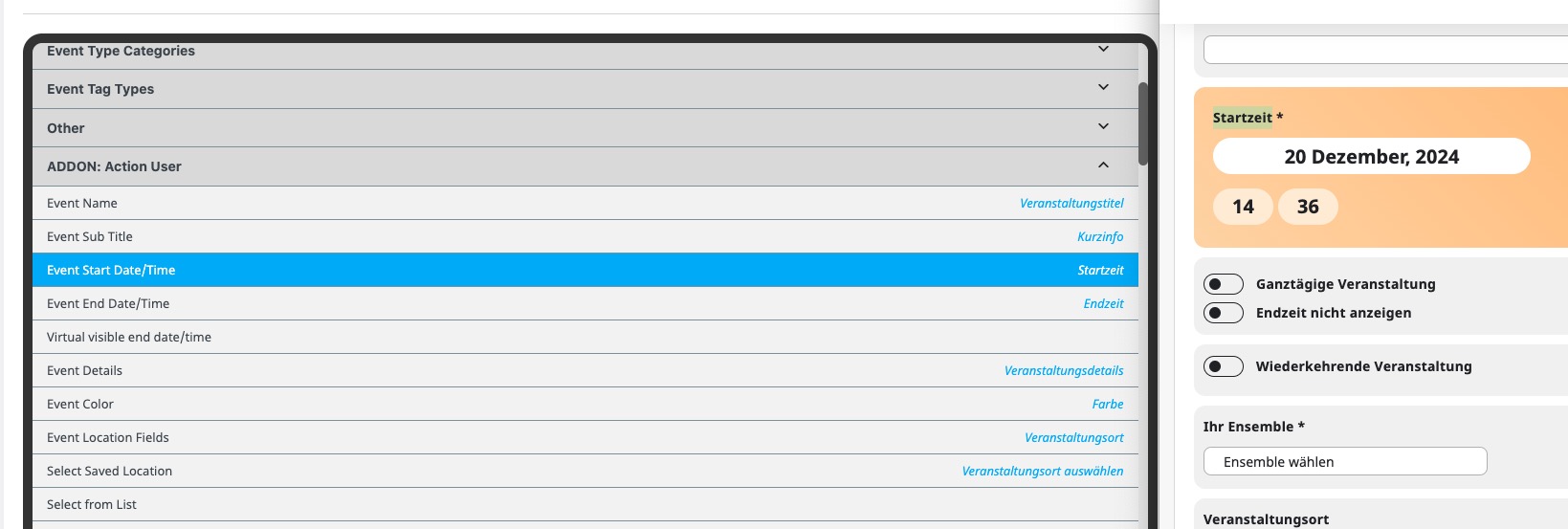
Could you send us a screenshot?
Hello,
The issue isn’t with the style from EventON, but with this style that affects all select elements:
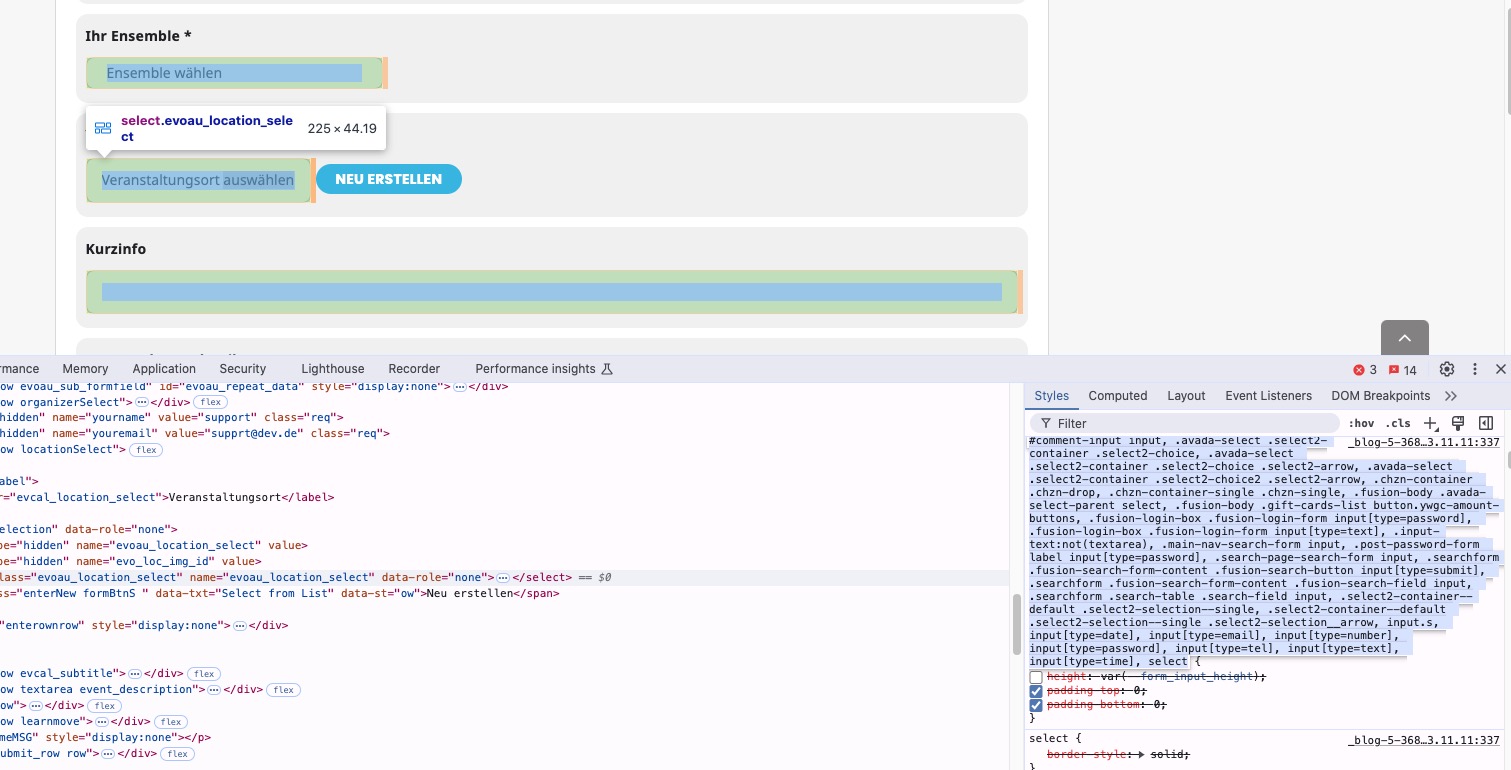
Please add this CSS code to EventON > Styles (If you don’t see any change, EventON > Scripts & Styling > turn off Write dynamic styles to header > save settings > turn on Write dynamic styles to header):
.evoau_submission_form p input[type=text], .evoau_submission_form p input[type=number], .evoau_submission_form p textarea, .evoau_submission_form p select, .evoau_submission_form p.dropdown_row select, .evoau_cat_select_field, .evoau_submission_form p select.evoau_location_select { height: auto !important; }
We are glad your issue is resolved, if you have any further questions or concerns please create a new ticket.
If you have a moment, we would greatly appreciate if you could kindly leave us a review at Codecanyon. By going to your account > Downloads. We are very grateful for your kind review!