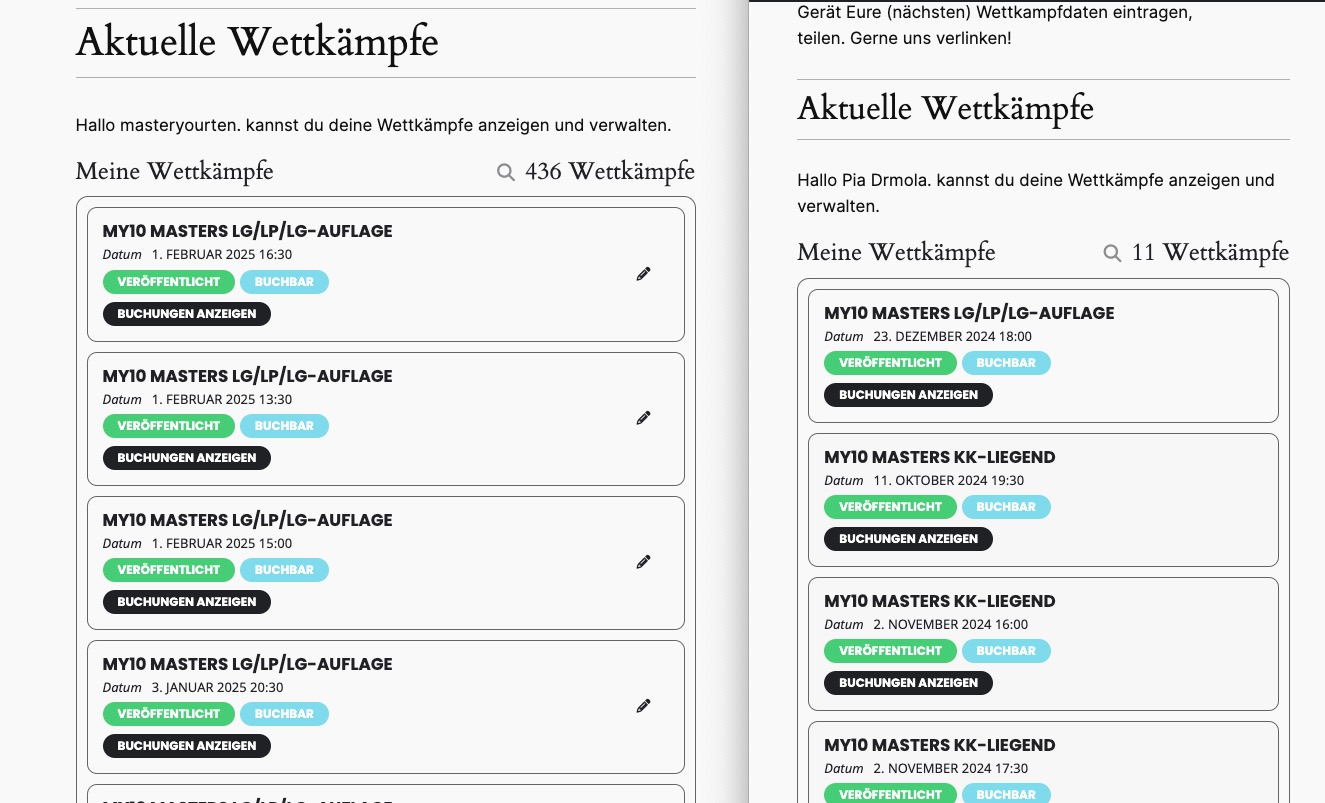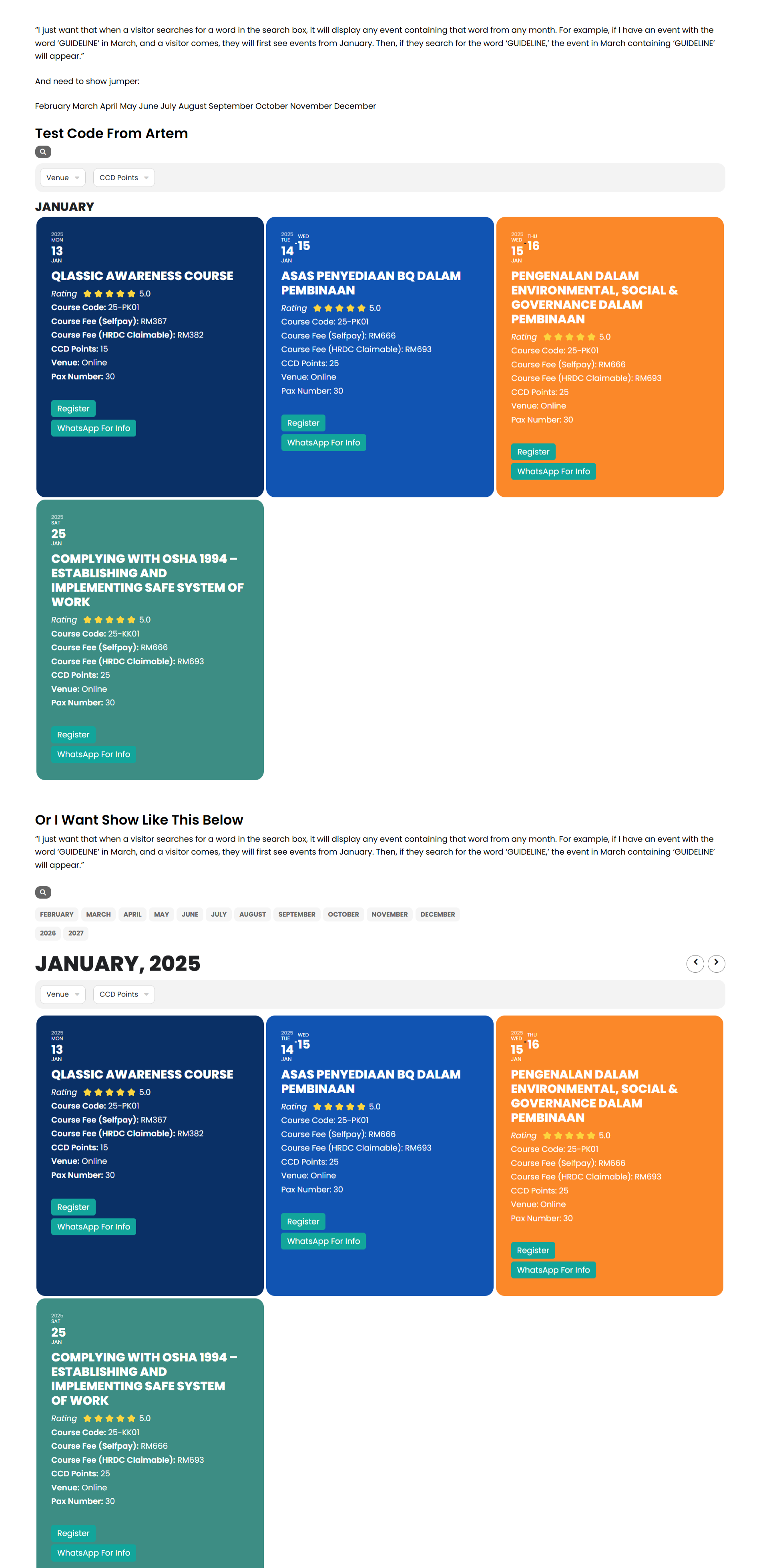
“I still don’t quite understand what you mean. I have tried using the code you provided, but it doesn’t work as I expected.
I just want that when a visitor searches for a word in the search box, it should display any event containing that word from any month. For example, if I have an event with the word ‘GUIDELINE’ in March, and a visitor comes, they will first see events from January. Then, if they search for the word ‘GUIDELINE,’ the event from March containing ‘GUIDELINE’ should appear.”
Please take a look at this link, and I hope it will help you better understand what we’re trying to achieve: https://www.razota.com/cidbhold/test-code-from-artem-event-lists/
Seems to work 👍 Did you figure out why the translation string is not saved?
Great it works!!!!!!!!!!!
Many thanks
Thank you.
home107283764.1and1-data.host
22
Protokoll
SFTP
Benutzername
u36741719-PuK
PW
Suzi650,.-##
What is the shortcode modification to display events in Jan + Feb 2025?
Please take a look at when I disabled all plugins and switched the theme:
It seems that the issue is with one of your plugins.
Also check if plugins after WooCommerce have been activated correctly.
I replaced it in the shortcode.
I managed to fix the issue by replacing ux_val=”3a” with ux_val=”3″. Could you check and let me know?
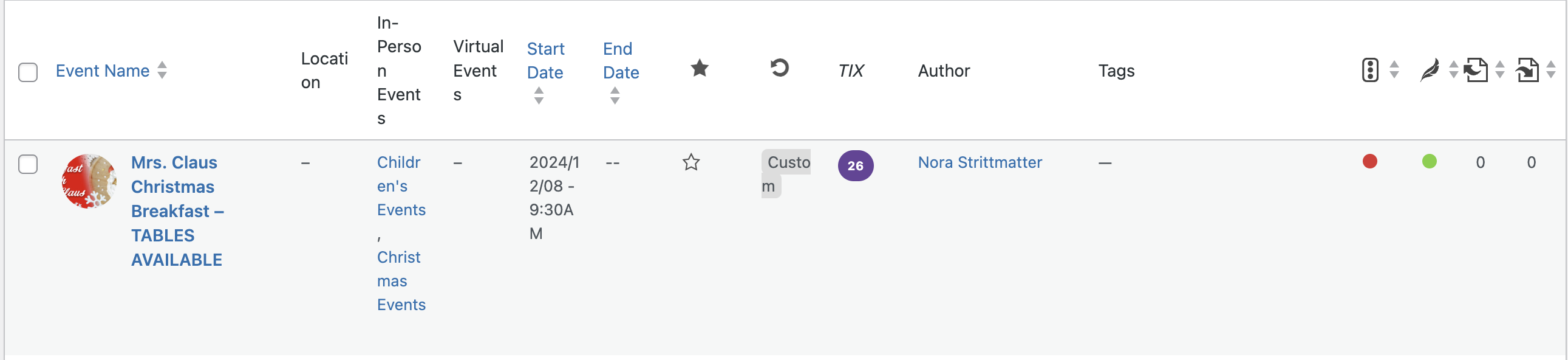
Thank you for the update, I have loaded the Ticket addon v 2.4.6 to both the live and staging website.
If you want to stock an event you can use the staging, https://deesstaging.wpengine.com/. The specific event that gave us trouble is Mrs. Claus Christmas Breakfast – Tables Available. You can see in the event that 26 tickets were in stock but the per day stock jumped to 0 randomly.