EventON tried to use the maximum of a page, so it fills all available space. Please try putting the shortcode into a container with fixed width.
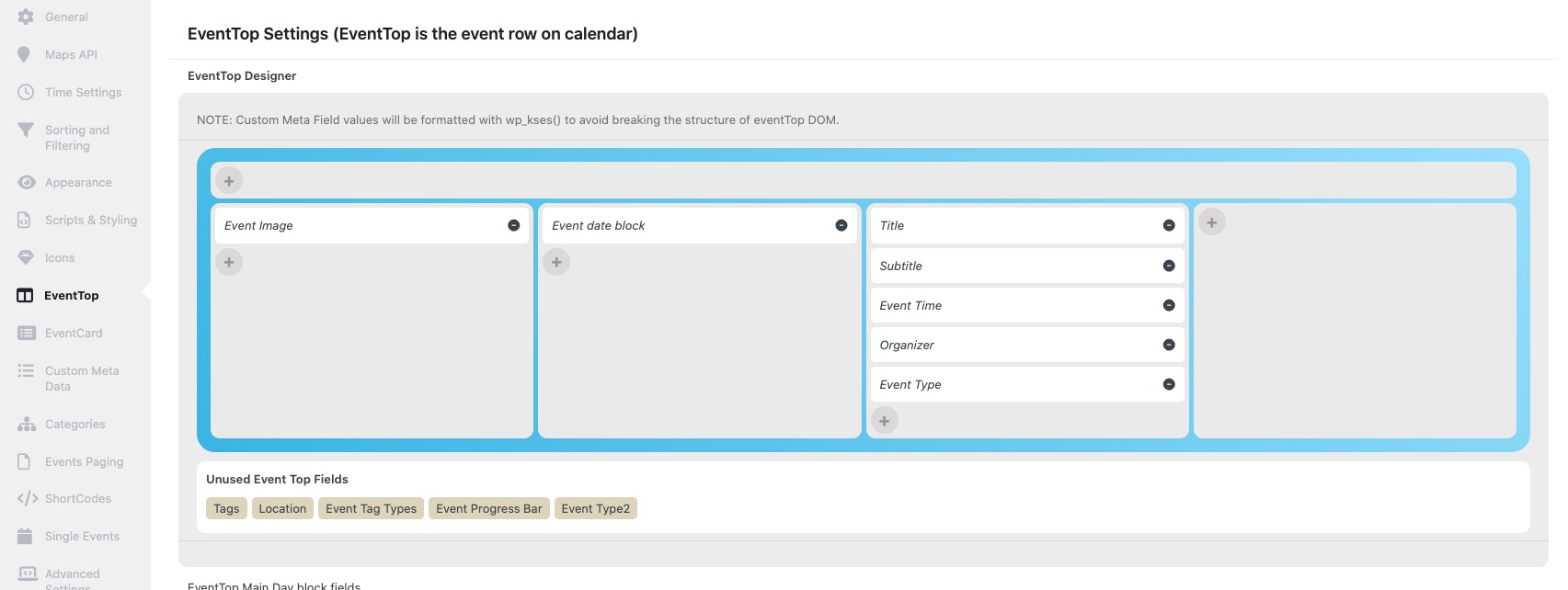
You can also move some of your fields to the forth column to fill more space with the data: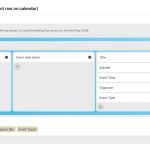
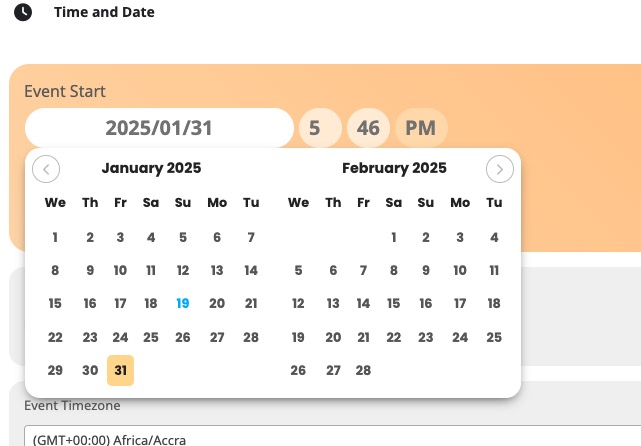
Please send us a link to your .csv file, so we can check it’s format.
How can I connect:
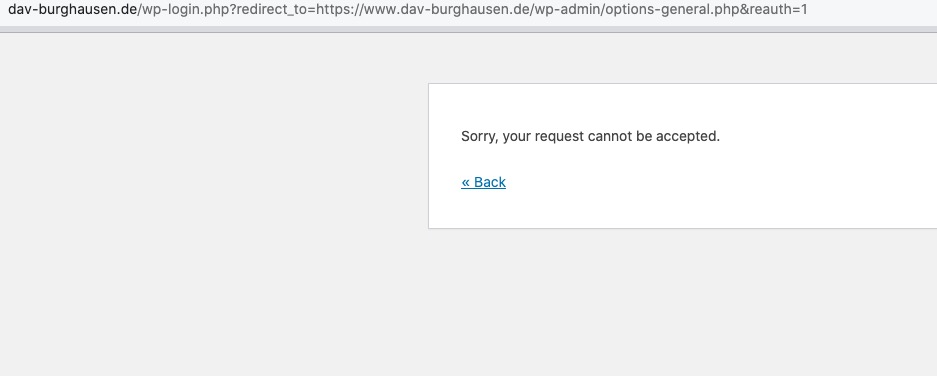
https://www.dav-burghausen.de/service/login/ redirects to the same page.
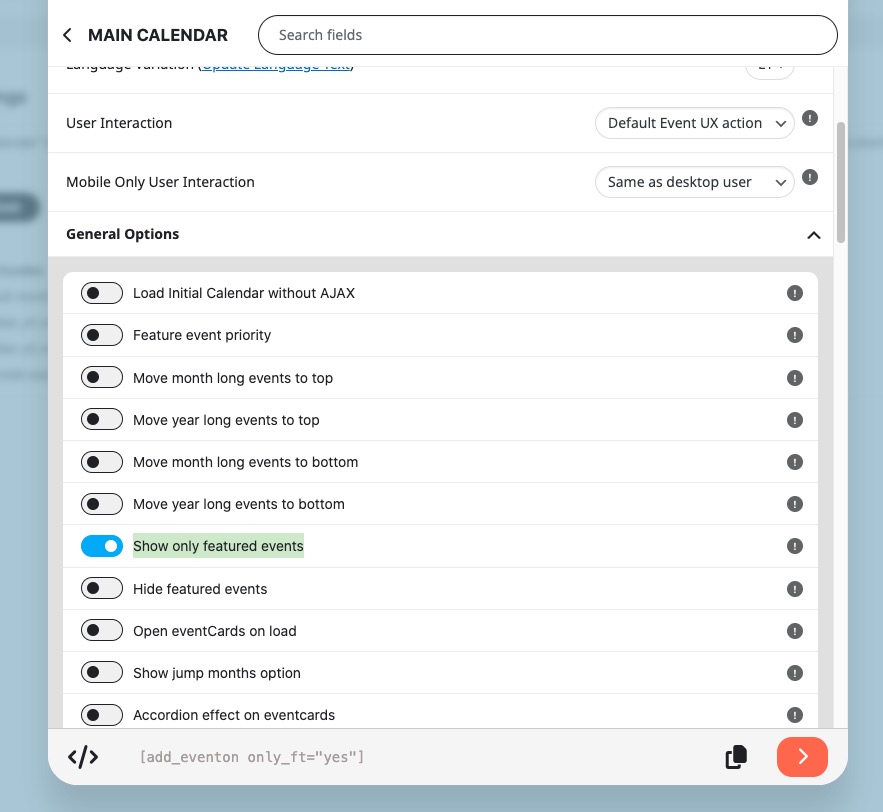
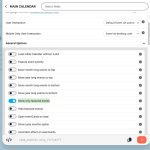
If you want to show only featured events, please also add only_ft=”yes”.
You can also find it in the shortcode generator:
Ashan,
Please take a look at
Reply to: 375844
Thank you for your response. The current functionality has a significant limitation for me. Specifically, I am unable to set the price in Event Top, which is essential in my case.
Additionally, regarding the event website link, I am also unable to add it directly in the EventCard Designer, so I have added it as a Custom Meta Data field.
Moreover, we manage over 4,000 events per year, so having to load the modal window for each of them ultimately represents a significant time investment.
I am going to contact Ashan about your case.
The only thing I need is the option to mark events as featured, but I feel that repeated events should not be given the same level of emphasis. Could this be handled separately? This is just a personal impression, but I feel like they are not the same thing.
Please add this CSS code to EventON > Styles (If you don’t see any change, EventON > Scripts & Styling > turn off Write dynamic styles to header > save settings > turn on Write dynamic styles to header):
span.evo_event_headers.repeating { display: none !important; }
Hello,
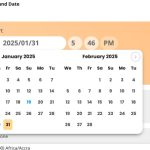
Are you referring to Edit Event:
Please send us wp-admin access to your site as a private message for us to further assist your situation.
Ashan,
Please check 2 and 3.
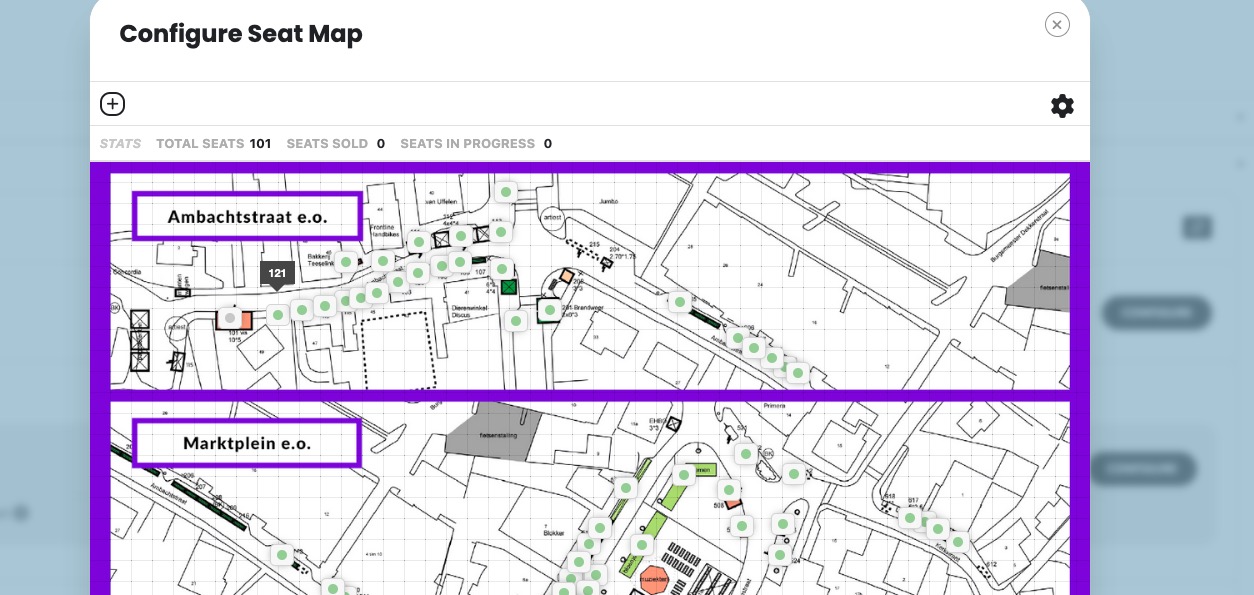
2. I cannot confirm this on dev2, but on customers website it’s the same in Troubleshooting Mode:
https://tickets.pinksterfestivalbrummen.nl/blog/evenement/pinkstermarkt/
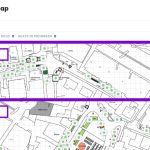
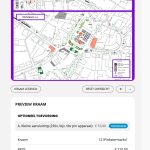
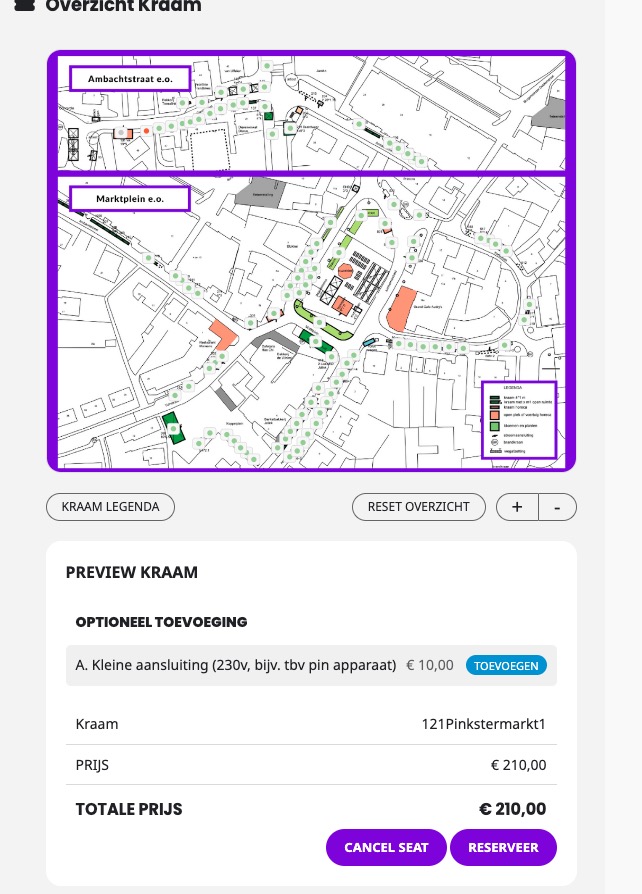
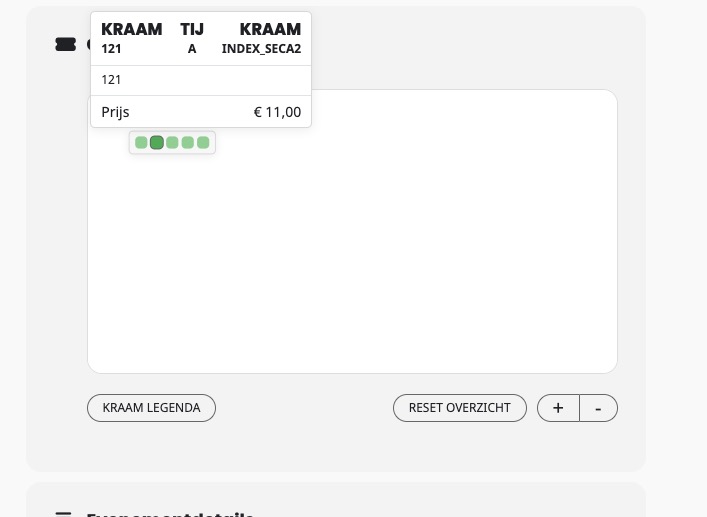
But on customer’s website even this event shows wrong price:
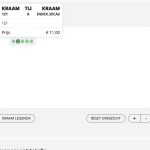
https://tickets.pinksterfestivalbrummen.nl/wp-admin/post.php?post=359&action=edit
Shows 11, but should be 65.
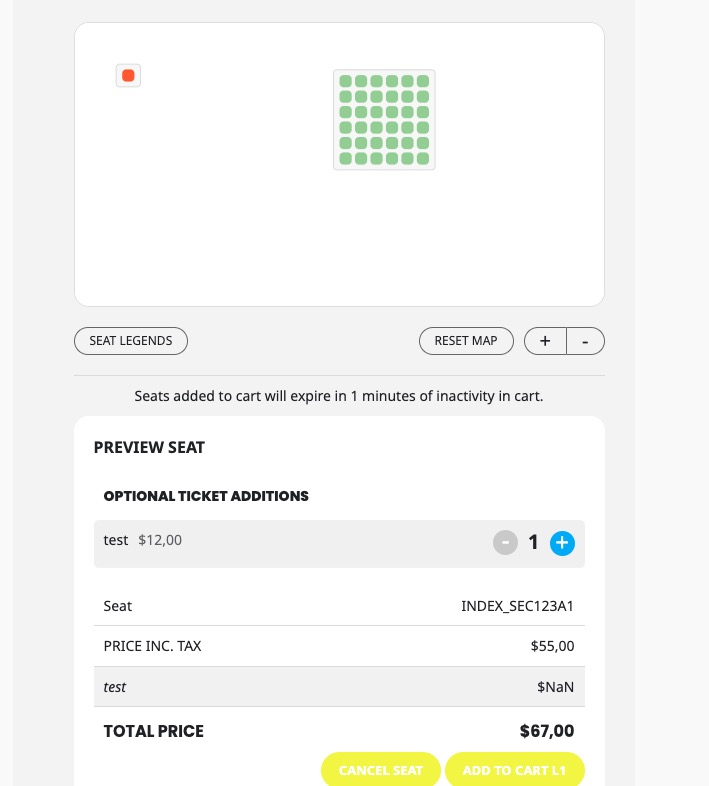
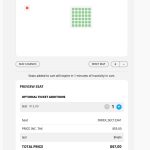
3. The same on dev2:
https://dev2.myeventon.com/events/seats-20/
12,50 turns into NaN:
Hello,
1. EventON Tickets doesn’t support Checkout made out of blocks:
https://tickets.pinksterfestivalbrummen.nl/wp-admin/post.php?post=25&action=edit
Please try replacing it with the default WooCommerce’s shortcode:
https://woocommerce.com/document/woocommerce-shortcodes/#woocommerce-shortcodes
2. Thank you for your messages, I am going to assign this ticket to Ashan and he will be able to take it from here and find you a solution. Please allow some time for him to get back to you, we greatly appreciate your patience and thank you for being a eventon customer! Also please disable any IP blocking on your site if there are any.
3. The same as 2.
Hello,
How do you import events to EventON? I cannot find Facebook Event Import plugin.
I believe that since there is no compatibility between your plugin and EventON, the import cannot be correct.
It seems that you using EventON Lite, so could you create a new ticket on:
https://wordpress.org/support/plugin/eventon-lite/
We are glad your issue is resolved, if you have any further questions or concerns please create a new ticket.
If you have a moment, we would greatly appreciate if you could kindly leave us a review at Codecanyon. By going to your account > Downloads. We are very grateful for your kind review!