Hi Artem,
Thanks for your message. I’ve always been very grateful about the support received and I understand that the question I have apparently takes some time to fix. Please understand your plugin is being used in a commercial environment, so I have a business customer asking daily about the progress.
Please also have a look at the e-mail question I’ve posted, as this hasn’t been resolved in a couple of months.
Thanks !
Hello,
Primary color isn’t for parts you are referring to.
Please go to EventON > Appearance > Event Card Styles > Primary Button Colors.
If you don’t see any change, EventON > Scripts & Styling > turn off Write dynamic styles to header > save settings > turn on Write dynamic styles to header.
Hello,
Seems to be working on our test server. Please send us wp-admin access to your site as a private message for us to further assist your situation.
Also try manually clearing your browser cache.
Hello,
Please take a look at this add-on:
https://www.myeventon.com/addons/ticket-variations-options/
You can create different types or tickets, but you need to manually check people in and make sure that types are correct.
Try on
https://dev.myeventon.com/wp-admin/
Hello,
Please check https://docs.myeventon.com/documentations/terms-and-conditions-and-refund-policy/ > 7. Subscriptions & Automatic Renewal > 7.4 Subscription Refunds. A renewal reminder mail was sent before the charge was made. We had given you opportunity to cancel if you didn’t want the renewal.
You can cancel your subscriptions at any time by following
https://docs.myeventon.com/documentations/how-to-cancel-addon-subscription-before-auto-renew/
Please ignore my previous post. The query somehow changed or it wasn’t for the correct amount of time.
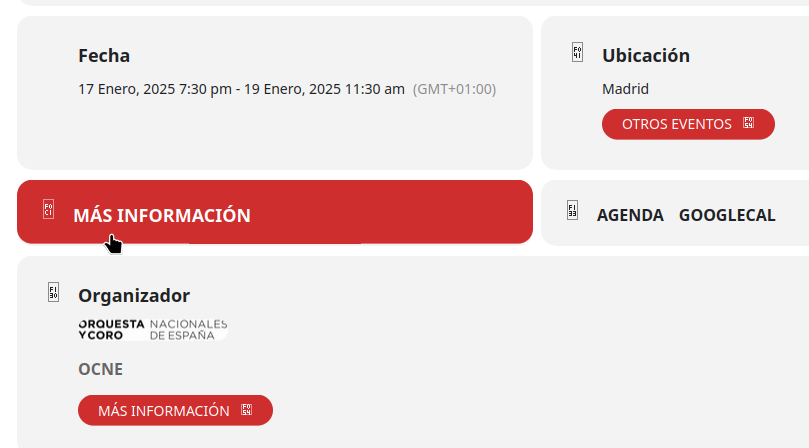
For now, I’ve fixed it like this.
.evcal_evdata_row.evo_clik_row:hover {
color: #fff;
background: #cf2e2e;
}
.evo_btn_arr {
color: #fff;
background: #cf2e2e;
}
I also purged cookies and cache.
I forgot to mention that.
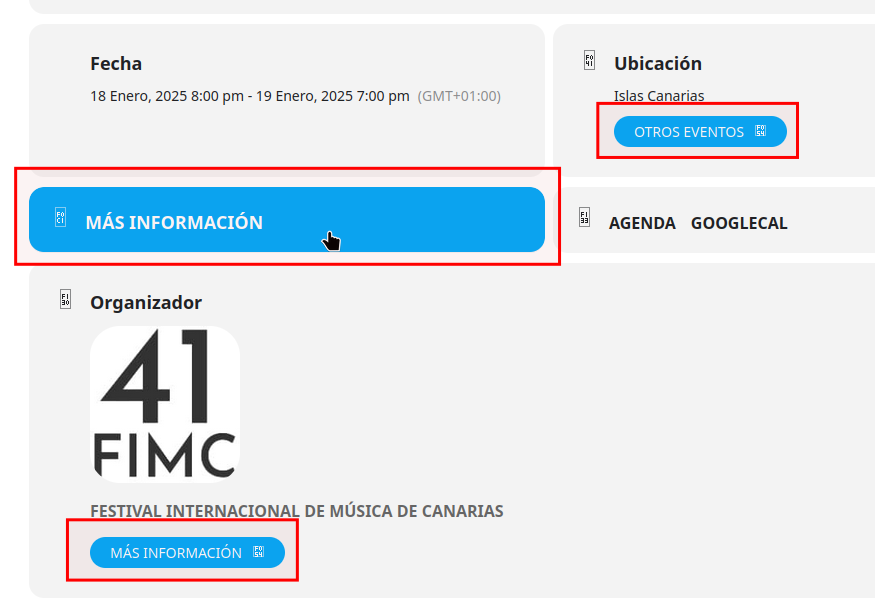
This is what it looks like.