Hello,
Could you try going to EventON > Scripts & Styling > make sure that Write dynamic styles to header is enabled. If it is, please disable it, save settings, enable it again, save settings.
Also if you are using 4.8 version, please go to EventON > Appearance > EventTop Styles > try changing Configure text color for colorful & Image eventtops.
Hello,
1. Please follow this guide
https://docs.myeventon.com/documentations/setup-basic-paypal-events/
You can then go to Edit Event > add the price to “Text to show above buy now button”.
Please check and let me know.
You can also use Custom Meta fields:
https://docs.myeventon.com/documentations/setup-use-custom-meta-fields-events/
2. Please go to EventON > Language > search for the text you want to translate.
A little more information…
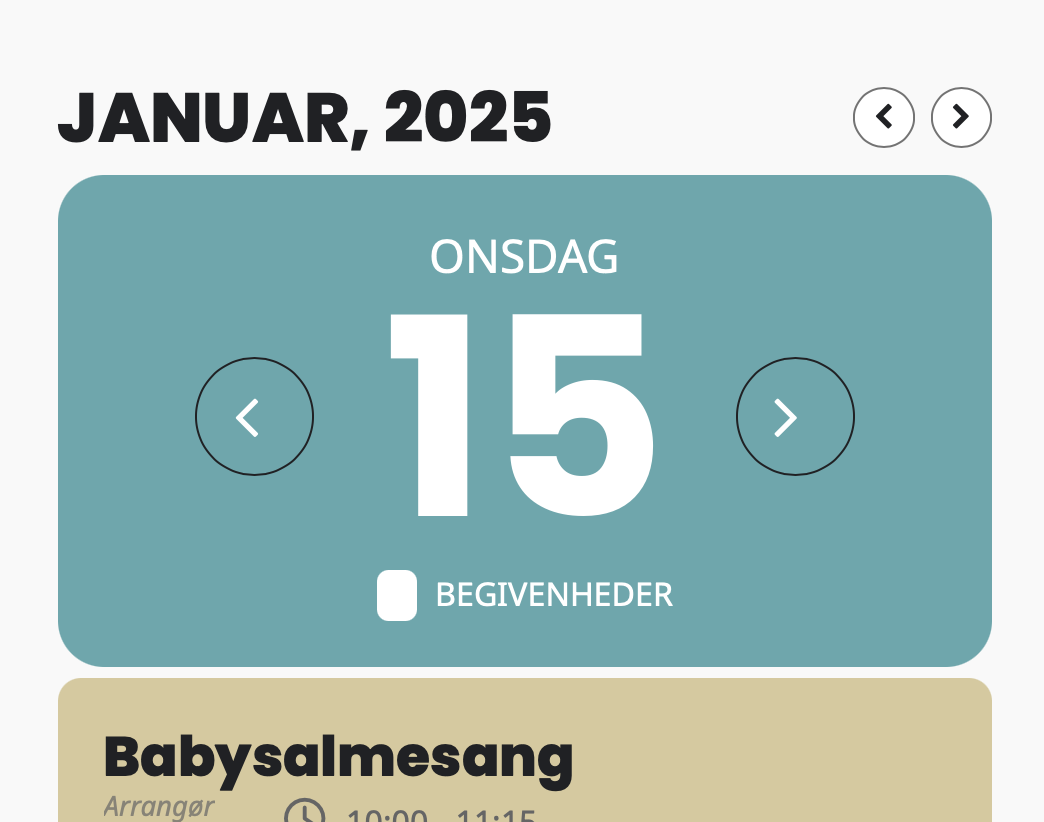
In the calendar view, the custom field is gray and the event title is white.
In the individual event view (after you click on the event title), the custom field is white and the event title is black.
I’d like all text to be white in both views.
Summer Program | The Clearing
My custom field text is located in the eventop, but I’ve already changed all the text fields in the eventop area to white.
Ok. Got it. Also, one more thing… Is there an easy way to import events from M.E. Calendar plugin?
There’s a bunch in there that we want to load into EventOn events.
Thank you so much!
Solved with new update, thanks.
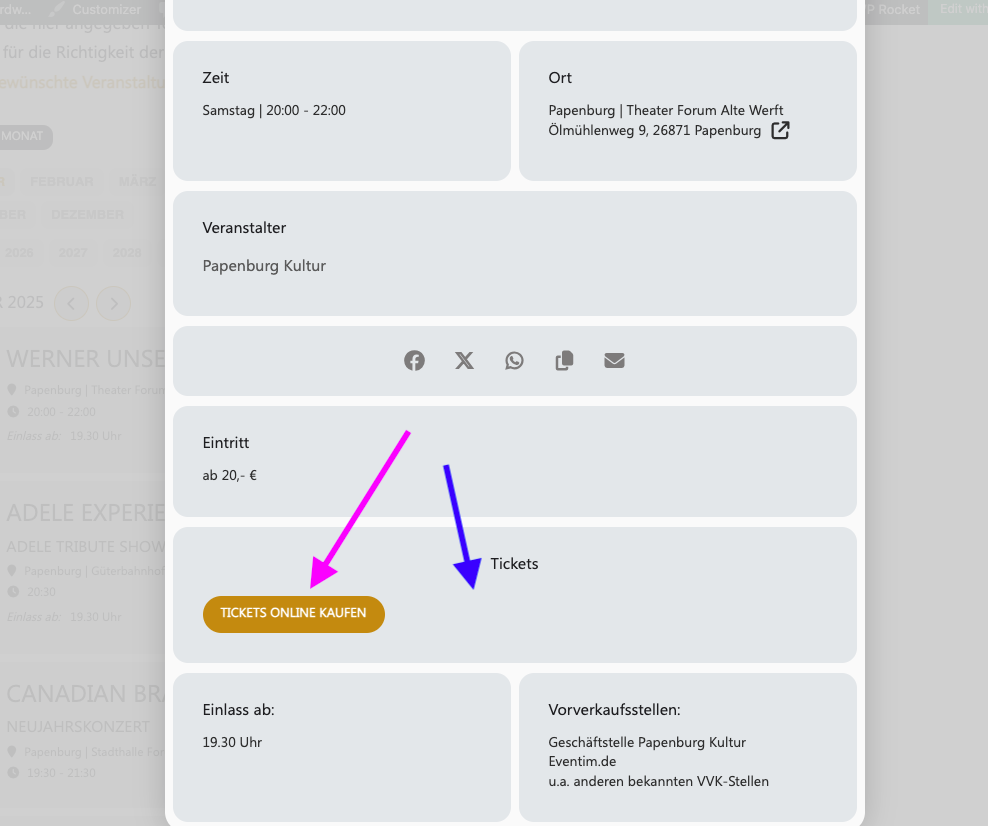
This Button was centered before Update on 4.8
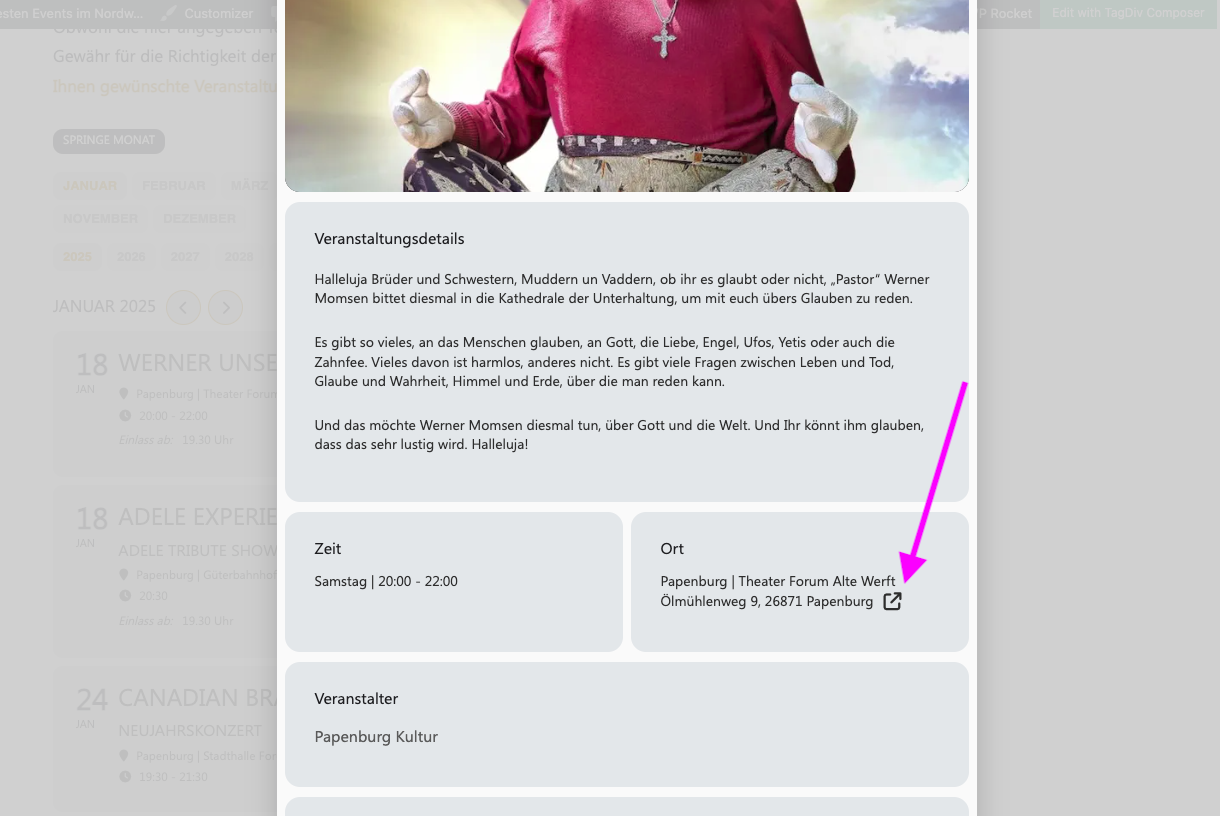
This Link in den Front-End!