Hi,
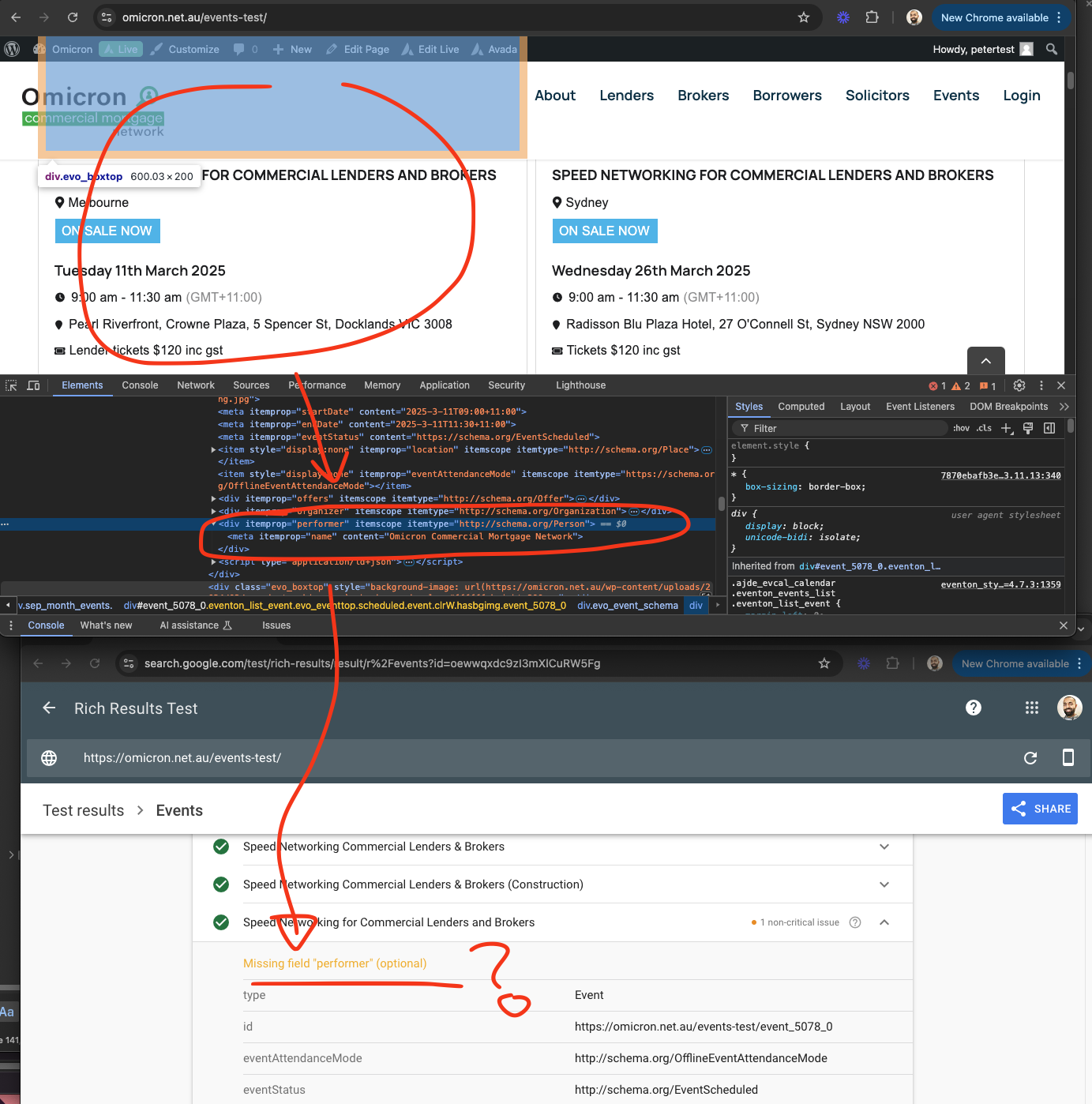
I have updated all the plugins as suggested and have deleted event https://www.ooveducation.com/us/events/oov-fundamentals-course-chicago-2/
have then added the event ticket box in he card designer and it still doesnt seem to work and the calendars disapear again
Please advise
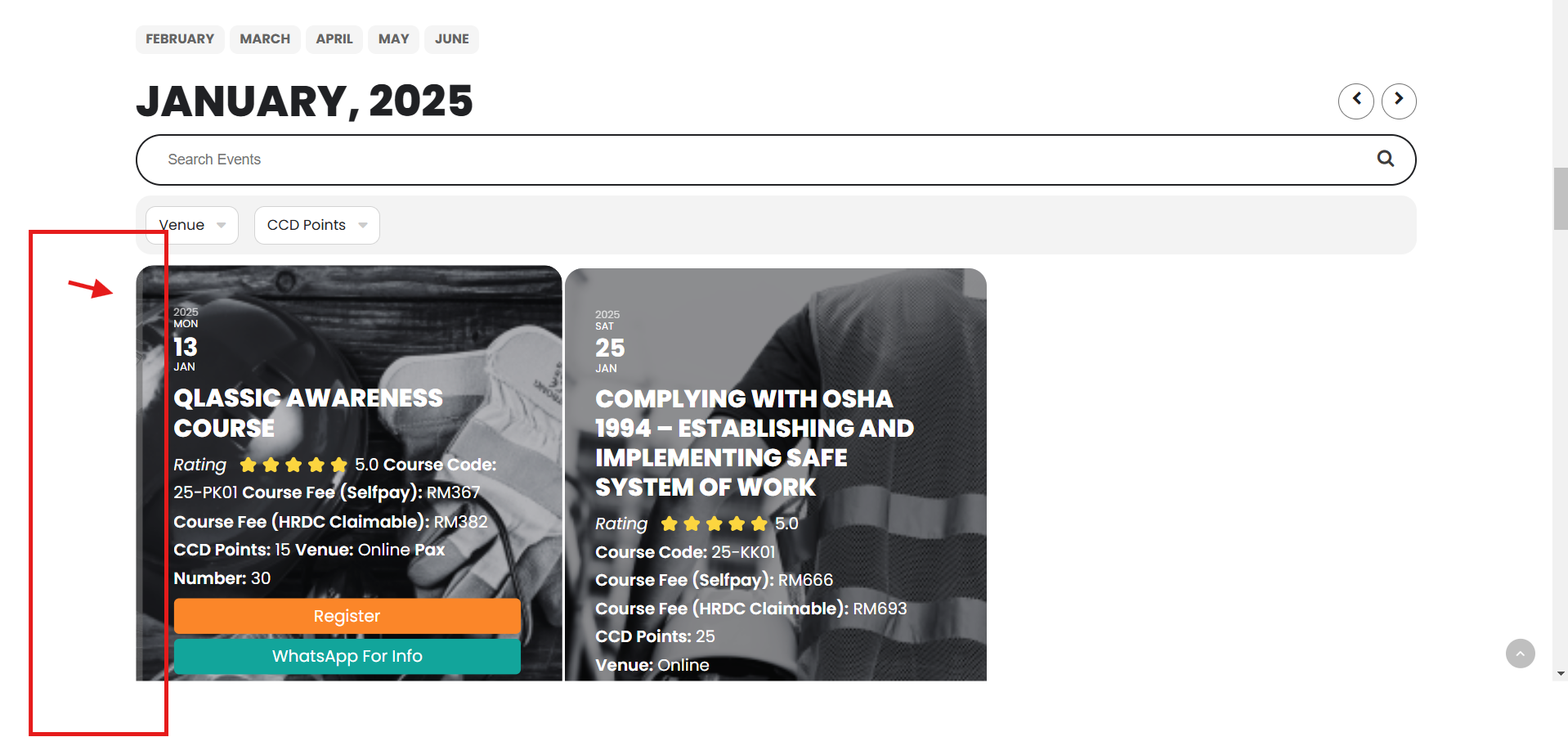
How to change the default background color:
As you can see, when you hover the mouse over the event, the background image moves to the right, revealing the background color.
or How to disable the mouse hover animation?
Ok, I have installed the new version and it works!
Thank you again
Hello Peter. sorry for the delay. Wish you a very happy new year!
Ok looking back at your site. This is very strange.
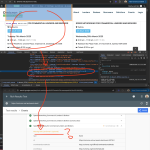
The schema data in the form of JSON/LD is indeed present in the page DOM content inside event.
But it seems google is not able to index them.
To be honest I am not entirely sure what is going on here.
We have the data present in the event page, but google is not indexing it. What is also important to note is this is “non-critical” notices.
Happy New uear Patrick!
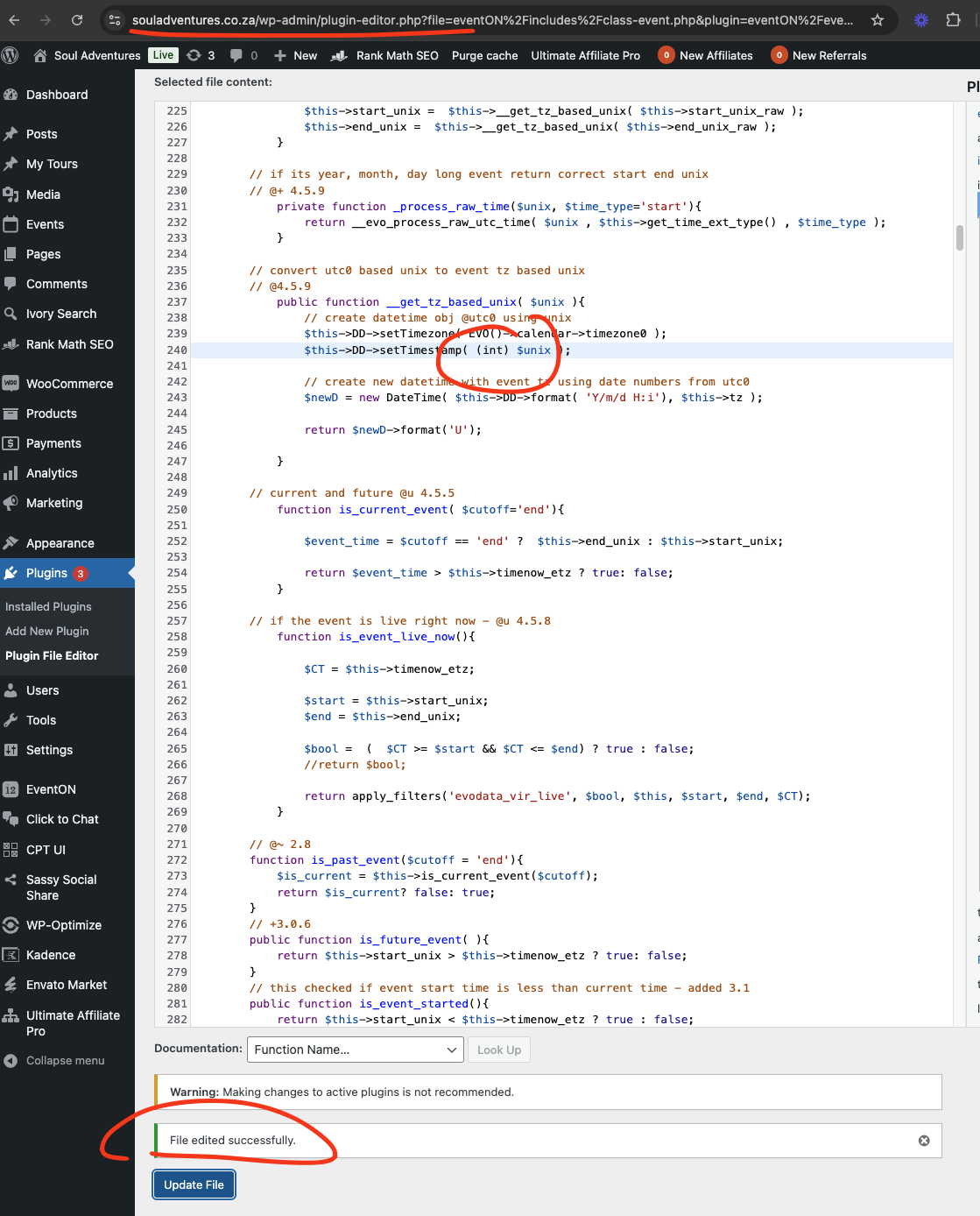
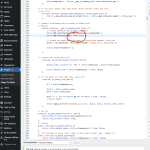
I checked your site the code was not added, so I added it. Please check now you should not be getting that error any the shortcode should be woking now.
this ticket is private are you able to share FTP access to ../eventon folder in your website.
Need to look deep into this.
Your current plugins installed and in use + EventON + your theme require more than available memory limit.
Could you change PHP to 8+ and then try disabling plugins one by one keeping EventON + add-ons enabled? Will it start working then?
Again sorry for the delay. Ashan will take a look at this ticket as soon as possible.
Thanks so much for your help. It all seems to be working well at my end now. So just to clarify do i need to redo the variable ticket price that you removed or is it working now? We will follow the instructions provided in future to add variation in price.
I will update Ticket addon as suggested.
Could you update to Tickets 2.4.7?