Closed as duplicate.
Archives: Replies
Replies for tickets on suppota
Reply to: tickets(374565)
Hello,
I cannot find any purchases associated with your email. Could you send us Order IDs + your other email?
Also, could you tell us more about your issues? Maybe we can help to resolve them.
Reply to: tickets(373353)
When will this update be out? This is a very annoying fix. We post many events
Reply to: tickets(372354)
From: sean@vistaworks.com <sean@vistaworks.com>
Sent: Monday, January 6, 2025 1:49 PM
To: ‘Darren Stokes’ <coloradooutside@gmail.com>
Cc: ‘Pankaj Lehar’ <pankajlehar@gmail.com>; ‘EventON Team’ <noreply@myeventon.com>
Subject: RE: [EventON Help Desk] New reply for ticket #372354
Hi Darren and EventOn Support,
I am closing out the EventOn’s support ticket as well as our VistaWorks support ticket now that I’ve done the following:
- Upgraded the Live site from WordPress 6.6.2 to 6.7.1 (the latest stable release that we used on the Debug site)
- Upgraded the Live site’s PHP (programming language) version used from 7.4 to 8.3 (the same PHP version that we used on the Debug site)
- Both of these upgrades allow the Live site to create brand new Recurring Events without date/year errors.
I threw all Test events on the Live site into the trash since all testing operations were moved to the separate Debug site weeks ago: https://coloradooutside.com/wp-admin/edit.php?post_status=trash&post_type=ajde_events
- I created a recurring event example, created from scratch, that is free of bugs here on the Live site as proof that the bug no longer occurs when creating brand new recurring events: https://coloradooutside.com/events/recurring-event-example-that-is-free-of-bugs/
Reply to: tickets(374429)
Paypal for Woocommerce Multi Account Management plugin seems to stop the page fields loading, This is the plugin website https://www.angelleye.com/product/paypal-woocommerce-multi-account-management/
Are you able to offer any advice please?
Reply to: tickets(374553)
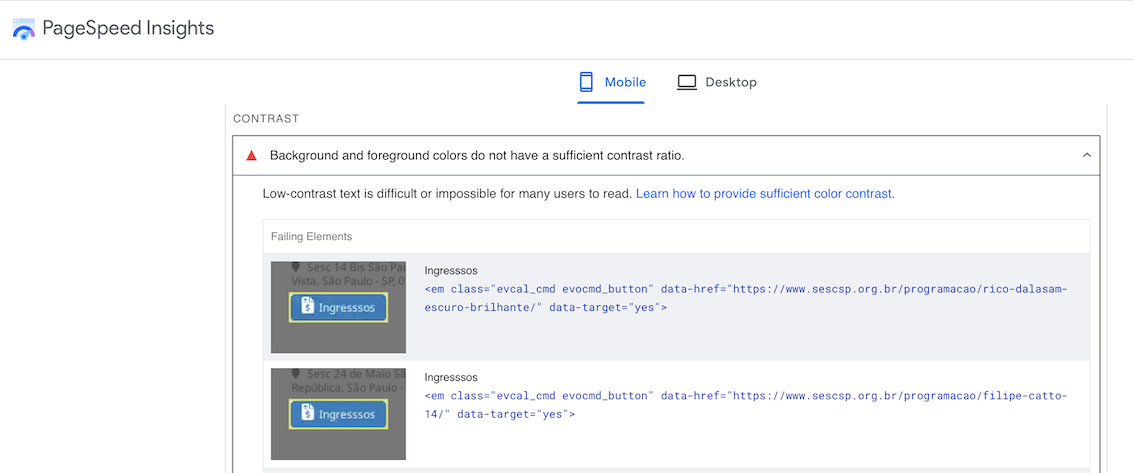
Reply to: tickets(374525)
Hello,
You can either add it through the code:
https://docs.myeventon.com/documentations/hook-eventtop/
How to get the location name:
https://docs.myeventon.com/documentations/taxonomies-eventon/
Or manually using Custom Meta fields:
https://docs.myeventon.com/documentations/setup-use-custom-meta-fields-events/
Unfortunately, there is no way of just hiding the address with CSS.
Reply to: tickets(374479)
Elementor takes post_type=ajde_events events and shows them using it’s own element. The issue is that we don’t know how it the element works, so not sure how we can help from our side. Please contact Elementor developers about the issue.
Are you sure that Elementor can make events to open as Lightbox/popup in it’s own element?
Reply to: tickets(374532)
Hello,
Perfect! if you have any further questions or concerns please create a new ticket.
Reply to: tickets(374535)
Hello,
Please follow the instructions in this documentation to activate debug in your site to see any PHP errors recorded that can provide insight on to whats going on. Please reply with a link to debug.log file. If you are not able to do this please send us FTP access to your site so we can do this for you.