Please go to EventON > EventTop > arrange fields like this: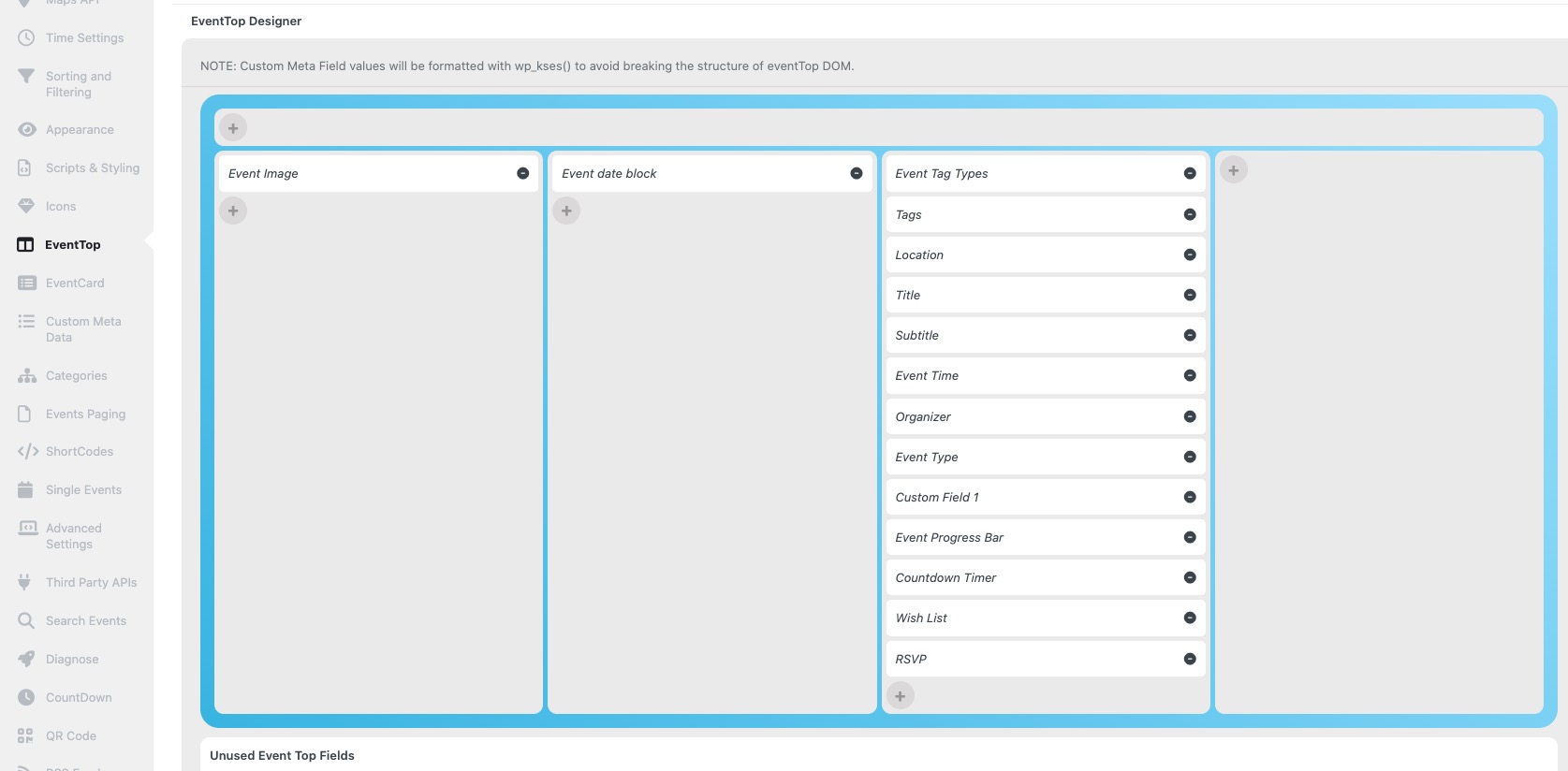
Archives: Replies
Replies for tickets on suppota
Reply to: tickets(374479)
Hello,
The calendar isn’t from EventON, but was created by Elementor:
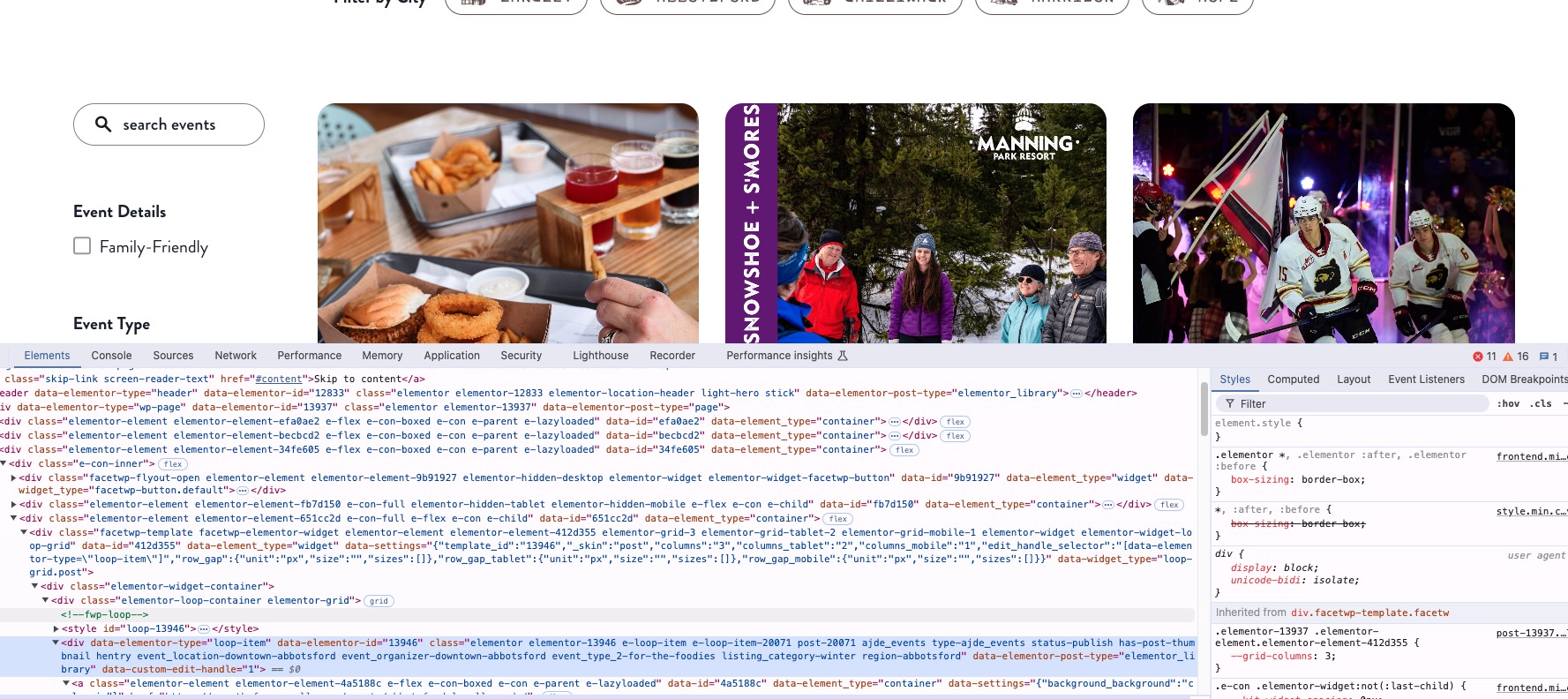
Could you send us a link to the one from EventON?
Reply to: tickets(374432)
Please send us wp-admin access to your site as a private message for us to further assist your situation.
Go to EventON > Appearance > make sure that Hide month navigation arrows is disabled.
Reply to: tickets(374485)
Ashan,
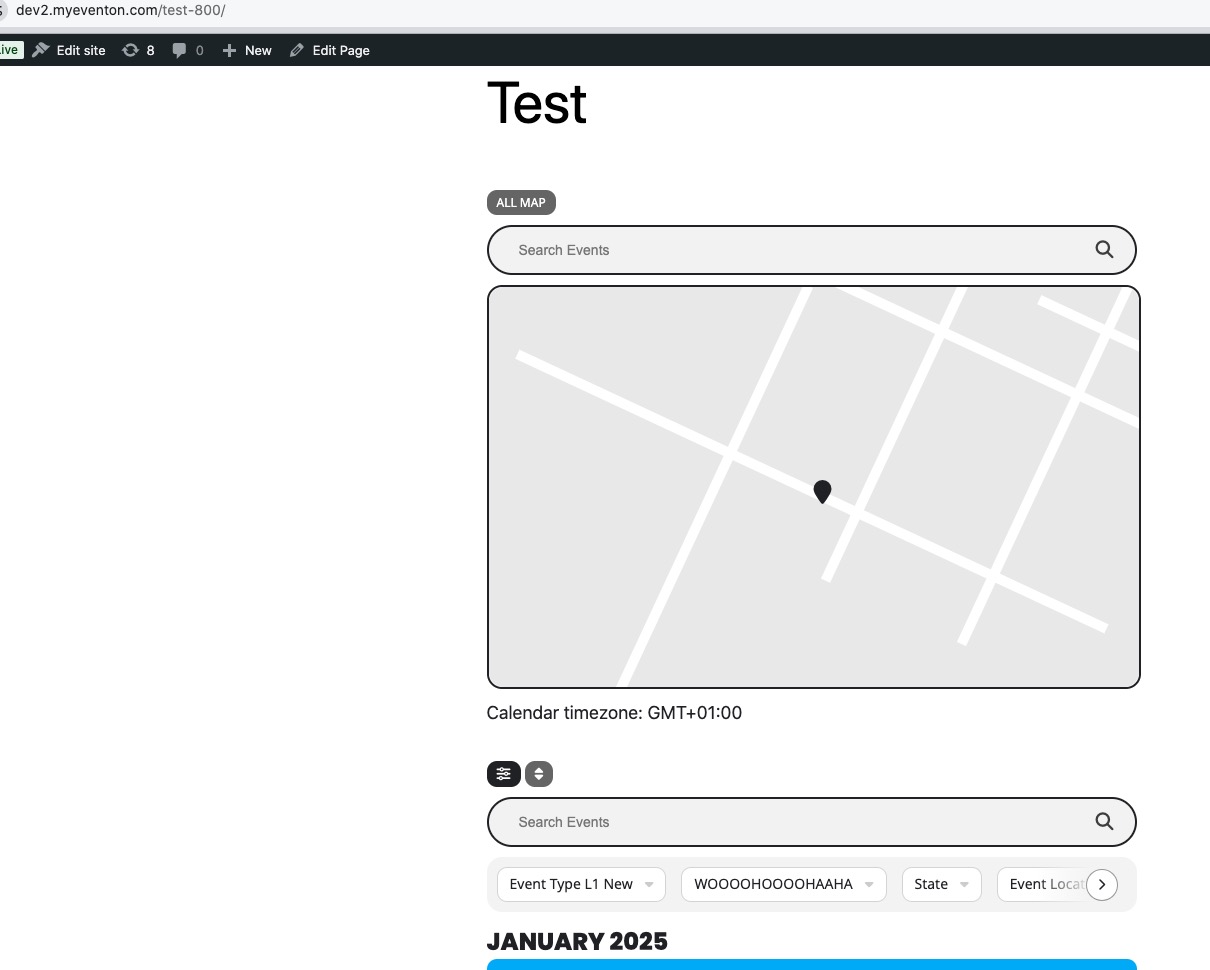
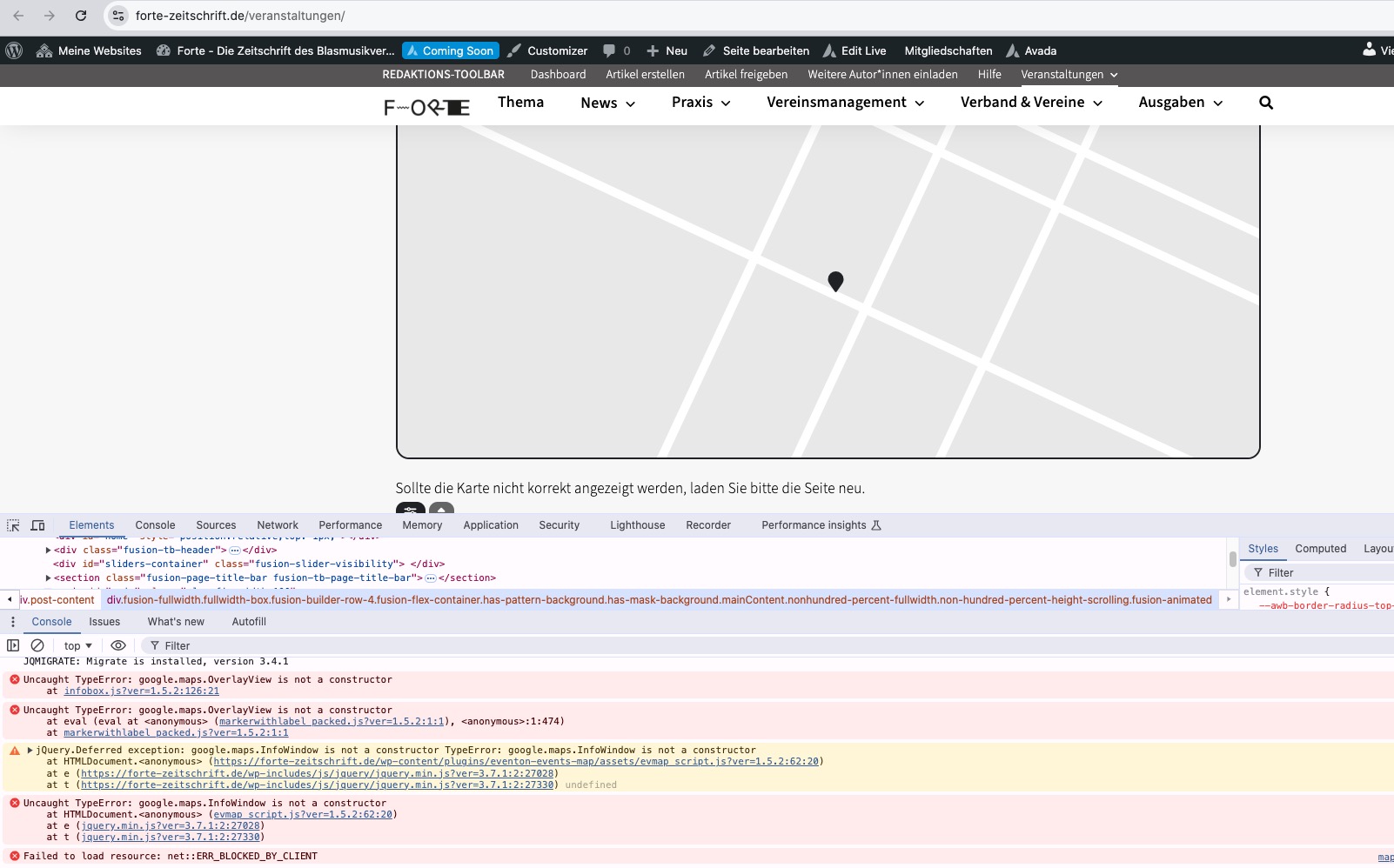
The same on dev2:
https://dev2.myeventon.com/test-800/
Reply to: tickets(374485)
Hello,
Could you please try the instructions mentioned in this documentation?
Thank you for your messages, I am going to assign this ticket to Ashan and he will be able to take it from here and find you a solution. Please allow some time for him to get back to you, we greatly appreciate your patience and thank you for being a eventon customer!
Reply to: tickets(374489)
Hello,
Could you try disabling nonce verification by making this change:
https://helpdeskx.s3.amazonaws.com/wp-content/uploads/2024/09/06132707/Screenshot-2024-09-06-at-1.26.42%E2%80%AFPM.png
You can find the file by going to EventON folder > includes folder.
Reply to: tickets(374491)
Hello,
Please try EventON > Scripts & Styling > turn off Write dynamic styles to header > save settings > turn on Write dynamic styles to header.
Reply to: tickets(374493)
Hello,
Please go to EventON > Time Settings > enable Enable custom event time format on eventCard.
Add necessary symbols according to this guide:
https://www.php.net/manual/en/datetime.format.php
Reply to: tickets(374494)
Hello,
Please only save Configure Event Ticket Settings without saving the whole event:
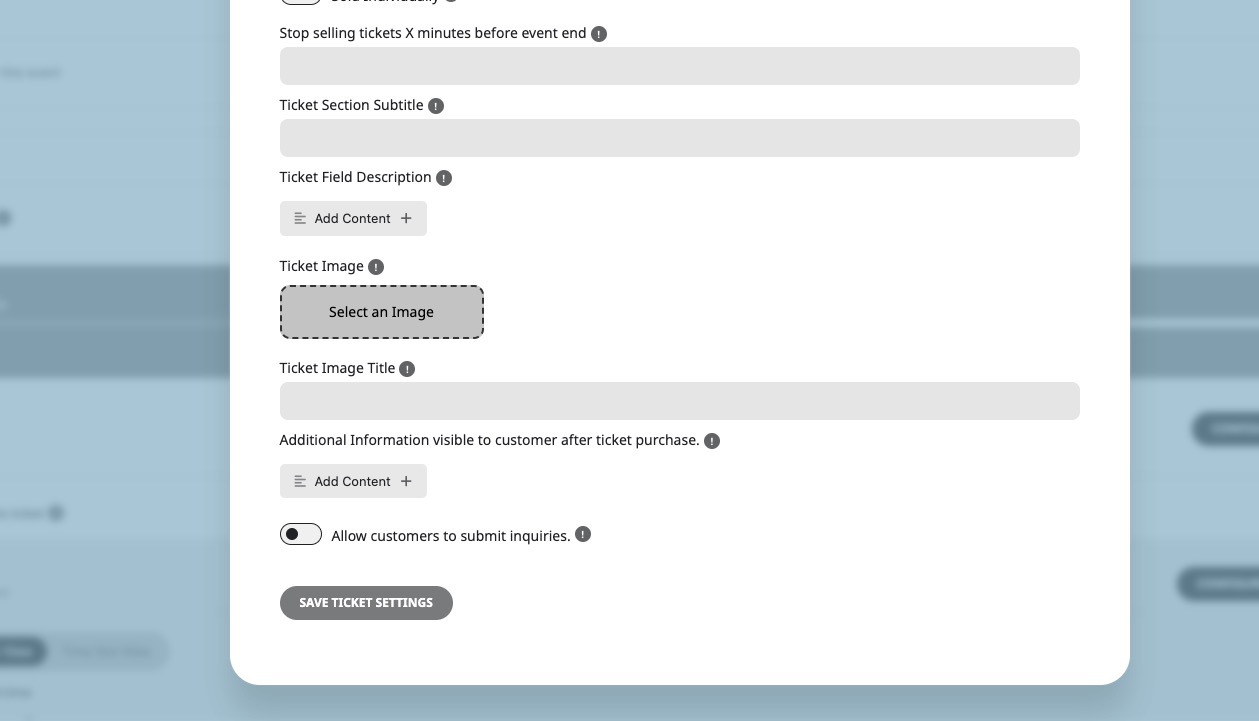
We are working on the fix that will be available very soon.
Reply to: tickets(374429)
Interesting – in my previous ticket I found that it was WooCommerce that when disabled enabled EventON to work. I had disabled each plugin one by one in alphabetical order and it was the first to have that result. Also the debugging log showed that Eventon was likely causing a conflict and you asked me to increase the memory limit – am I to repeat all of these tasks again?