Hello,
Thank you for your messages!
I am going to escalate this ticket to our account manager to help in here. Please allow us some time to address this, and we truly appreciate your patience. Thank you for being a valued EventON customer!
I also believe that this is very easy to fix, so please wait for reply from our devs as well.
Hello,
You can use Event Type to assign a new category to each virtual event and then filter events by adding event_type=”” to your shortcode:
https://docs.myeventon.com/documentations/confused-event-type-categories/
Hello,
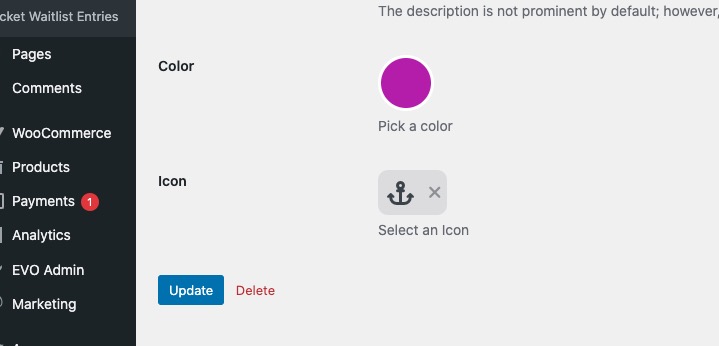
Could you go to wp-admin > Events > Event Type > Edit Event Type and make sure that the icon is assigned:
We are glad your issue is resolved, if you have any further questions or concerns please create a new ticket.
I checked Codecanyon Purchase and it’s version 5.0.6, not 5.0.9.
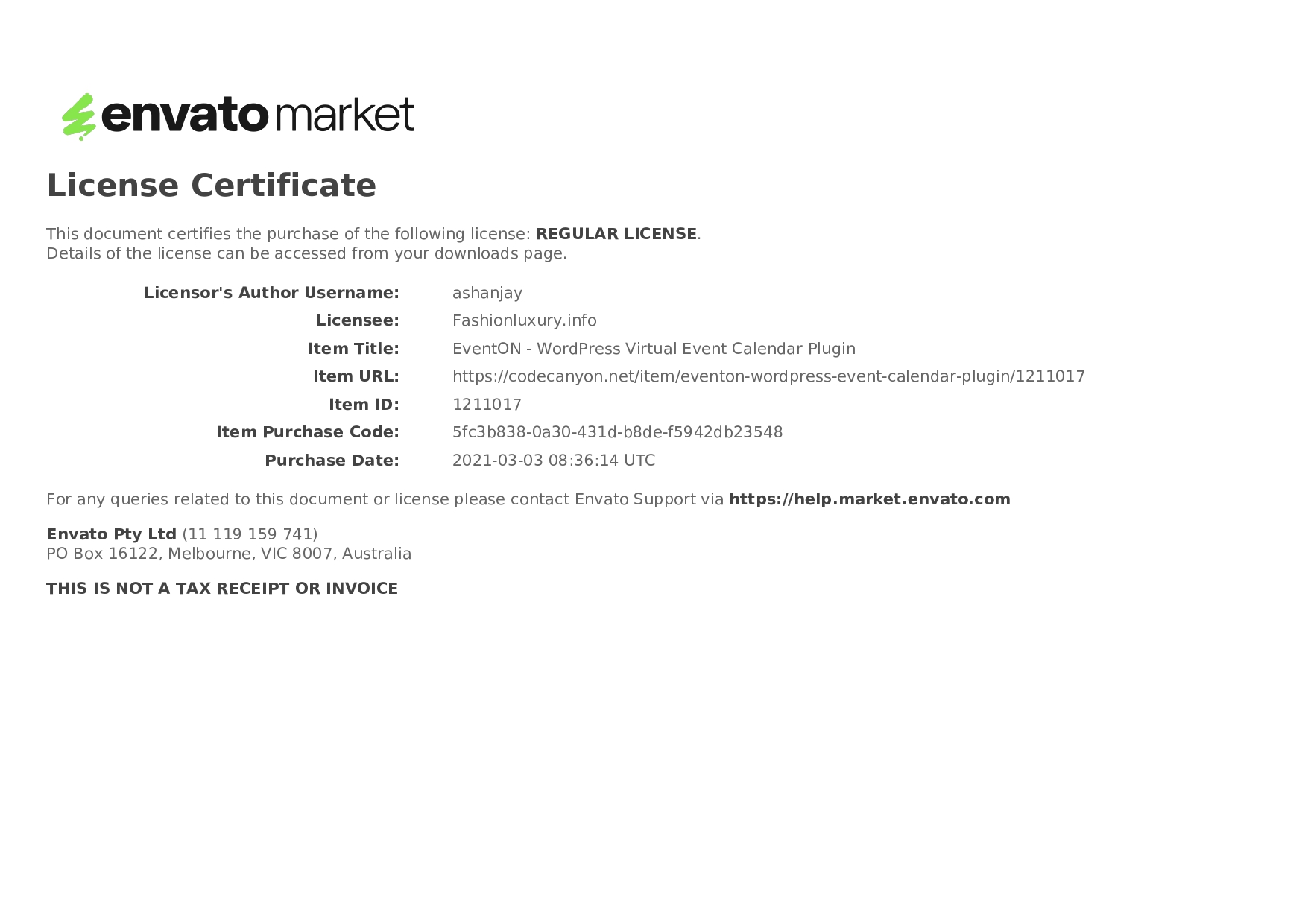
I’m also attaching my license.

Ok, so it must be featured image added as well.
https://prnt.sc/ISH0HgFAltAT
Thank you a lot.
Lukas
Hey, you have previously helped my with the above piece of code so that instead of the name of the event type I would get a symbol on the Event Top and when I first used it, it worked perfectly. Now it doesn’t. Have you changed anything in the coding of EventOn so that the above should not work anymore? This is the page that we have our calender on: https://svendfilmdage.dk/program/ let me know if you need anymore information.
Thank you Artem! It works perfectly. Kind Regards – Oliver
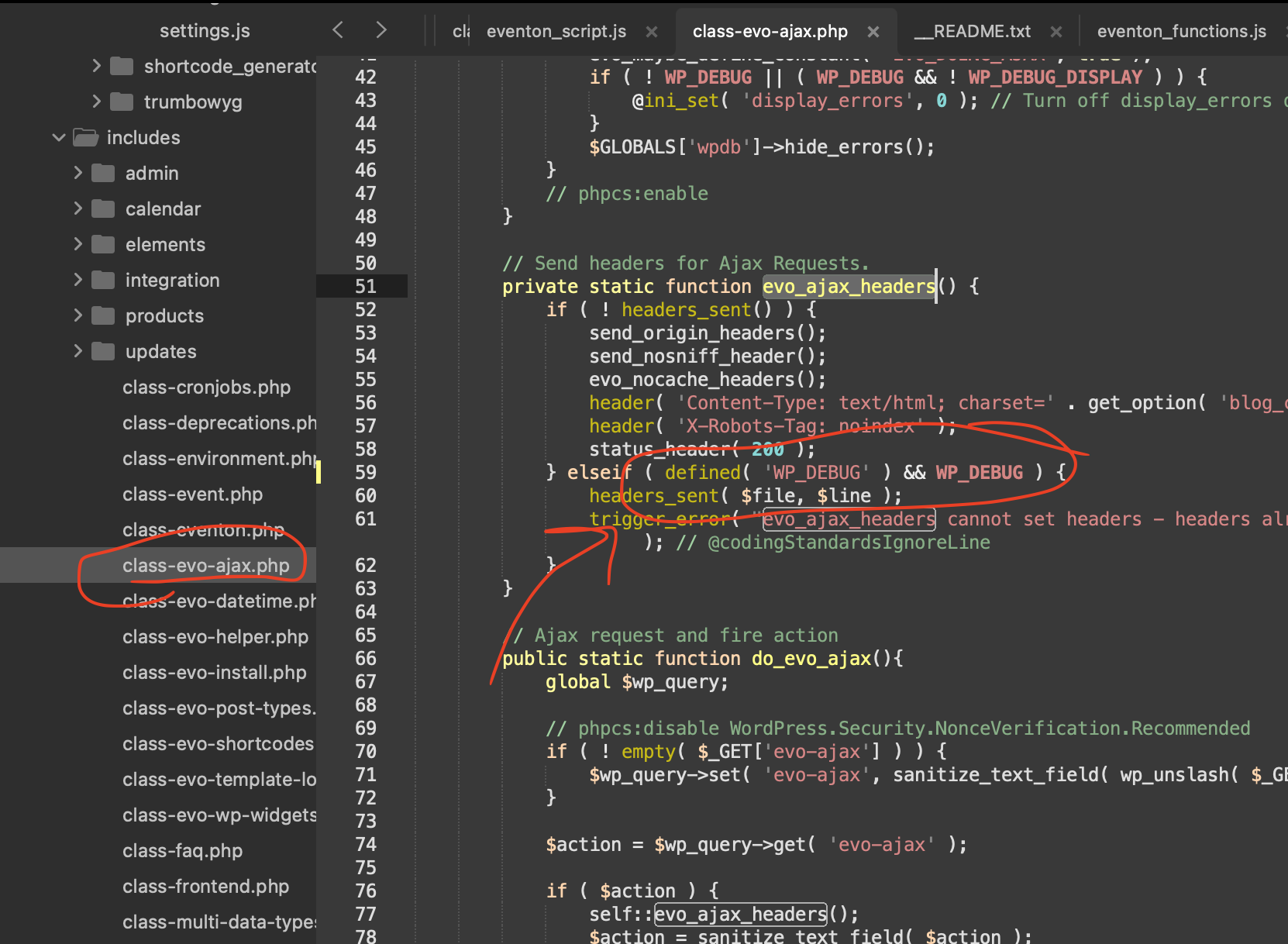
here is the patch fix code to fix that error it is inside eventON/includes/class-evo-ajax.php
We will be sure to include this code change in the next version update to eventON. 5.0.10 — which we are almost ready to release.
Kindly update QR addon to new version 2.1.1 — this will show the missing text strings
https://docs.myeventon.com/documentations/changelog-qrcode/