Hello,
Please send us wp-admin access to your site as a private message for us to further assist your situation.
Also make sure that EventON > Advanced > “Select event calendar WP Query method” is set to “Query all the event posts“.
Replies for tickets on suppota
Hello,
Please send us wp-admin access to your site as a private message for us to further assist your situation.
Also make sure that EventON > Advanced > “Select event calendar WP Query method” is set to “Query all the event posts“.
Hello,
EventON > Advanced > “Select event calendar WP Query method” was set to “Query only the event posts created this year”?
Hello,
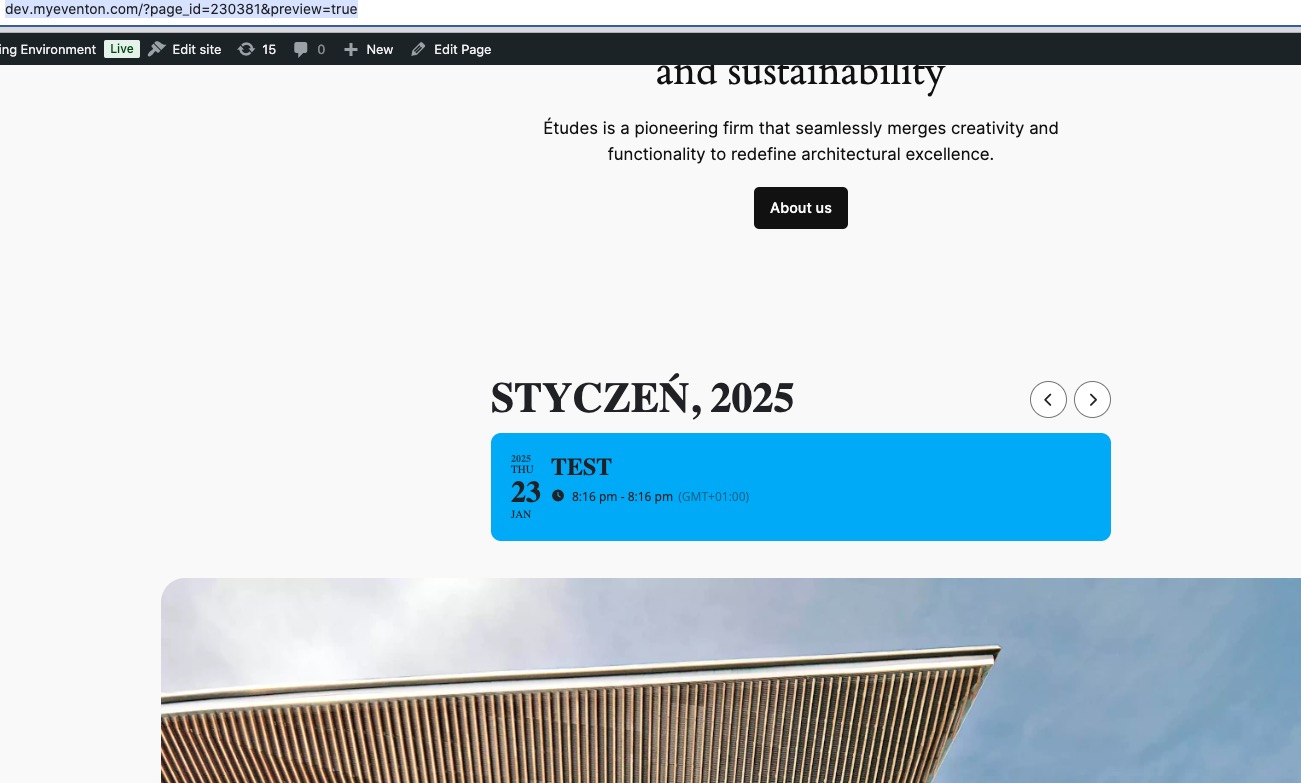
I added a new event on Jan 23 and it’s visible on the calendar:
Please send us wp-admin access to your site as a private message for us to further assist your situation.
Also make sure that EventON > Advanced > “Select event calendar WP Query method” is set to “Query all the event posts”.
Hello,
Seems to be working correctly on our test site:
https://dev2.myeventon.com/test-799/
Please send us wp-admin access to your site as a private message for us to further assist your situation.
I came here to see why my short codes manually entered dont work, but I realized my short code generator is not working at all. Can you please investigate the issue?
Is problem with eventon is happen the same for us, but they dont make a solution!
Hi,
I just posted test event for today and it’s showing. Apparently everything I previously posted (which was at least 30 events) is not displaying although it did 2 days ago.
I would appreciate a quick reply on this as this is the most important page of my website which worked perfectly until today.
Please let me know what the problem is.
By the way, here’s the code from the page (which I also didn’t make any changes to):
[adinserter block=”1″]
[add_eventon jumper=”yes” exp_jumper=”yes” tiles=”yes” tile_bg=”1″ tile_height=”500″ tile_style=”1″ ]
Please let me know why this is broken.
Thanks,
Amy Blain
Also, if I duplicate one of the existing events, the duplicated event is visible on the frontend immediately.
-Ray
Happy new year. I just wanted to emphasize that this ticket has been created December 11….
solved….
When we turned to 2024, several of our clients noticed their calendar events were not showing. The reason is, that the WP Query method was set to query only event posts created in 2024, which was none. So we added a new option to query event posts created in the last 12 months as well.
When we turned to 2024, several of our clients noticed their calendar events were not showing. The reason is, that the WP Query method was set to query only event posts created in 2024, which was none. So we added a new option to query event posts created in the last 12 months as well.