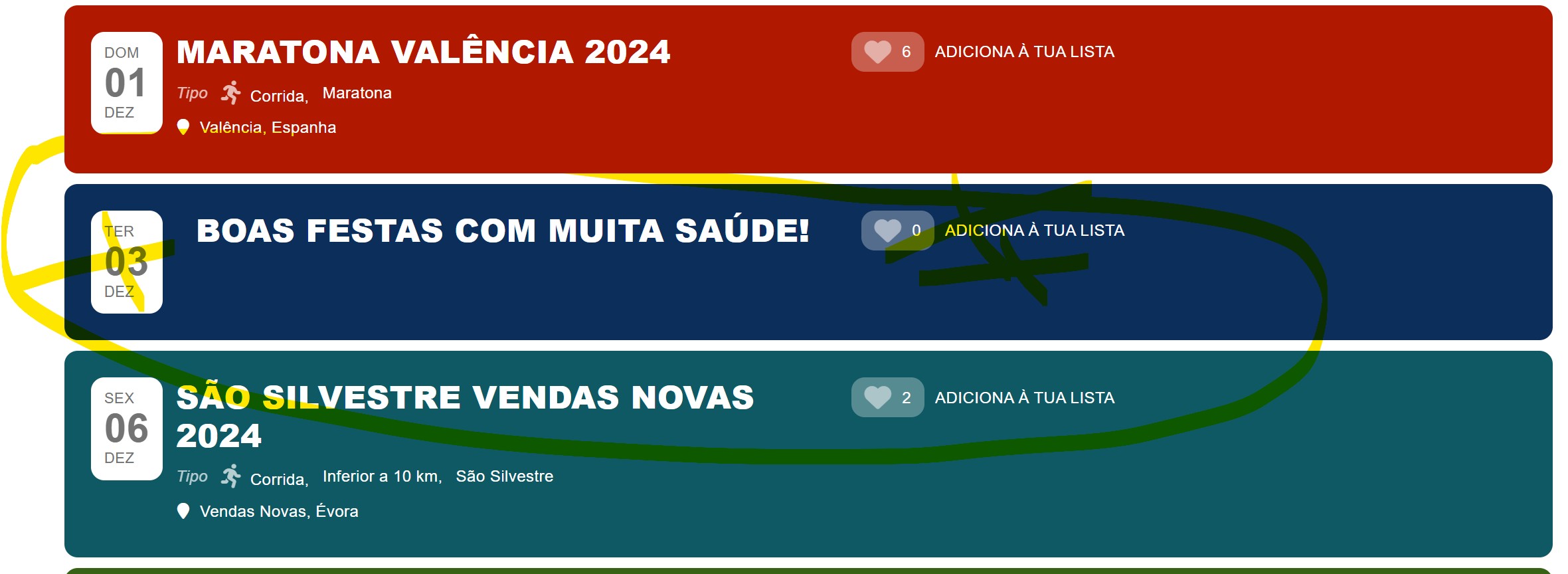
Also take off the wislist 🙂
Its possible?
Replies for tickets on suppota
Also take off the wislist 🙂
Its possible?
We are glad your issue is resolved, if you have any further questions or concerns please create a new ticket.
If you have a moment, we would greatly appreciate if you could kindly leave us a review at Codecanyon. By going to your account > Downloads. We are very grateful for your kind review!
You guys are the best, thank you!
With disabled WPBakery plugin: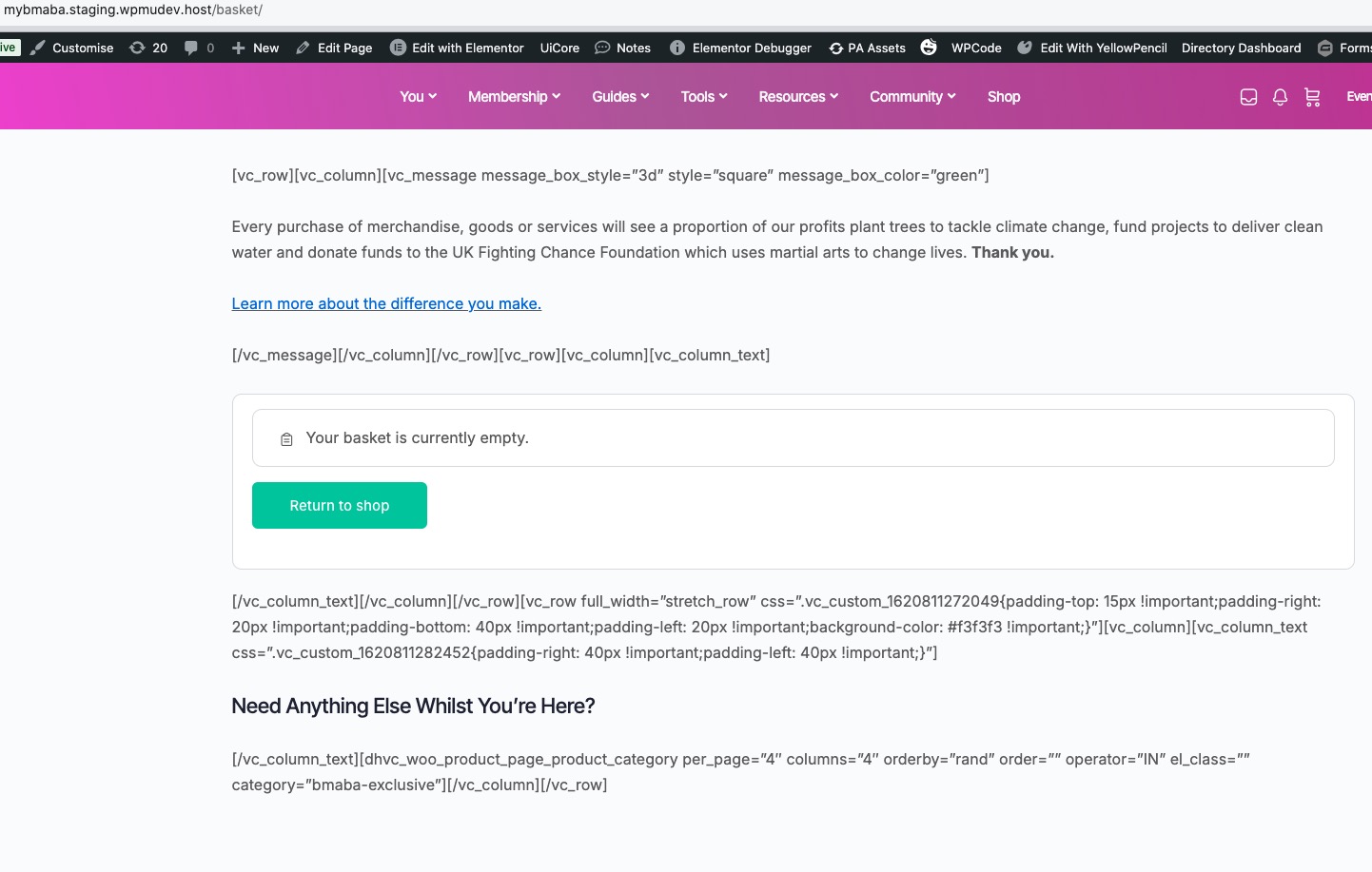
Homepage looks like this:
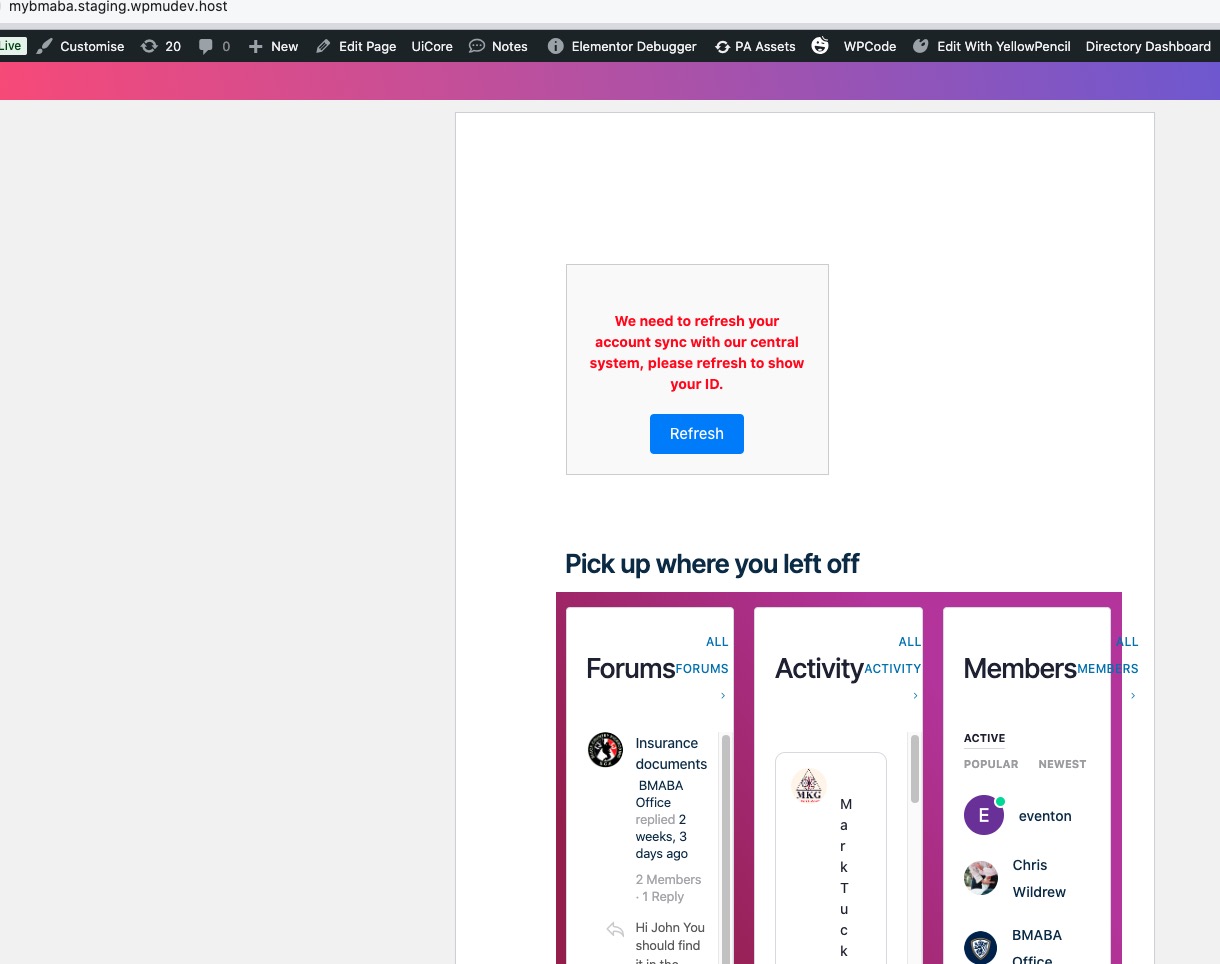
jQuery issue fixed with disabled BMABA Zoho CRM plugin:
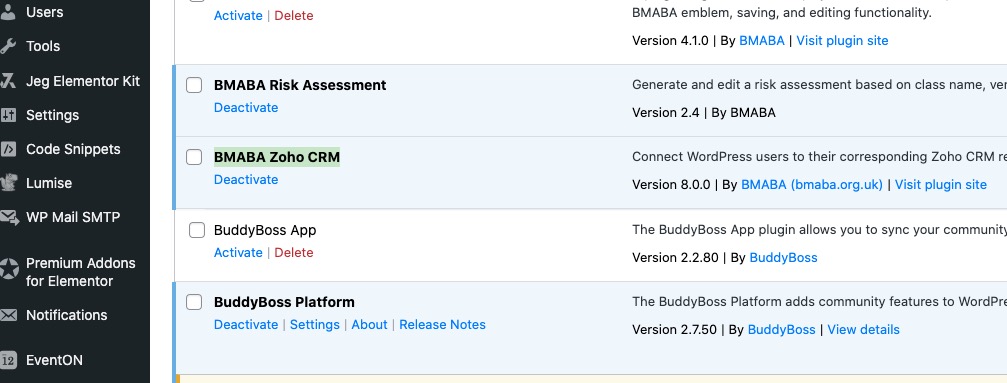
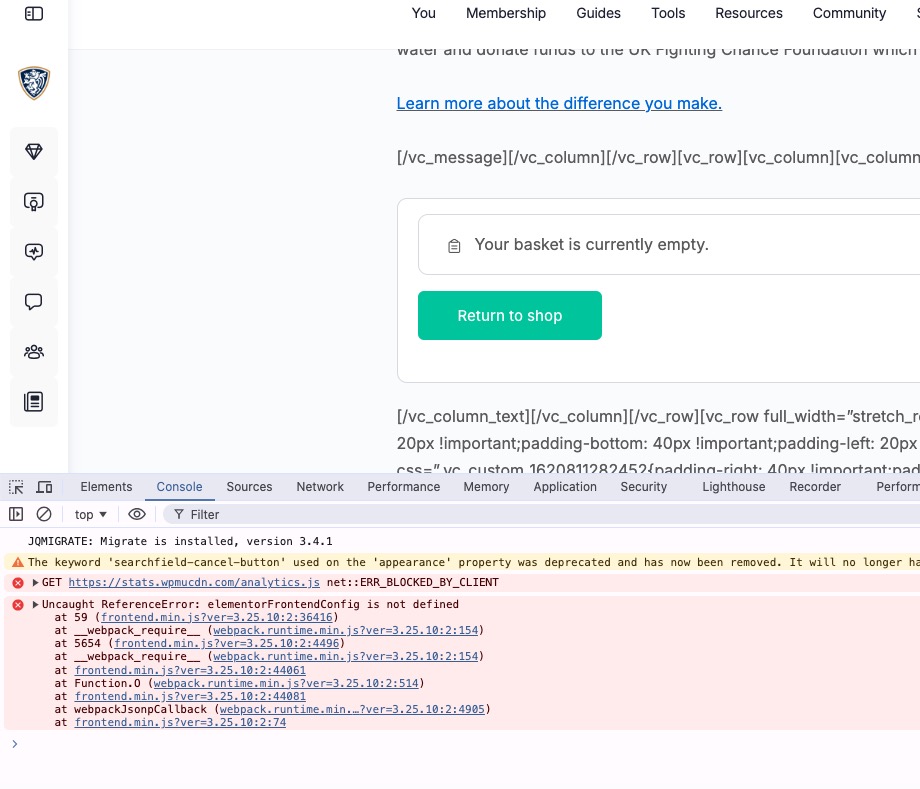
We are glad your issue is resolved, if you have any further questions or concerns please create a new ticket.
We unable to provide you with the code to automatically hide the data. Since it’s against CodeCanyon’s Support Policy.
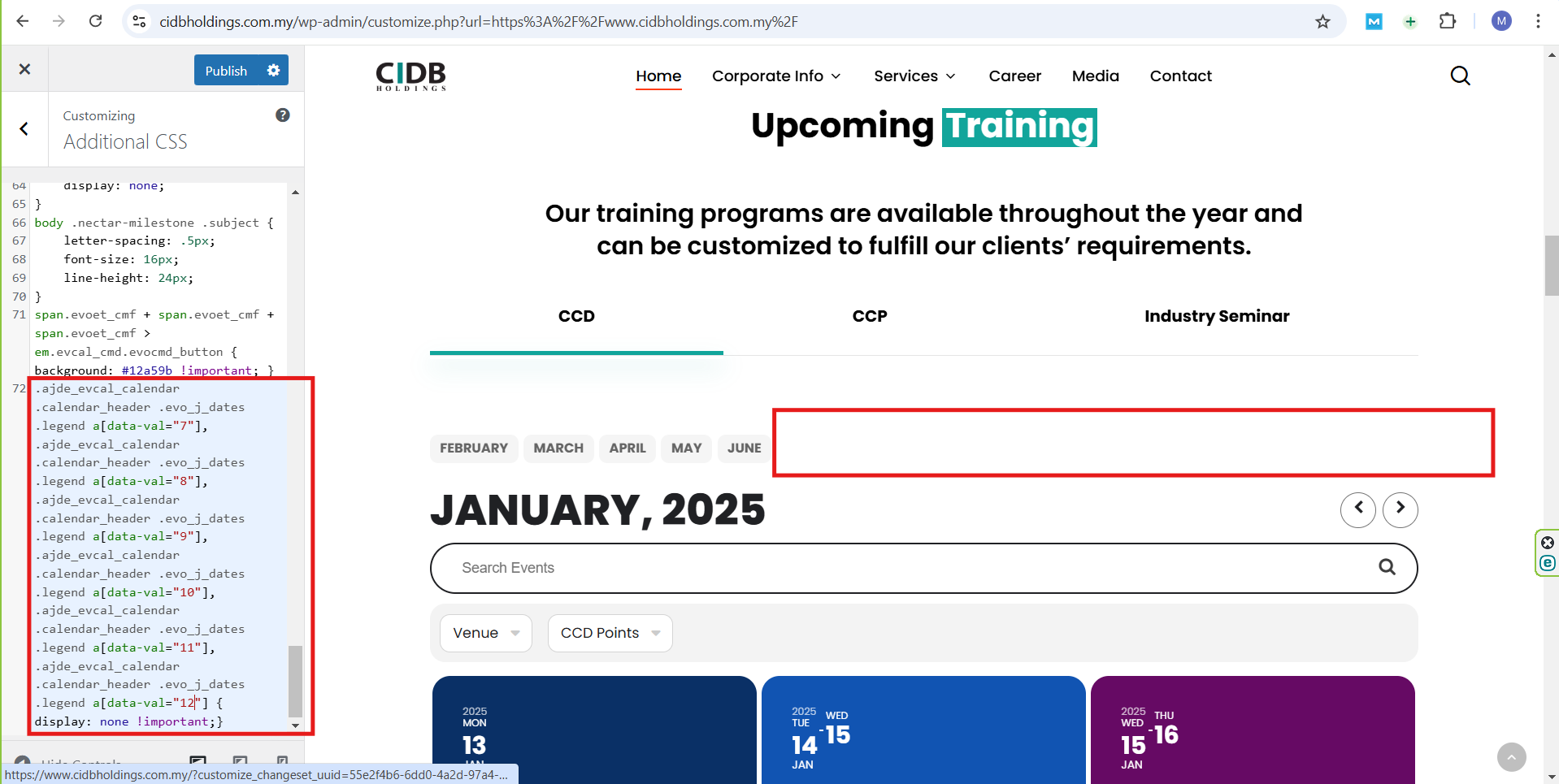
I would like to provide an update; I tried to fix the code you gave and it worked, it now looks like this:
.ajde_evcal_calendar .calendar_header .evo_j_dates .legend a[data-val=”7″], .ajde_evcal_calendar .calendar_header .evo_j_dates .legend a[data-val=”8″], .ajde_evcal_calendar .calendar_header .evo_j_dates .legend a[data-val=”9″], .ajde_evcal_calendar .calendar_header .evo_j_dates .legend a[data-val=”10″], .ajde_evcal_calendar .calendar_header .evo_j_dates .legend a[data-val=”11″], .ajde_evcal_calendar .calendar_header .evo_j_dates .legend a[data-val=”12″] { display: none !important;}
The result can be seen in the screenshot.
I still want to get a code or a way from you to automatically hide months with no events and show the months with events.
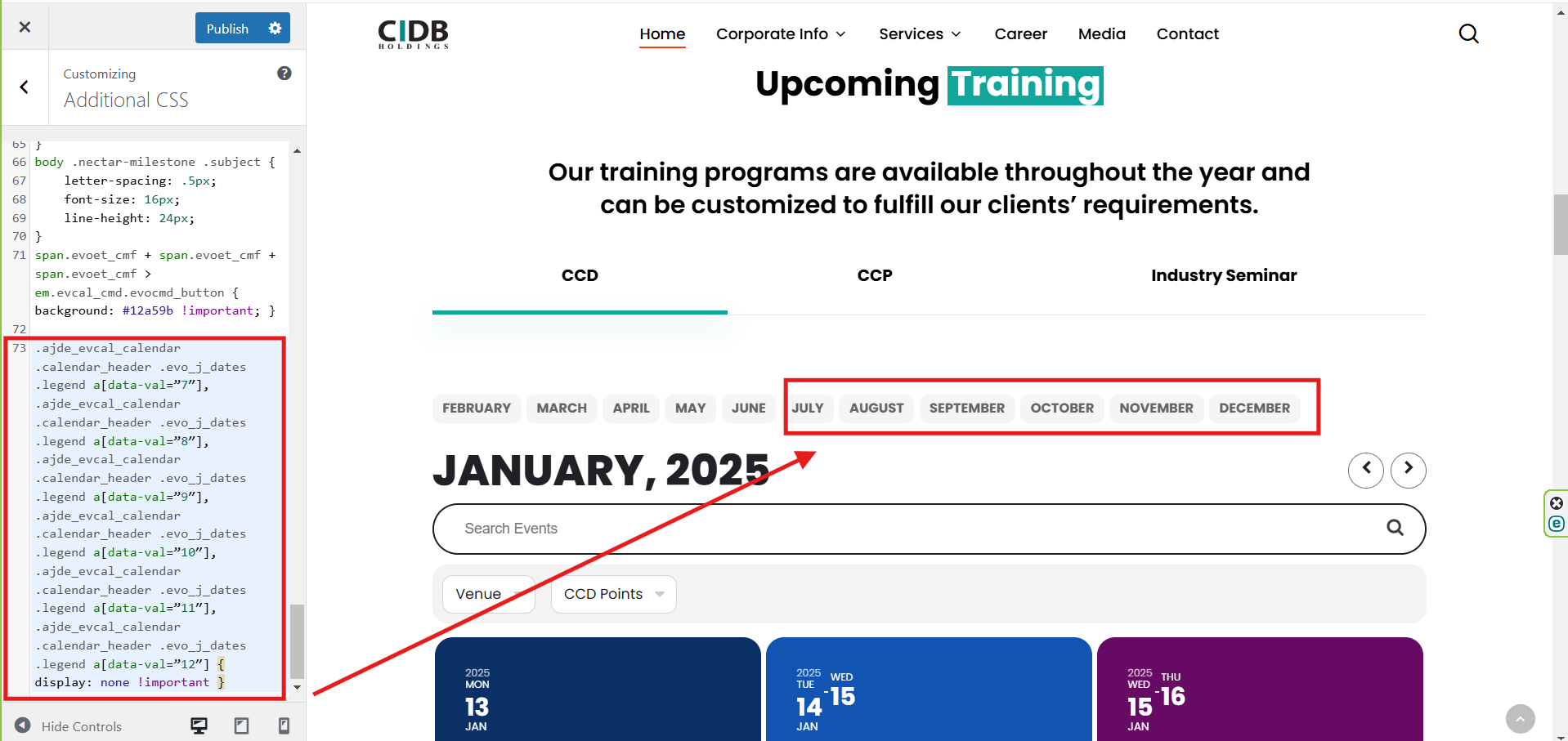
“Please check the attachment; it still hasn’t worked. Is the way I entered the code you provided correct?”
“Is there any other way to hide the months with no events (July, August, September, October, November, December) by including them in this code:”
[add_eventon tiles=”yes” tile_count=”3″ tile_height=”250″ exp_so=”yes” jumper=”yes” exp_jumper=”yes” jumper_offset=”2″ jumper_count=”1″ fixed_year=”2025″ month_incre=”1″ hide_empty_months=”yes” event_tag=”95″]
Thanks, It Work