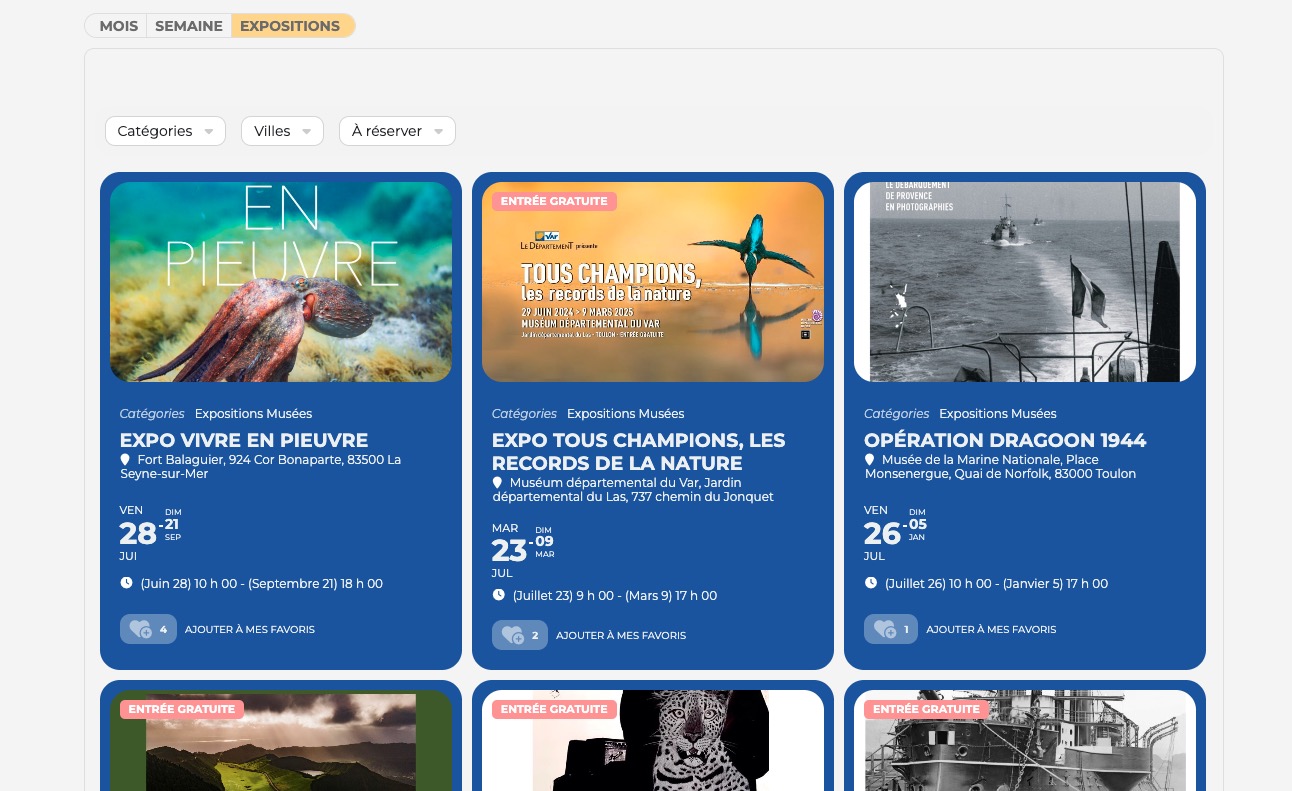
…the shortcode should always start the current/next date, not a date from the past, if there are dates in the future.
Could you tell us more about how this is supposed to look like with Event Lists?
I simply don’t understand why event_past_future=”future” isn’t working for you.
For example, in #373496 message you say that “On both webpages are the dates from the past!“, but in #373665 you say “we don’t want to hide events from the past!”.
Which events aren’t displaying:
7 events in both calendar. Could you check and let me know?
Ashan,
The same on dev2:
https://dev2.myeventon.com/checkin/?id=%2356221-56220-56206T0
Will this be included in the next update?
Hello,
Thank you for your messages, I am going to assign this ticket to Ashan and he will be able to take it from here and find you a solution. Please allow some time for him to get back to you, we greatly appreciate your patience and thank you for being a eventon customer! Also please disable any IP blocking on your site if there are any.
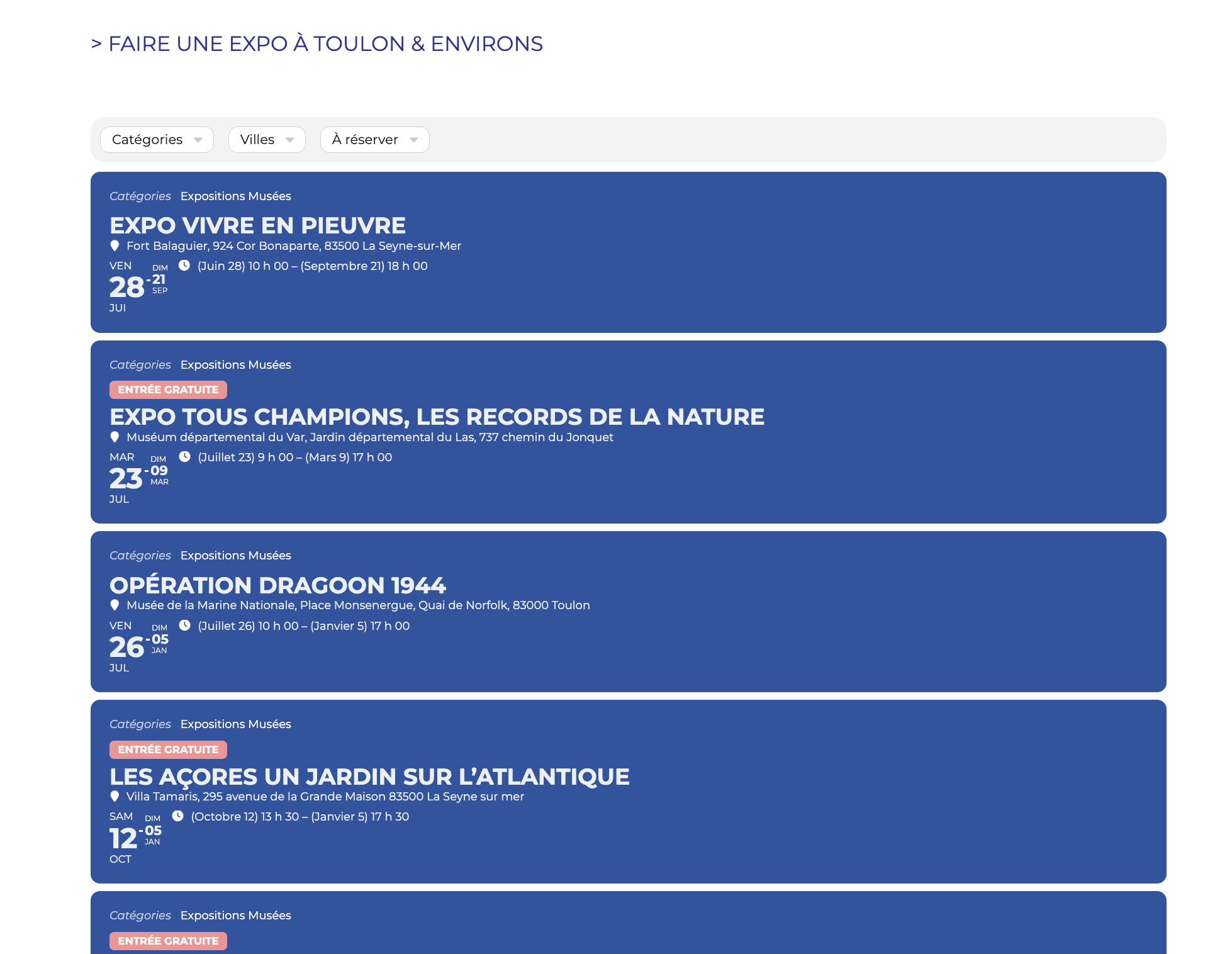
You can see that in another landing page, all 526 events appear (in blue) :
https://tlninside.fr/agenda/ou-sortir-a-toulon-ce-soir-et-ce-week-end/
Hello,
Please go to EventON > EventCard > open Designer and save > now save EventON Settings.
Hello,
Please update the main plugin manually according to:
To update eventon to latest version: If you are unable to do autoupdate, you can go to codecanyon your account > download and get the latest eventon version as zip file. Then you can go to your website > make sure “Delete eventon settings & data when EventON is uninstalled” is Deslected from eventon settings, delete old eventon, install new one and activate. This link will further explain the process it. Also you can follow us on twitter to get real-time announcements on updates!
Hello,
Could you re-send the invoice? I don’t see it.
password : cA%DCsKja3386N
I am sorry, the access information you have provided did not work for us. Please check them and post the correct login information as a private message, thank you!