I imported these two dates: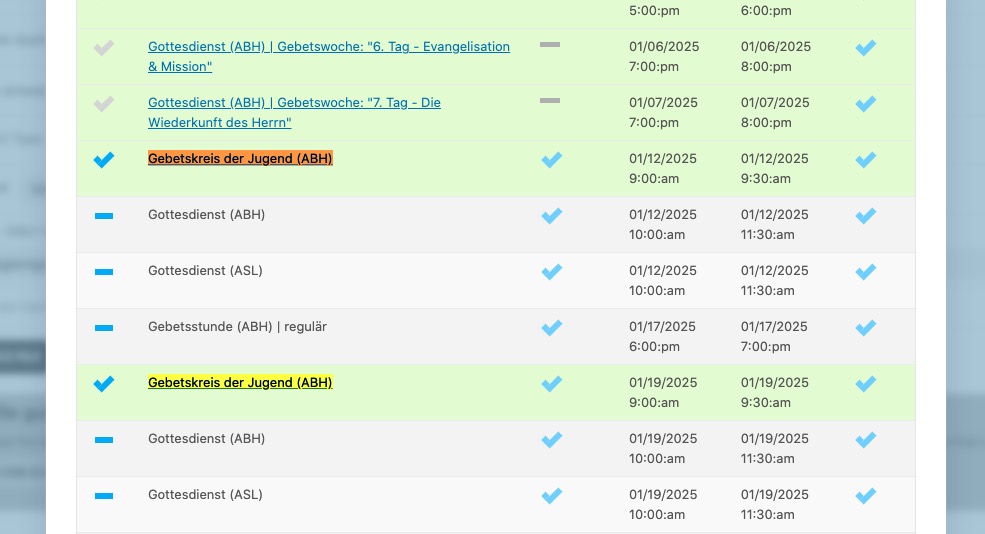
And they are visible now:
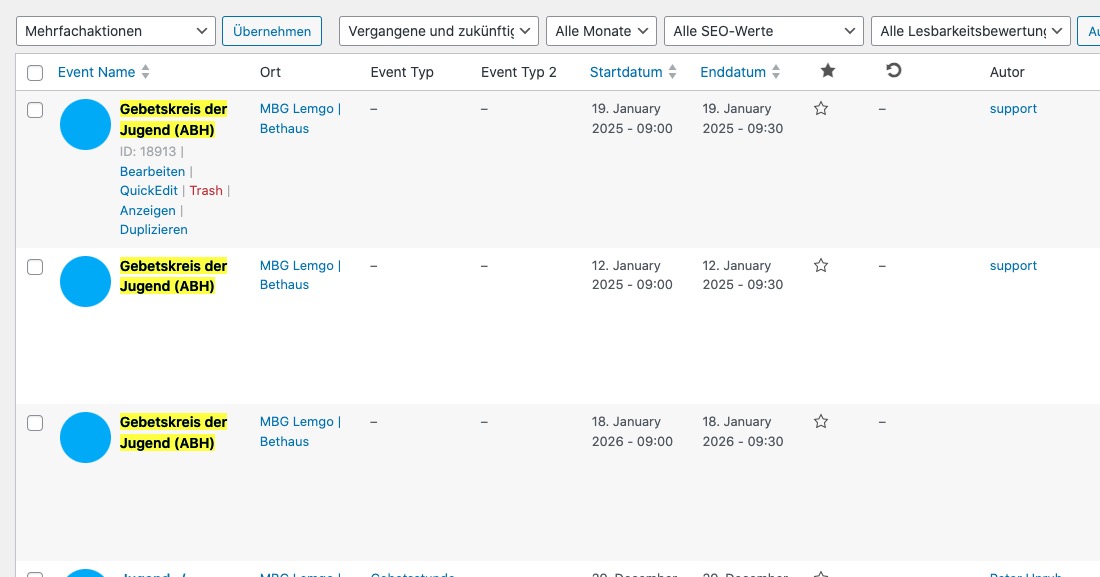
Could you please import the rest of dates, after I disabled “Enable duplication event name check during importing” and see if any of dates still aren’t imported?
Replies for tickets on suppota
I imported these two dates:
And they are visible now:
Could you please import the rest of dates, after I disabled “Enable duplication event name check during importing” and see if any of dates still aren’t imported?
Hi – this patch fix did not solve the problem.
Could you send us a patched file we can install instead? Lessens the risk of tired fingers doing typing something wrong or extra.
Hello,
Seems to be working
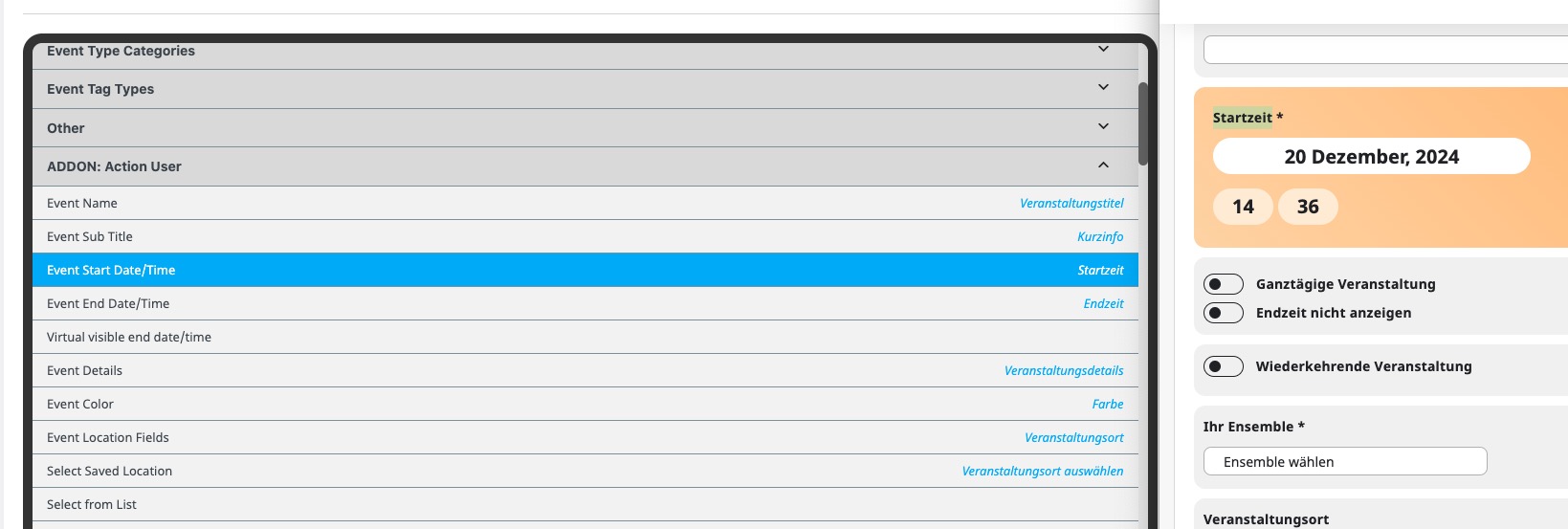
Could you send us a screenshot?
Hello,
The issue isn’t with the style from EventON, but with this style that affects all select elements:
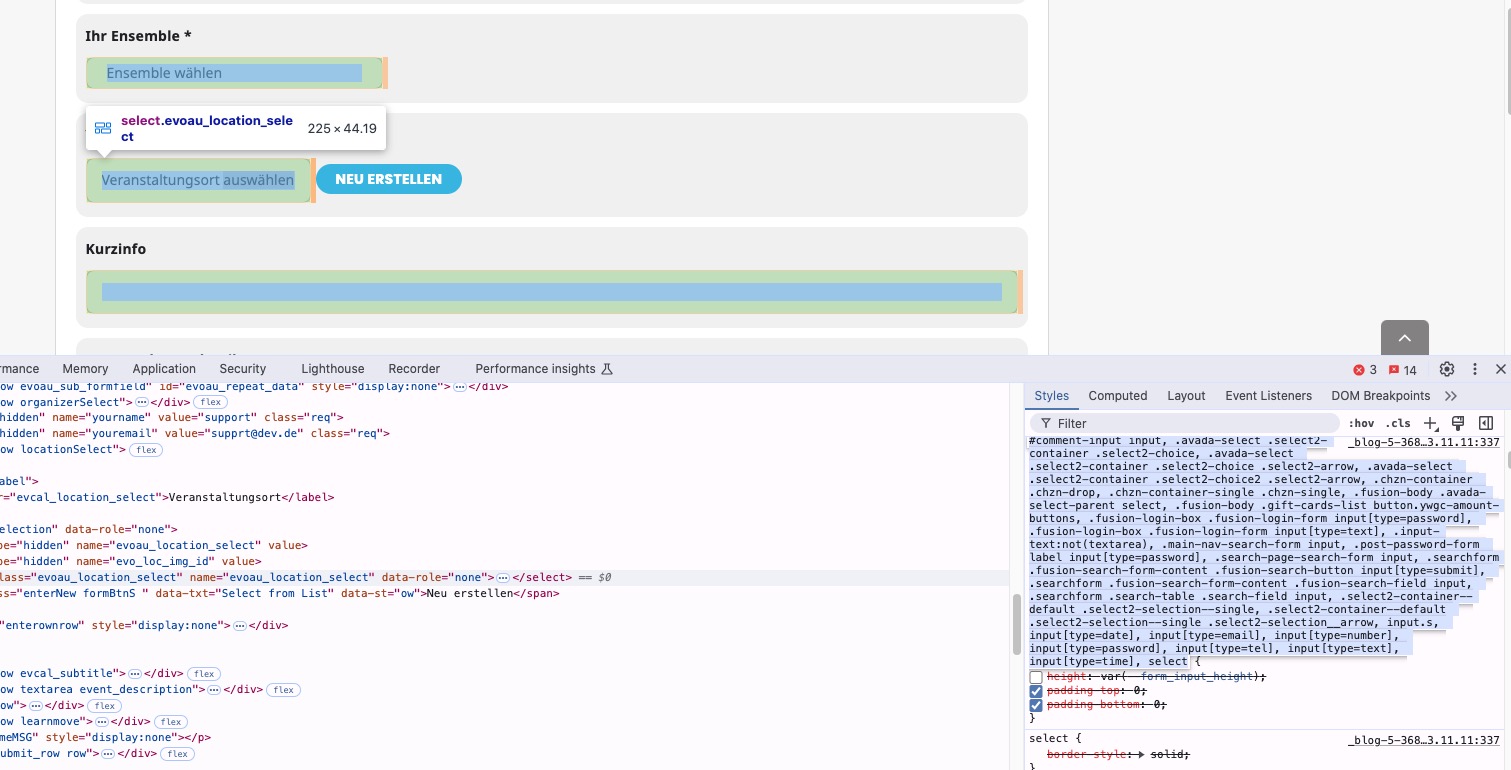
Please add this CSS code to EventON > Styles (If you don’t see any change, EventON > Scripts & Styling > turn off Write dynamic styles to header > save settings > turn on Write dynamic styles to header):
.evoau_submission_form p input[type=text], .evoau_submission_form p input[type=number], .evoau_submission_form p textarea, .evoau_submission_form p select, .evoau_submission_form p.dropdown_row select, .evoau_cat_select_field, .evoau_submission_form p select.evoau_location_select { height: auto !important; }
We are glad your issue is resolved, if you have any further questions or concerns please create a new ticket.
If you have a moment, we would greatly appreciate if you could kindly leave us a review at Codecanyon. By going to your account > Downloads. We are very grateful for your kind review!
Please use this code to hide the number:
.evcal_evdata_cell .evoRS_status_option_selection span i { display: none !important; }
In my past setup I was able to show minimum number of registrations and remaining registrations for events, but somehow I cannot figure it out this time for my event “VITAL EMPOWERMENT”.
Seems to be working on
https://yogasanskriti.de/events/test/
It seems that since you have 365 repeats, the event cannot be saved or throws an error during the saving process.
Please follow the instructions in this documentation to activate debug in your site to see any PHP errors recorded that can provide insight on to whats going on. Please reply with a link to debug.log file. If you are not able to do this please send us FTP access to your site so we can do this for you.
I don’t think that the issue is with WooCommerce. It works with the theme enabled, EventON and WooCommerce.
So I believe that you need to increase the memory limit:
https://docs.myeventon.com/documentations/increasing-wordpress-memory-limit/
Could you try and let me know?
Thank you for your great suggestion, at the moment it is not supported. However please create a new ticket and select Feature Request as category so others can vote on your idea and get it moved into development faster.
https://omicron.net.au/events-test/
it works now.
That’s because the page was set to private…. Can you try now?