You can try the add-on before purchasing it on our test site:
https://dev.myeventon.com/wp-admin/
If you want to order months then the only option is Event Lists: Ext’s “Month Order for List” option.
Replies for tickets on suppota
You can try the add-on before purchasing it on our test site:
https://dev.myeventon.com/wp-admin/
If you want to order months then the only option is Event Lists: Ext’s “Month Order for List” option.
Please try adding the line from this link to your shortcode:
https://pastebin.com/JZNx4kXA
Thank you for your messages, I am going to assign this ticket to Ashan and answer your questions. Please allow some time for him to get back to you, we greatly appreciate your patience and thank you for being a eventon customer!
Ah, it seems that I fixed the issue by adding 101 to number_of_months=”100″:
https://omicron.net.au/test/
Could you check and let me know?
Thank you for your messages, I am going to assign this ticket to Ashan and he will be able to take it from here and find you a solution. Please allow some time for him to get back to you, we greatly appreciate your patience and thank you for being a eventon customer! Also please disable any IP blocking on your site if there are any.
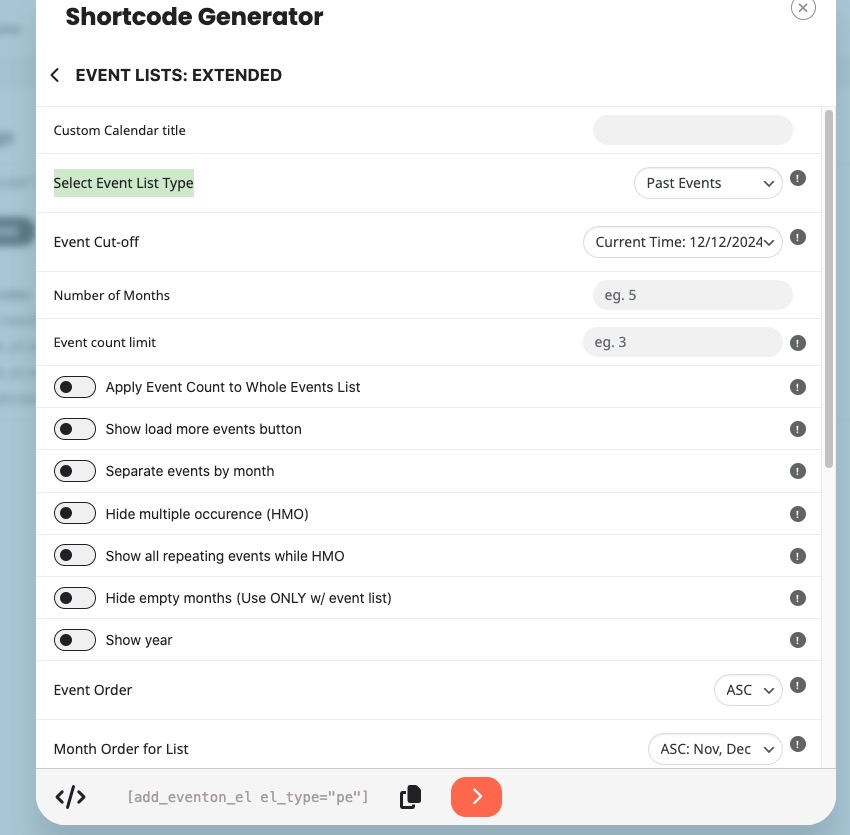
Please also note that you can use Event Lists: Ext add-on:
https://www.myeventon.com/addons/event-lists-extended/
It has a dedicated Select Event List Type:
Try on
https://dev.myeventon.com/wp-admin/
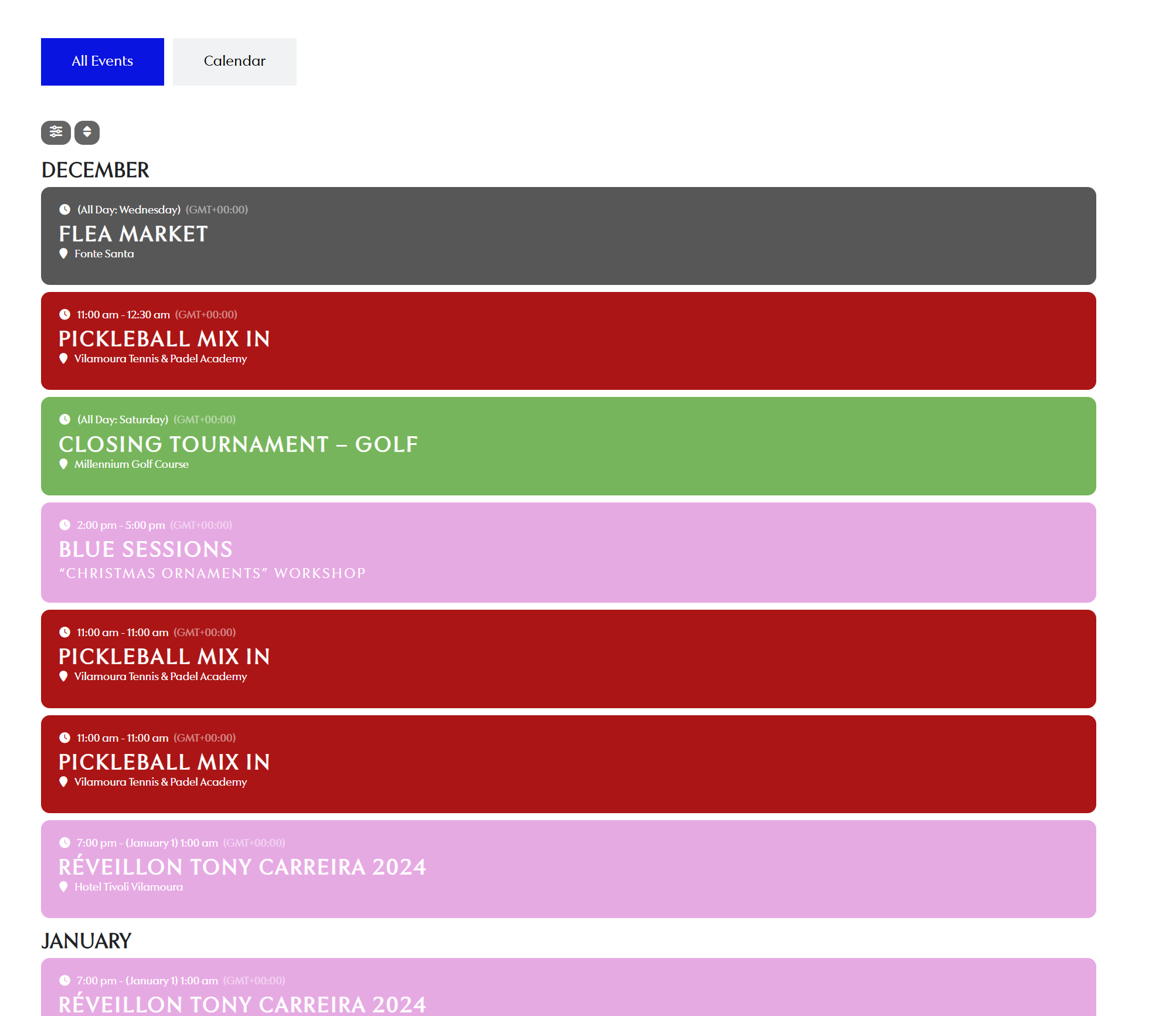
Thank you! I have another question. I have a listing of events, and I want to display all the events for the year. However, I find it confusing for users to see a very long list of events all on one page. Is there a way to implement a “load more” feature, so the list grows only when the user clicks on it? At the same time, I need the filtering system to work properly. For example, if a user selects a specific category, events from that category should still appear, even if they’re not initially visible—they should show up. Can this be done?
Hello,
We unable to help with customizations because of CodeCanyon’s Support Policy, I am afraid.
Hello,
Please follow the instructions in this documentation to activate debug in your site to see any PHP errors recorded that can provide insight on to whats going on. Please reply with a link to debug.log file. If you are not able to do this please send us FTP access to your site so we can do this for you.
Hello,
We are going to fix this in the next version. Meanwhile you can use our products without activating them. Please try and let us know.