One more problem:
unfortunately I cannot register for max. capacity events although there is no registration yet.
Archives: Replies
Replies for tickets on suppota
Reply to: tickets(368880)
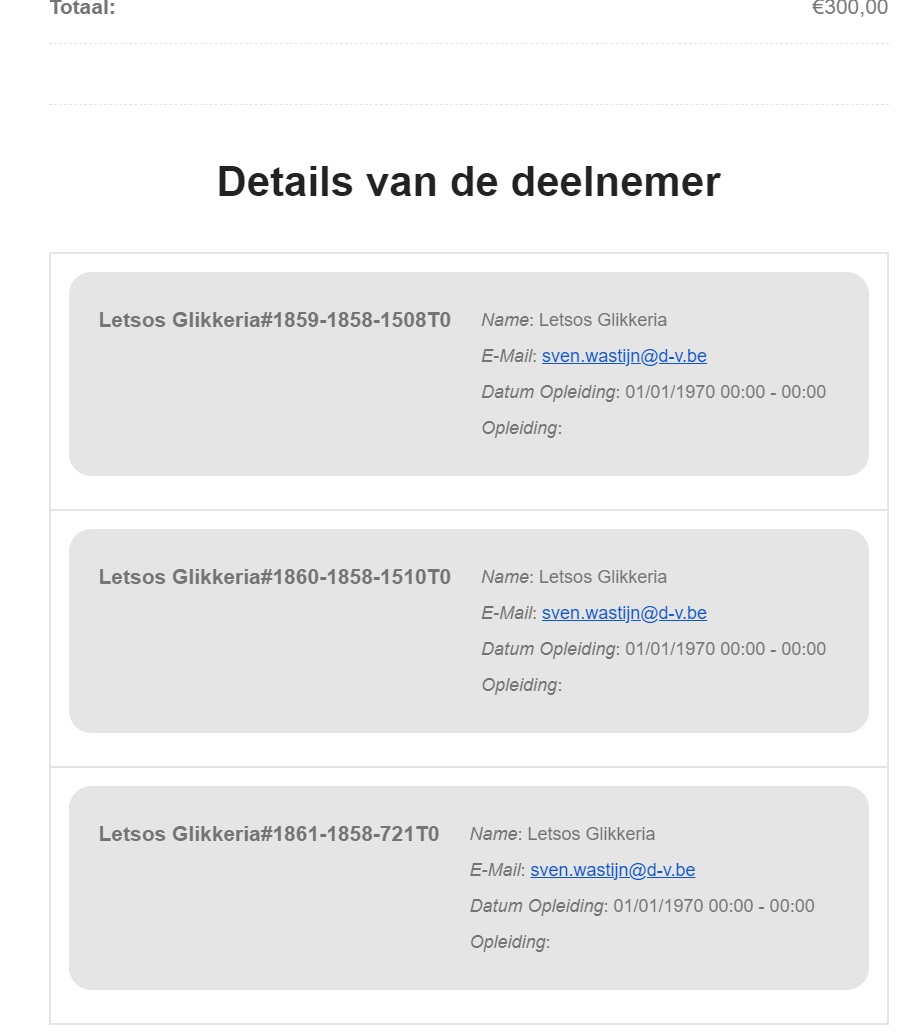
Sorry – needed to post how it should look like:
Reply to: tickets(368880)
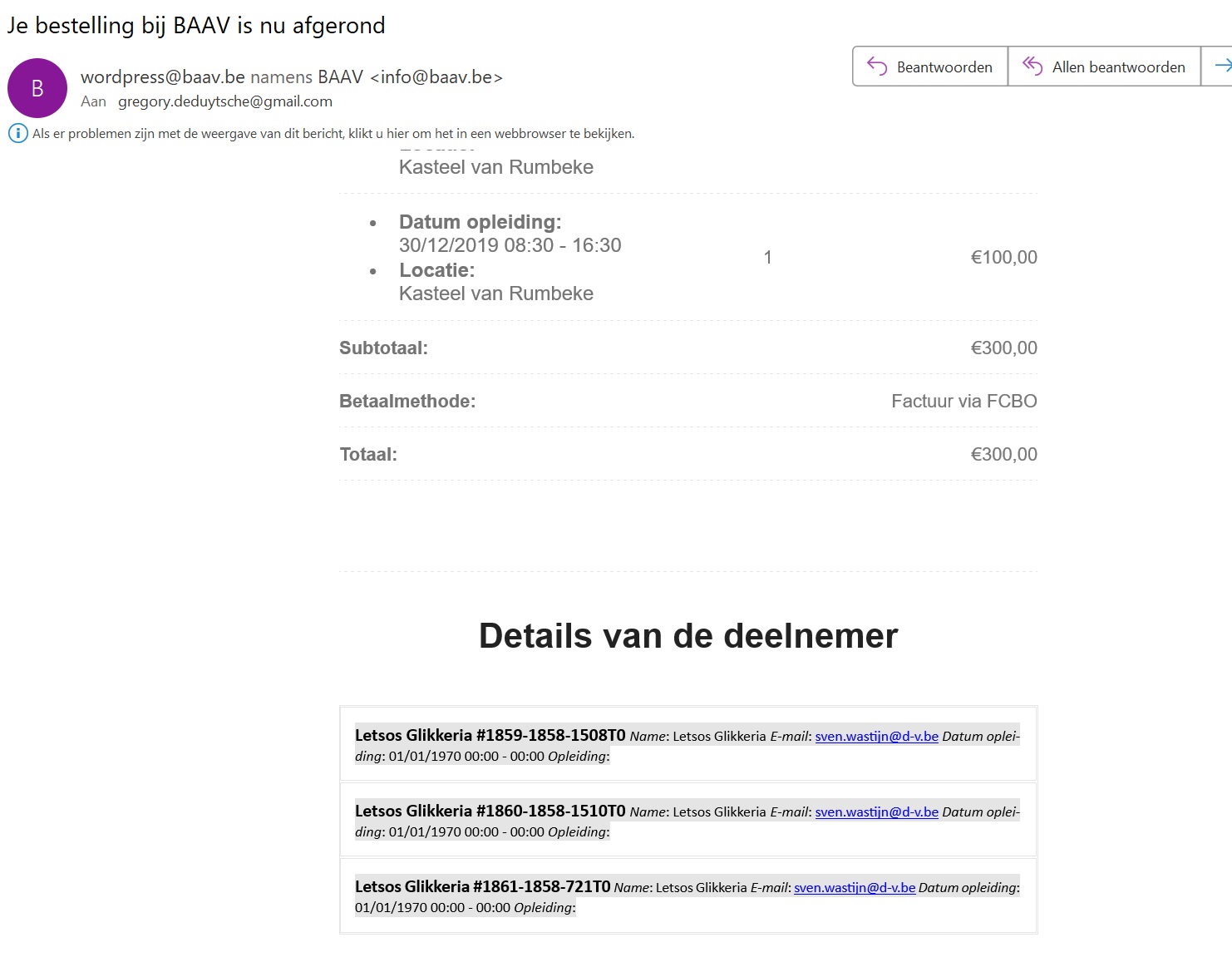
This is how it currently looks:
Reply to: tickets(368880)
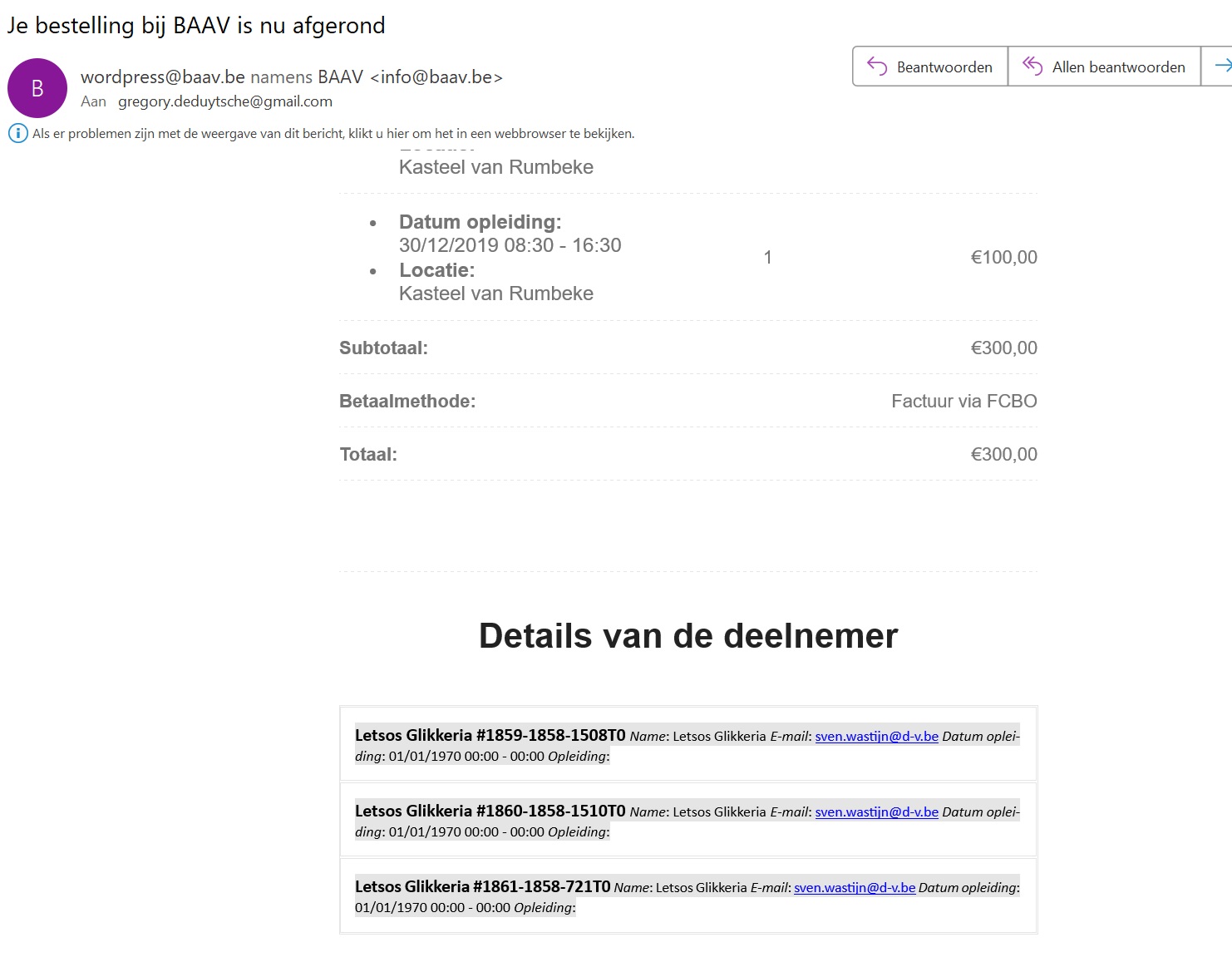
Thanks for checking. Did you change this file?
/httpdocs/wp-content/themes/Lilo_child/eventon/templates/email/tickets/ticket_confirmation_email.php
We want to have the checkout fields below each other, instead of all fields in 1 line. (see image)
Reply to: tickets(371919)
Hello, We are having the same issue on viborgfolkeuniversitet.dk.
You talk about a temporary solution:
- If you set ticket stock and save changed in the lightbox > then exit page. Values will retain. I know there is an error here. we will get this resolved in the mean time please try exiting page without saving the event post.
Can you provide more information on this please? How do you save changes in a lightbox? Can you make a video or provide some screenshots?
Thanks
Reply to: tickets(372300)
Invoice Number: 41493
Order Number:
200117
December 3, 2024 200117
December 3, 2024 Credit Card (Stripe)
Reply to: tickets(372462)
Thanks! But every Update will overwrite this, right?
Reply to: tickets(372304)
Additional problem:
With my last setup I made it to show minimum capacity, but this time I do not how to switch it on.
Reply to: tickets(372521)
Found the answer under Settings -> Categories
Reply to: tickets(372160)
I think it’s just that event having the issue. Even though it’s just one for now, I would still like to know what the issue is to avoid it in future events.