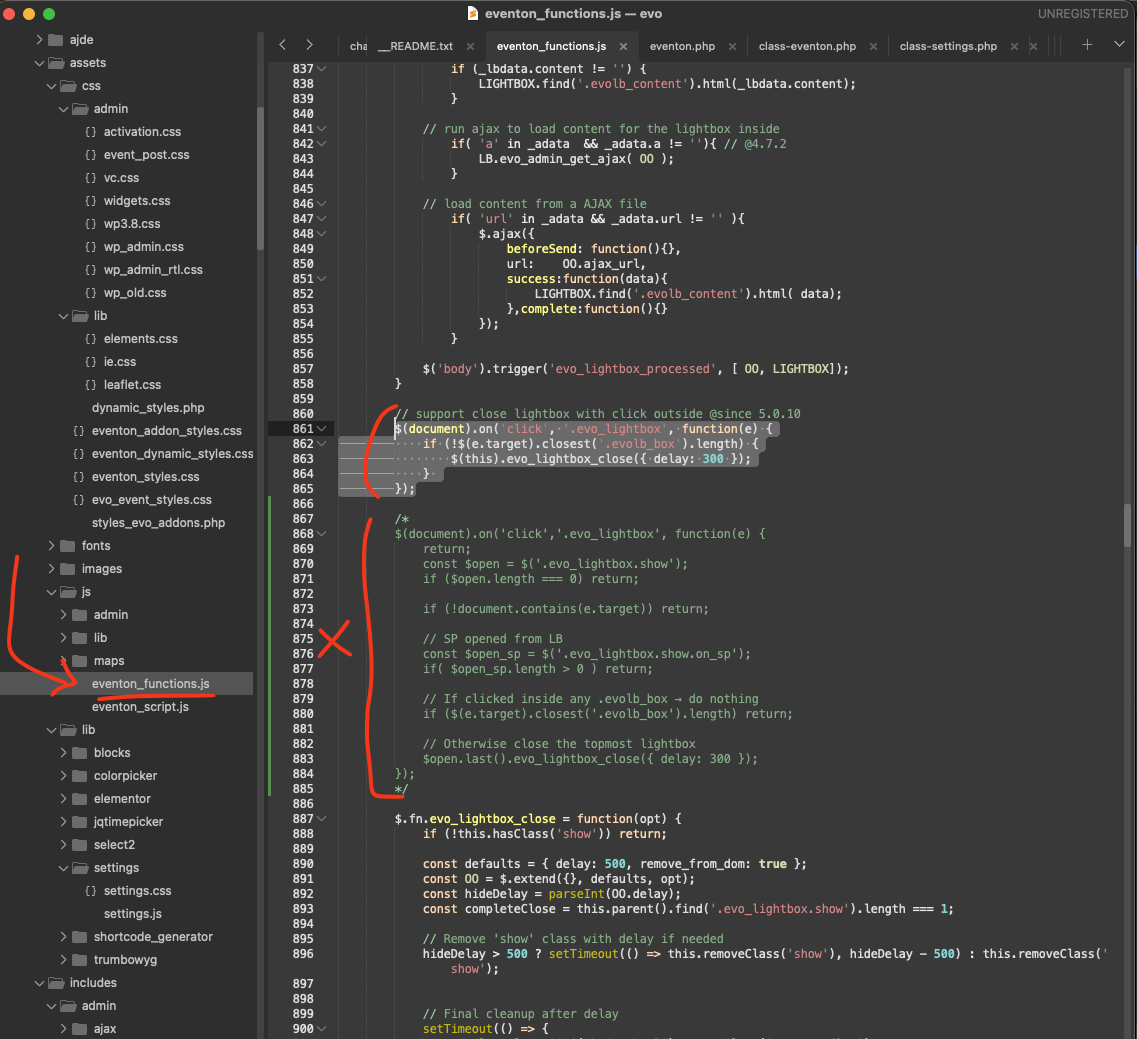
Hello tim, perhaps the code may have some issues during copy paste, We are finalizing few things and will get the new version out soon!
Archives: Replies
Replies for tickets on suppota
Reply to: tickets(406834)
Hello there, After verifying the license, it should be added to cart, were you able to complete the checkout after that?
If not you will need to do that again, verify (auto added to cart) then checkout.
Reply to: tickets(406045)
We are sorry we are not certain what exactly you are asking. EventON Ticket does not add settings inside woocommerce settings box, all EventON ticket settings are separate on the tickets box, it has been there since the beginning of the software.
Regardless of where the setting is at — to enable WC variations for a event ticket, once you enable that following the documentation, it should work fine. The variations will be editable from WC Product edit page.
Reply to: tickets(406991)
Thanks for the response….I think I’ll wait it out until there’s a patch or update. I could not find the path you indicated in your screenshot, and am not very fluent in the file editor, so rather than risk making a mistake I’ll regret, I can wait. The workaround is fine. I can’t believe I’m the only one having the problem, which as I said…has a workaround for now. I just wanted to make sure the problem/bug was reported. 🙂
Reply to: tickets(406932)
Ashan,
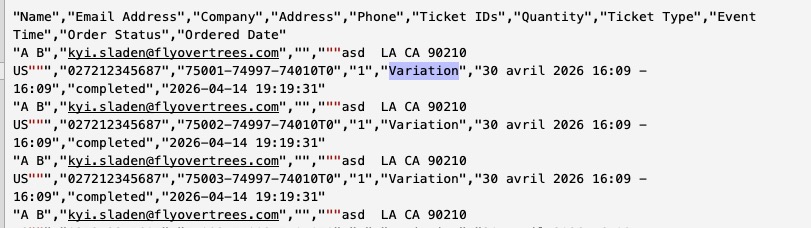
The same on dev2:
https://dev2.myeventon.com/wp-admin/post.php?post=74008&action=edit
Reply to: tickets(406932)
Thank you for your messages!
I am going to escalate this ticket to development to help in here. Please allow us some time to address this, and we truly appreciate your patience. Thank you for being a valued EventON customer!
Reply to: tickets(406936)
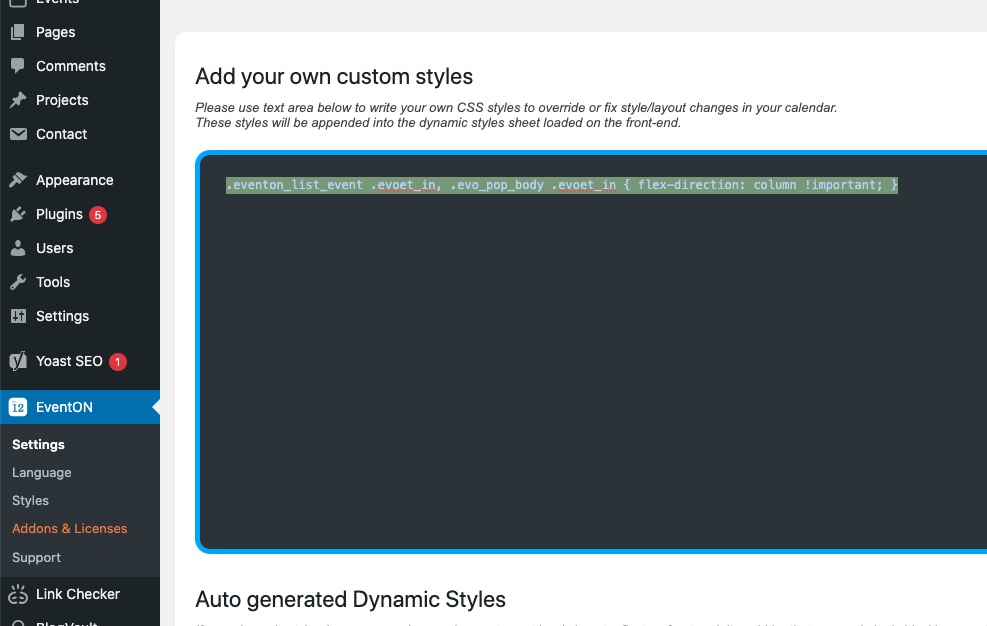
Please now remove the custom CSS code you have in EventON > Styles:
Next go to EventON > Scripts & Styling > turn off Write dynamic styles to header > save settings > turn on Write dynamic styles to header.
Reply to: tickets(405322)
Please use this CSS code:
#evcal_list .sep_month_events { border-top: none !important }
Reply to: tickets(406991)
Ashan,
On dev2 works completely fine, but on customer’s website when you try to select a new image it closes the window:
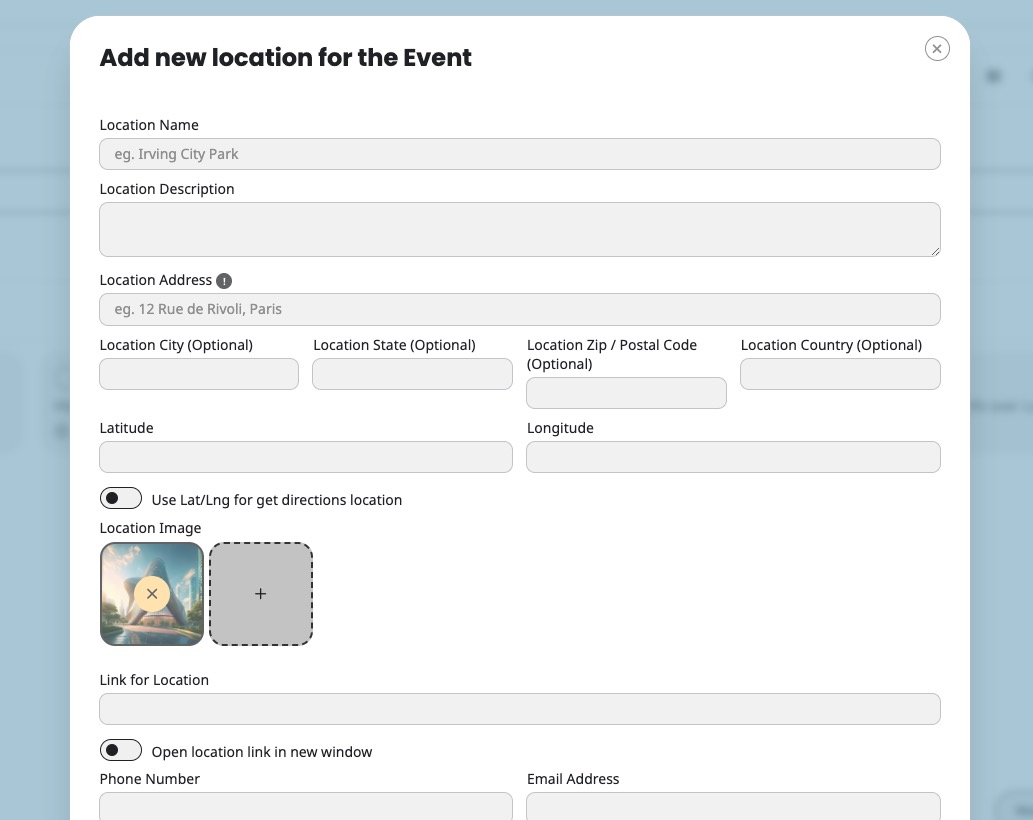
Not sure if the fix I gave to the customer will also fix the issue. Could you check?
Reply to: tickets(406991)
Hello,
Thank you for reporting this. Could you try applying this code fix for EventON:
Code:
$(document).on(’click’, ’.evo_lightbox’, function(e) {
if (!$(e.target).closest(’.evolb_box’).length) {
$(this).evo_lightbox_close({ delay: 300 });
}
});
Location: EventON/assets/js/eventon_functions.js line 860