Hello,
Please follow this guide and cancel your subscription:
https://docs.myeventon.com/documentations/how-to-cancel-addon-subscription-before-auto-renew/
We don’t really know how MailChimp work, but could you take a look at this guide:
https://mailchimp.com/en/help/use-rss-items-content-blocks/
About the refund. Thank you for your messages, I am going to assign this ticket to Ashan and he will be able to take it from here and find you a solution. Please allow some time for him to get back to you, we greatly appreciate your patience and thank you for being a eventon customer!
Hello,
Please go to EventON > EventCard > try a different Feature image display style.
Please add this CSS code to EventON > Styles (If you don’t see any change, EventON > Scripts & Styling > turn off Write dynamic styles to header > save settings > turn on Write dynamic styles to header):
@media (max-width: 568px) { .eventon_events_list .eventon_list_event .evcal_desc, .evo_pop_body .evcal_desc, #page-content p.evcal_desc { flex-basis: 100%; margin-top: 10px; } }
Hello,
Please send us wp-admin access to your site as a private message for us to further assist your situation.
I see now that as of v 2.4 (2024-10-4) of the Events Tickets, “ADDED: compatibility with Woocommerce block cart and checkout”.
Things are not working correctly for me testing this. I see everything show up correctly in the cart and checkout, but tickets are not processing correctly. When I have the EventOn checkout setting “Enable auto complete ticket orders” turned on, orders do not complete. When I have code in my functions.php to complete virtual orders, the orders are complete, but the ticket emails are not sent, ticket info doesn’t show up in the orders, and QR codes are not generated.
Are you aware of this issue, or is the issue isolated to just me? Thank you.
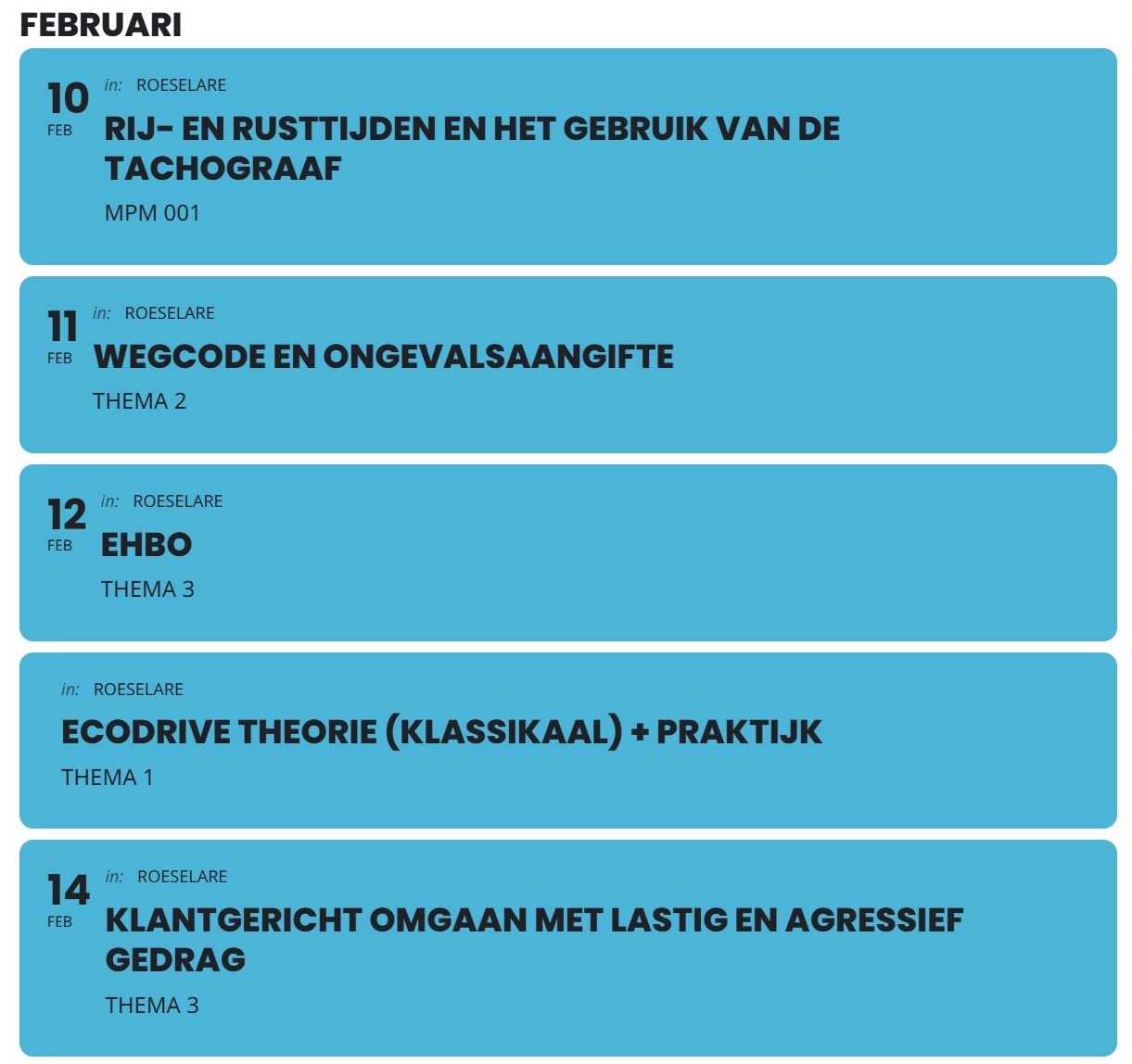
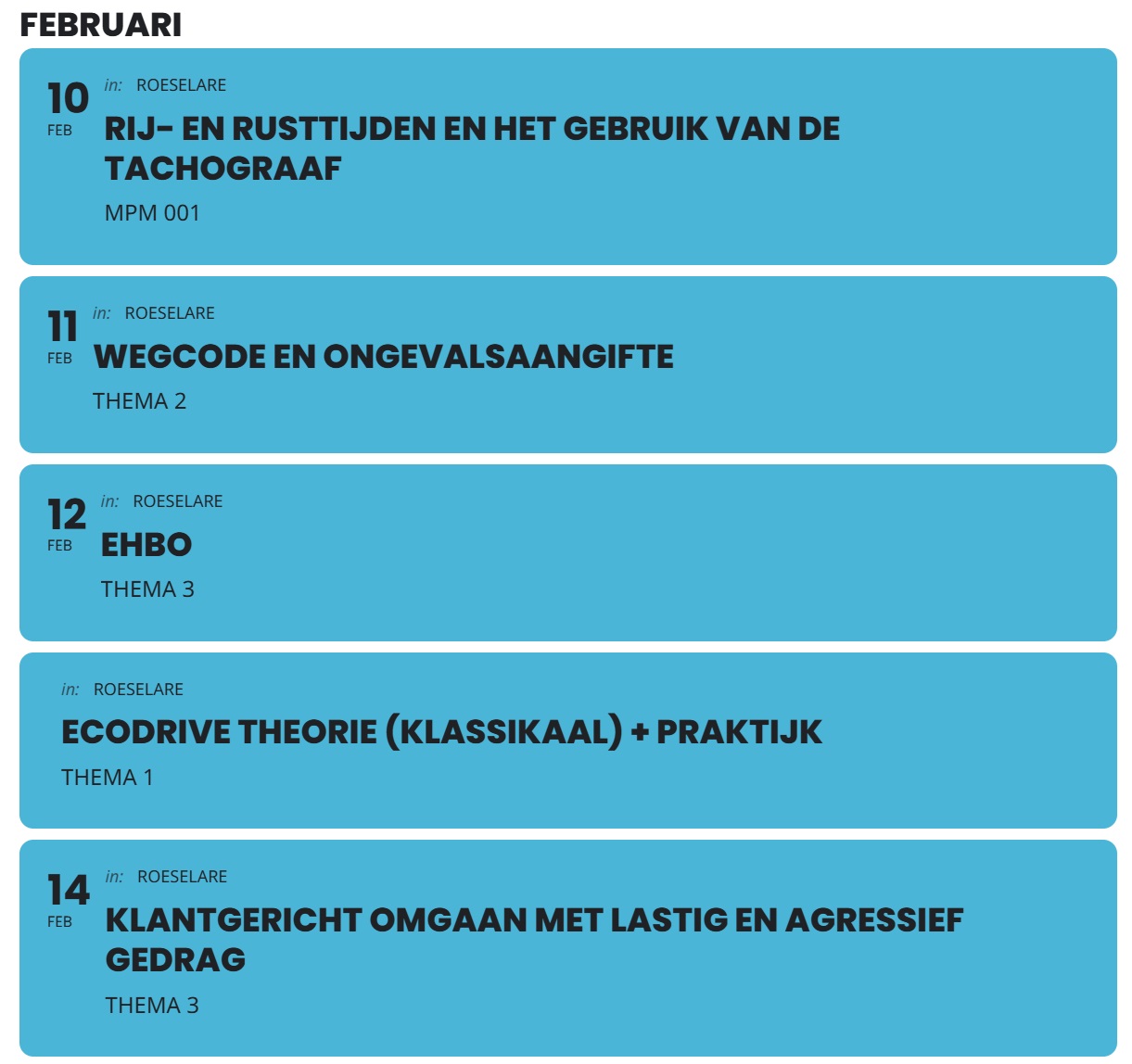
it’s the “ecodrive theorie (klassiklaa) + praktijk” that isn’t showing a date number.
All you need to do is resize the screen by dragging it to the left using the inspect facility of the browser. It’s not my mobile that is the problem. The items won’t stack on any small screen. I have tried flex wrap but that either stacks them by default or not at all.
The event card top isn’t responsive. Have you actually read my explanation of what the issue is?
Ashan,
Could you take a look at:
Reply to: 370925