Perfect! Please keep us updated.
Archives: Replies
Replies for tickets on suppota
Reply to: tickets(370966)
This is amazing! thank you so much for this walk-through. I really appreciate you taking the time to do this :).
Let me try to have a go by myself over the next day or so, and I’ll work through the steps in this video. This will give me a chance to learn how to set things up and figure out how to use the plugin.
I’m sure I’ll hit some roadblocks along the way, so then I’ll set up the wp-access when I next get stuck.
Thank you again,
Becki
Reply to: tickets(369923)
If I buy Event Lists: Ext add-on does it stop working after one year if a cancel the subscription ore do I just stop getting updates?
Reply to: tickets(370922)
Good morning,
The image you have sent me doesn’t show the items stacking. They are inline. If you re-size the screen smaller as if using a mobile screen you will see they still stay inline rather than stack (not responsive). On the small screen you should see the image and the date with the TEST text area underneath (responsive). This works perfectly on our live site using version 4.0.6. but it doesn’t work on the staging site using version 4.7.3.
If you open up a single event and then resize your screen smaller you will see what i mean. You will also see the problem on the main ‘what’s on’ page.
Regards, Jim Thurston.
Reply to: tickets(370882)
Thanks! done
Reply to: tickets(370966)
hello see video below:
wp-admin access would be great so we can create future videos on your site where you can copy and paste stuff you like into the page you are after
Reply to: tickets(370505)
Thank you for letting us know of this issue.
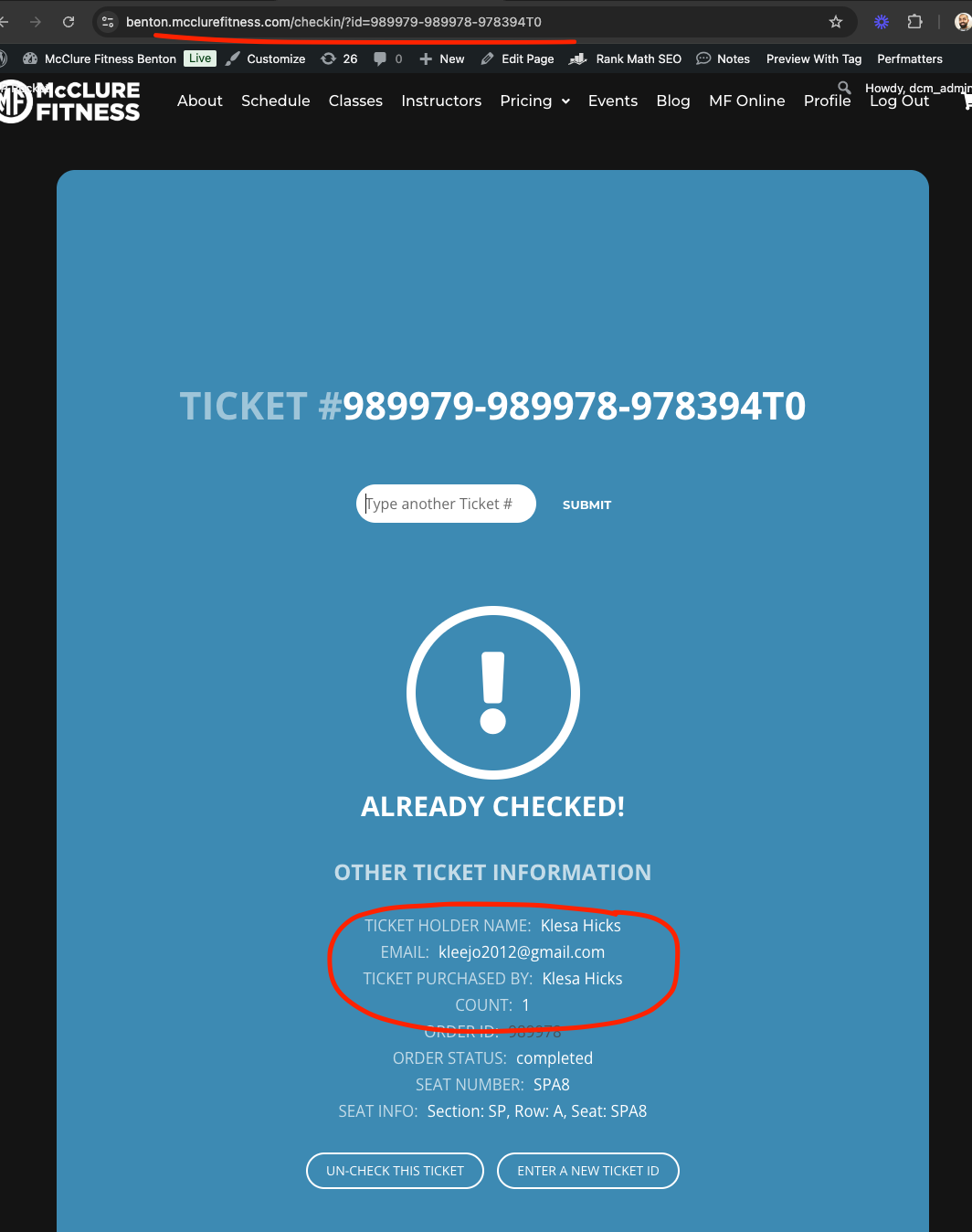
I have made the code changes necessary in your website to show the ticket holder name and email and ticket purchaser name as well.
We are going to release a big update to QR Code check-in addon which will allow a fullscreen checking page experience with more options like search a guest by their name quickly and check them in.
Here is what your check-in page look like right now.
Reply to: tickets(370424)
Thank you
Reply to: tickets(370415)
Thank you
Reply to: tickets(370205)
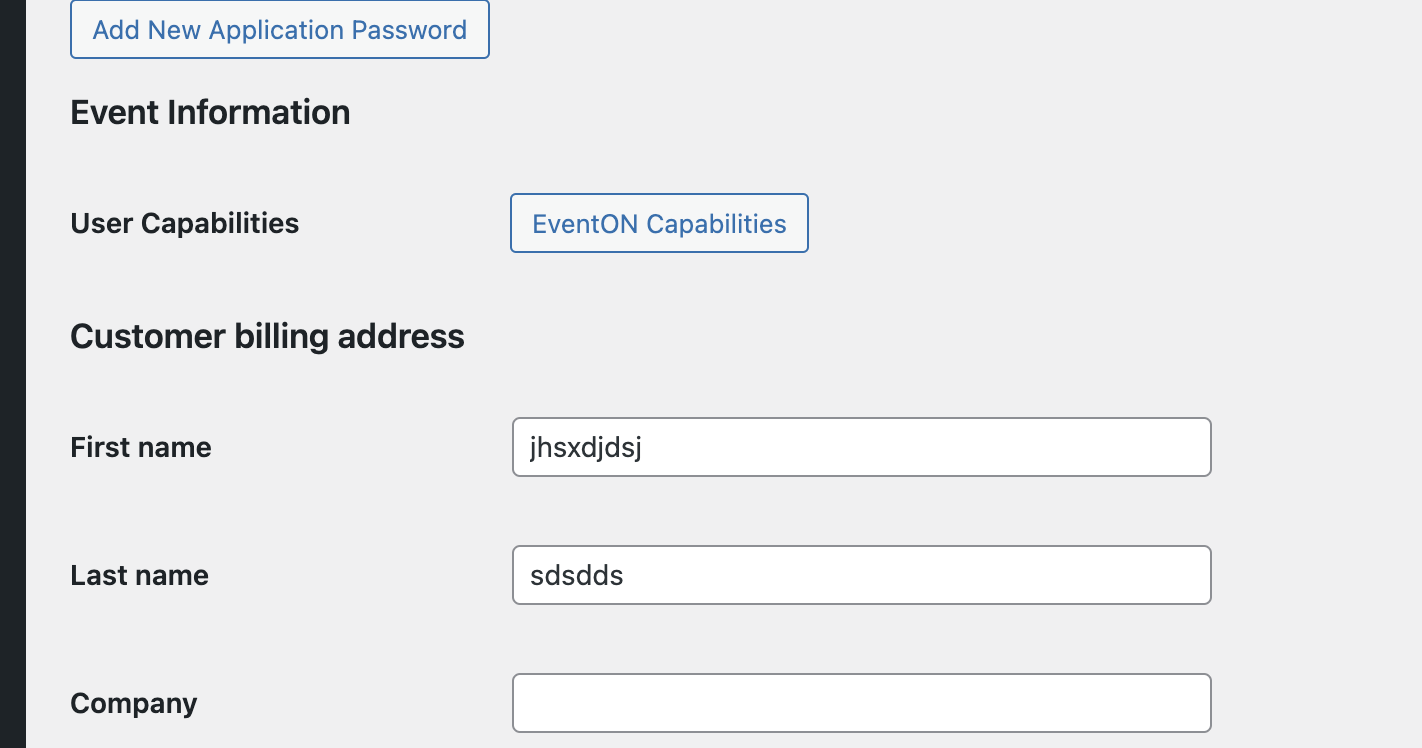
This does now display on my end: