Here is a link to that photo:
https://drive.google.com/file/d/1xsYRybHI_pb8vEQp-OKvFEz5rNCCjGSr/view?usp=sharing
Replies for tickets on suppota
Here is a link to that photo:
https://drive.google.com/file/d/1xsYRybHI_pb8vEQp-OKvFEz5rNCCjGSr/view?usp=sharing
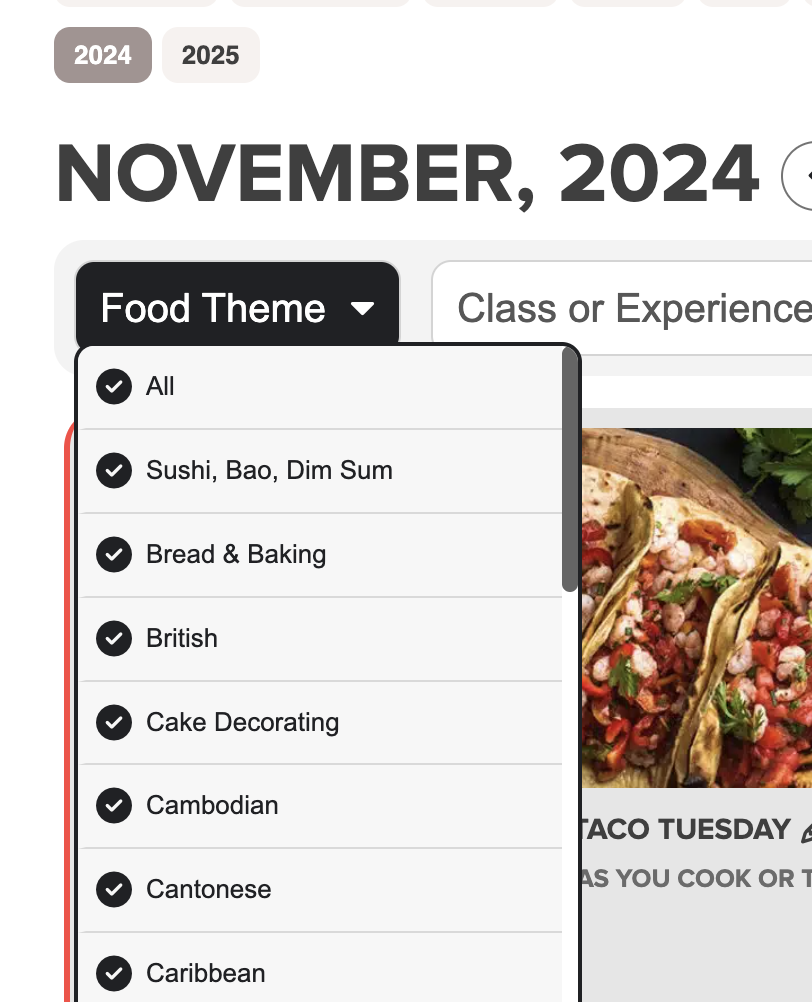
It’s on this page https://www.foodsorcery.co.uk/
As for colors, we introduced a new functionality that automatically adjust EventTop’s color depending on Event Color. So for blue it picks black and for black – white. You can disable it by going to EventON > Appearance > enable Disable Auto eventTop Text Color.
Close button. Please add this CSS code to EventON > Styles (If you don’t see any change, EventON > Scripts & Styling > turn off Write dynamic styles to header > save settings > turn on Write dynamic styles to header):
.evopopclose, .evolbclose { margin: 0; margin-right: -19px; margin-top: -10px; }
Hello,
Elementor replaces EventON’s icons with its own.
Please add this CSS code to EventON > Styles (If you don’t see any change, EventON > Scripts & Styling > turn off Write dynamic styles to header > save settings > turn on Write dynamic styles to header):
https://pastebin.com/xxC2FKvW
Hello,
Please go to EventON > EventCard > open Designer and save > now save EventON Settings.
If that’s the case, what’s the purpose of the RSS Feed add-on for your product?
We have 100 events throughout a year. I don’t want people to have to download them individually, and I wanted them to automatically update in the event of a time or date change. Does this shortcode just download them all and add them to your local calendar, creating static events that don’t update if our WordPress calendar changes? Would it work for all calendar types (Apple, Yahoo, Google, Outlook, etc)?
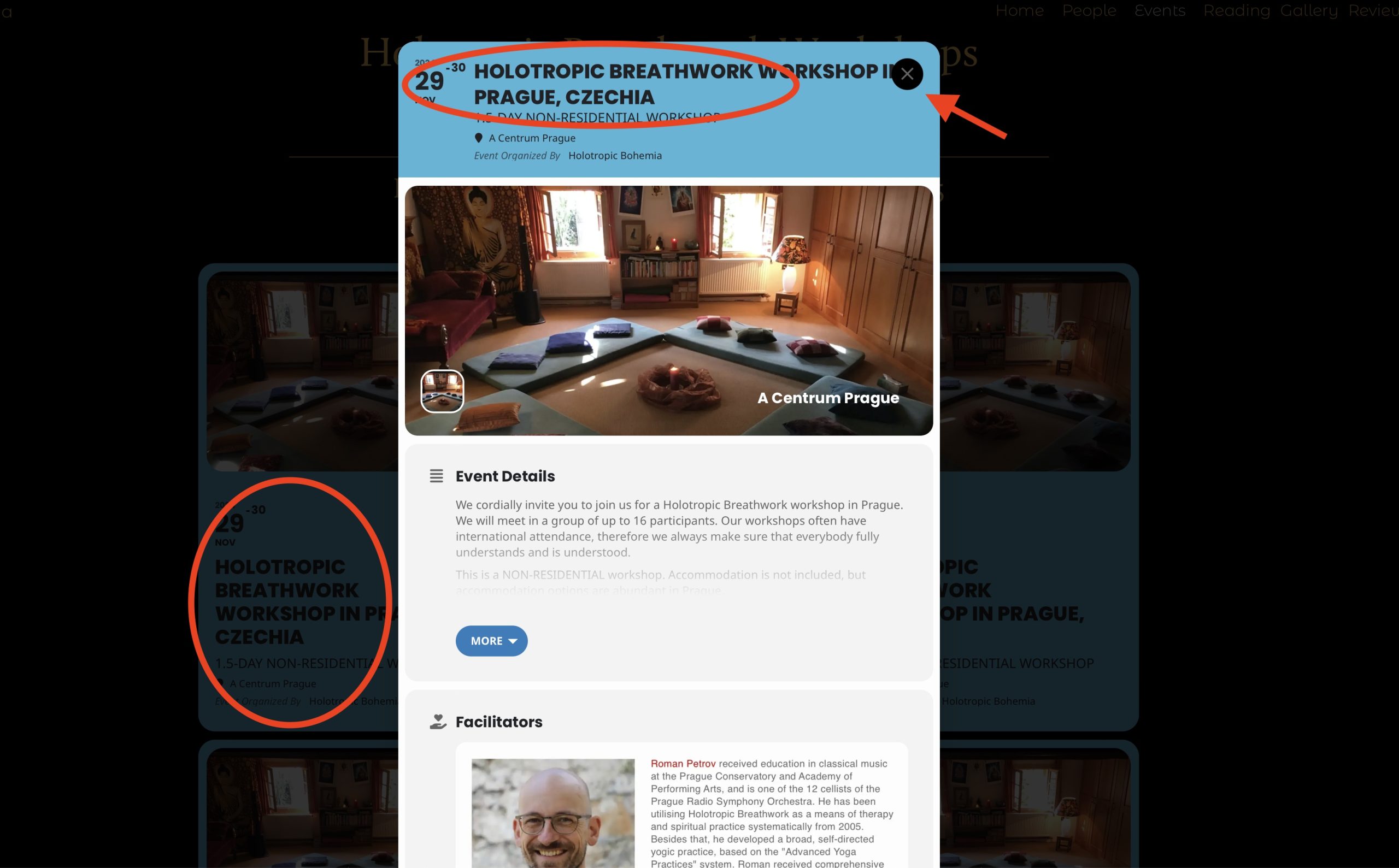
Also, cannot upload .png image to this conversation. This is persistent.
Hi,
layout and font color broken after latest update. Back to 4.6.8.