That did it, thanks!
Archives: Replies
Replies for tickets on suppota
Reply to: tickets(370205)
try this plugin
https://wordpress.org/plugins/autocomplete-woocommerce-orders/
woocomerce has their own version but its around $70. I use the above plugin on my site its worked great for years
Reply to: tickets(361333)
So it turns out the RSS feed can not be used to populate events on a calendar because it doesn’t have established parameters to pass on event start/end times to calendar.
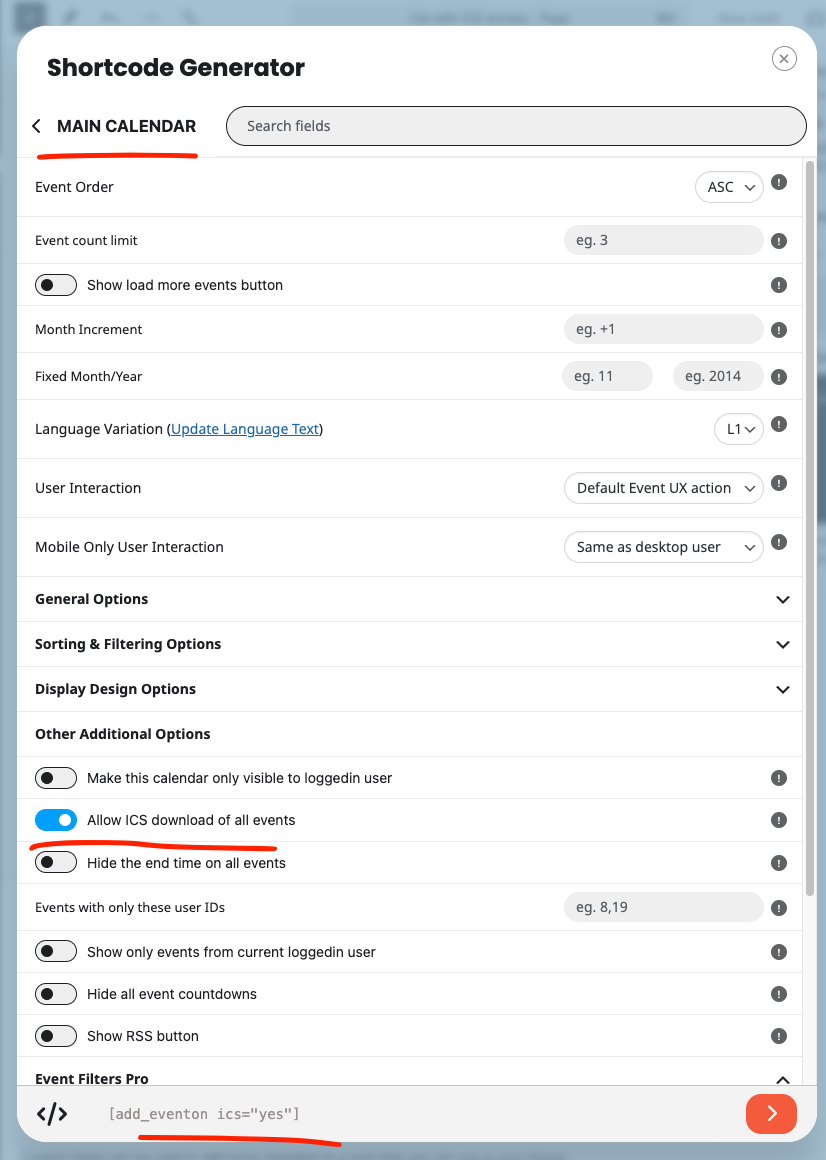
better alternative would be to use ICS which is called iCal in mac.
YOu can use shortcode generator to an ICS link to all events as shown in screenshot.
Reply to: tickets(370205)
Hello.
I can also make this work. But only if I log in as admin and update the purchase to “Completed” manually.
Otherwise, it just stays as pending.
So how do I make the event submission purchase become instantly available?
Rasmus
Reply to: tickets(361333)
W3C RSS validator says nothing wrong with the feed. https://validator.w3.org/feed/check.cgi?url=https%3A//www.bancroftpto.org/ptocalendar
Really puzzeling why the google and apple calendar can not fetch those events. Let me test few things on our end and see if we can get this resolved for you 🙂
Reply to: tickets(367752)
Hello Cirsitano, sorry for the delay. I do not hve access to your website any more from the above link. Can you please send me updated link for access?
Reply to: tickets(365851)
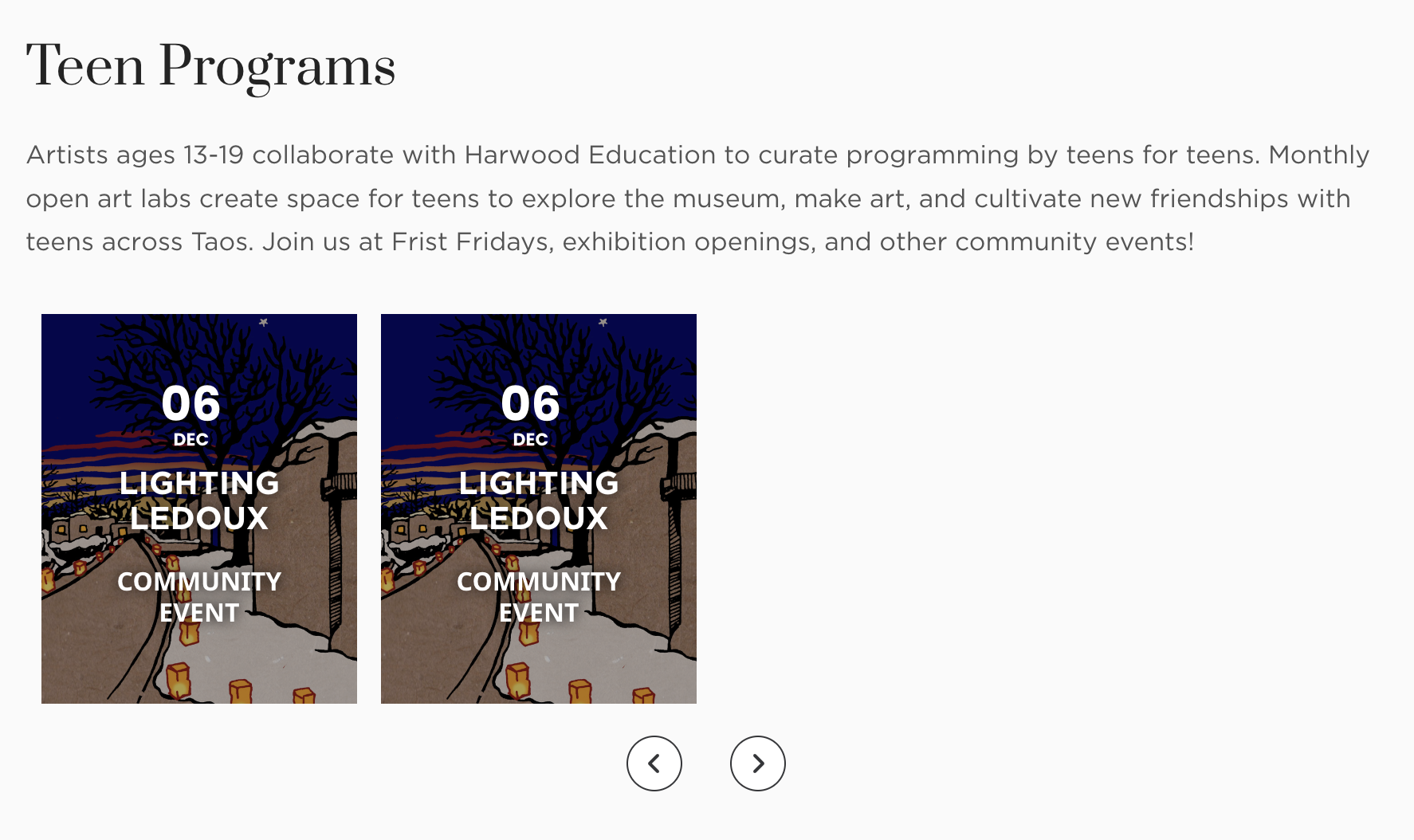
single duplicated event
Reply to: tickets(365851)
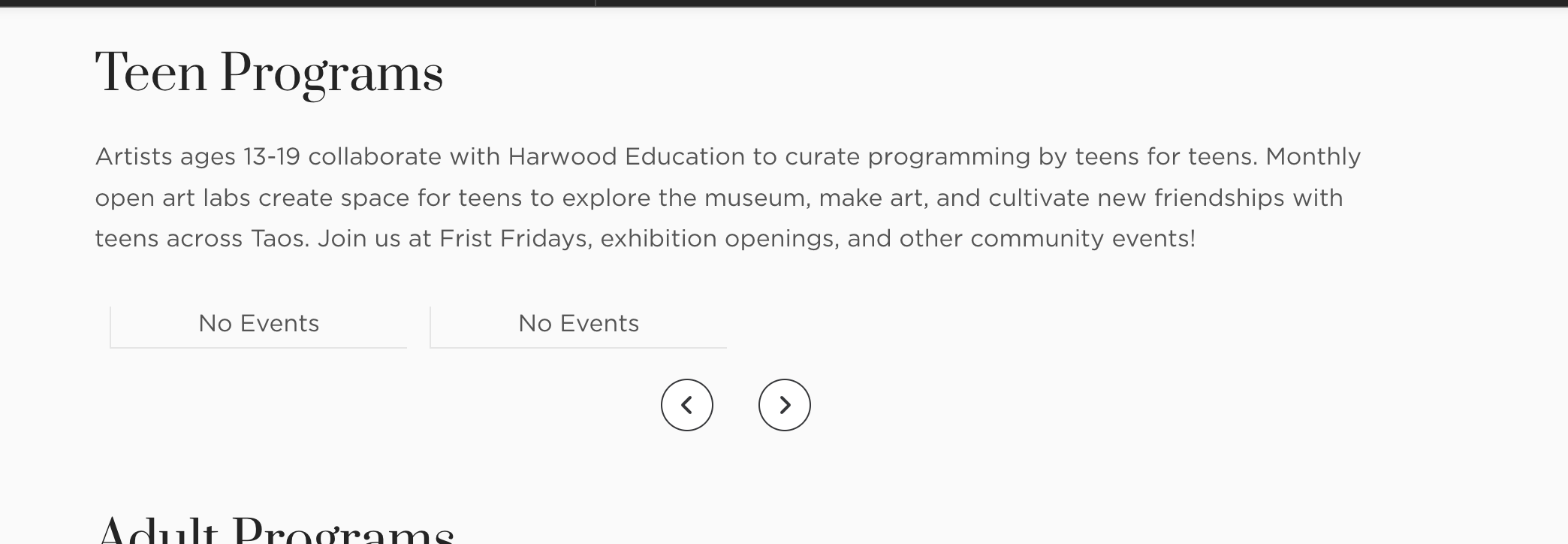
look at one happens when I have no events for that category, it says “no events” twice…
Reply to: tickets(365851)
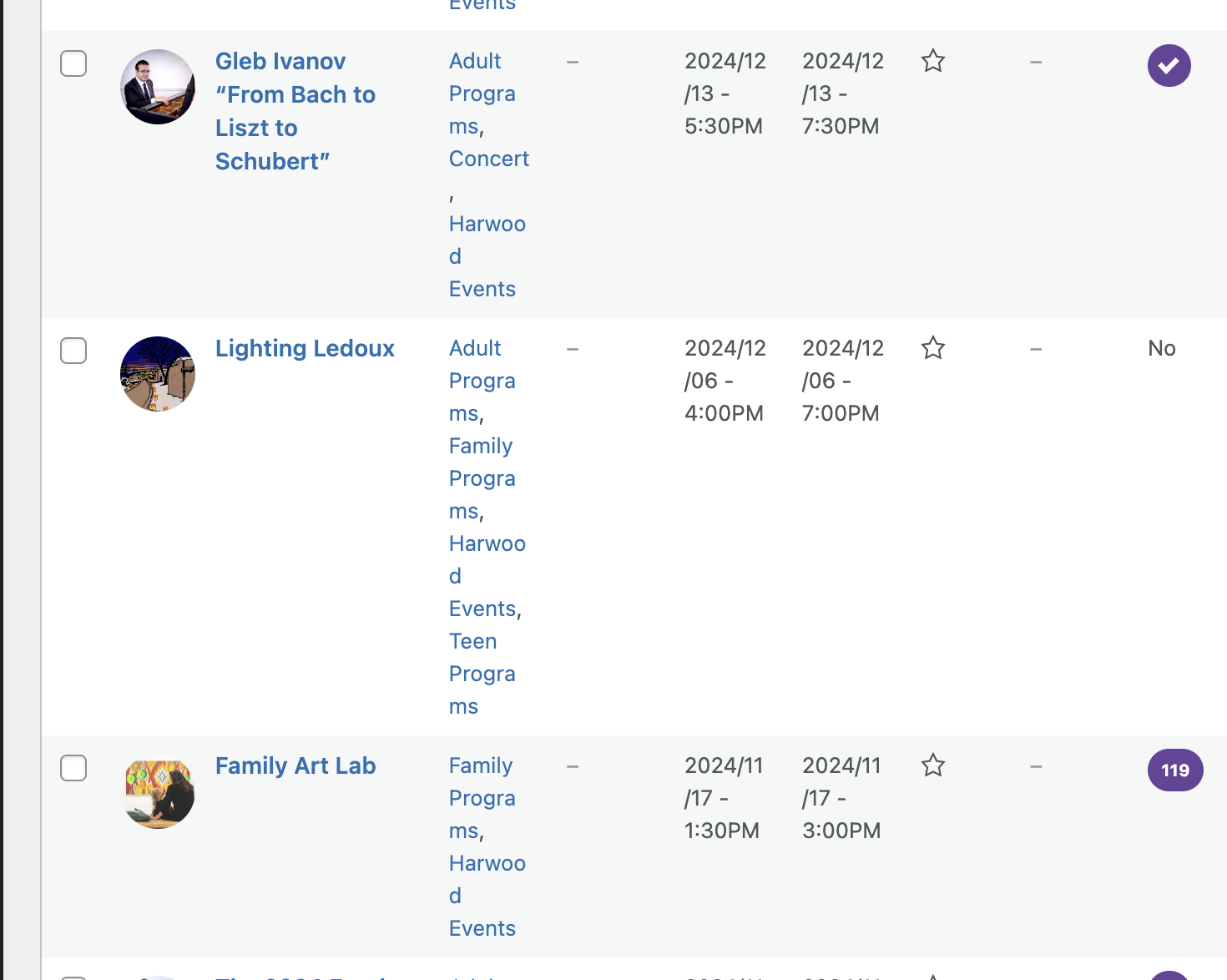
No, I’m not referring to those which do have multiple instances, here is an example of what I’m referring to, look at the first slider on this page showing two “Lighting Ledoux” events both on Dec 6, but there is only one event for that in the system:
https://harwoodmuseum.org/art/education/
Reply to: tickets(370317)
Here is the updated invoice with tax id
https://tinyurl.com/33w6hj5t