I just realized that maybe the fact that there are no limits on RSVP number can indeed be the reason why in View attendees we see them all.
The problem is that this is happening also on the specific date in front-end.
Can you please confirm this can be fixed by adding an RSVP limit for each event/reperat/RSVP settings?
Thanks
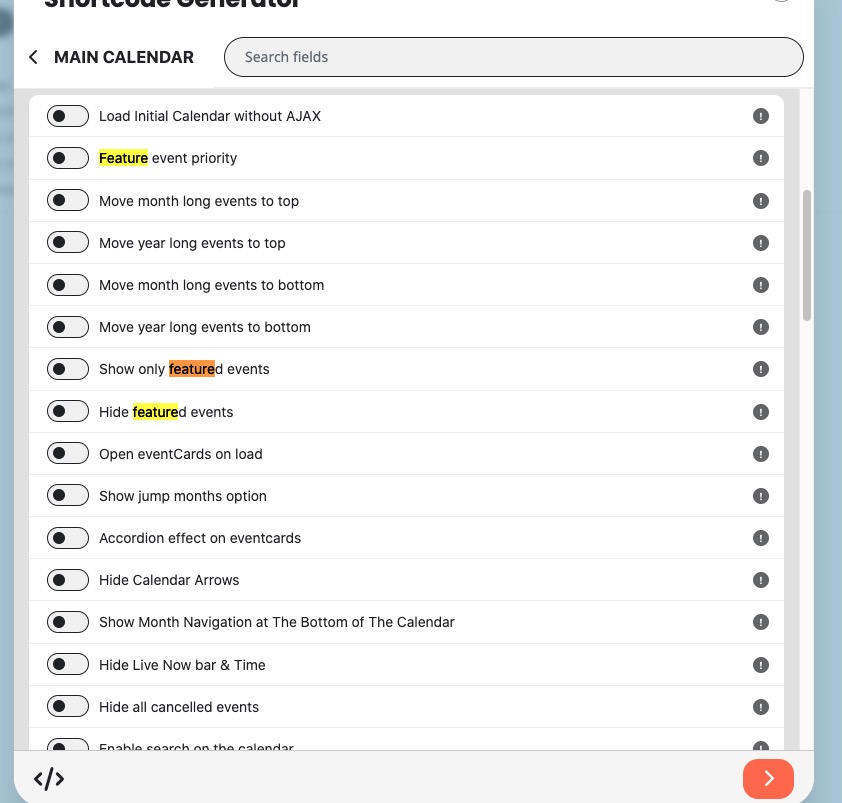
Featured settings can be found here: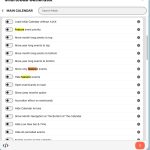
With Event Lists: Ext add-on:
https://www.myeventon.com/addons/event-lists-extended/
You can show multiple months as one list and with “Feature event priority” put featured events on the top:
https://dev2.myeventon.com/test-728/
Try on with [add_eventon_el number_of_months=”12″ hide_empty_months=”yes” ft_event_priority=”yes”]:
https://dev.myeventon.com/wp-admin/
Hello,
Please update Tickets add-on to 2.4.4.
To update eventon addons: You can download latest eventon addons from myeventon > my account. Then you can go to your website, deactivate old addon and install new one and activate then delete the old addon. This link will further explain the process. Also you can follow us on twitter to get real-time announcements on updates!
Hello. Not sure I understand?
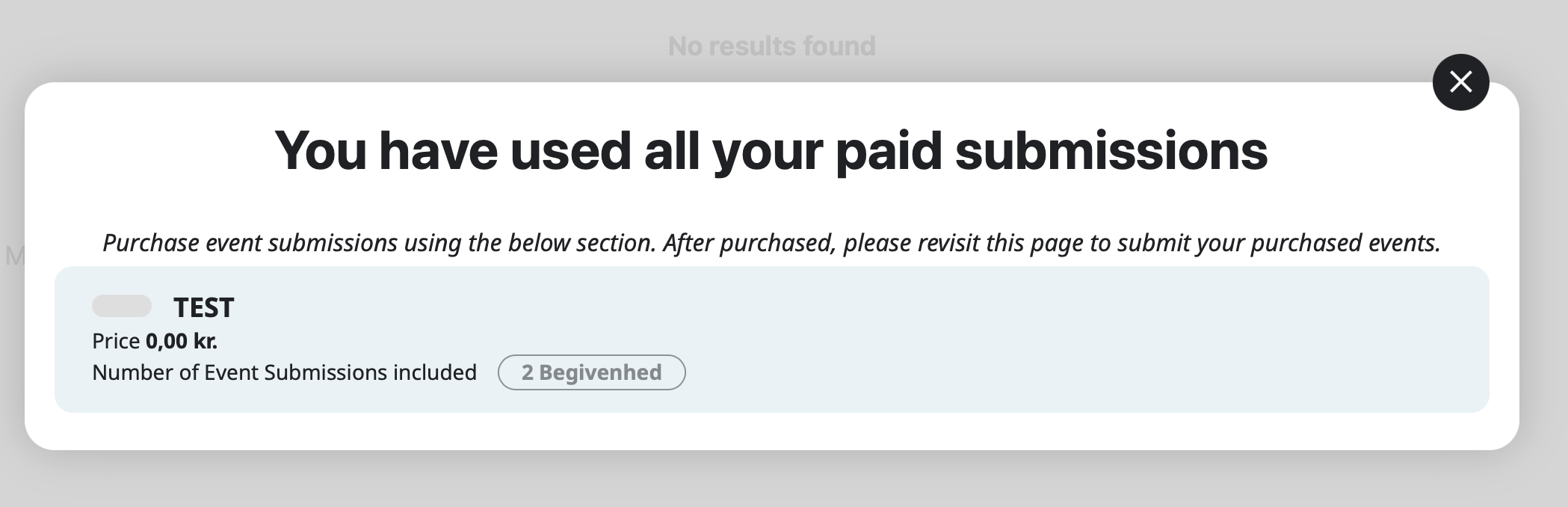
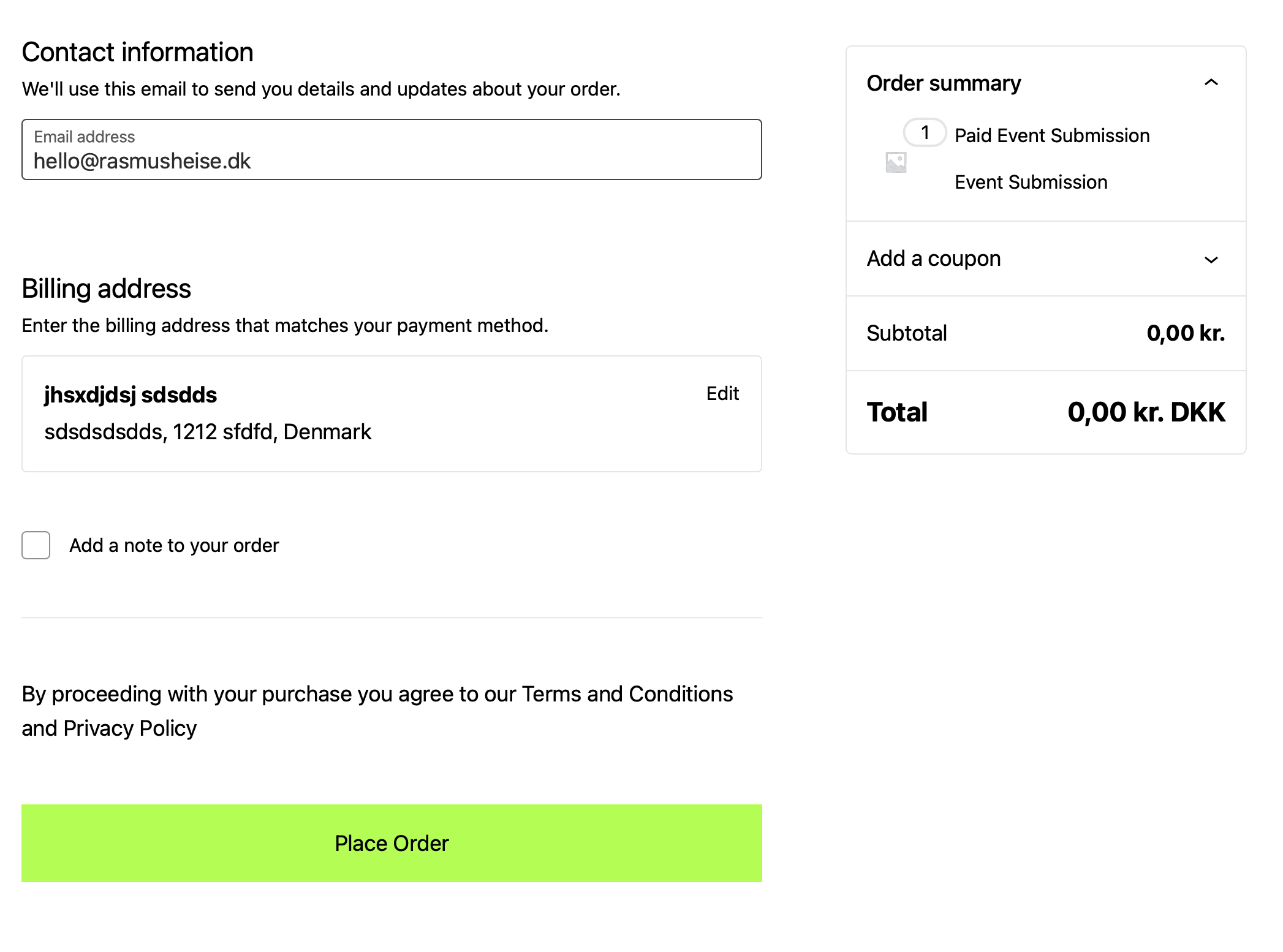
I just need it to function when logged in users purchase their Event Submits? As it should with the Action User Plus?
When I test and buy an Event Submit, the order just stays as “processing” ?
Rasmus
You have received a new RSVP
Please go to EventON > Language > Other EMAIL Texts > find “You have received a new RSVP”.
Hello,
You can only customize templates that can be found in /wp-content/plugins/eventon-rsvp/templates.
Please update EventON to 4.7.3 and then go to EventON > Appearance > enable Disable Auto eventTop Text Color.
It should take the color from EventON > Appearance > EventTop.