Reply to: tickets(367185)
Replies for tickets on suppota
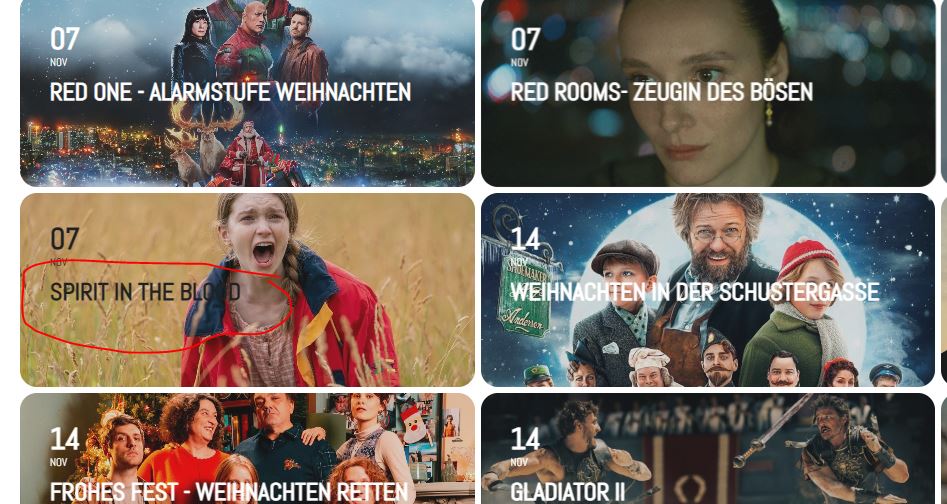
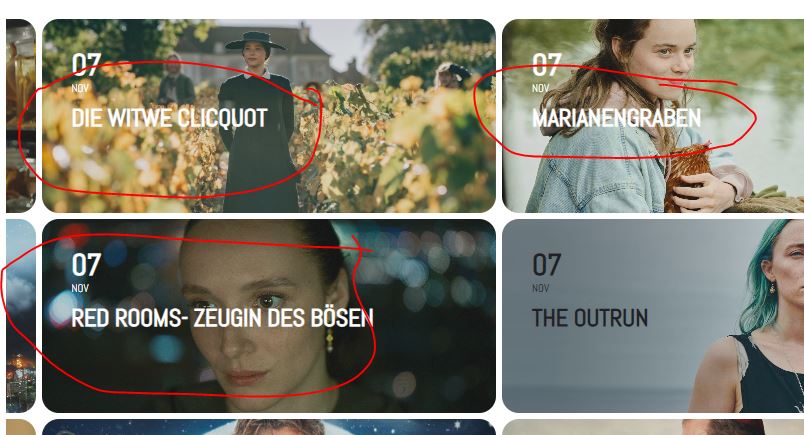
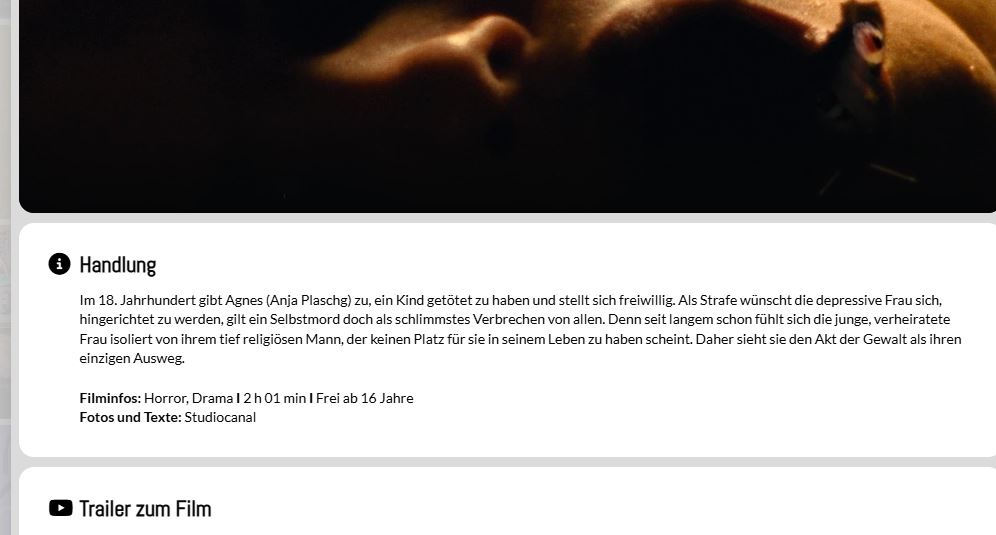
Hallo, anbei die Screenshots
Screen 1: Die größe in der Kalenderübersicht
Screen 2: Die Farben vom Titel sind einmal Weiss und einmal Schwarz
Screen 3: Die Größe des Text beim Popup Fenster der Veranstaltung
Yep I just transferred the website to namecheap’s shared hosting. It fixed the seat selection error. I think that was the caching of their hosting.
The only thing that I noticed event before I switched the hosting, when I change the sections and rows labels, they now reflect to the website but the other edits of other events don’t reflect so I need to redo the seats instead of just editing them.
Like this one https://dinagyangtickets.com/events/dinagyang-md-stage-2/
The seat should show “Silver Q29” and not “Row Q Q29” because I changed the section details to Silver
Hello again.
When I purchase an event submit, the order just says processing. I need it to be accredited to the user right away.
Site :
User: rasmusheise@gmail.com
pass: Balalajka2024!?!
I had to move my site to another server. So now my activation keys are not working. I have made another ticket for this problem. I will return to this ticket once resolved
Thank you! That worked.
My last resort now is to transfer my website to a namecheap shared hosting. Seems like EasyWP hosting of namecheap is causing these caching errors. I need to launch this site within this week
I even used a different internet source but everything is the same
Hi, so I have done all this and even changed cache plugin and it still is having the same problem. Can you help?