Hello,
Please take a look at Event API:
https://www.myeventon.com/addons/event-api/
Try on https://dev.myeventon.com/wp-admin/
Replies for tickets on suppota
Hello,
Please take a look at Event API:
https://www.myeventon.com/addons/event-api/
Try on https://dev.myeventon.com/wp-admin/
is it compulsory to use your add-on module? Because I don’t think everything is quite right with your extension.
P.S. I also tried comment it out using /* */ for this code snippet… didn’t work.
Hello,
I have commented the email_notification.php file in the child them. Is that enough?
Please feel free to test it and let me know. If you need to change and restore original email notification just let us know (honestly I don’t even remember why it has been necessary to override that file).
Thanks
Hello Artem,
thank you for your quick response. I found the file and compared it to the screenshot. However, for me it looks quite the same. Here is the code on my site:
// verify nonce
if(empty( $_POST[‘nn’] ) || !wp_verify_nonce( wp_unslash( $_POST[‘nn’] ), ‘eventon_nonce’)) {
wp_die( esc_html__( ‘Action failed. Please refresh the page and retry.’,’eventon’) );
}
Should I change anything here?
Can you please send me an older version of EventOn?
Thank you!
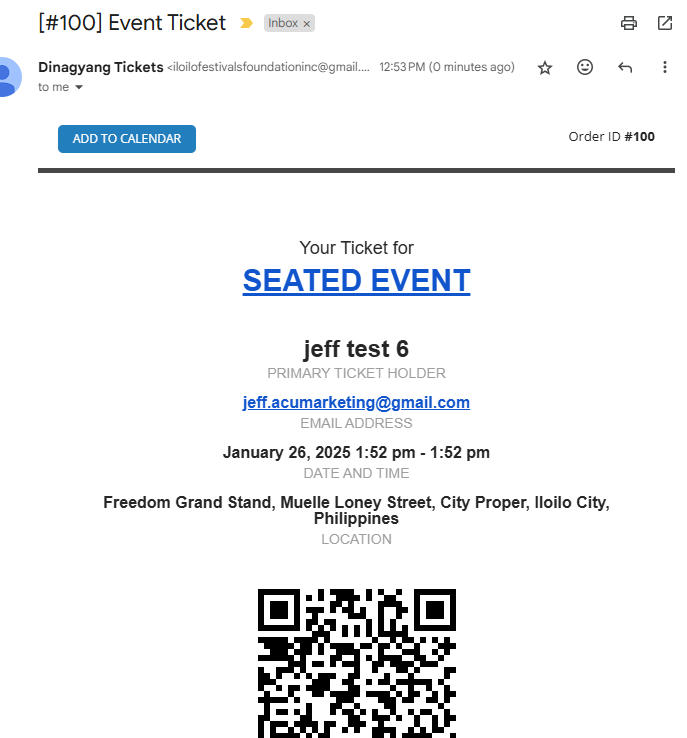
Hello. I installed Fluent SMTP. It fixed the From section but the Subject line is still incorrect
I purchased the Day View Add On & it works in the preview of my site. But it doesn’t seem to stay when I put my site into live mode. Went back and it still has the shortcode for Day View. Is there a reason that code isn’t staying when site is live? Is there a limit on how many events can be loaded successfully on EventON Calendar? Thank you!
I have tested a bit – you are going to need to add an smtp plugin as no matter what email I use I do not get sent the emails- and for site running woocomerce you’ll need an smtp plugin which there are free ones on the repository- these help your site send emails
wordpress has trouble sending mutliple emails at once
once that is set up, that “might” fix the issue but at the least I’ll start getting the emails and can see whats going on