Hello,
All of events work for me:
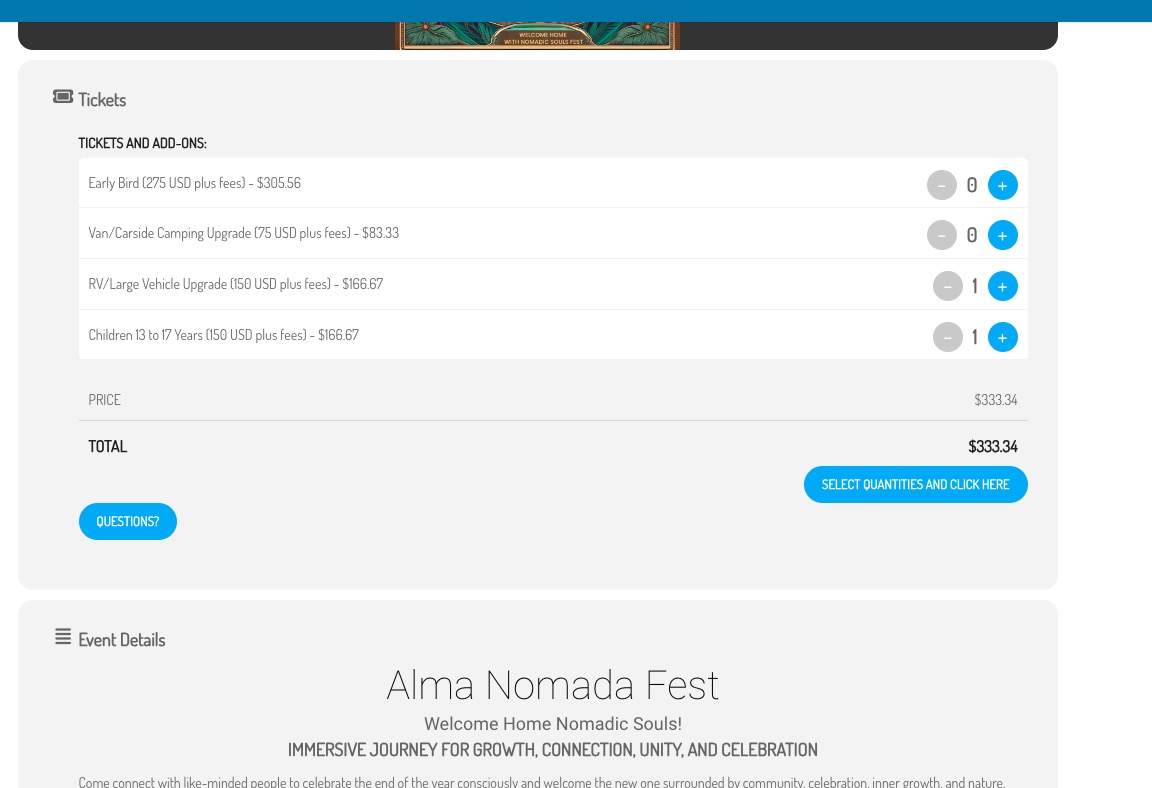
Could you try manually clearing your browser cache? Make sure to clear it manually.
Replies for tickets on suppota
Hello,
All of events work for me:
Could you try manually clearing your browser cache? Make sure to clear it manually.
Hello,
Please add this CSS code to EventON > Styles (If you don’t see any change, EventON > Scripts & Styling > turn off Write dynamic styles to header > save settings > turn on Write dynamic styles to header):
.evost_tooltip .evost_tt_data span.label {color: white !important}
It seems that this style from the theme affects EventON:
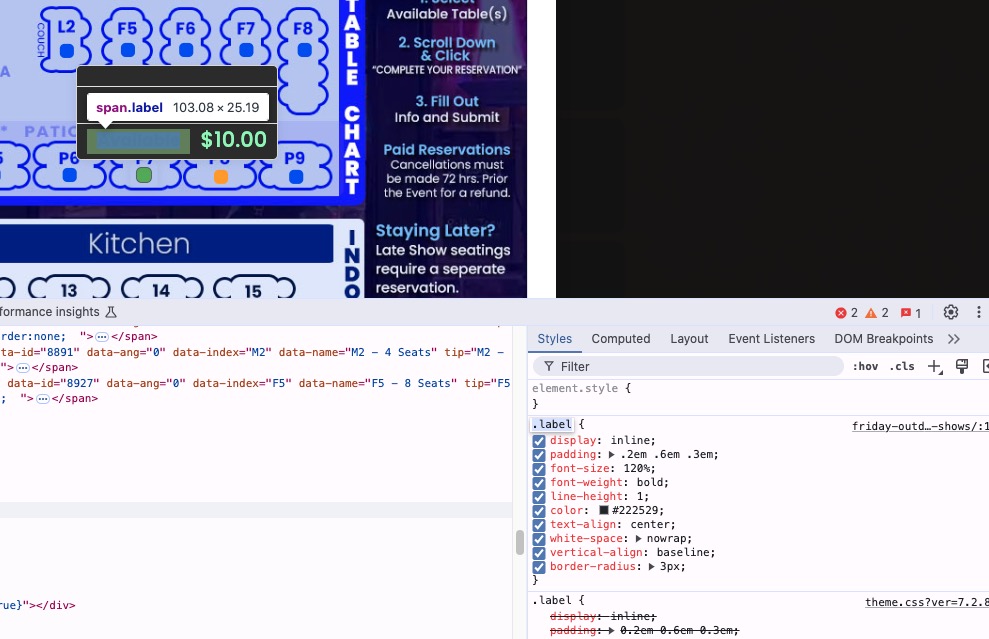
I added this test event:
https://staging-9.shaftesburyartscentre.org.uk/test/wp-admin/post.php?post=10742&action=edit
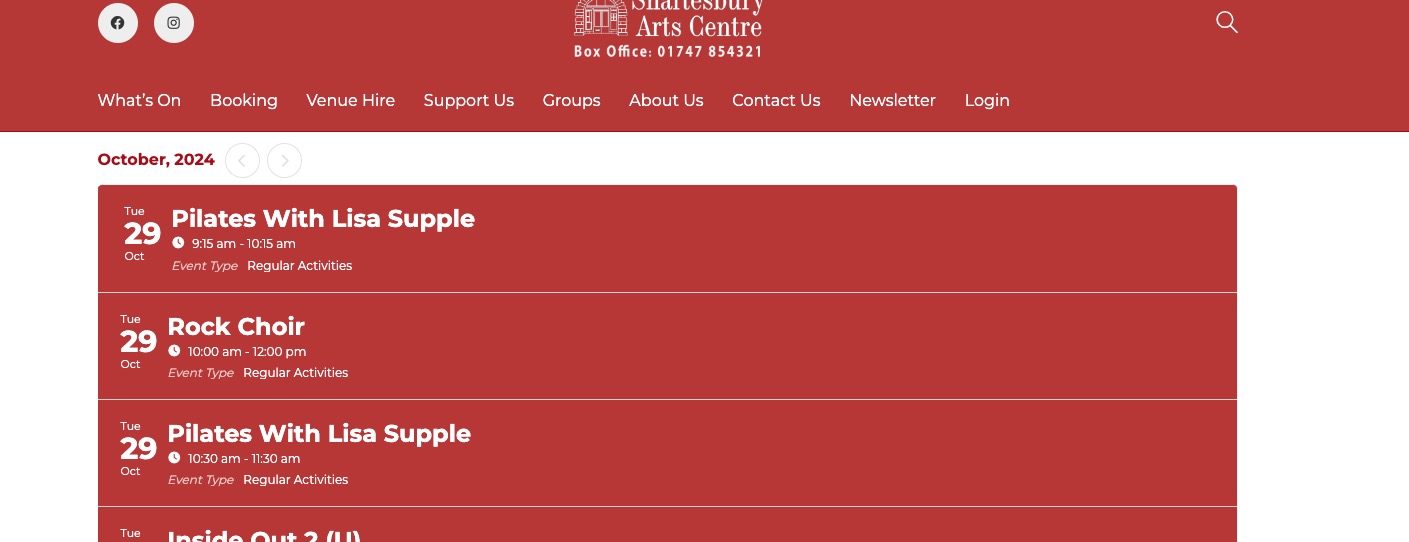
But the old event is still present in the calendar:
https://staging-9.shaftesburyartscentre.org.uk/test/test/
Could you show us how can we recreate the issue with EventON’s calendars and not WPBakery?
Hello,
Thank you for your messages, I am going to assign this ticket to Ashan and he will be able to take it from here and find you a solution. Please allow some time for him to get back to you, we greatly appreciate your patience and thank you for being a eventon customer! Also please disable any IP blocking on your site if there are any.
Is there anything further you can recommend to help me correct this problem?
Hi
it’s not a problem with the WPBakery. The problem is when an Admin creates a new event in EventOn when they do that, the oldest event in the list
Thanks
Ken
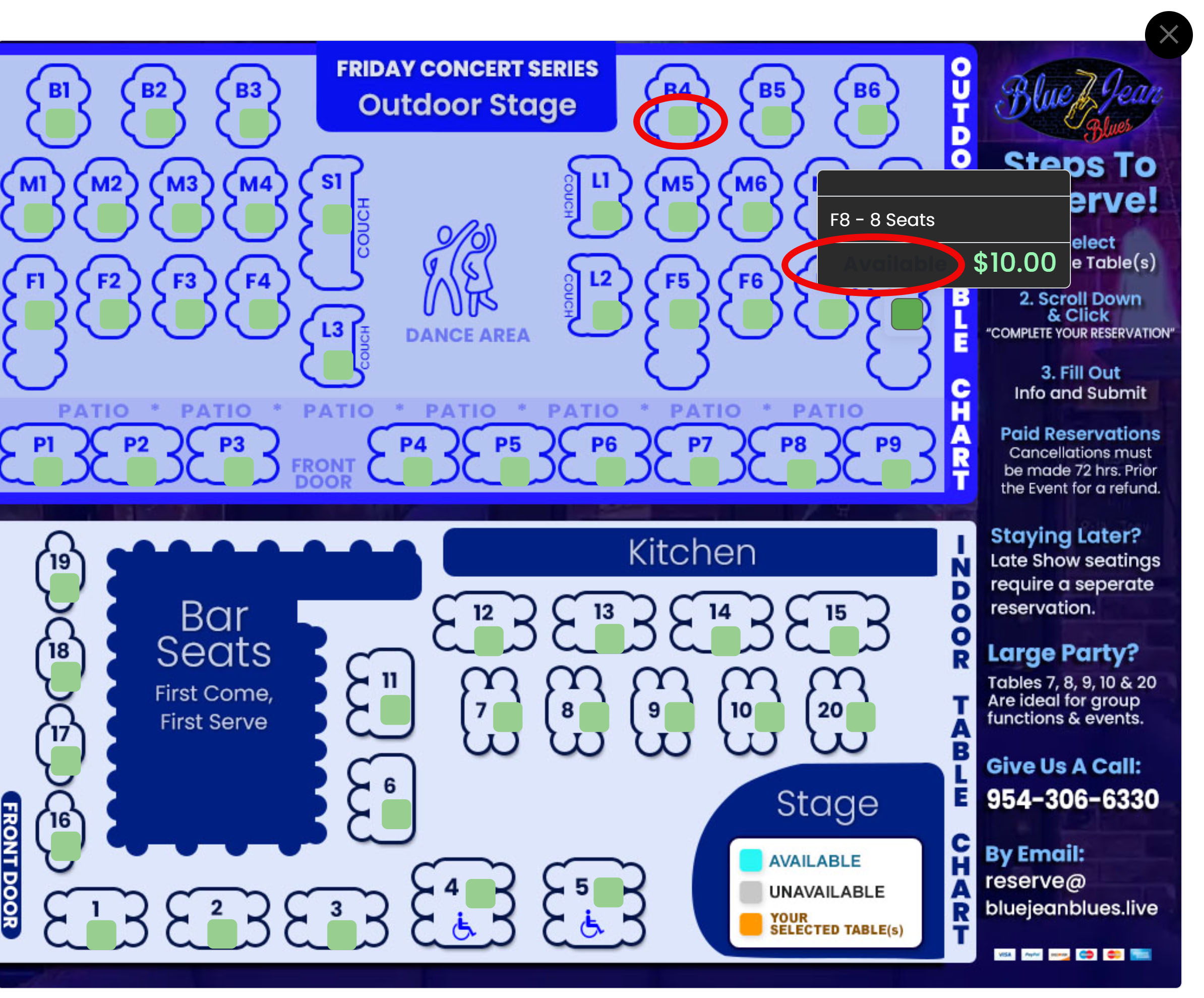
Screeshot
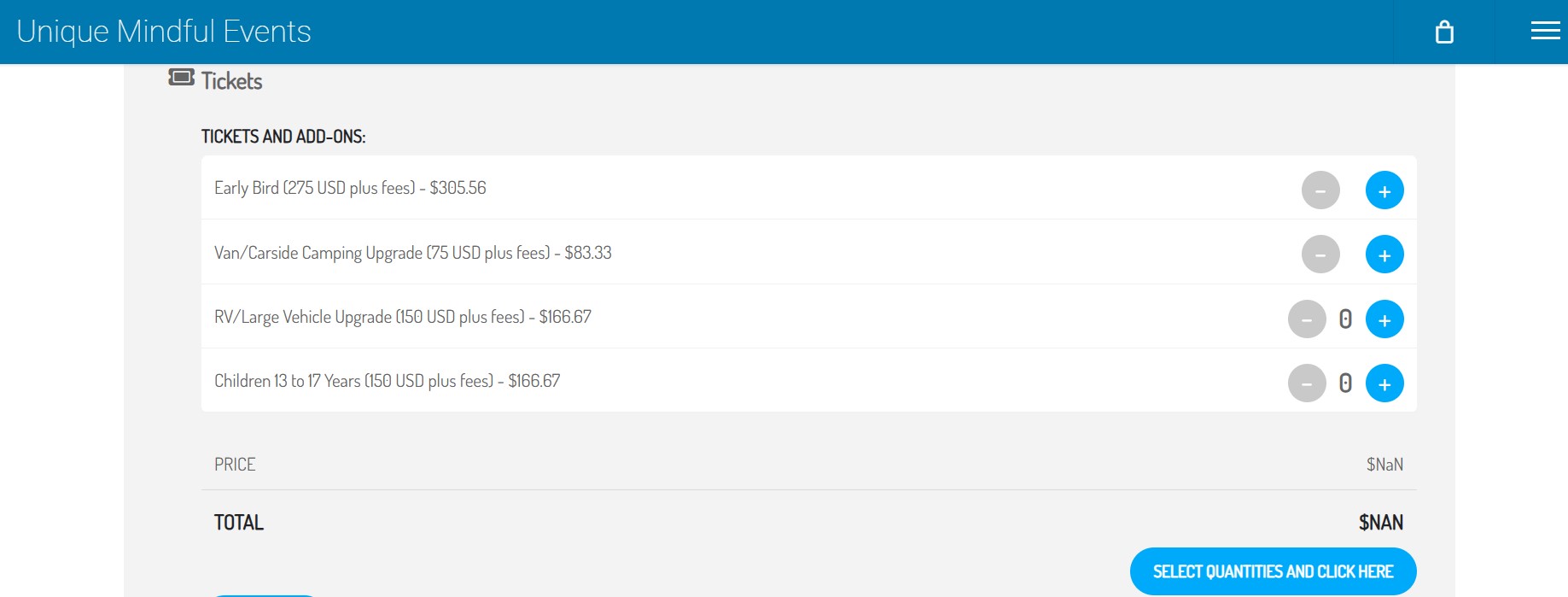
Attached is an image of what is happening.
Yes, we have done all updates but the system cannot find booking emails when I try to cancel. I just get an error message “We cannot find that email”.
Is there a way we can buy help from you regarding our issues with EventOn?
Instead of Checkout made out of blocks, please try replacing it with the default WooCommerce checkout shortcode:
https://woocommerce.com/document/woocommerce-shortcodes/#doc-title