
Sounds great, however I can’t see any option or new setting to determine the rsvp-ability based on user roles on an event-basis? Where do I find that?
Also, the latest 3.0.1 is killing the “configuration” button, after the update to the latest version it is not possible anymore to access the configuration settings and the layout is also off, as you can see in the screenshot the button moved to the right. If I role back to 3.0, I can access the settings again and the button is on the left!
Ok, weird that it does not exist. One more question then when using repeating events:
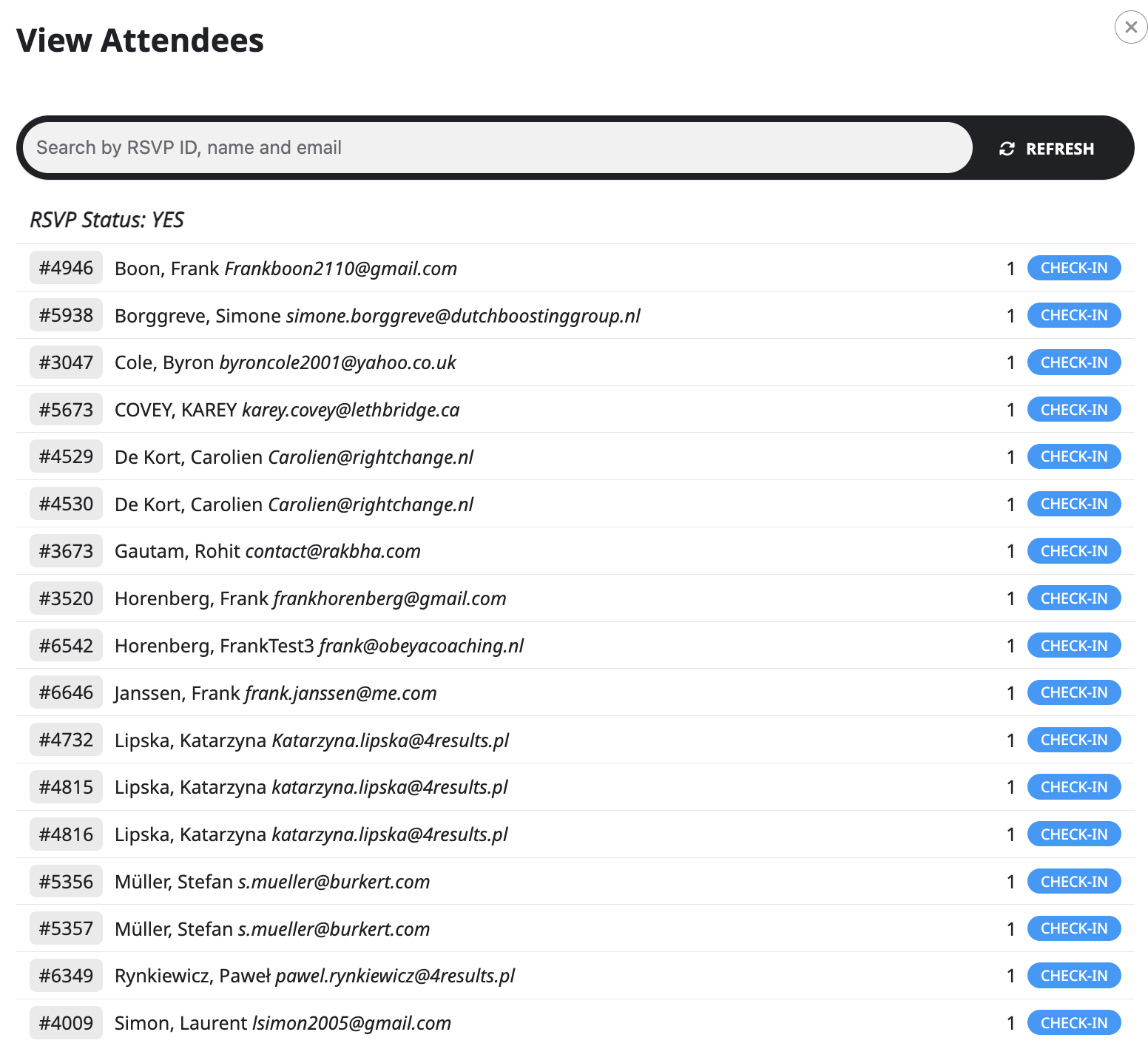
How is it possible for me to see, who will show up at what date then?
All contacts that register, appear in the same list, no matter the date they have signed up for. (I cannot see a difference between someone who subscribed for a past event, or for a future event) They are all in the same rsvp list.
There must be a workaround to deal with this?
Ashan replied but it is NOT fixing the issue entirely. Also, we are NOT developers, so it would be best that you guys connect to our FTP to do the fix yourself, instead of giving lines of codes.
We are loosing A LOT OF TIME and our website release is getting VERY LATE because of YOUR PLUGINS !
Is it not normal to expect the plugin to work when we buy it, and a support to reply at least within 2-3 days when there is a blocking issue ?? It is such a disappointment; we regret choosing your plugins greatly…
Any update??
Ashan replied but it is NOT fixing the issue entirely. Also, we are NOT developers, so it would be best that you guys connect to our FTP to do the fix yourself, instead of giving lines of codes.
We are loosing A LOT OF TIME and our website release is getting VERY LATE because of YOUR PLUGINS !
Is it not normal to expect the plugin to work when we buy it, and a support to reply at least within 2-3 days when there is a blocking issue ?? It is such a disappointment; we regret choosing your plugins greatly…
Hi!
I increased the PHP memory limit on the server to 512M and it now works fine. You may close the ticket.
Best wishes,
David
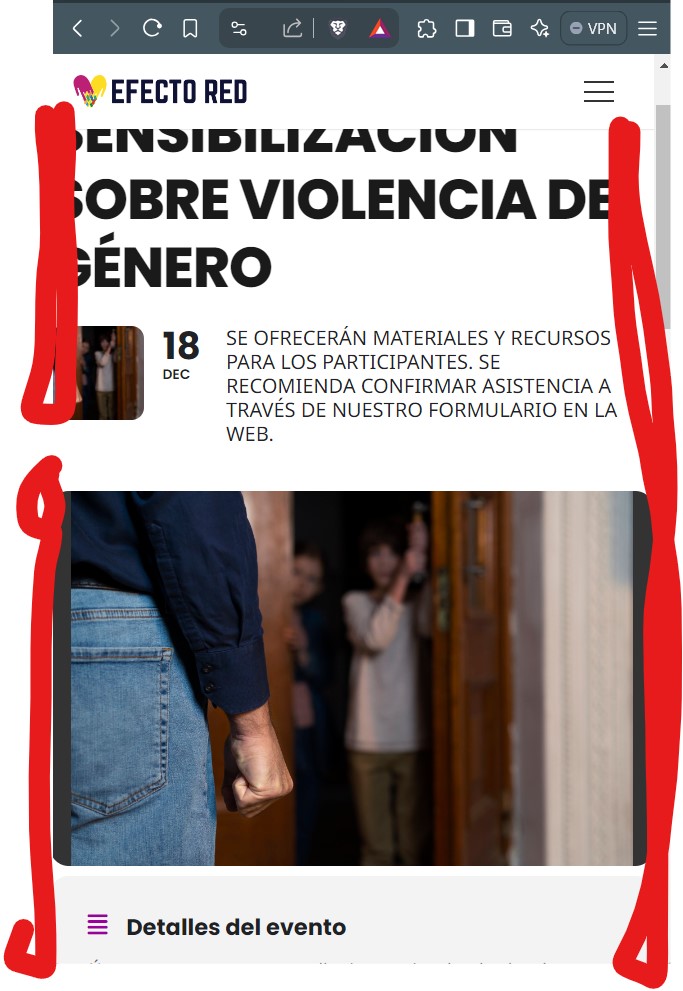
Hello, Artem. Thank you very much for your reply. I have other websites with this plugin, could you please let me know what happened or has been done to fix this. I don’t know if it has been some update or a fix patch or simple code. On the other hand, I notice that in the mobile responsive version the events are very close to the edges without air, can this be corrected so that they have a few pixels of margin left and right of the screen?
Thank you very much
Hi again,
I replicated the error and activated debug mode. This is the log:
[25-Oct-2024 10:20:32 UTC] PHP Deprecated: stripos(): Passing null to parameter #1 ($haystack) of type string is deprecated in /var/www/paavojarvi.com/wp-includes/class-wp-editor.php on line 303
[25-Oct-2024 10:20:35 UTC] PHP Warning: Undefined array key “snapchat_link” in /var/www/paavojarvi.com/wp-content/themes/Avada/includes/lib/inc/widgets/class-fusion-widget-social-links.php on line 645
[25-Oct-2024 10:22:25 UTC] PHP Deprecated: stripos(): Passing null to parameter #1 ($haystack) of type string is deprecated in /var/www/paavojarvi.com/wp-includes/class-wp-editor.php on line 303
[25-Oct-2024 10:22:27 UTC] PHP Warning: Undefined array key “snapchat_link” in /var/www/paavojarvi.com/wp-content/themes/Avada/includes/lib/inc/widgets/class-fusion-widget-social-links.php on line 645
[25-Oct-2024 10:22:35 UTC] PHP Fatal error: Allowed memory size of 268435456 bytes exhausted (tried to allocate 20480 bytes) in /var/www/paavojarvi.com/wp-includes/class-wp-object-cache.php on line 240
[25-Oct-2024 10:22:47 UTC] PHP Fatal error: Allowed memory size of 268435456 bytes exhausted (tried to allocate 20480 bytes) in /var/www/paavojarvi.com/wp-includes/class-wp-object-cache.php on line 240
So, it seems to be a memory issue, but I’m not qualified to figure out which memory.
I installed the WP Debugging plugin but it returns 0 entries. Perhaps this is normal since I deleted the last event that caused the error and the calendar is working as it should right now? I don’t really want to add an event to recreate the error because then I need to completely restore the site from back-up.