Reply to: tickets(367950)
Replies for tickets on suppota
PS I have tried to update it via the plugin area in control panel. I get an error message every time.
Hi, have you got any update?
The login info is as follows: bpiads.org/wp-admin
Username: maureen-bpi
Password: BpiHwd2024*25
I have updated the full cal plugin, however, it is “disabled” because the main eventon plugin WILL NOT UPDATE. I need to know how to update the plugin to the latest version… thanks!!!!
Hi Dave
Thank you very much for the video and making things clearer to me. The possibilities are a little overwhelming and I got lost in the settings jungle for a short time.
Have a great day!
Kind Regards, Oliver
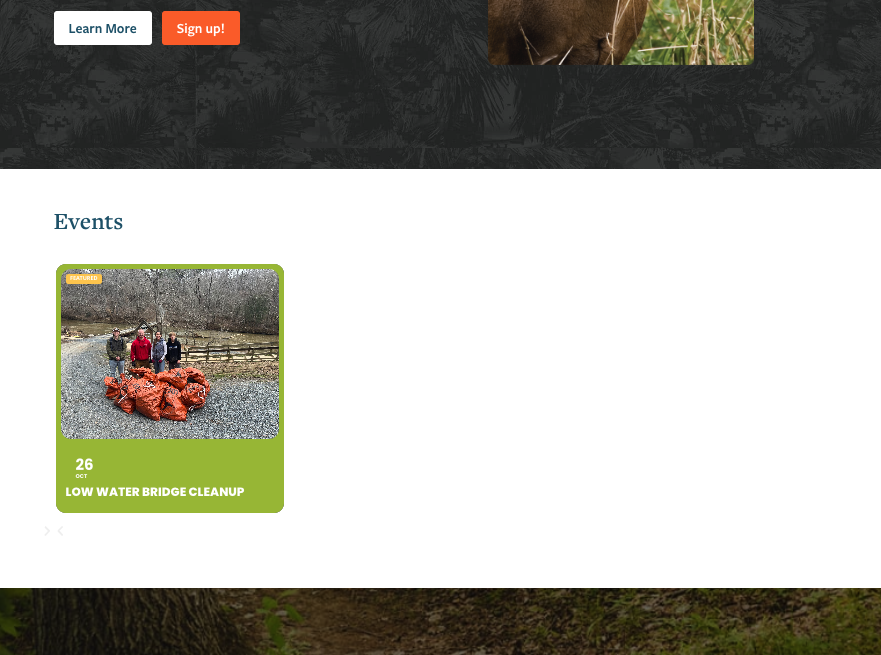
Hey, thanks for your help, and for getting to this so promptly! The only other request we have is for the 2025 event to also display on the Events carousel on our homepage: trlt.org
After that, I think we’re good! Thanks again!

You can see the date issue goes all the way through to the registration emails. We now have no idea what date someone has registered for as just pulls in the year and time.
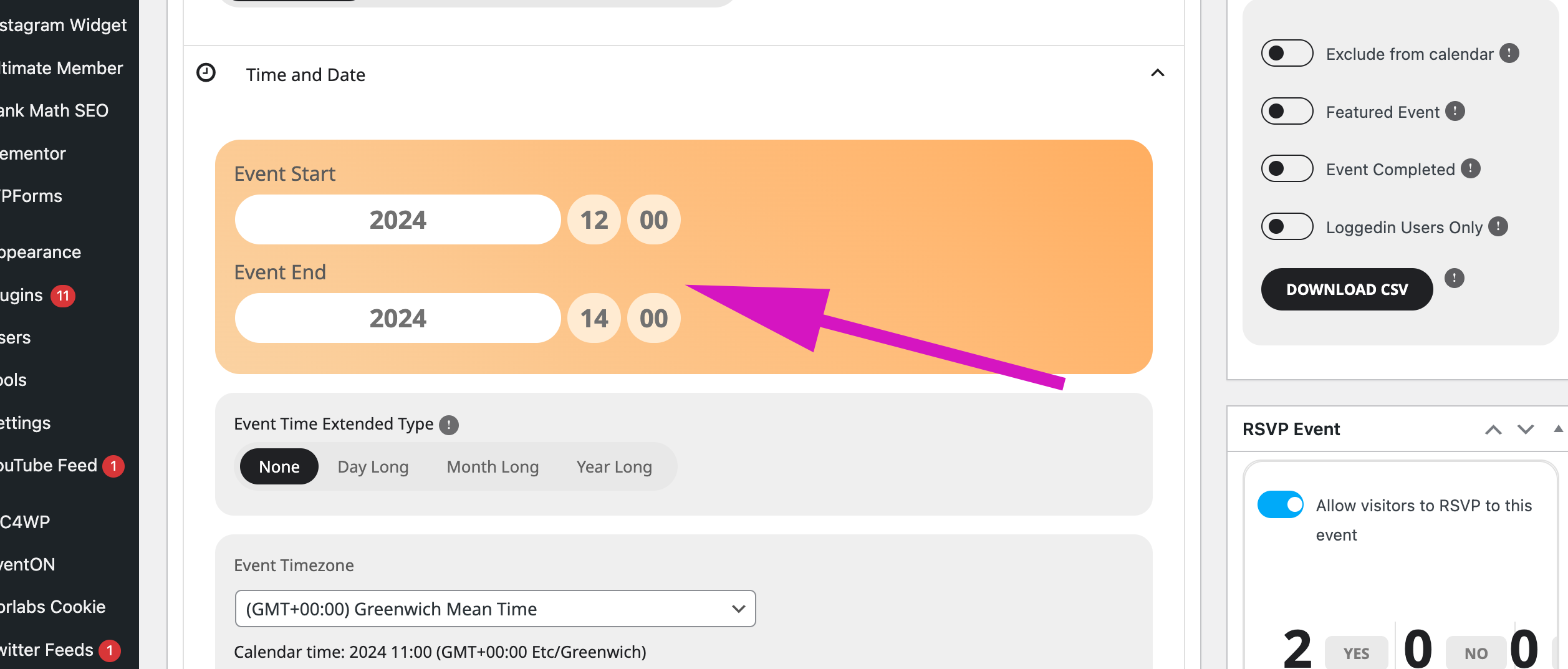
See just the year showing as opposed to the full date of event
see video below on how to get it to work
you will want to change the confirmation message as the confirmation message says that an error was made

Ok it is done thank you. However some settings I had done moved. For exemple, the events featured on my home page are supposed to have the title written in white but some of them are black same for the page featuring all the events of my season. Could you help me with that please ?
Thank you,
Best regards
Lucile.D