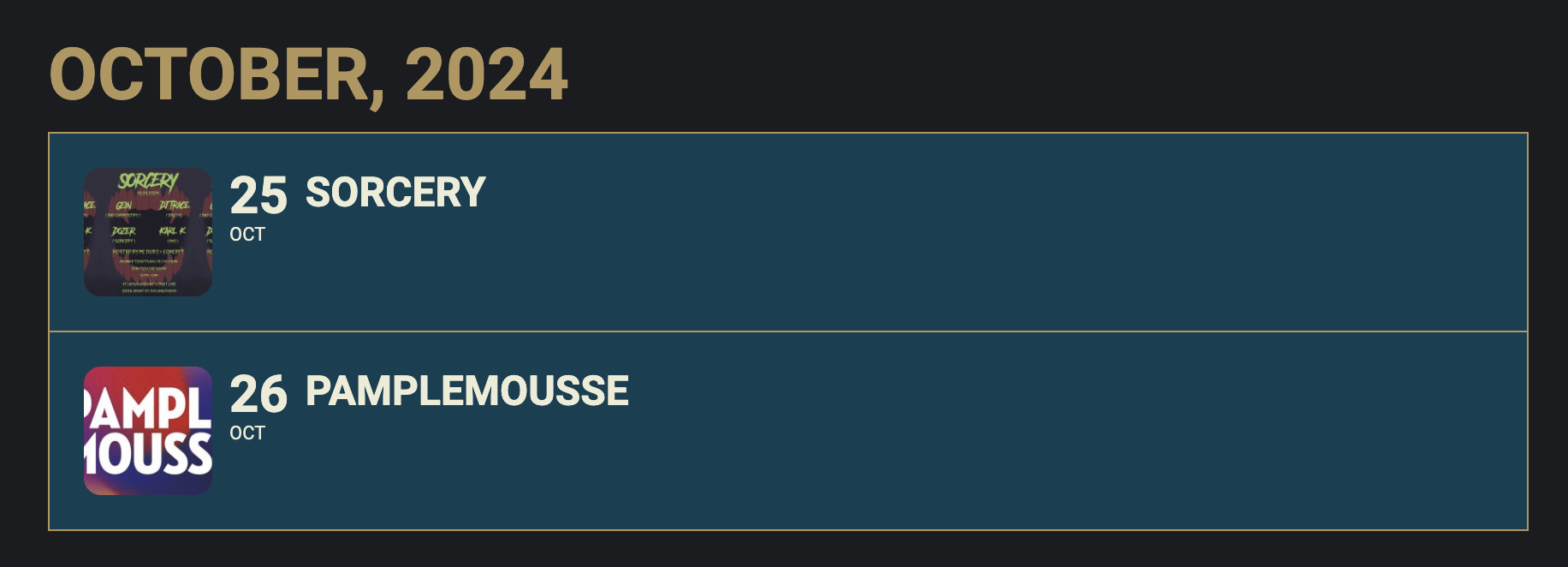
…. and the eventtop on the frontend without the day and subtitle.
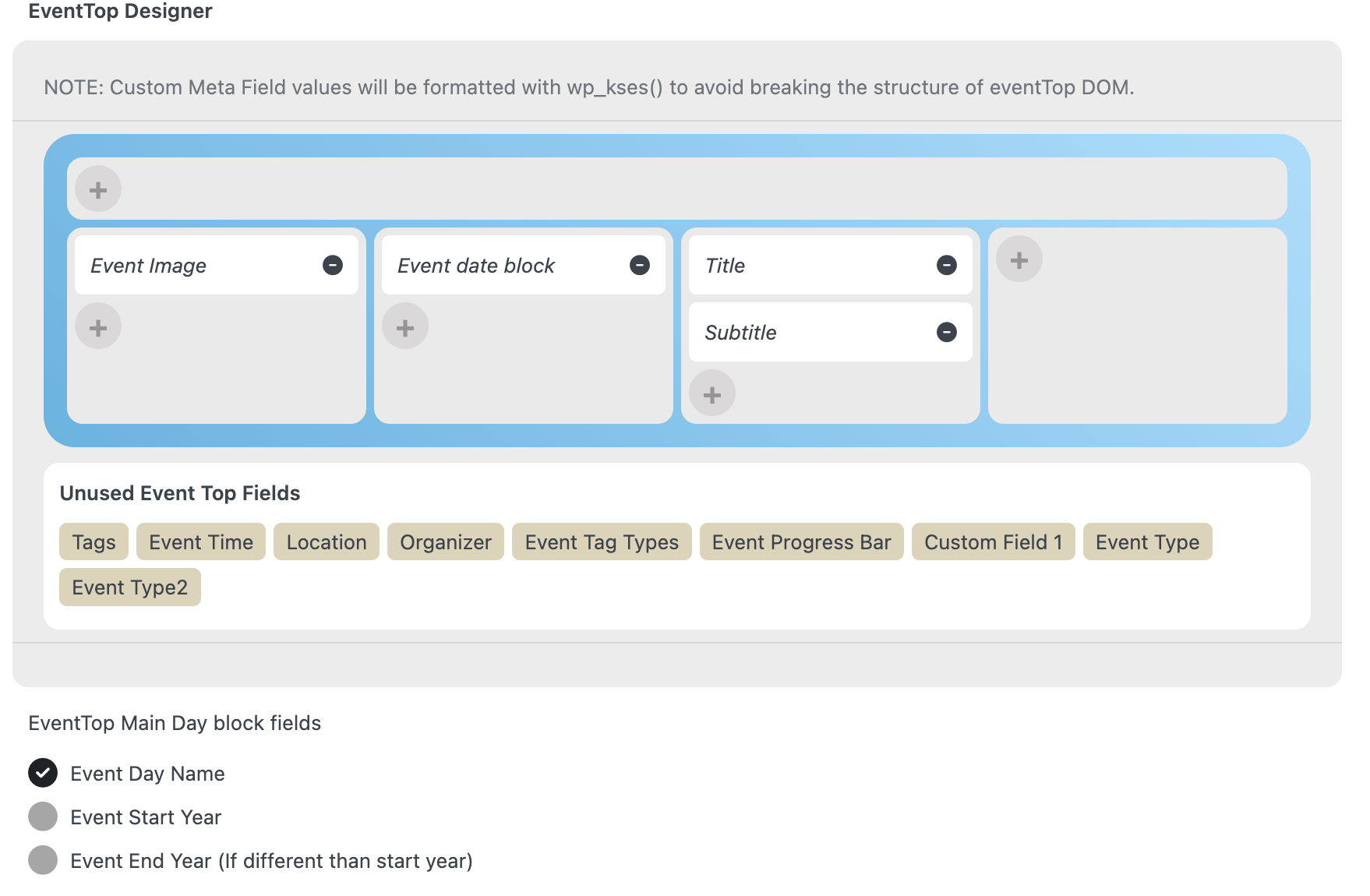
Attached is the screenshot of the EventTop settings.
Hello,
Sorry, we’re going to change extension, there are really too many bugs, you should be much more vigilant about the quality of your code, we’ve wasted a lot of time and money.
Sincerely
Hello,
We have done exactly what you asked.
Everything is fine when we download the “eventon 4.7.1.zip” file.
But when we want to create an event, we can’t access the “Main Event Details” section, as shown in the two attached screenshots.
In any case, we’ve followed the procedures you gave us. But the problem lies in the moment when we validated the font size change for the Eventon titles (we clicked on “save change” in the Eventon setting on WP to validate.
We don’t know what to do, and we’d like you to do it for us because my colleague is not a web design specialist.
We’re sorry to bother you with all these problems.
I hope you understand.
Thanks for taking a look. Gravity forms is actually working fine on regular pages and divi formatted pages. I think the form id you were using didn’t exist. It seems that on Eventon pages, the css is broken.
I added the form id=177 to your standard wordpress test page and it shows up: https://kansasleadershipcenter.org/?page_id=260274&preview=true
When I add the form’s shortcode to an event page, the form shows up but some CSS prints at the top. No content that comes before the gravity short form shodrt code shows up. See here: https://kansasleadershipcenter.org/?post_type=ajde_events&p=260201&preview=true
Okay, I’ve realized the problem. We (the church I work for) paid a company by the name of Entropics Design (Tyler Koltz) to create our website. He must have had a CodeCanyon account, through which he purchased EventON for our website. He installed in via WordPress. He never gave us access to his CodeCanyon account. Entropics Design is now out of business and I am not able to get into contact with Tyler Koltz. But we still have EventON and need to upgrade it.
What do you recommend?
Bob Holda
Hi, I have followed the instructions, however, i still only get the single seat price when I select a seat on the map. When a seat is selected I need the regular price and another price displaying to chose from. The other price I need is Free (£0).
Is this achievable. If not is there another way?
Thanks for your help, but I should have published the website more than a week ago. I can no longer continue trying to fix the problem. I want a refund for the plugin.