Hello,
Please update EventON to 5.0.12 to fix the issue.
To update eventon to latest version: (If auto update works, please try that from with your website plugins page)
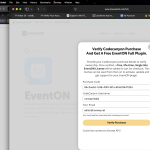
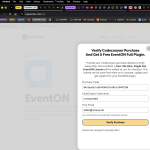
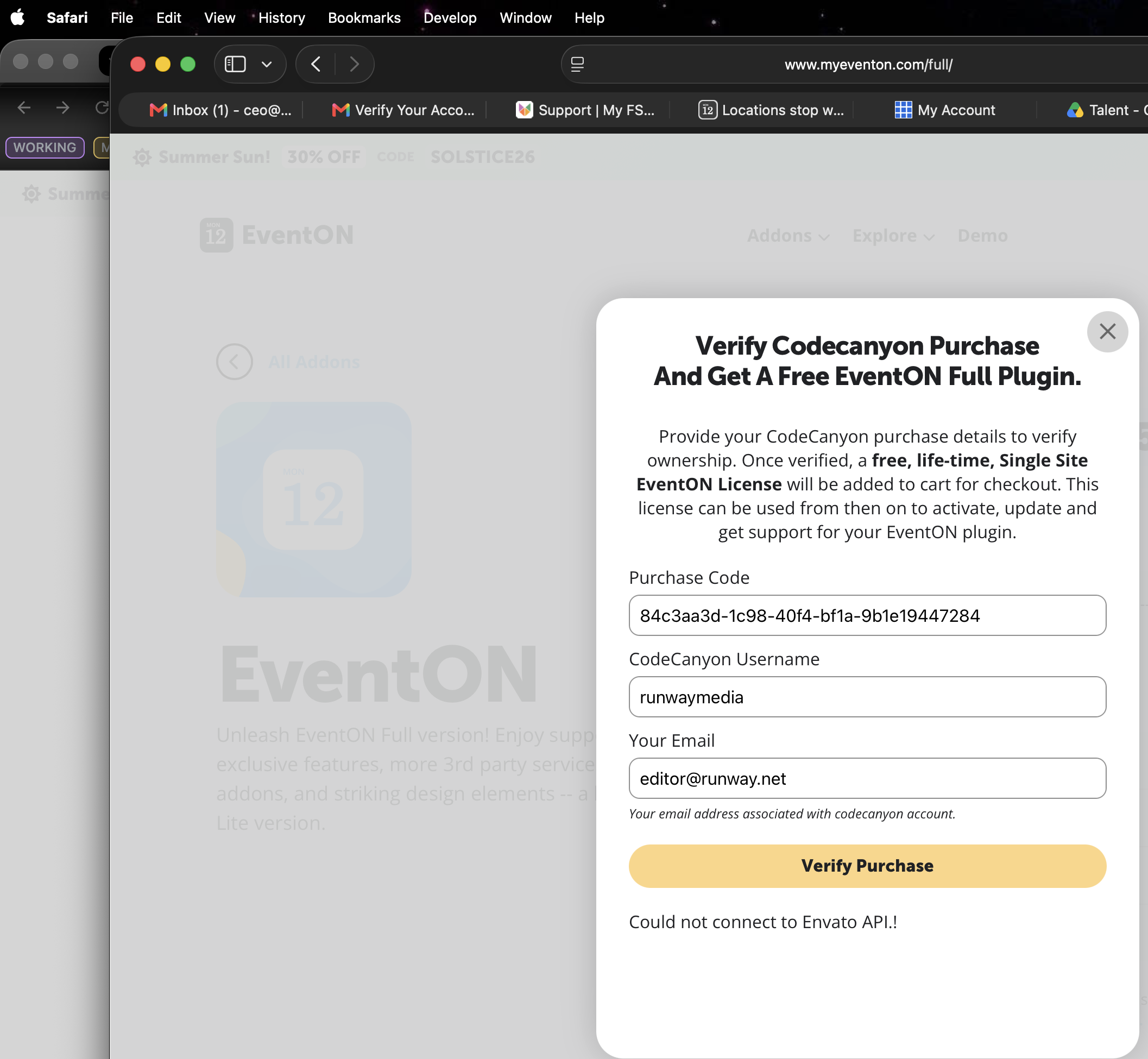
1. If you purchased eventON from codecanyon > Go to EventON Full page and verify your purchase to get a free copy of eventON latest version and move your purchase over to myeventon.com.
2. If you already purchased eventON from myeventon.com go to My Account > Downloads and get the latest version copy.
Once you have the latest version zip file. Then you can go to your website > make sure ”Delete eventon settings & data when EventON is uninstalled” is De-slected from eventon settings, delete old eventon, install new one and activate. This link will further explain the process it. Follow us on X to get real-time announcements on updates!
Hello, I entered the View Share Info again and then tested it once more. Login works fine. Please try again. The IP address is cleared and you have also logged in. I will temporarily disable the verification WCCerber until Sunday. I have disabled Variations and Options, please enable it for the error and then check the logfile again.
I found, for example, the following entry in the log file (which is shared via Dropbox): – Line 541 and 2491…: [29-Jul-2026 05:20:21 UTC] PHP Warning: Undefined variable $output in /var/www/vhosts/ramswig.de/httpdocs/goeticket.de/wp-content/plugins/eventON/includes/class-event.php on line 1747
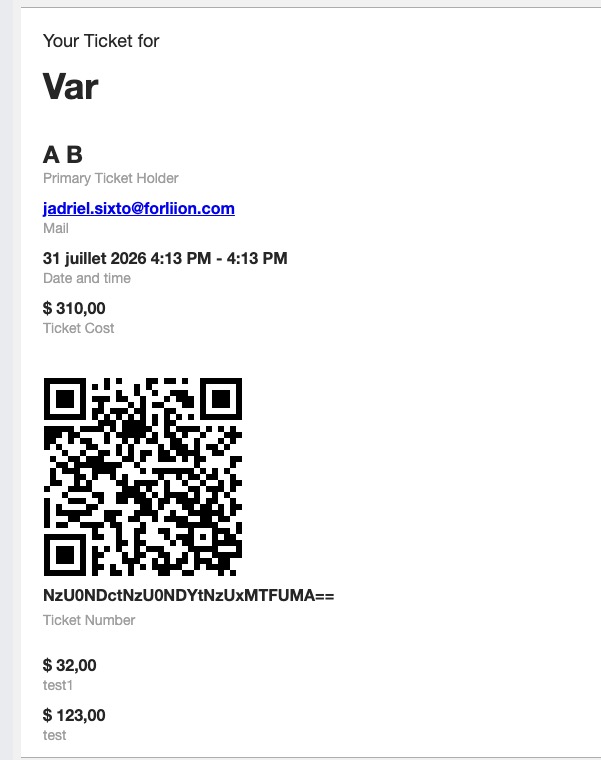
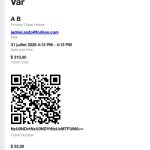
I’ve loaded the email template in its original form again, and it still looks the same. Thank you.
Is your email template customized?
Here’s how it looks like by default:
I also cannot access the website anymore. Could you whitelist my ip again?
Also, unfortunately, no errors related to EventON in debug.log file. However, please allow me to access the website so I can continue with tests.
That’s because I enabled ”Disable nonce verification for calendar loading” in the settings.
Is there a way to keep nonce without disabling server cache?
Thank you for your messages!
I am going to escalate this ticket to development to help in here. Please allow us some time to address this, and we truly appreciate your patience. Thank you for being a valued EventON customer!
Hello,
Please verify EventON to get the latest version:
https://www.myeventon.com/full/
After updating it to 5.0.12, the autoupdate will become available.
Hello,
Could you try disabling the cache plugin and see if the issue will be gone?
No issues on my side:
Hello Quetzal Arellano,
Please verify your EventON to get the latest available version:
https://www.myeventon.com/full/
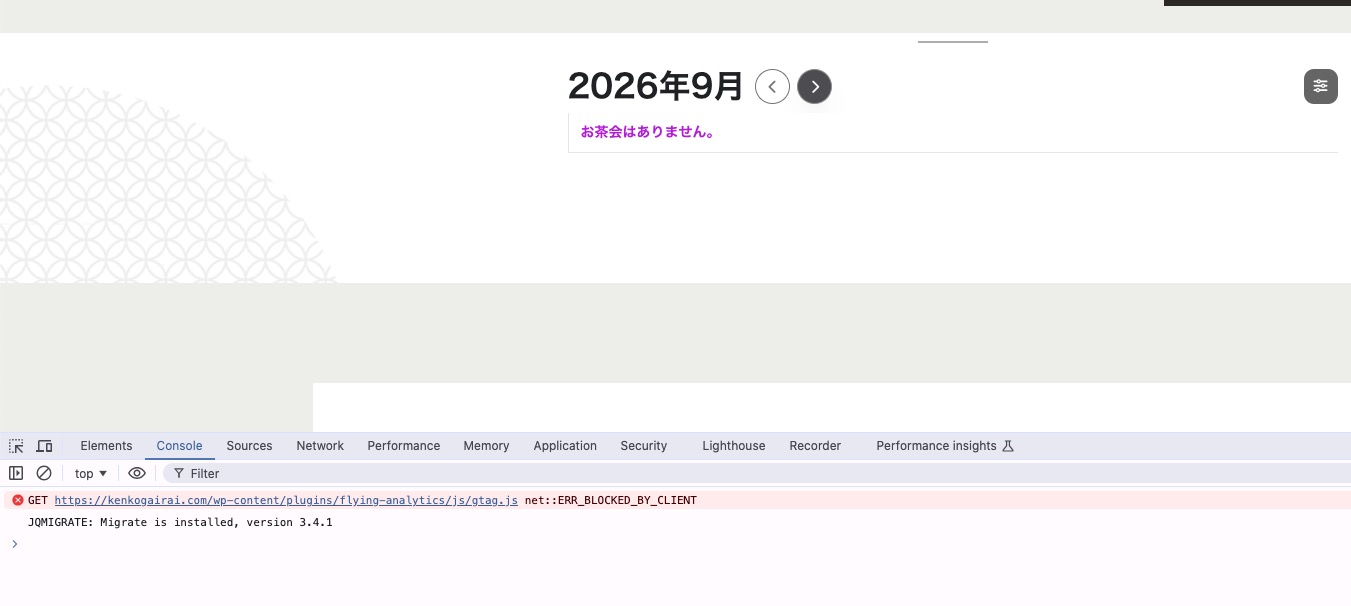
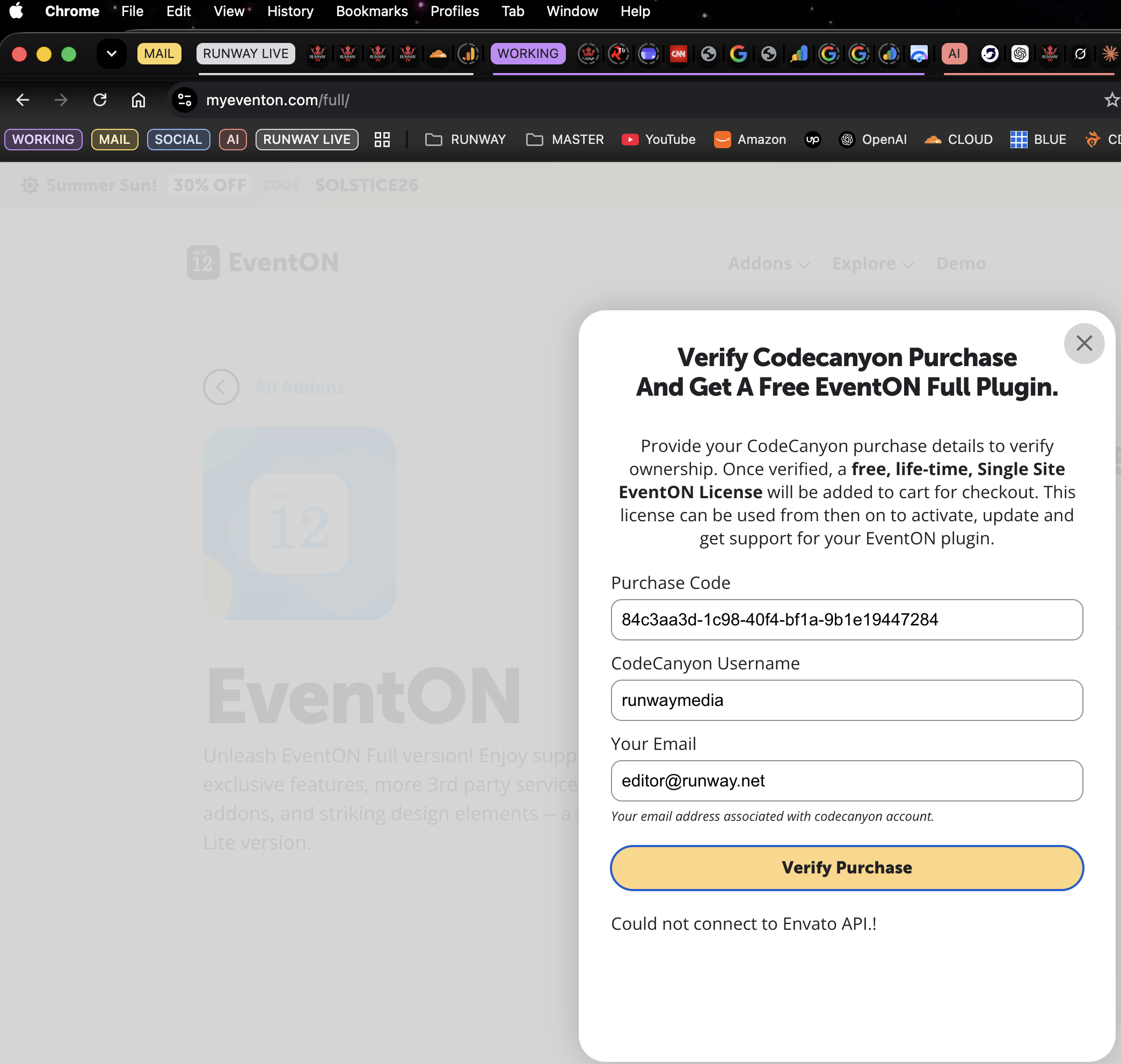
I used 2 browsers; the api doesn’t connect. The IP on the connection and my server cannot connect to the api.
Please advise, my phone browser also has same error not on wi-fi, different carrier.