see video below
seems to be working right for me- perhaps a browser cache clear is needed.
Replies for tickets on suppota
see video below
seems to be working right for me- perhaps a browser cache clear is needed.
OK it seems to be back to not working again. I haven’t done anything since. We have a widget on our homepage at the bottom and then have a “calendar” page that displays a couple different versions of the calendars. It’s back to showing the grey pulsating flashing outline of the widget loading.
Apologizes. That only affects the backend login. Either way, it is disabled for now for you to try again.
Furthermore, I tried a few more things since then, not sure what really fixed it, but we might be fine for now. I did clear the short codes on the pages and placed replacement ones, though it was likely the exact same formula of a custom shortcode. I also found an option in settings about using EventOn vs AJAX to load and thinking that also may have helped. I will keep this open for now, you’re welcome to check in if there is anything else you think you might see as a potential issue but otherwise, thank you for checking in.
@Roberto..
I was very nervous about doing the manual update method as I’ve grown used to the auto-update like you. I decided the only way this is happening is if I trust the EventOn steps provided….I did exactly this:
1) Backed up Website (Full) <– Just in case
2) Went to the settings of EventOn “General” and made sure the “delete settings, etc” was set to “Off/No”.
3) Then I deactivated EventOn
4) Then I deleted EventOn
5) As instructed download the latest zip file from CodeCanyon and extract it to a folder location.
6) Went to Add New Plugin >> Upload Plugin and pointed to the extracted file: eventON_4.7.zip
7) Once uploaded, I immediately activated it
8) Went to site and tested to see if it was good….Worked the charm!!
The most important part is to make sure that you have that setting deselected for “delete eventon settings & data”…And that’s what got me scared as I of course didn’t want to lose any old data or settings as I have custom CSS and the like… 🙂
Bottom line….if you just follow the instructions as I did and listed…it worked perfectly!! 🙂
P.S. Just hope following updates will be automatic 🙂
we can’t access the site as we are in different countries
perhaps unblock: USA< Australia Nepal and africa temporaritly so we can get in aand sort it out
Found the shortcodes in pages and blog posts were also causing 503 internal errors on pages and posts. This is a big deal. What in the world is going on with the EventOn plugin? It is breaking out entire site. I have confirmed this with top tier tech support with our web developers and hosting service tech support. As soon as we removed a EventOn shortcode from a page or blog post, they finally loaded again.
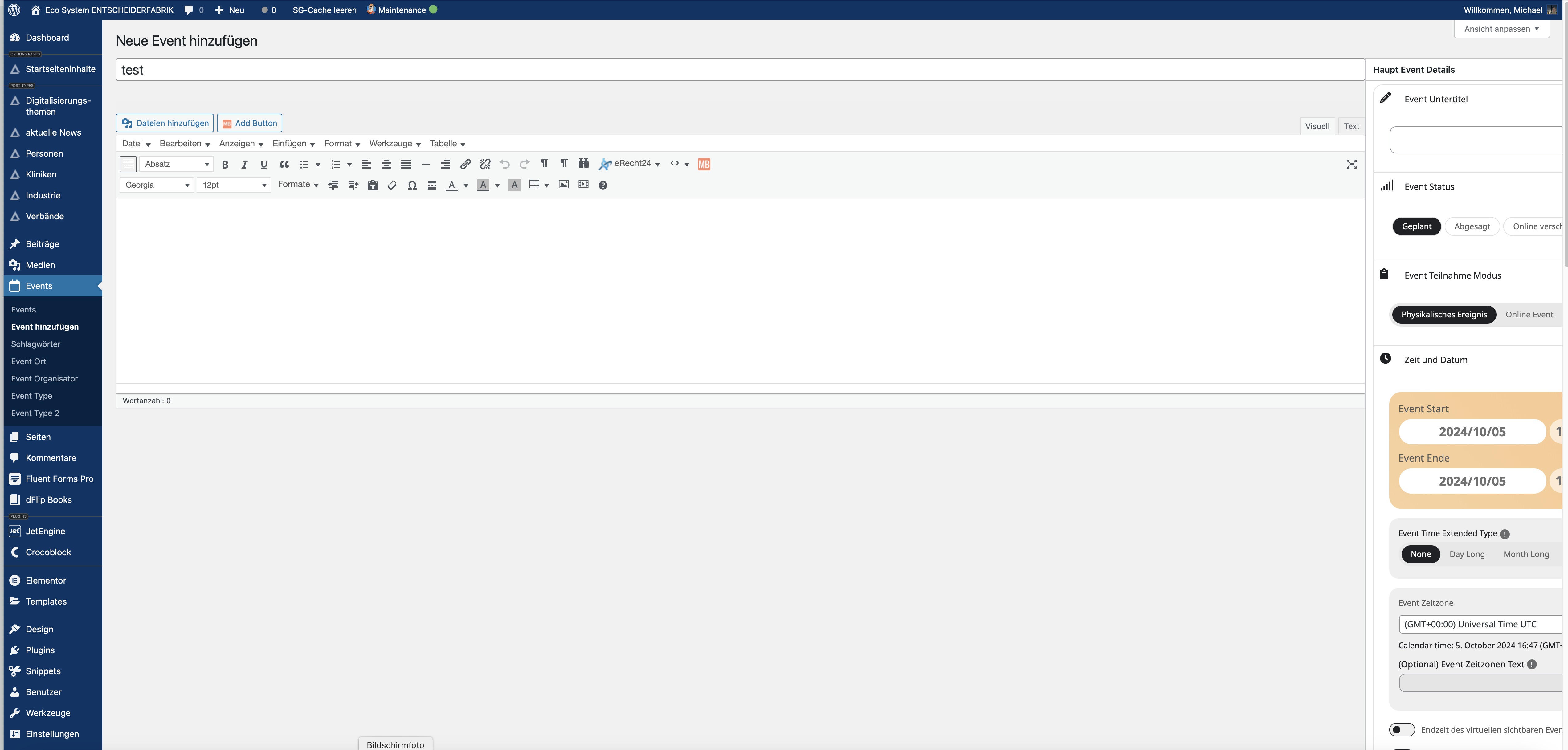
Sorry, I forgot the screenshot.
sergio.fastellini@gmail.com
So what’s the solution for my problem right now?
Wait for version 4.7 or how can I get the plugin running again?
It is. Great!
Thank you. This was really helpful. Much quicker to help customers.
Cheers