I selected EventON > Advanced > Select event calendar WP Query method: Query only the event posts created within last 5 months.
Also added WPML compatibility to the shortcode: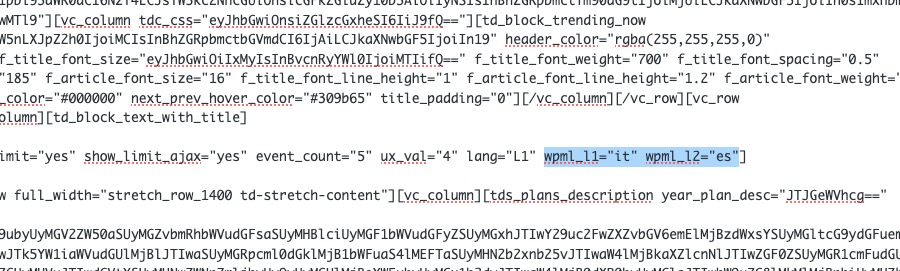
So now it works (but you need to wait some time for it to load events):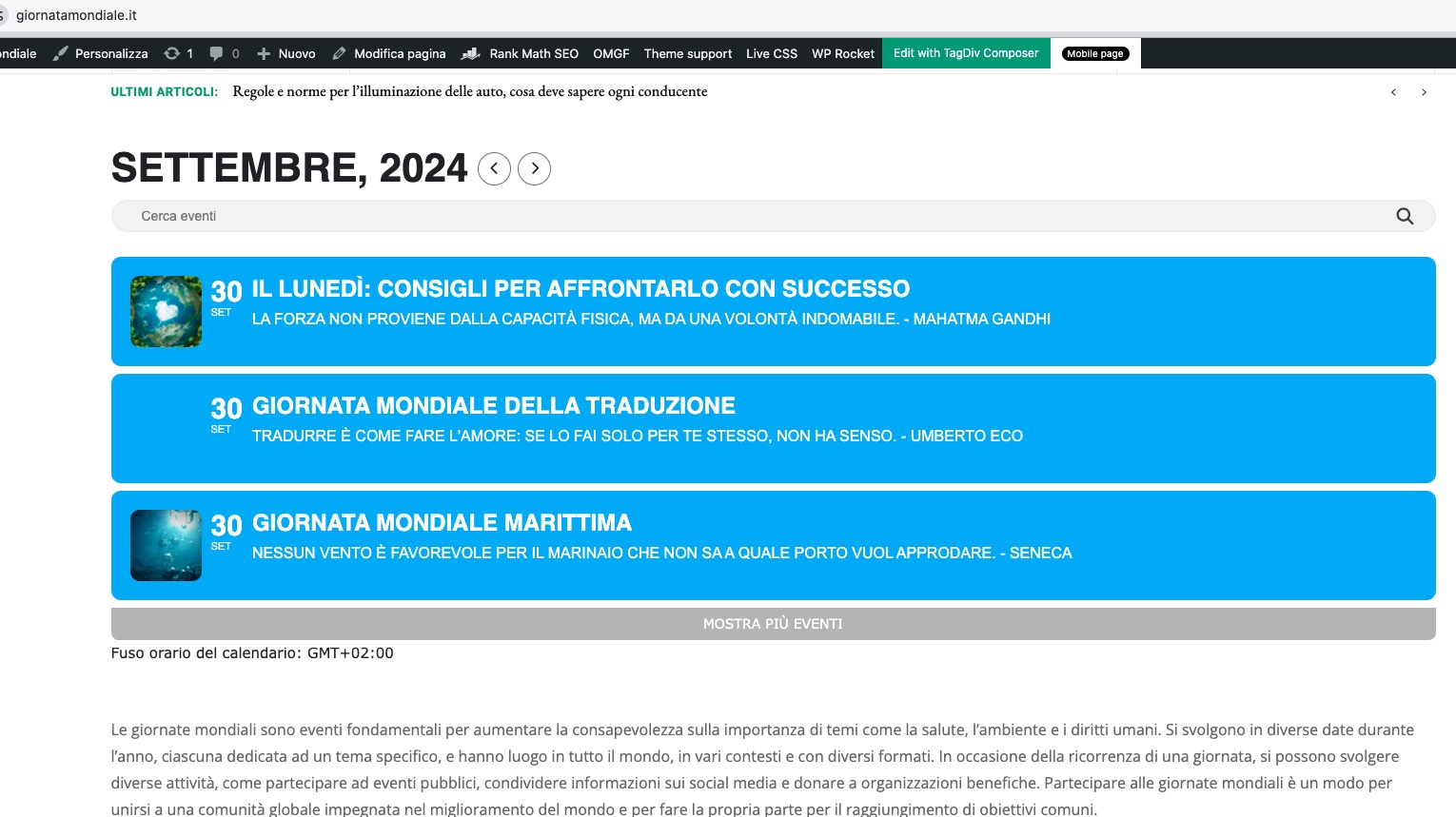
Replies for tickets on suppota
I selected EventON > Advanced > Select event calendar WP Query method: Query only the event posts created within last 5 months.
Also added WPML compatibility to the shortcode:
So now it works (but you need to wait some time for it to load events):
Ah super thanks – that’s sorted the display issue!
Sequoia was just released. Please wait for more updates for the OS and also Safari browser.
I cannot access wp-admin anymore. Could you check?
we’ve noticed that in just one week, with RSV events, 40 MB have been used.
And how many events did you add for the period?
Hello,
Could you update EventON and Tickets add-on? After the update please follow the instructions in this documentation to activate debug in your site to see any PHP errors recorded that can provide insight on to whats going on. Please reply with a link to debug.log file. If you are not able to do this please send us FTP access to your site so we can do this for you.
Ashan,
I tried to activate their add-ons licenses and received the same error. Could you check?
We’re also finding that event information isnt showing on teh single event pages…
Please go to EventON > EventCard > open Designer and save > now save EventON Settings.
Thank you for your messages, I am going to assign this ticket to Ashan and he will be able to take it from here and find you a solution. Please allow some time for him to get back to you, we greatly appreciate your patience and thank you for being a eventon customer! Also please disable any IP blocking on your site if there are any.
https://staging.grasmeregather.co.uk/wp-admin
u: eventon
p: o$6MaYc$Y^4iHh7zVwbI()5!
We’re also finding that event information isnt showing on teh single event pages…
We are glad your issue is resolved, if you have any further questions or concerns please create a new ticket.
If you have a moment, we would greatly appreciate if you could kindly leave us a review at Codecanyon. By going to your account > Downloads. We are very grateful for your kind review!