…upgrades are not supposed to crash…
Could you tell us more about this? Please follow the instructions in this documentation to activate debug in your site to see any PHP errors recorded that can provide insight on to whats going on. Please reply with a link to debug.log file. If you are not able to do this please send us FTP access to your site so we can do this for you.
>> it’s mostly things in the calendar design that are changed or missing or ugly after an update, not so much an action that then creates a crash – so a debug log isn’t helpful, right?
…or even change my design work every time.
Each update changes the design. If there is nothing wrong with your current version then you need to make sure that new version changes doesn’t affect your current design and only the update.
Please also note that some of your current issues cannot come from EventON. For example,
I checked on two browsers: CURRENTLY font are not displayed anywhere as they should be
EventON doesn’t affect fonts at all. It only changes the styling.
>> my webmaster investigated and found out, that fonts are only being used, once they have been used on the calendar page itself at least once, and after he manually inserted some CSS for the calendar page
____________________________
https://helpdeskx.s3.amazonaws.com/wp-content/uploads/2024/09/20052326/Screenshot-2024-09-20-at-14.23.05.jpg
Could you tell us who added this code?
>> Sorry, I cannot discern which code exactly you mean. up until yesterday, only eventON has added code or given me code to add to the scripts & styling section
_________________________
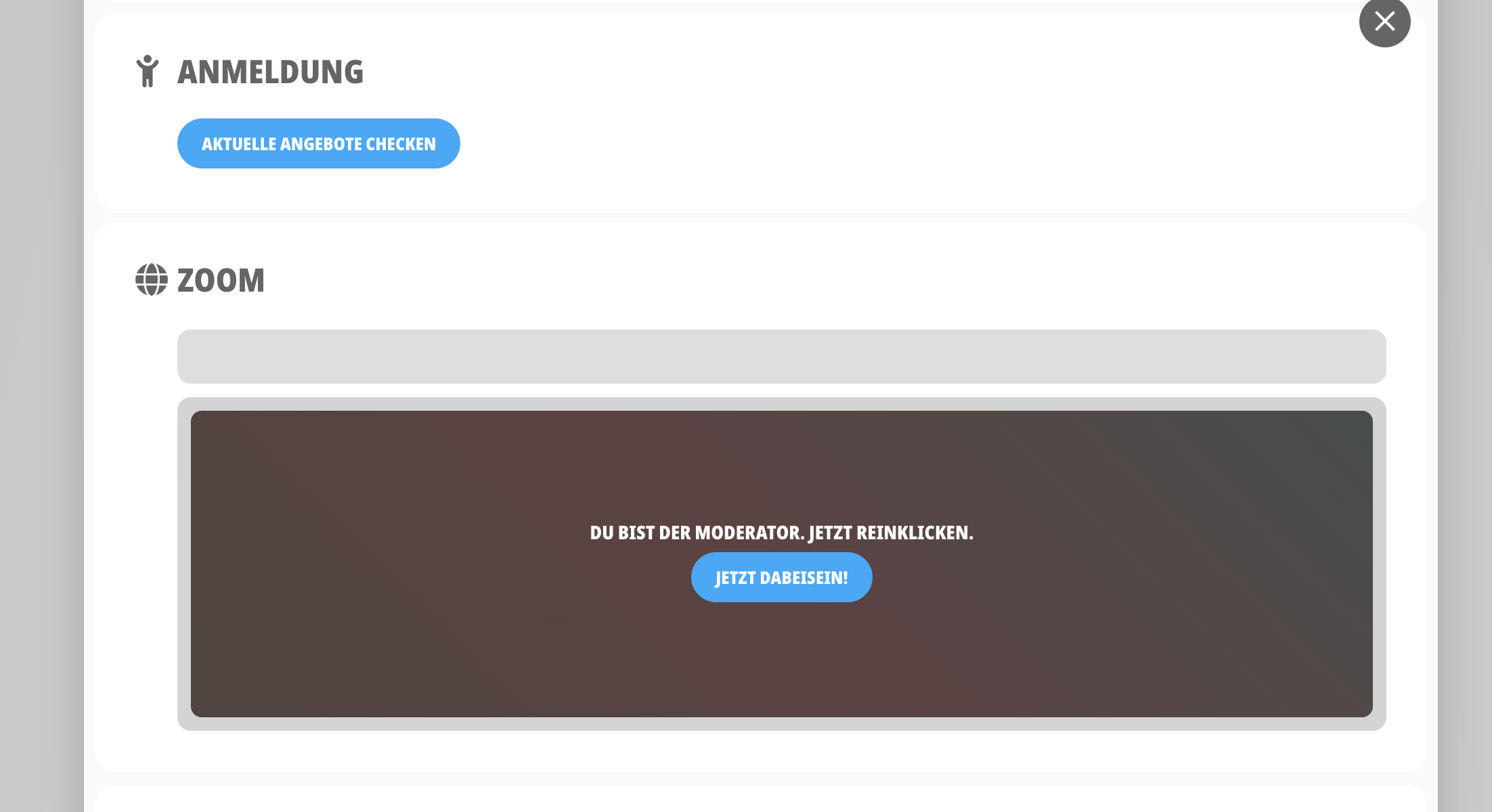
>> could you please tell me, what the small grey box underneath “ZOOM” is and how to make it go away – thank you!