Hello,
Please go to EventON > EventCard > open Designer and save > now save EventON Settings.
Replies for tickets on suppota
Hello,
Please go to EventON > EventCard > open Designer and save > now save EventON Settings.
Ashan,
The same on dev2:
https://dev2.myeventon.com/wp-admin/post.php?post=55106&action=edit
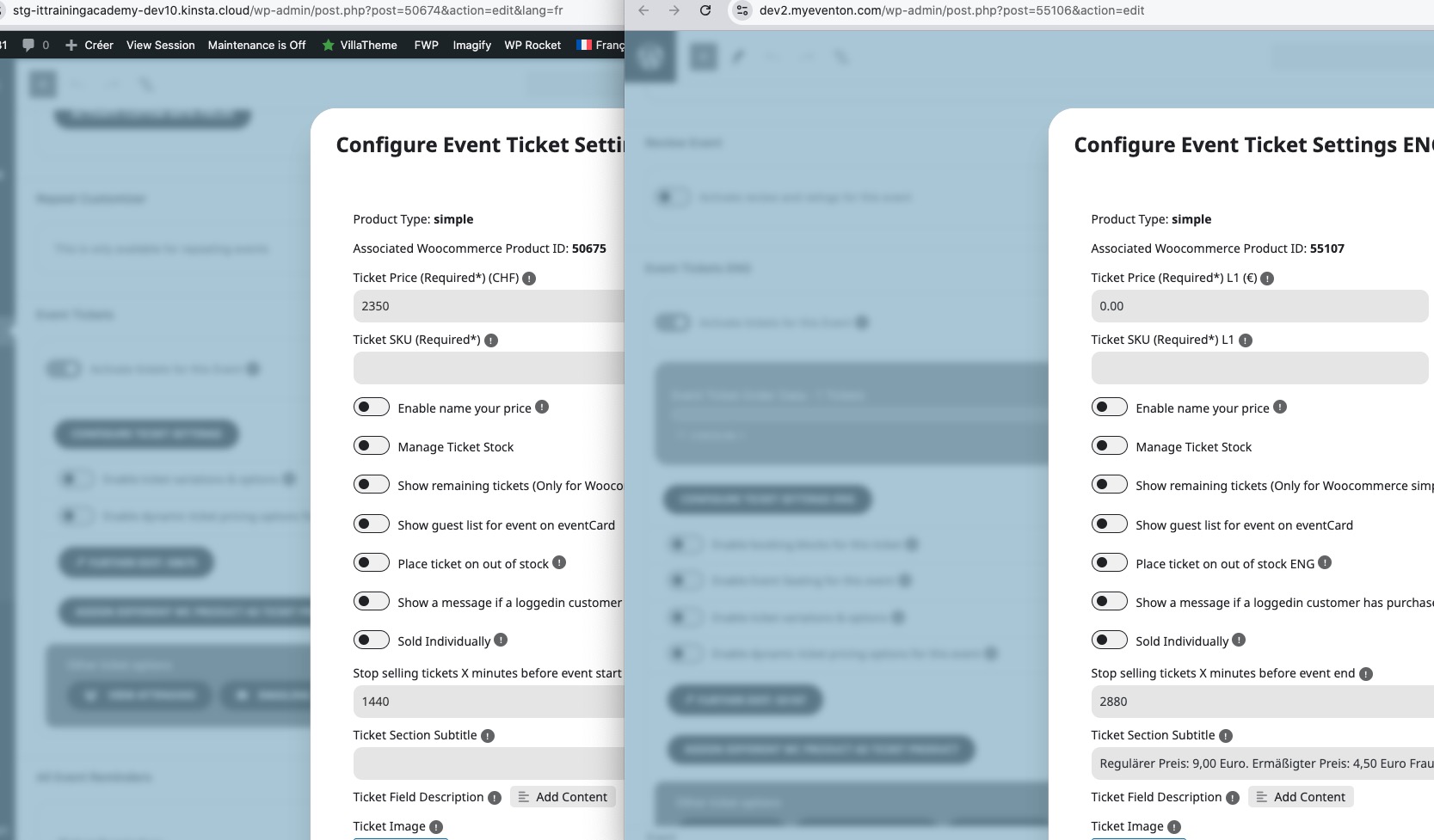
Tickets work, it seems that SKU simply not visible.
Hello,
Thank you for your messages, I am going to assign this ticket to Ashan and he will be able to take it from here and find you a solution. Please allow some time for him to get back to you, we greatly appreciate your patience and thank you for being a eventon customer! Also please disable any IP blocking on your site if there are any.
If you have a moment, we would greatly appreciate if you could kindly leave us a review at Codecanyon. By going to your account > Downloads. We are very grateful for your kind review!
Hello,
Please also send us wp-admin access to your site as a private message for us to further assist your situation.
If you have a moment, we would greatly appreciate if you could kindly leave us a review at Codecanyon. By going to your account > Downloads. We are very grateful for your kind review!
Hello,
Could you please update the Eventon plugin and the Tickets addon to the latest versions?
To update Eventon to the latest version: If you are unable to do auto-update, you can go to codecanyon your account > download and get the latest Eventon version as a zip file. Then you can go to your website > make sure “Delete eventon settings & data when EventON is uninstalled” is Deselected from eventon settings, delete old eventon, install new one, and activate. This link will further explain the process.
To update eventon addons: You can download the latest eventon addons from myeventon > my account. Then you can go to your website, deactivate the old addon install a new one, and activate then delete the old addon. This link will further explain the process.
Hi Adam,
We are glad your issue is resolved, if you have any further questions or concerns please feel free to create a new ticket.
Hello,
Please follow the instructions in this documentation to activate debug in your site to see any PHP errors recorded that can provide insight on to whats going on. Please reply with a link to debug.log file. If you are not able to do this please send us FTP access to your site so we can do this for you.
Hi Thierry,
If you have any further questions or concerns please feel free to create a new ticket.