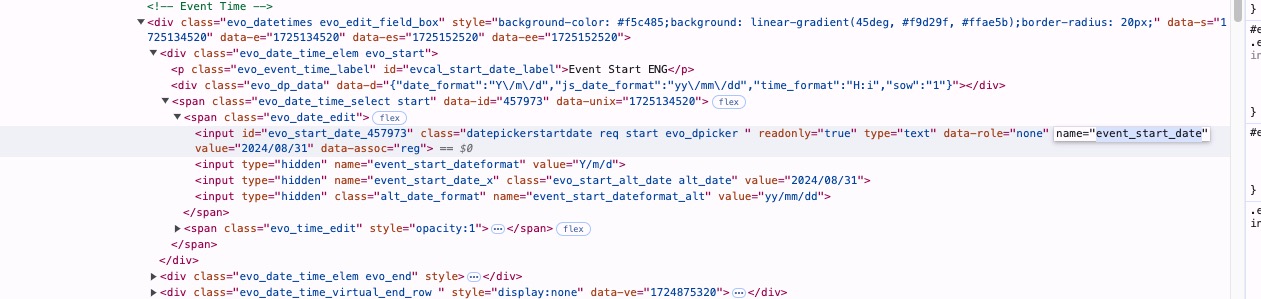
Yes. I’m sure it’s still an issue for people if they haven’t noticed it. I had to remove things from the event card to make the buy tickets option visible. Otherwise, its not responsive on desktops.
Archives: Replies
Replies for tickets on suppota
Reply to: tickets(363068)
Yes, I tried both danmartin and josh@kzoom.com. To no avail. Thank you!
Reply to: tickets(362774)
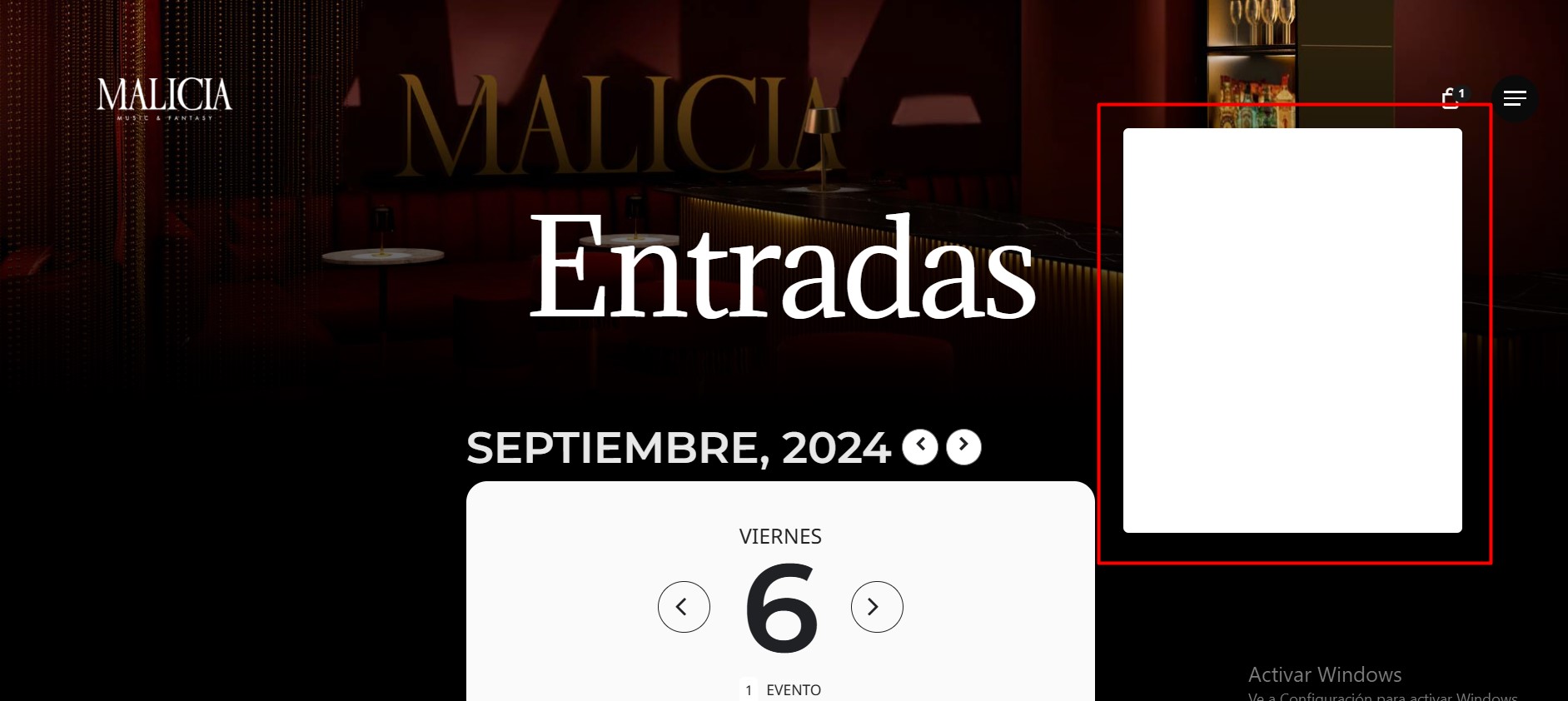
Finally, the issue with the white cart is still showing. How can we fix this?
Reply to: tickets(362774)
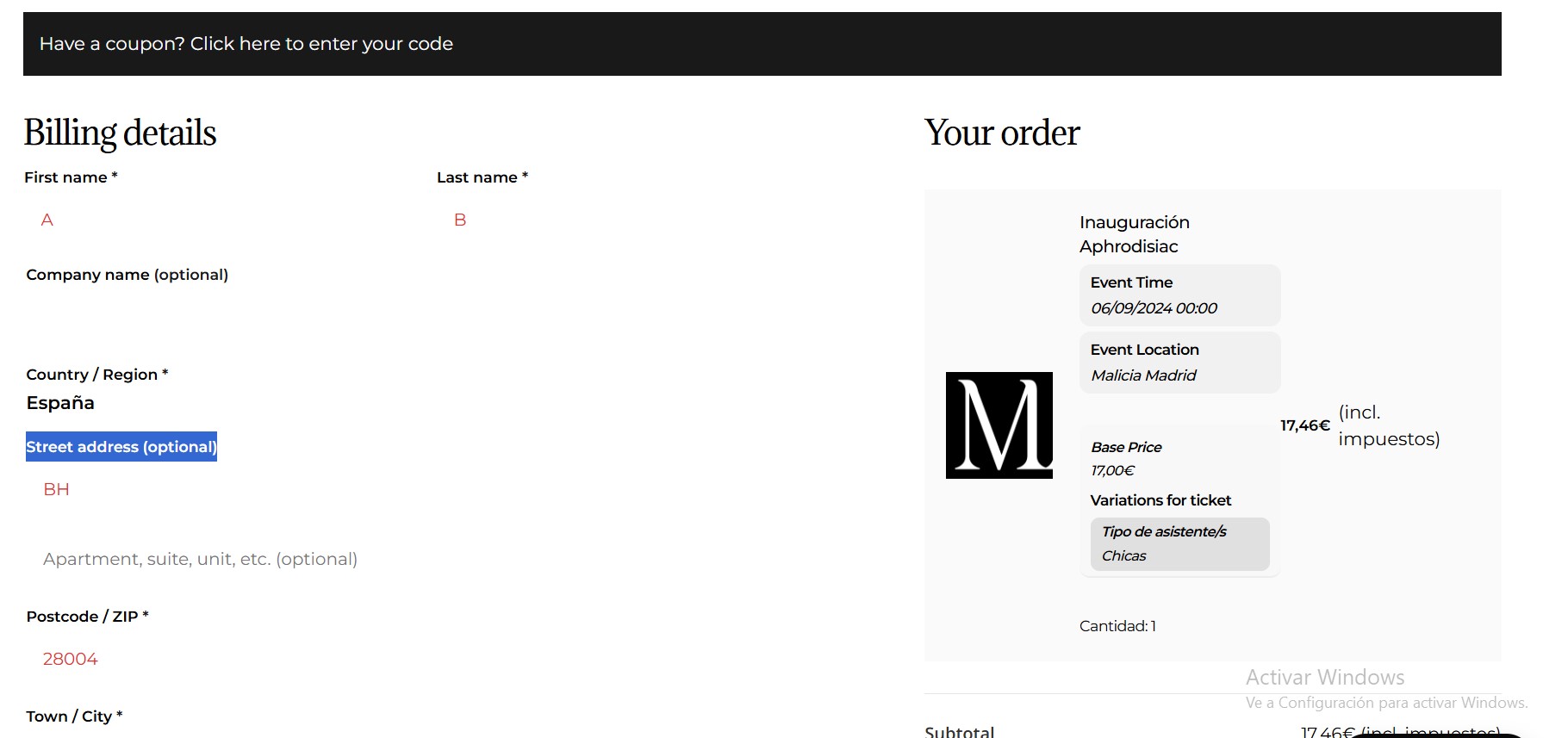
Hello! Thanks! Changing the checkout for the shortcode solved a lot of issues!!
However, now new issues are showing up. The checkout is showing in English (before it was in Spanish) and the order resume is still in English (eventhough both are translated)
Regarding the styles, i’ve already changed the fonts in EventON > Appearance to Montserrat, but it keeps showing another fonts in those numbers. Also, I’ve changed the colors but it keeps showing the blue and the white background.
Thanks!
Reply to: tickets(362793)
Hi Artem –
Yes, I think I did. I can’t tell yet because I don’t have any events scheduled for September, but I’ll let you know when I do so you can close this ticket. Thanks again for your time and support!
Charles
Reply to: tickets(362774)
1. WordPress itself adds the section, so please follow this guide:
https://blog.hubspot.com/website/disable-comments-wordpress
4. Tickets doesn’t support Gutenberg WooCommerce’s Checkout:
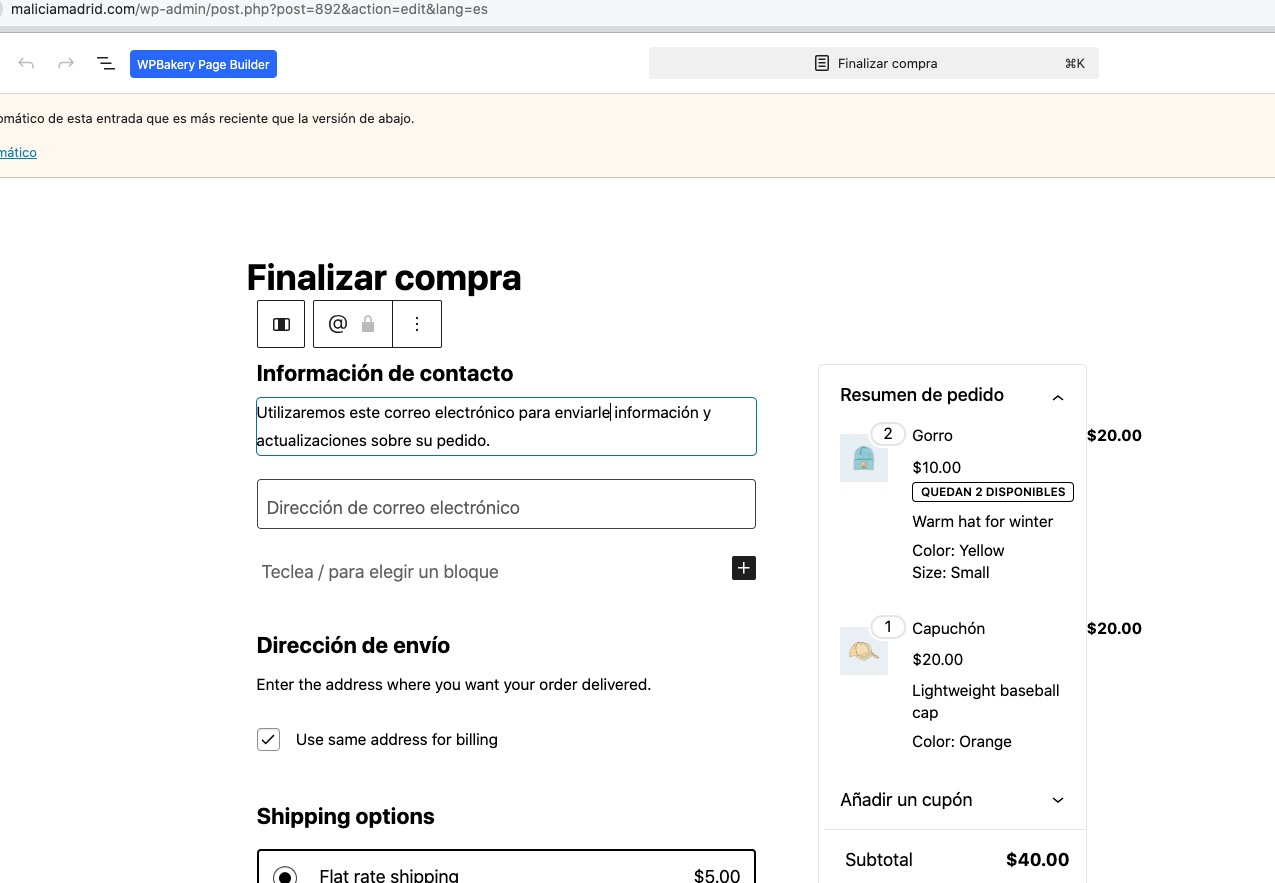
Please replace it with the default Woo’s shortcode:
https://woocommerce.com/document/woocommerce-shortcodes/#woocommerce-shortcodes
[woocommerce_checkout]
5. This will be fixed by following 4.
6. You can find it here:
https://maliciamadrid.com/wp-admin/admin.php?path=languages%2Fplugins%2Fwoocommerce-es_ES.po&bundle=woocommerce%2Fwoocommerce.php&domain=woocommerce&page=loco-plugin&action=file-edit
And it’s already translated, so could you fix 4 first. Maybe this is related.
Any customizations can be made from EventON > Appearance. For example, fonts can be changed from Primary/Secondary Calendar Font family and colors from available options below on the same page.
For the rest please follow the css customization guide to further edit style changes.
Reply to: tickets(317965)
Ashan,
Customers cannot autoupdate using Envato Market plugin:
Can we fix this somehow?
Reply to: tickets(317965)
Thank you for your messages, I am going to assign this ticket to Ashan and he will be able to take it from here and find you a solution. Please allow some time for him to get back to you, we greatly appreciate your patience and thank you for being a eventon customer!
Reply to: tickets(360684)
So the issue is fixed now? Could you let us know?
Reply to: tickets(363153)
Hello,
Please take a look at
https://docs.myeventon.com/documentations/event-post-meta-variables/
evcal_srow UNIX event start value
evcal_erow UNIX event end value
Also try