Interesting if you see in the code. you can see that the evcal_footer and then inside that the evo_cal_data class was overridden and changed by this plugin. I am not sure what the reasons for blocking this content.
This stops the calendar content from loading properly as this stops the SC value (shortcode) values from passing on to ajax for calendar to load correct events.
I tried this guide but its not working https://docs.myeventon.com/documentations/customize-single-events-page/
Hello,
Thanks it works just like you said it will look like. But is there a way we can do to use the header of the theme so that the header image will be shown?
Please try updating to the latest versionof tickets addon 2.3.4
https://docs.myeventon.com/documentations/changelog-event-tickets/
should resolve this along with several other known issues 🙂
v 2.3.4 (2024-8-21)
FIXED: ticket settings not saving properly
FIXED: evotx_attendees shortcode running on backend
FIXED: pass shortcode keys to evo_sc_keys_assoc
FIXED: sold out tag for repeat events not working correctly
REQ: EventON 4.6.8
Yes thank you very much. Last question. in user account i see tab Event Tickets. under this tab said
Upcoming Events
Past Events.
O made order. I complete the order and there nothing appear. the email with the ticket pdf received but nothing show there.
Ashan,
Suggestions from the customer:
Reply to: 362320
Thank you for letting us know! Ashan will check your suggestions ASAP.
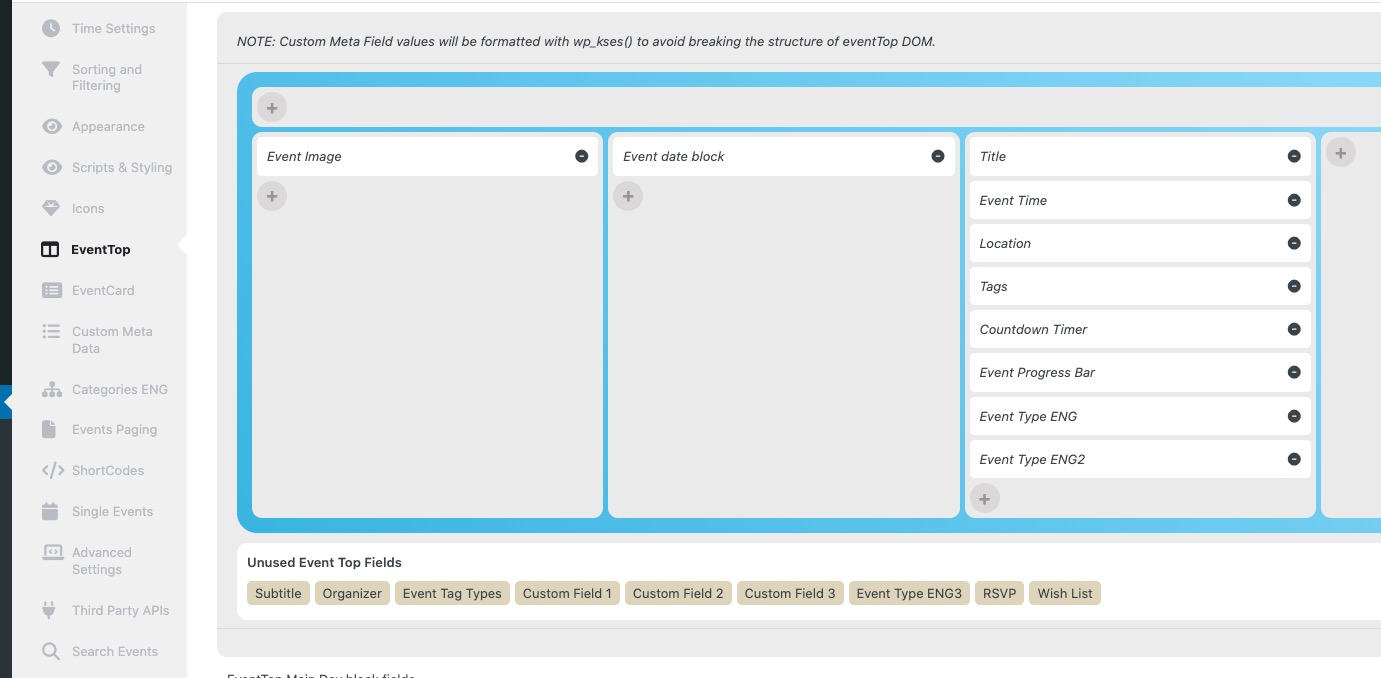
Could you go to EventON > EventTop > make sure that all fields are added:
Perfect! If you have any further questions or concerns please create a new ticket.
Hello,
Dynamic Pricing isn’t compatible with Variations add-on, I am afraid.
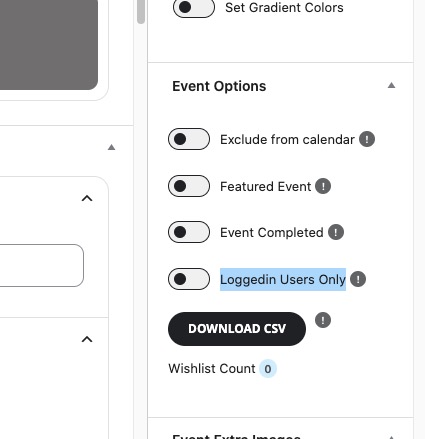
It seems that you can use Edit Event > Loggedin Users Only to create events for members only with special variations:
Could you check and let me know?