Sven, we are addressing this in the next version. We have noticed that is eating up a lot of memory and we are removing it with more efficient as needed queries in 4.6.8 — much appreciate your patience while we work on this 🙂
Archives: Replies
Replies for tickets on suppota
Reply to: tickets(359754)
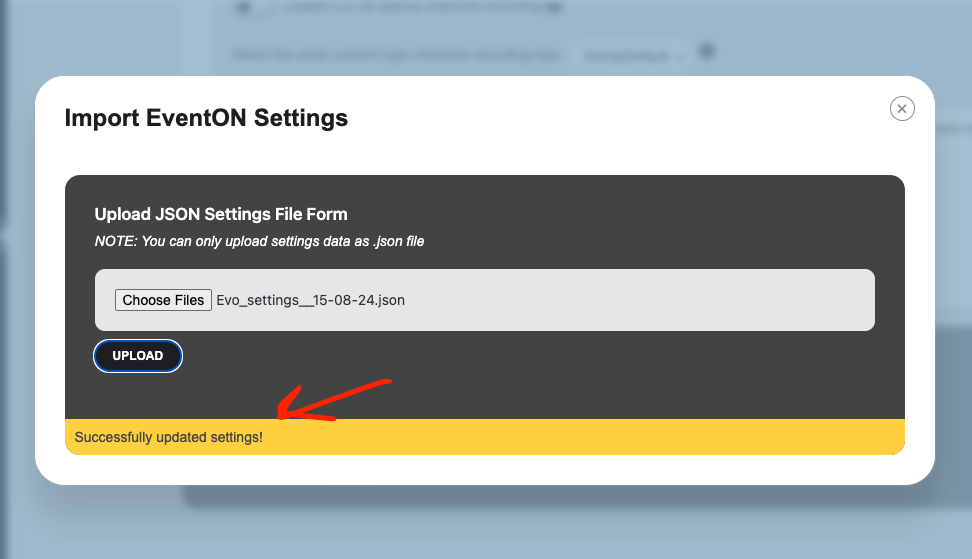
Ok so after you run the importer. You should see a success message.
Then you need to refresh the settings page. Do not click save changed.
Reply to: tickets(360228)
We are aware of the issue with the time and we are working on the next version of eventON which will resolve this issue. Hoping to get this out soon!!
Reply to: tickets(361701)
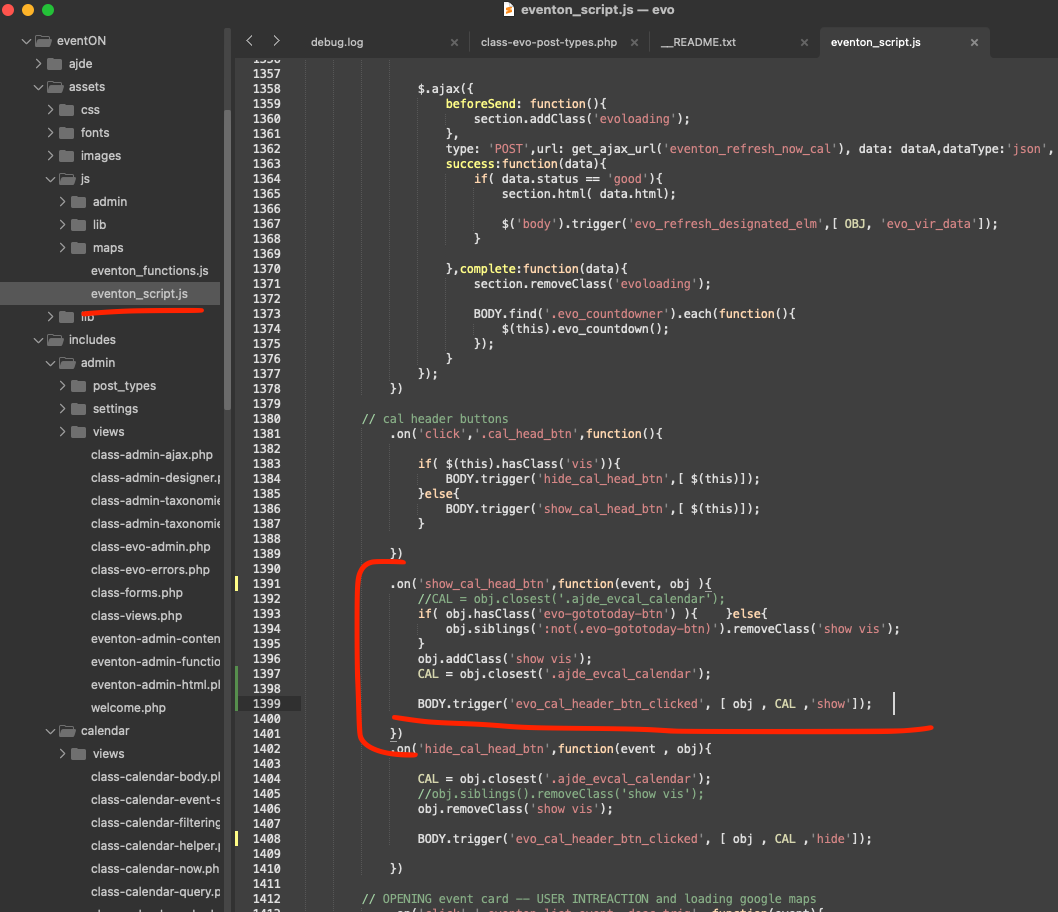
Bryan here is the patch fix to resolve the search not showing. this will be in the next version update.
code: BODY.trigger(‘evo_cal_header_btn_clicked’, [ obj , CAL ,’show’]);
Reply to: tickets(361701)
Ah sorry, please also add
filter_type=”select”
Reply to: tickets(361977)
Reply to: tickets(361930)
Hello,
Please add this CSS code to EventON > Styles (If you don’t see any change, EventON > Scripts & Styling > turn off Write dynamic styles to header > save settings > turn on Write dynamic styles to header):
@media (max-width: 568px) { .evcal_evdata_row .evcal_evdata_cell h3, .evo_clik_row .evo_h3 { font-size: 20px !important } .evcal_evdata_row .evcal_evdata_cell h3 a { font-size: 20px !important } }
Reply to: tickets(361932)
Hello,
Please add this to the shortcode:
event_past_future=”future”
Reply to: tickets(360102)
hi Ashan, thanks for checking in. The Production site is still using the outdated version of EventOn + add-ons. However, the staging site which has the plugin and add-ons updated is much better thanks to Artem. There are still a few items (mainly the full calendar date cells with Events) that are different but I am waiting on the client to review and see if what we have is fine and I can then move to the Production site.
Thanks,
Slade
Reply to: tickets(361935)
Hello,
Please add this CSS code to EventON > Styles (If you don’t see any change, EventON > Scripts & Styling > turn off Write dynamic styles to header > save settings > turn on Write dynamic styles to header):
.evosch_oneday_schedule span { padding-left: 70px; }