Hello,
Please follow this guide:
https://docs.myeventon.com/documentations/customize-rsvp-emails/
Replies for tickets on suppota
Hello,
Please follow this guide:
https://docs.myeventon.com/documentations/customize-rsvp-emails/
Perfect! If you have any further questions or concerns please create a new ticket.
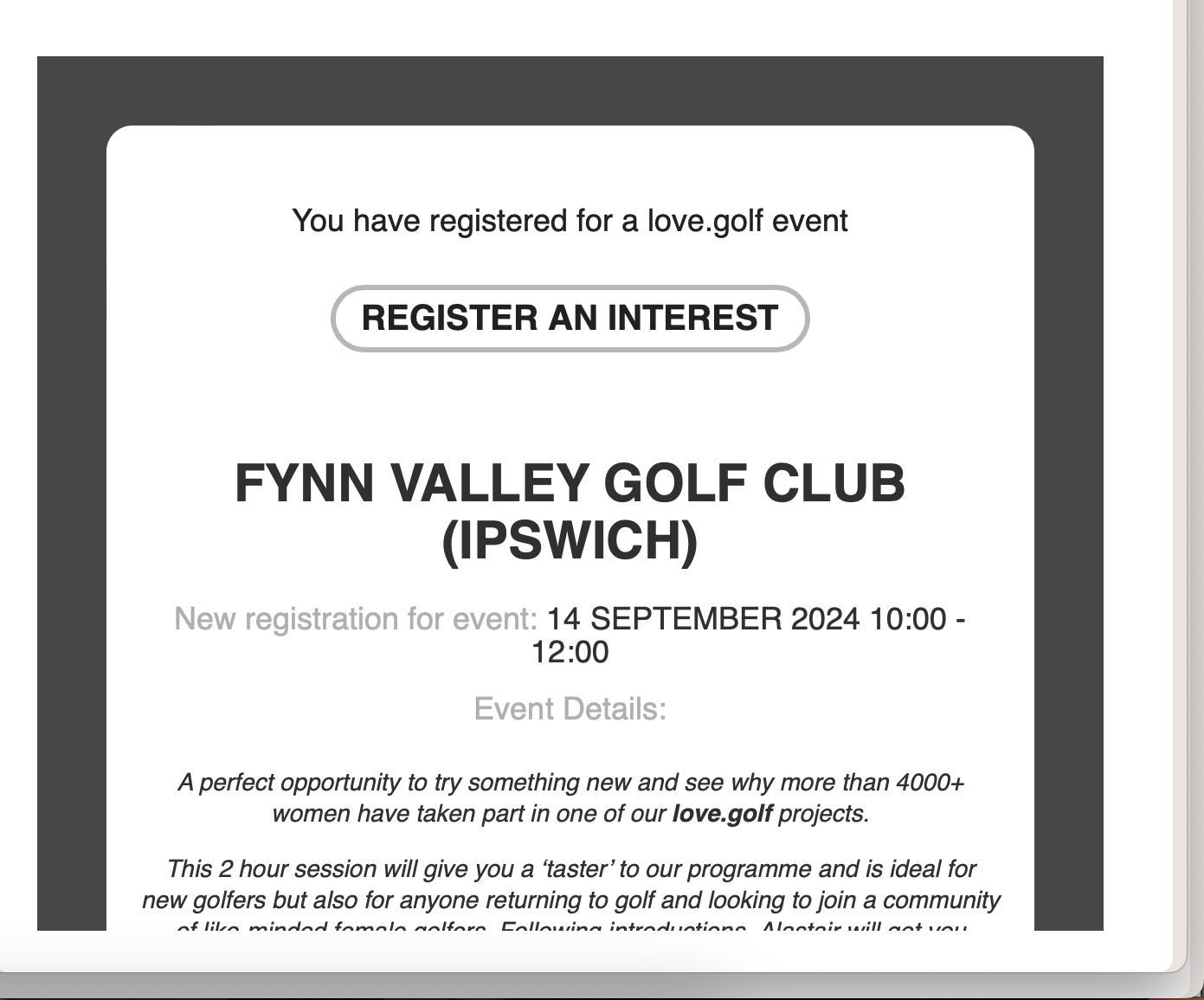
Hi Kenneth,
That has worked perfectly, thank you.
The same issue is on the RSVP email to customers. How can I remove the button please on this response email. See screenshot.
Thanks

Hi, below is the login details requested. Yes, the timezone are the same. It’s the same settings as the other events, but the said event is displaying different timezone. I even tried to add a custom timezone text but that’s not being read. As a temporary fix, I had to edit eventOn/includes/calendar/class-calendar-event-structure.php line 294 to use custom timezone text if it’s available.
https://wearewomenconnect.com/wp-admin
UN: jasiado2@hammersmithinteractive.com
PW: BTxGI3RcTvc^6kKDMp4kuAvQ
Okay I will hand it in as a feature request
https://vault.bitwarden.eu/#/send/IkPTkTzo90SSx7HHAHpVQw/2mzy2WKeRB_ZnZaxLEg6Mg
You can found the access on the vault.
Here the event page: Calendario Albagnano | Kunpen Lama Gangchen – NgalSo Dharma Centre (also in english)
Best regards
I cannot use woocommerce to create the booking form and then put redsys on it?¿
So, to properly use your plugin after paying for it, now I need to pay more that 3 x times its price for an addon?¿
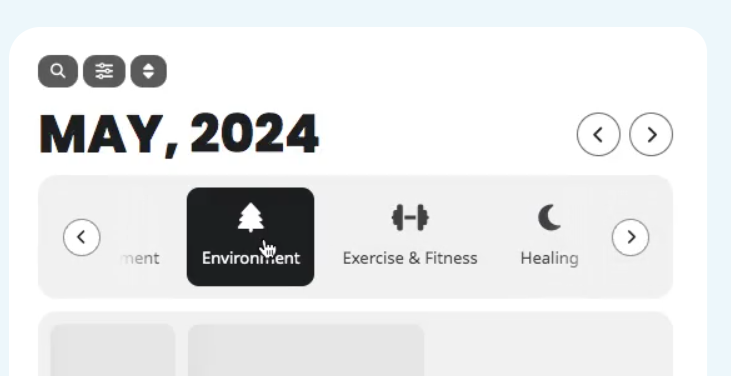
Both short codes open the filtering pop-up. Can I have a short code that add the stripe of the fast filter bar? (see attached), but still keep the rest of the drop-down filters.
so in your case
[add_eventon_dv jumper=”yes” fast_filter=”no” filter_style=”lb” filter_side_few=”no”]