If I understood you correct, then your customer with Action User add-on can check attendees from the front-end like this:
https://www.myeventon.com/addons/action-user/
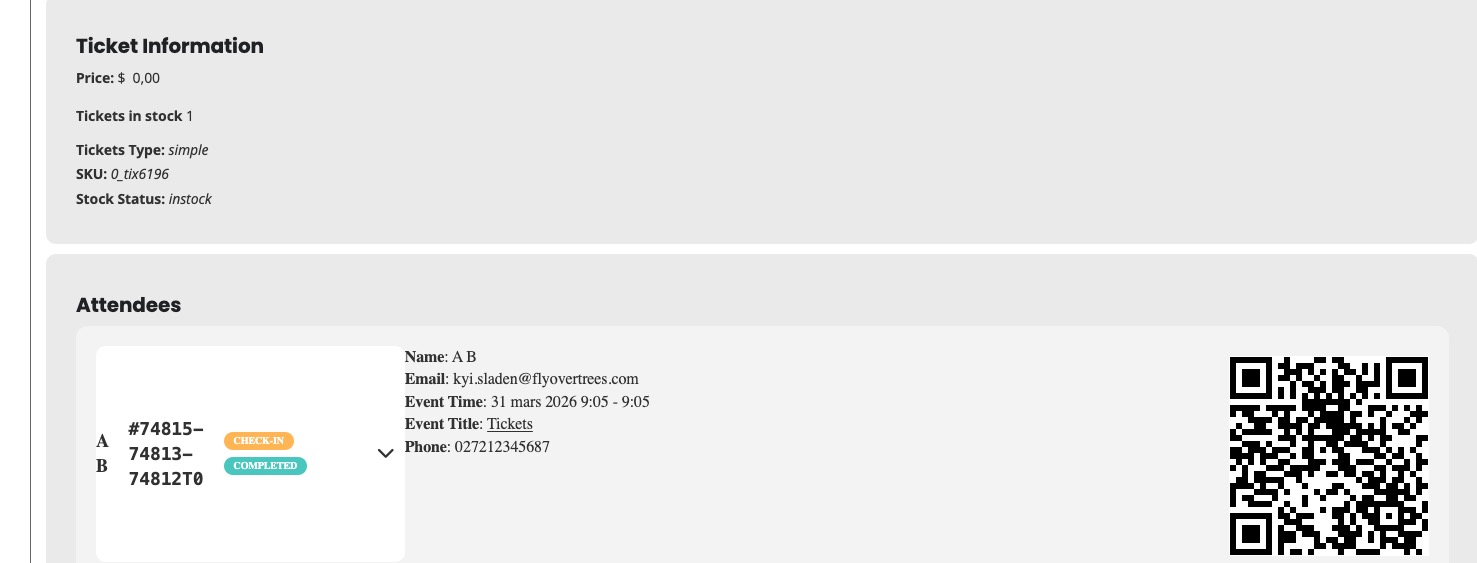
At the moment, there are no more options, I am afraid.
Replies for tickets on suppota
If I understood you correct, then your customer with Action User add-on can check attendees from the front-end like this:
https://www.myeventon.com/addons/action-user/
At the moment, there are no more options, I am afraid.
Hello,
None of your tickets are Completed:
https://www.galerieloutekkuks.cz/wp-admin/edit.php?post_type=shop_order
Could you either manually complete them or by enabling EventON > Tickets > Checkout > enable Enable auto complete ticket orders?
Hello,
Perfect! If you have any further questions or concerns please create a new ticket.
kindly add this CSS to your eventON settings > Styles — and save changes.
.eventon_list_event .evoet_in, .evo_pop_body .evoet_in{max-width:100%;}
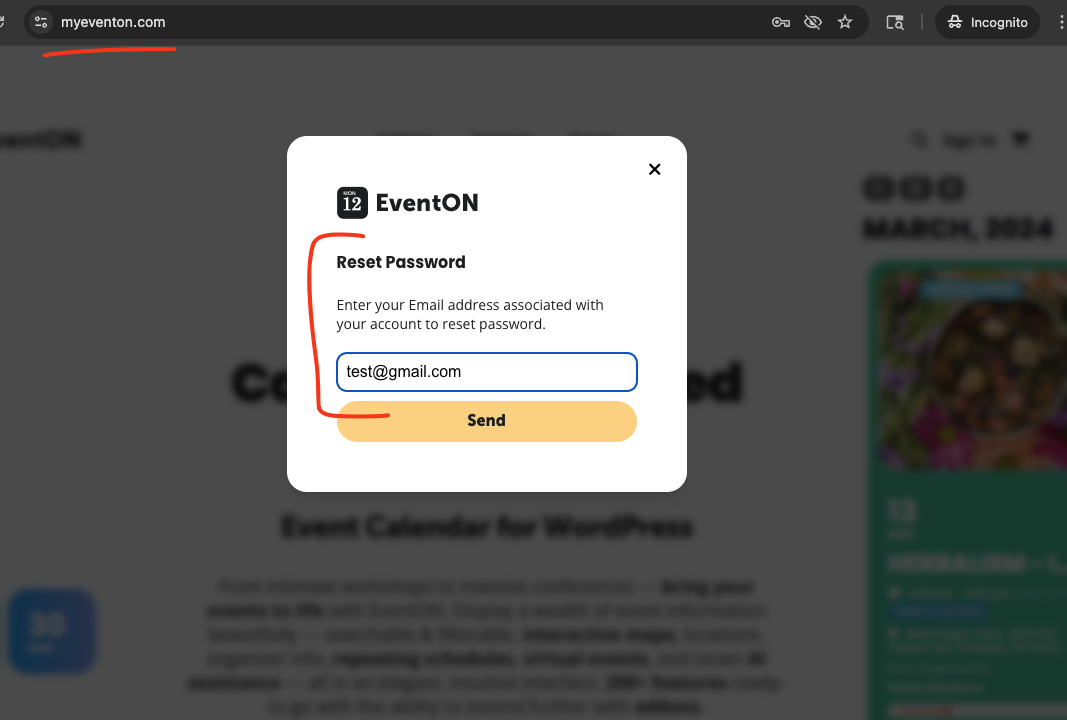
Thanks, we tried to reset our password on the main site to no avail. The email that we are sent does not have an active link in it. We click/tap on Reset Password but it doesn’t go anywhere… so we are unable to make the purchase to get the download.
Hello there Pascal, we will get those PHP errors resolved for CSV addon shortly and get a new version out.
Regardig W3Total cache compatibility? what issues do you experience?
For our websites, we use WP Fastest Cache and it works wonderfully. EventON also have few caching features. Under EventON Settings > Advanced Settings > ”Cache calendar events list data”
I see what is happening, you already have an account at myeventon.com with email : ”webmaster@uselinks.de” — when you verify the codecanyon license, please use the email you have used at myeventon.com, so that the license will be properly assigned to that account.
Disregard. Event Image meta Box had been unchecked in WP Drop Down settings selector
There was actually an issue with reset link from email not opening the correct form. We have resolved this and you should be able to reset properly now from the email link.
From the main website, were you not able to do the ”Forgot my password” and shown a field to enter email to get reset password?