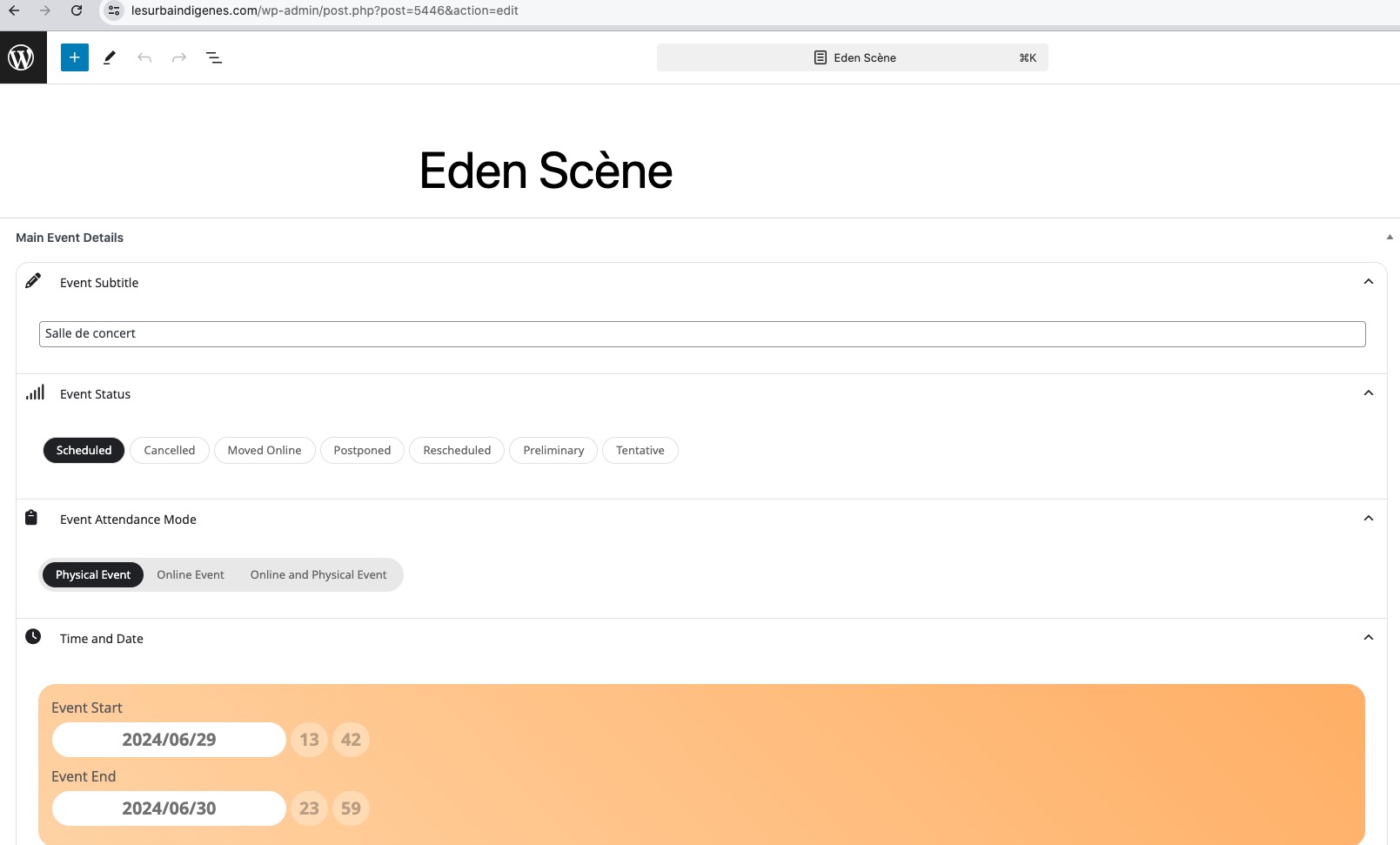
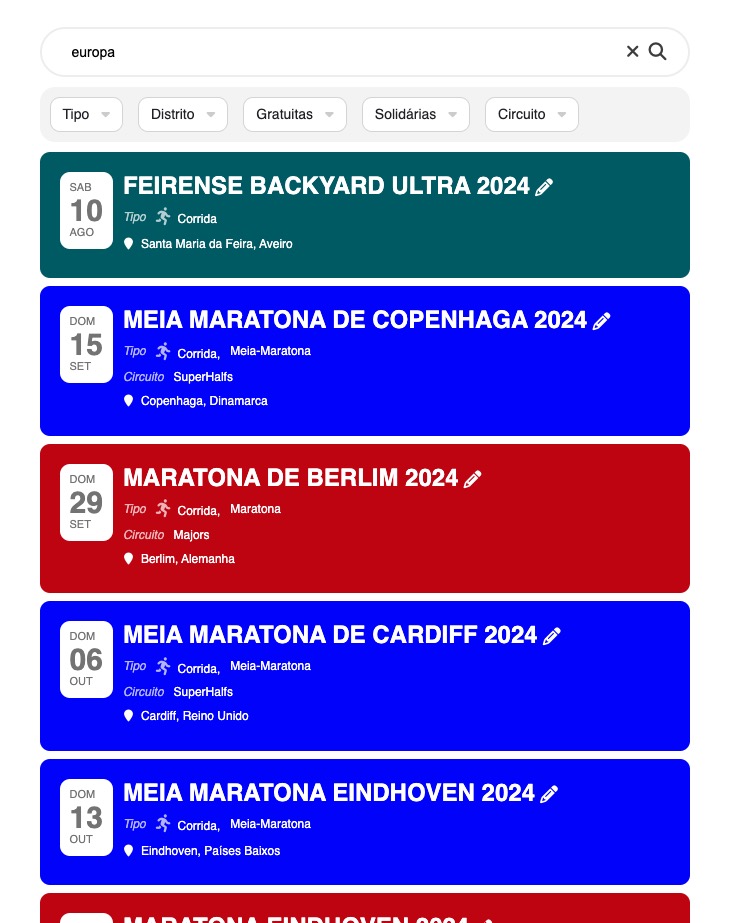
I even went up to 1014mb in .htaccess, wp-config and php.ini on CPanel. I also deactivated some plugins (Hummingbird, Lazy Load – Optimize Images, Quick Featured Images, Reduce Unused CSS Solution with Critical CSS For WP) and updated EventOn. It didn’t help.
Is there a witch loose in the site? :))
on each event there is a field to add the currency however its a mild warning on google SEO, but will not effect your SEO rankings especially if its a free event (ie there would be no need for a currecy symble)
bvut on each event- when you edit scroll down theres a section called SEO Additions for Event
I rolled back Elementor and the event calendar now work, but the styling is not as before.
I cannot disable Elementor as this is needed for the website to work.
Is Eventon not compatible with Elementor?
This is the console error i keep getting:
Uncaught TypeError: Assignment to constant variable.
at HTMLSpanElement.<anonymous> (yv_script.js?ver=1721911887:14:853)
at HTMLBodyElement.dispatch (jquery.min.js?ver=3.7.1:2:40035)
at v.handle (jquery.min.js?ver=3.7.1:2:38006)
https://digital-learning-leadership.com/termine/
The field is displayed but not transferred.
Hello,
Seems to be working on our test site:
https://dev2.myeventon.com/test-620/
Could you try disabling Elementor and switch the theme as well?
The latest error is
[24-Jul-2024 12:43:10 UTC] PHP Fatal error: Allowed memory size of 536870912 bytes exhausted (tried to allocate 20480 bytes) in /home4/passel22/public_html/wp-includes/class-wp-term-query.php on line 886
Could you try increasing it to 1024MB?
Hello,
debug.log doesn’t contain any errors related to the current issue.
However, it seems to be working in Troubleshooting Mode:
https://lesurbaindigenes.com/wp-admin/site-health.php?tab=troubleshoot
Could you please try the instructions mentioned in this documentation to make sure your issue is indeed coming from eventon.
Seems to be working in Troubleshooting Mode:
https://www.portugalrunning.com/test/
https://www.portugalrunning.com/wp-admin/site-health.php?tab=troubleshoot
Could you try try disabling your theme and check again?
We are glad your issue is resolved, if you have any further questions or concerns please create a new ticket. If you have a moment, we would greatly appreciate if you could kindly leave us a review at Codecanyon. By going to your account > Downloads. We are very grateful for your kind review!