Yup, I was able to update the plugin in the wp-admin without issue. Thanks 🙂
Archives: Replies
Replies for tickets on suppota
Reply to: tickets(410101)
Hello,
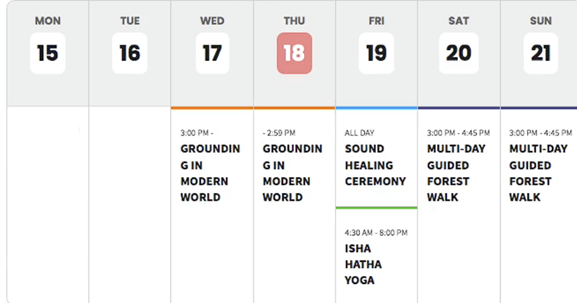
The screenshot from your test site is how my weekly view now looks. It does not look sleek and looks like it was drawn on mspaint and a style from the 90s. Looks bad! Can you let me know on how to get the old sleek look and feel as it’s shown in the attached screenshot and also in your landing page Week Style here:
Reply to: tickets(410336)
`class-calendar-event-schema.php`, lines 43-45, are the only sanitization applied to the description before it is interpolated:
“`php
43 $__schema_desc = str_replace(”’”,”’”, $__schema_desc); // no-op, both sides identical
44 $__schema_desc = str_replace(’”’,”’”, $__schema_desc);
45 $__schema_desc = preg_replace( ”/r|n/”, ” ”, $__schema_desc );
“`
Then line 236:
“`php
236 ”description”:”’.$__schema_desc.’”’.
“`
Three problems with that sanitizer:
1. Line 43 is a no-op. Both arguments to `str_replace` are the identical ASCII apostrophe, so it replaces `’` with `’`. It looks like it was meant to be an entity or a curly quote.
2. Line 45 strips `r` and `n` but **no other control character**. `t` (`U+0009`) and every other `U+0000`-`U+001F` codepoint pass straight through into a JSON string literal, where they are illegal per RFC 8259 §7.
3. Nothing handles `</script>`. Line 44 turning `”` into `’` does not help, since `</script>` contains no quotes.
Line 176 has the same defect for the location address:
“`php
176 $_schema_location .= ‘{”@type”:”Place”,’.$_name.’”address”:{”@type”: ”PostalAddress”,”streetAddress”:”’. str_replace(”,”,”,”, stripslashes($location_address) ).’”}}’;
“`
`$location_address` comes from `event_location` term meta and is interpolated with no control-character handling at all.
The post title at line 231 goes through `htmlspecialchars(…, ENT_QUOTES)`, which handles quotes but likewise passes control characters through untouched.
Reply to: tickets(410196)
Sorry for the delay.
Could you try again and let us know?
Reply to: tickets(410208)
I believe that we’ve fixed the issue. Please try again and let us know.
Reply to: tickets(410324)
Hello,
You should be able to find the license code by going to
https://www.myeventon.com/my-account/
Could you check and let me know?
While we are working on the issue, you can use the add-on unactivated.
Reply to: tickets(410314)
We are glad your issue is resolved, if you have any further questions or concerns please create a new ticket.
Reply to: tickets(410314)
Perfect! Thank you very much 🙂
Reply to: tickets(410208)
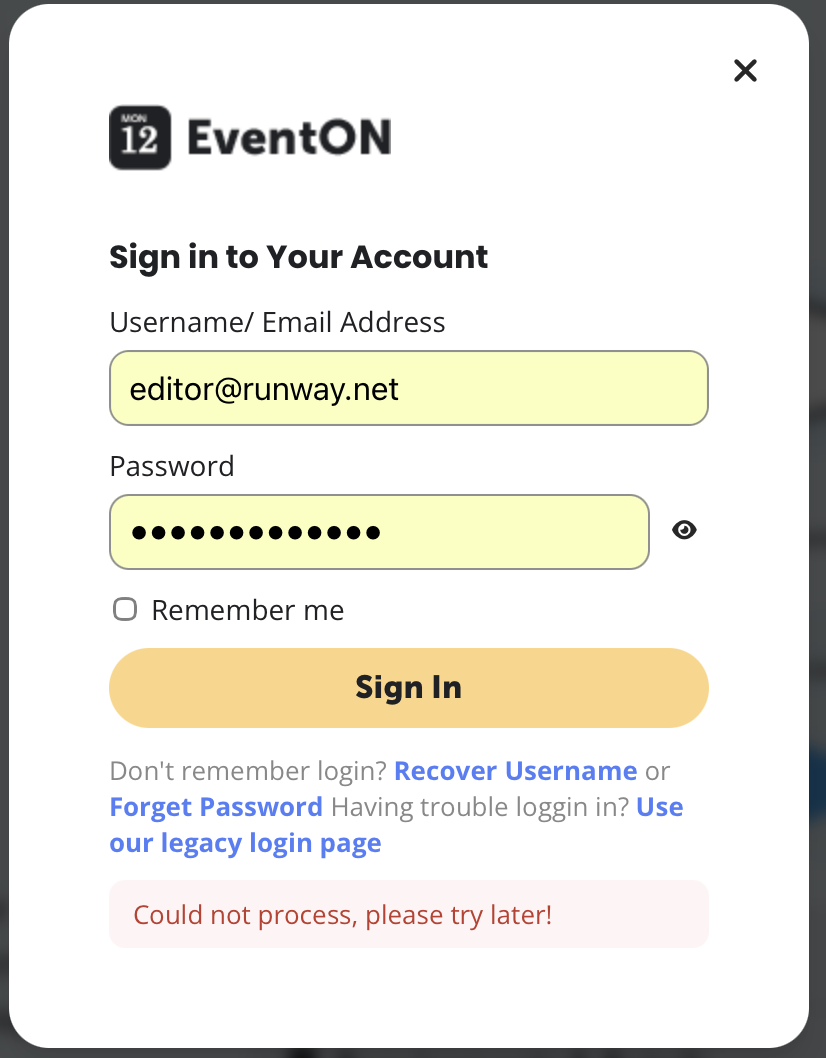
We will stand by. Thanks. We also need to get our login working; we can’t get it to purchase. We need to buy Schedule and Speakers. But we need the ”Speakers” text to say ”Designers”. Is that possible? So, recap: 1. update 5.1.2 , 2. login fixed, and 3. change the Speakers text. Thanks
Reply to: tickets(410101)
Could you tell us more about the styling issues with the weeklyview styling?
How it looks on our test site:
https://dev2.myeventon.com/test-268/
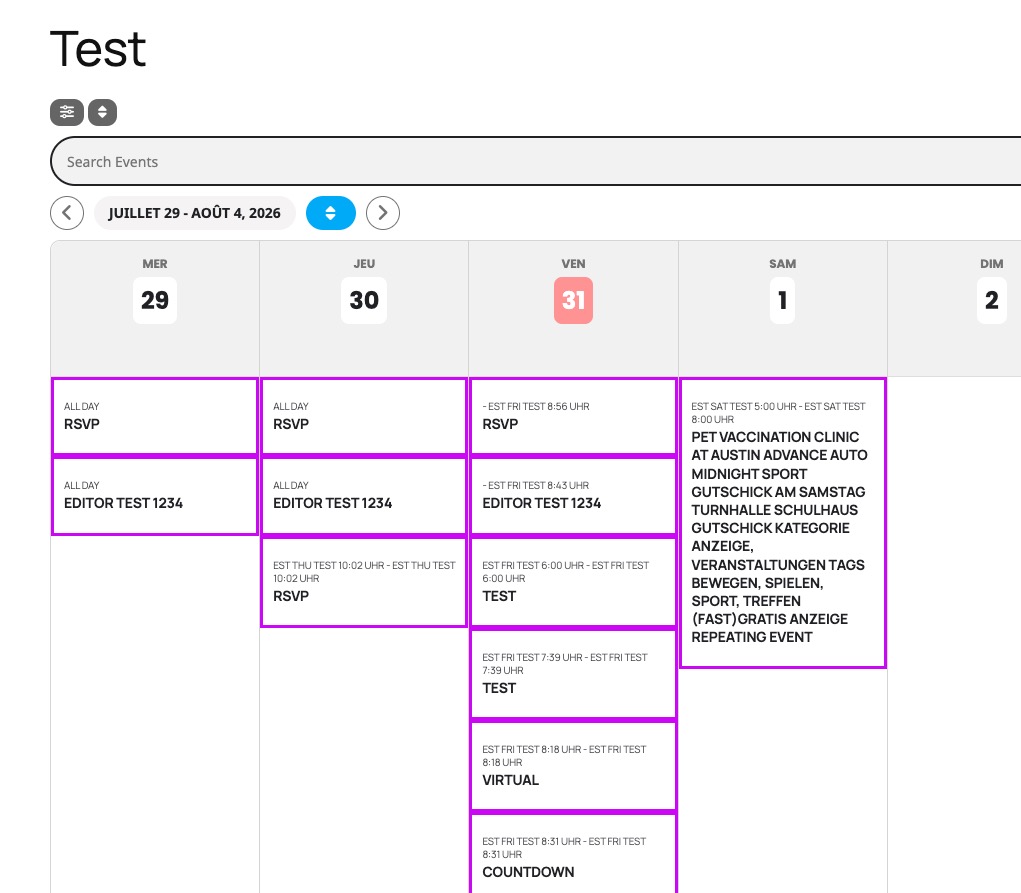
I believe that we’ve made some changes to it in the last version, however if you can tell us what you are trying to change, I can help you with custom CSS.
Please let me know.