Hello,
You don’t see any fields on this page when you go to?
https://www.myeventon.com/my-account/lost-password/
Could you try manually clearing your browser cache?
Replies for tickets on suppota
Hello,
You don’t see any fields on this page when you go to?
https://www.myeventon.com/my-account/lost-password/
Could you try manually clearing your browser cache?
Hello,
Thank you for your messages!
I am going to escalate this ticket to our account manager to help in here. Please allow us some time to address this, and we truly appreciate your patience. Thank you for being a valued EventON customer!
Thank you! In the meantime is there any code that I can modify or add to fix this issue?
Thank you,
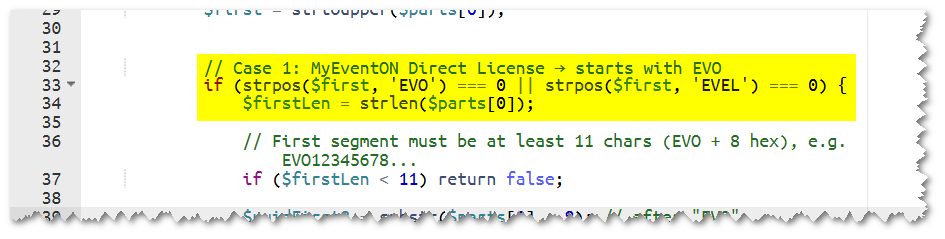
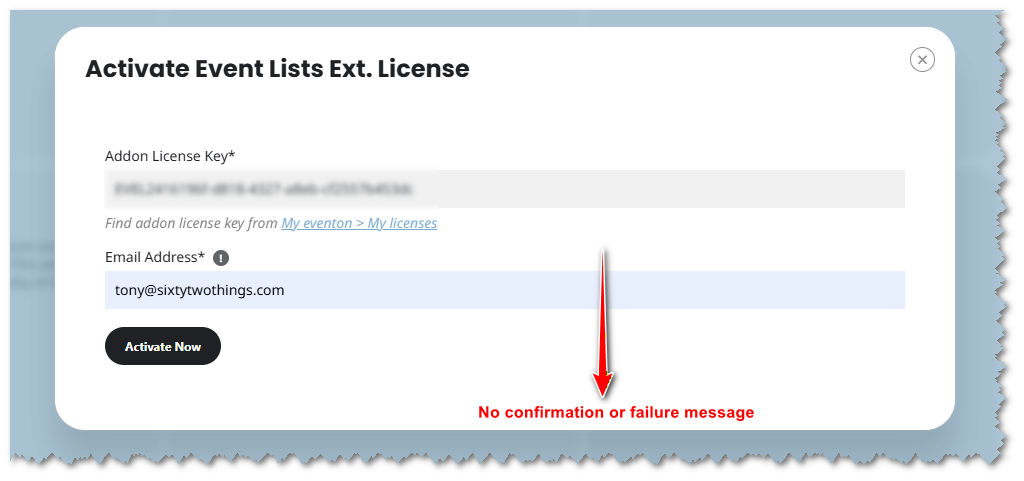
I edited the code but when I apply the license key and press ’activate’ I don’t get a confirmation or failure message – but the plugin doesn’t activate.
Tony
I Fixed the Styling so far with this additional css:
.evoslider .evoet_c1{margin-left:auto !important; margin-right:auto !important;} .eventon_list_event .evoet_in, .evo_pop_body .evoet_in {width: 100% !important;} .eventon_list_event .evoet_in, .evo_pop_body .evoet_in{display: block !important;} .evosliderbox.ajde_evcal_calendar .eventon_events_list .eventon_list_event .evcal_desc span.evcal_desc2{white-space: wrap !important; line-height: 1.3em !important;}
I hope there wont be the same troubles after the next update.
Hi Artem,
Thanks for your message.
All orders on our site are paid via Stripe — it is the only payment gateway we have installed — so unfortunately I’m not able to provide any non-Stripe examples for comparison.
That said, since all orders (both working and affected ones) use Stripe, it doesn’t seem to be a differentiating factor in this case.
Please let me know if there’s anything else I can share that would help your investigation.
Many thanks,
Jonas
Here is the screenshot. Ticket price is set to 0,00 €.
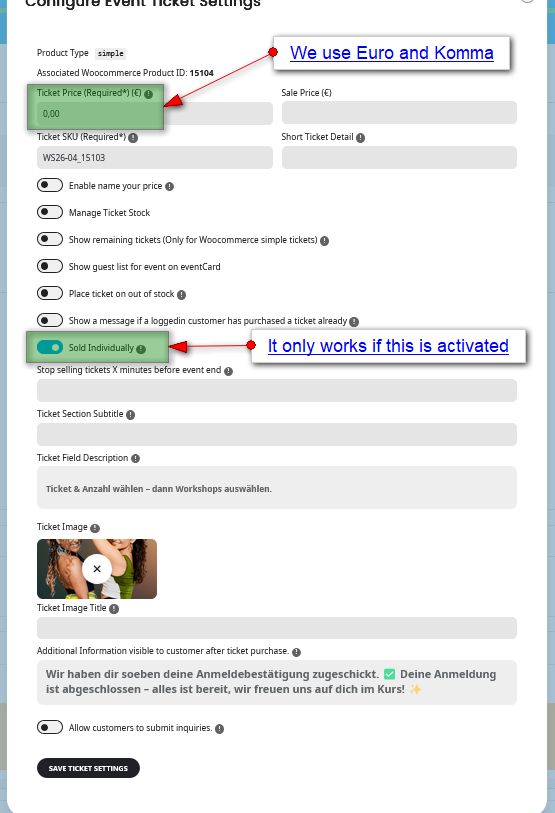
I’ve tested it and it works fine.
Thank you very much.
Okay, now everything is perfect.
Thank you very much!
Sorry, I found the Problem. There Was an Issue with the W3 Total Cache Plugin. After I deactivated it The Calendar came back.