this can happen if the ics file is HUGE and you have restictions on the number of MB you can upload at once- perhaps try the csv option and if its a huge amount- upload in clumps of events- say 25 events at a time instead of 200- I don’t know tho as that error can be caused by many different things- if the folder is not wrotable to upload things to or if you can break the ICS file into smaller amounts
I would deactivate all plugins except the eventon and agregator and try that way as well (then when the events are up re-activate all plugins again)
but I am just guessing to be honest – essentially you are uploading a bunch of data to a database – if the server can’t handle the load it might give that error so make the load smaller
I don’t know how many events you have but instead of 1 list of 200, you break it down to 4 lists of 50 for example and depending on the quality of the server you might need to break it down to 8 lots of 25
recommendation:
In myeventon>>>>setings>>>event top- activate day name might be of use- this adds the day name to the event top so at a glanse they know what day it is
events are appearing again
(just needed to resave the myeventon>>>settings>>>>event card section again)
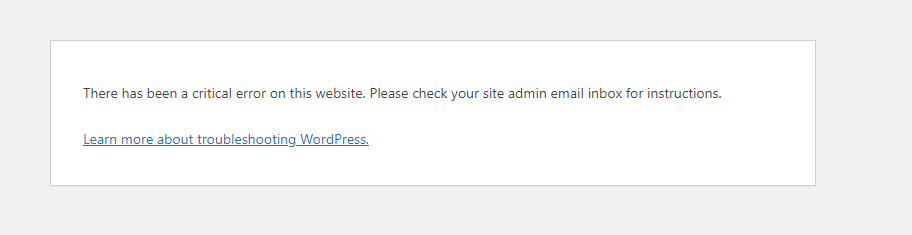
Hello,
Thanks for your help. When I try to upload the .ics file with the plugin you mentioned. I get an error.
“There has been a critical error on this website. Please check your site admin email inbox for instructions.”
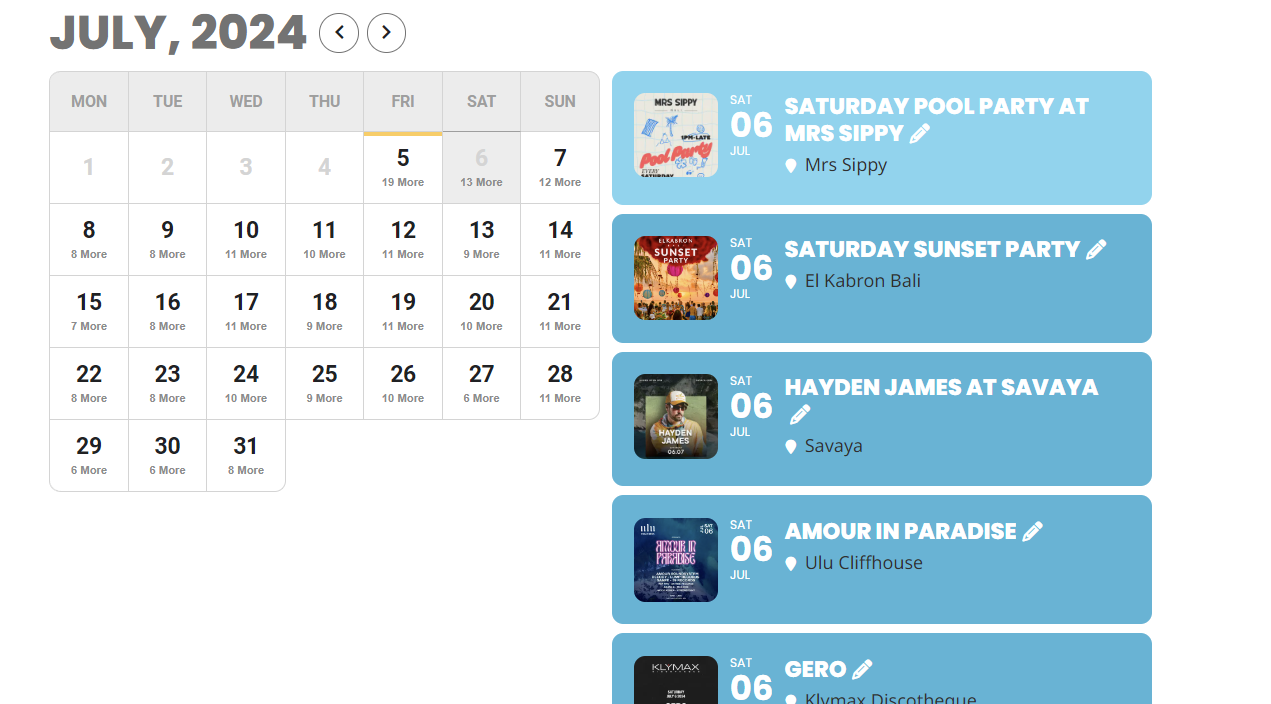
Well, now that you mention it,,,,
Is there any way of having control of the order of the events listed on the calendar. I see some options in the settings but not the ones I need. How is it ordered now? By time of event??
See attached for today. The top two featured events are regular every week. There are more important featured events on that those, so how can I change that order?
Thanks Dave. Loving the improvements we’ve managed to sort out over the past weeks!
Hello,
I tried installing using 2.1 (FTP Method) and I still encountered losing the previous Events data when doing so.
I am unsure if we use customized EventON templates, I did not install the plugin originally and I am uncertain how to check if the template is customized.
Would it be easier if I gave you access to the wordpress admin and you can examine the files and update issue?
unless of course the event is a repeating event then it could simply be an error in the way you set the event up- which we can’t know as we can’t even see the calendar. we are not interested in guessing games- we get in diagnose and fix and move onto the next ticket. plenty of admin hide plugins out there if you have sensitive areas of your website but we will not be helping any further until you give us the tools to diagnose
If you don’t wish to give access we understand – however as we can’t duplicate this on the dev site, so without the ability to diagnose we will close this ticket
In order to request a refund, please create a new ticket under Billing & Accounts and be sure to include the order ID for which you need a refund for and the reason for requesting a refund.
I mean it only shows up in the single event pages, but not in
EventTop or EventCard.
Correct. If you have any further questions or concerns please create a new ticket.
Hello,
Please update EventON to 4.6.6 to fix the issue.
To update eventon to latest version: If you are unable to do autoupdate, you can go to codecanyon your account > download and get the latest eventon version as zip file. Then you can go to your website > make sure “Delete eventon settings & data when EventON is uninstalled” is Deslected from eventon settings, delete old eventon, install new one and activate. This link will further explain the process it. Also you can follow us on twitter to get real-time announcements on updates!