Hello,
Kindly use this patch fix to resolve this.

Replies for tickets on suppota
Hello,
Kindly use this patch fix to resolve this.
Hello,
Could you elaborate with screenshots?
Are you referring to EventON > Advanced > enable “Set all past events as completed”?
Hello,
Thank you for your great suggestion, at the moment it is not supported. However please create a new ticket and select Feature Request as category so others can vote on your idea and get it moved into development faster.
Hello,
Seems to be working with this newly created event:
https://www.bobsgunshop.com/wp-admin/post.php?post=5898&action=edit
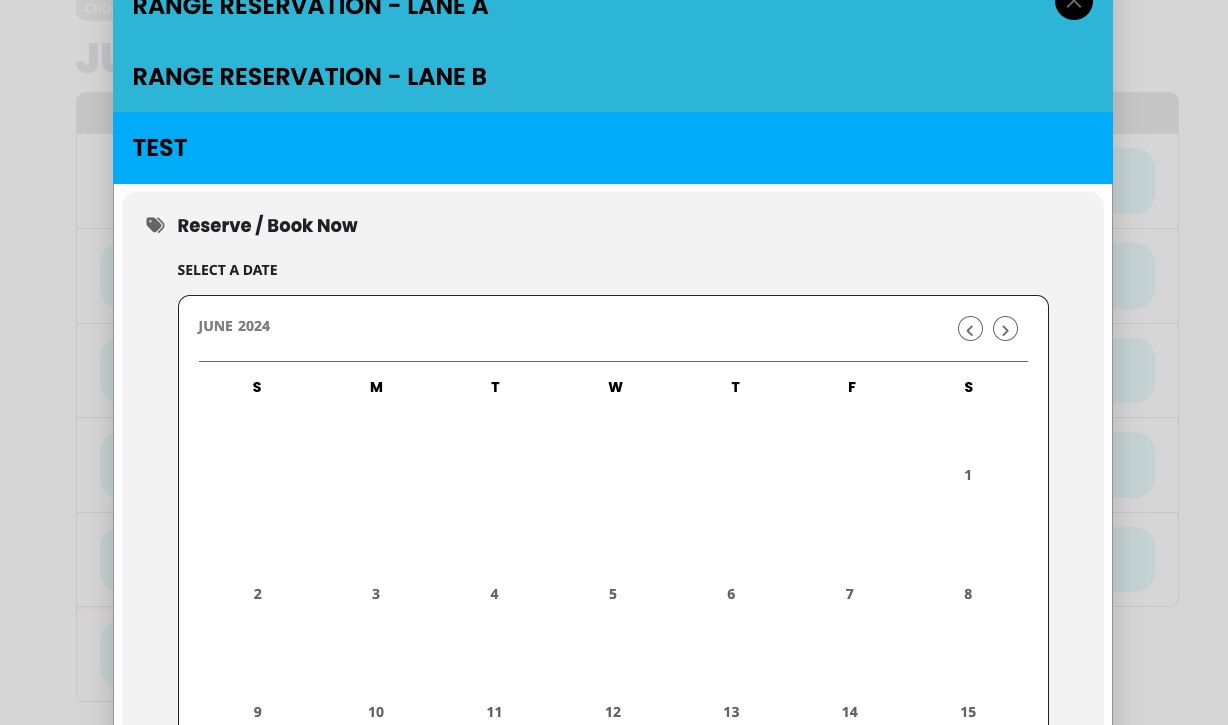
I think that the issue is in too much booking blocks you added to your event, so it cannot save it correctly.
Could you try removing some of them or create a new test event?
Hi, thank you for your kind answer. I managed to put some code in the functions.php of my child theme, which generates a custom shortcode for mailPoet and publishes a list of events which are planned the next week.
sorry for the delay I am just getting ready to redeploy my own website lots of last minute tweaks to get it working
wow that is a dramtic change to the load speed.
I think we are looking at different things on the calendar perhaps a screenshot with an arrow
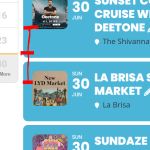
this css should change the title size to the same as the slider 20px
.eventon_events_list .eventon_list_event .evoet_cx span.evcal_desc2, .evo_pop_body .evoet_cx span.evcal_desc2 {
font-size: 20px !important;
}
when I add it nothing changes (so I removed it)
perhaps try adding it and then flushing your cache- I have no idea how to flush your plesk cache
timezone issue:
1: use this if the second option doesn’t work:
It can get pretty crappy with the timezone I had that issue as well- what I did was I changed it from Sydney Australia time (my timezone) to one that accomodated those extra hours- set the timezone back 8 hours see if that works- as you don’t use the “show in my time” feature- viewers would simply see the calendar as it is not sure if thats a workable solution for you- perhaps test it on a an event first clear your cache and see if it displays right
2: probably this will give you a solution
you could try hiding with css
.comments-container {
display: none;
}
div#respond {
display: none;
}
although that may hide them from the entire site
or you might need to clear your wordpress cache? don’t know without looking in the backend
for a one off occasion after you export events from the old site try
https://wordpress.org/plugins/wp-event-aggregator/
it works with eventon and free to import
Thanks it’s working now.