Also need access to EventON Settings:
https://www.ville.lamalbaie.qc.ca/wp-admin/admin.php?page=eventon#evcal_012
Replies for tickets on suppota
Also need access to EventON Settings:
https://www.ville.lamalbaie.qc.ca/wp-admin/admin.php?page=eventon#evcal_012
Hello,
I was able to show them in Troubleshooting Mode:
https://testing.mereda.org/wp-admin/site-health.php?tab=troubleshoot
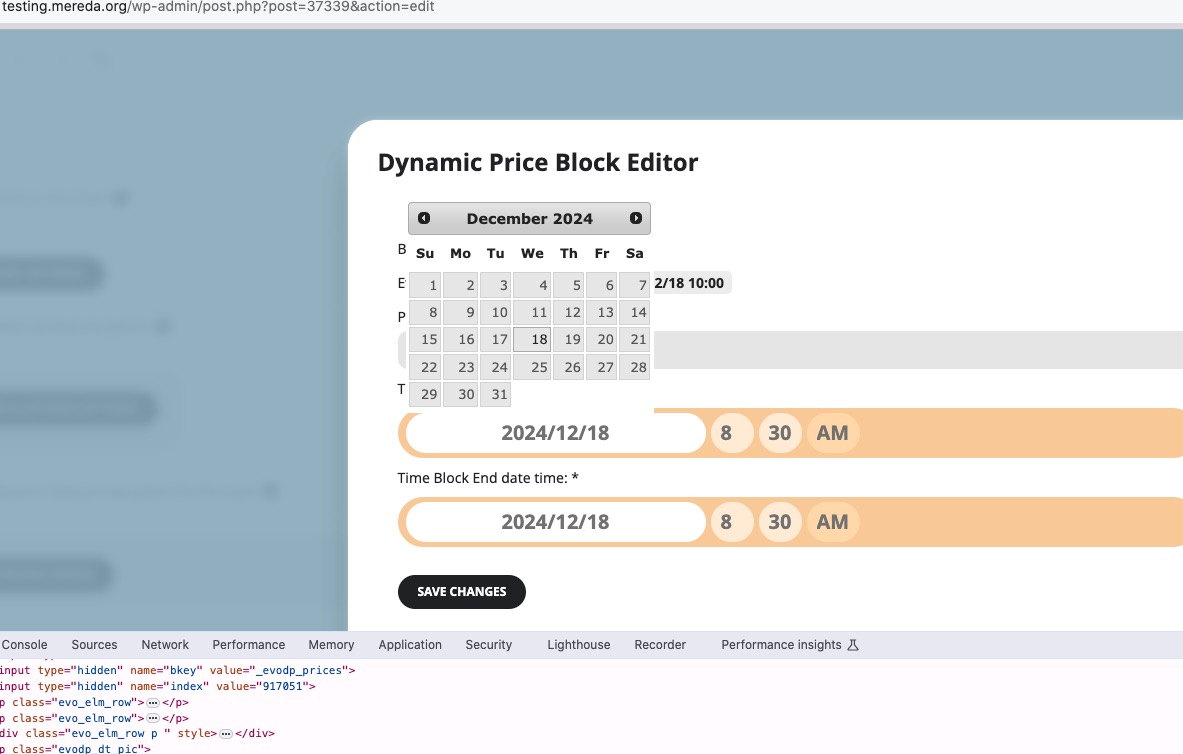
Could you please try the instructions mentioned in this documentation?
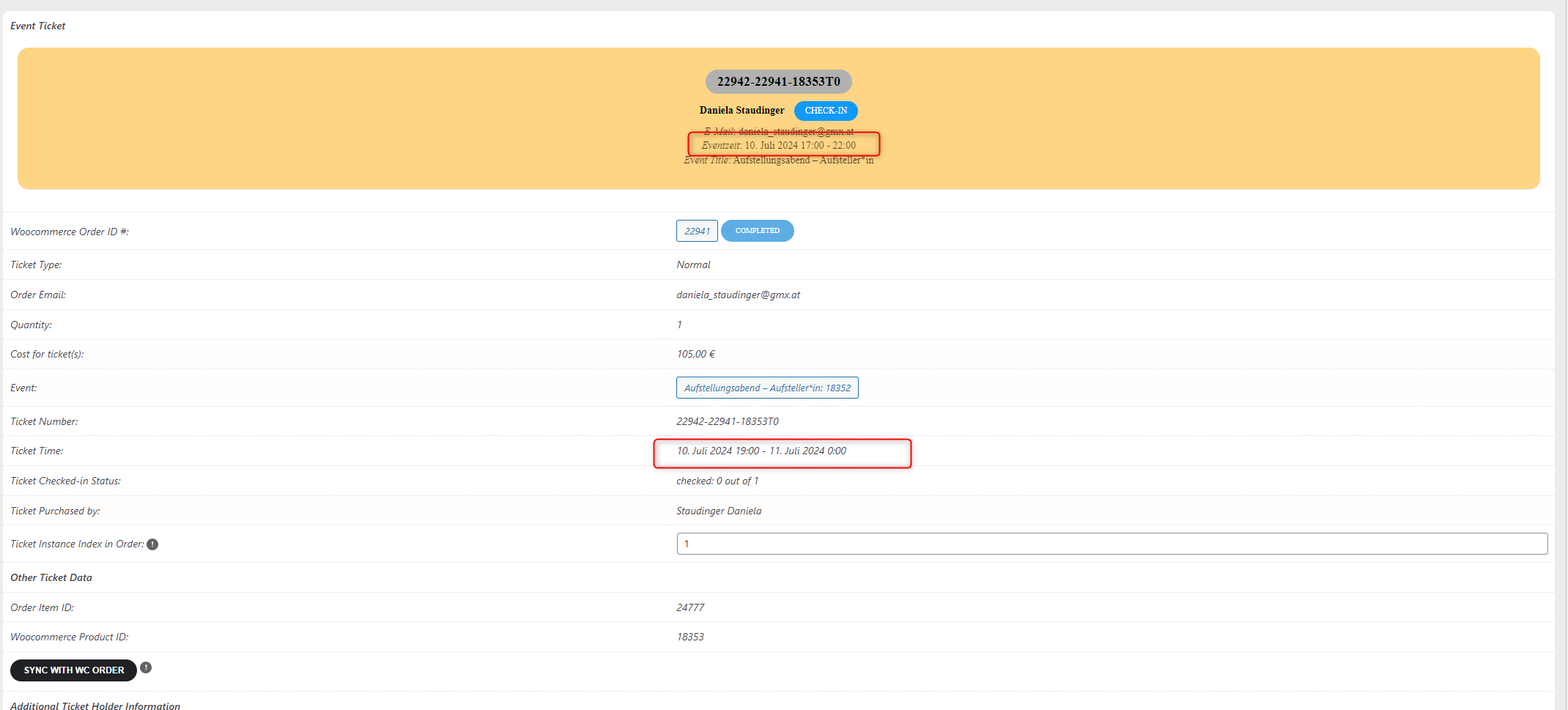
Hello,
Could you try adding these to the shortcode to enable Load More functionality:
show_limit=”yes” show_limit_ajax=”yes” event_count=”5″
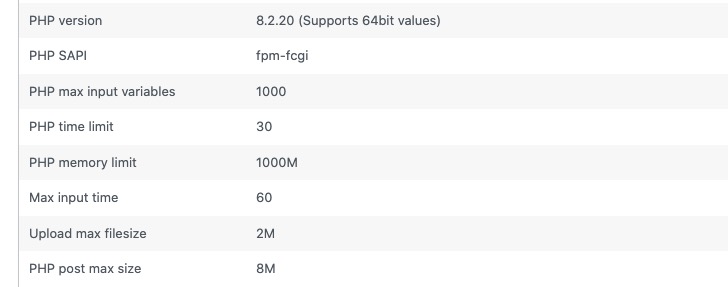
Could you also make sure that your PHP config parameters are similar to ours:
Could you show me similar screenshot with your loading times:
https://helpdeskx.s3.amazonaws.com/wp-content/uploads/2024/06/27041633/Screenshot-2024-06-27-at-13.16.09.jpg
Here’s how you can open Developer Console:
https://developer.chrome.com/docs/devtools/open
Wait for the page to load, open the console and then try switching months.
The only solution is removing a custom repeat manually, I am afraid. The automatic solution only works for regular events.
Hello,
You can use Action User add-on with enabled EventON > Action User > Form Settings > Submitted event’s default post status: Draft.
The option allows users to submit events as drafts. Does admin have access to wp-admin?
Add-on:
https://www.myeventon.com/addons/action-user/
Try on https://dev.myeventon.com/wp-admin/
Ah sorry. The pink color comes from Events > Edit Event > Event Color. You can only change it in Edit Event for each event. But you can go to EventON > EventTop > Select Default Calendar EventTop Style: Clear with left border colors to use another style and then change it’s background from EventON > Appearance > EventTop > Background.
To change the pink color with the current style, please add this CSS code to EventON > Styles (If you don’t see any change, EventON > Scripts & Styling > turn off Write dynamic styles to header > save settings > turn on Write dynamic styles to header):
#evcal_widget #evcal_list .eventon_list_event .evcal_list_a, .widget-area .ajde_evcal_calendar .eventon_events_list .evcal_list_a { background-color: #4EC3FD !important; }
Hello,
Unfortunately, I cannot find any information about your purchases in our system.
The plugin says it has this option included.
Could you send us a screenshot and a link to where do you see this info?
I see that the Regular License is indicated if it is not going…
I am not sure what you are referring to when say “Regular” and “Extended“. Where did you purchase the extended version? Could you send us a link?
Instead of your current cache plugin, could you try WP fastest cache?